
Introduction
The Adesso Xtream G2 Stereo USB Gaming Headset is designed to provide an immersive audio experience for gaming across multiple platforms. It features ergonomic comfort, practical functionalities, and a stylish design. This headset connects directly via a simple USB connection to your PC or other compatible devices. The built-in sound card and 50mm drivers deliver clear treble, rich mid-range, and deep bass. The adjustable headband and breathable earcup material ensure comfort during extended use, while the rotatable, noise-cancelling microphone facilitates clear communication.

Image: The Adesso Xtream G2 Gaming Headset in use, highlighting its design and fit.
Product Features
- Immersive Audio: Equipped with two 50mm drivers for a full range of bass, treble, and mid-range sound.
- Ergonomic Comfort: Features an ultra-comfortable, fully adjustable headband and soft earcups made with breathable material for long-term wear.
- Noise-Cancelling Microphone: A 120-degree rotatable microphone with built-in noise cancellation to filter out background sounds for clear communication.
- Inline Controller: Conveniently located controls for volume adjustment and microphone mute/unmute.
- LED Lighting: Integrated LED lighting provides a distinctive visual element.
- Multi-Platform Compatibility: Compatible with PC, PS4, Xbox, Nintendo Switch, and Laptops.

Image: A visual representation of the 50mm sound drivers for enhanced audio.
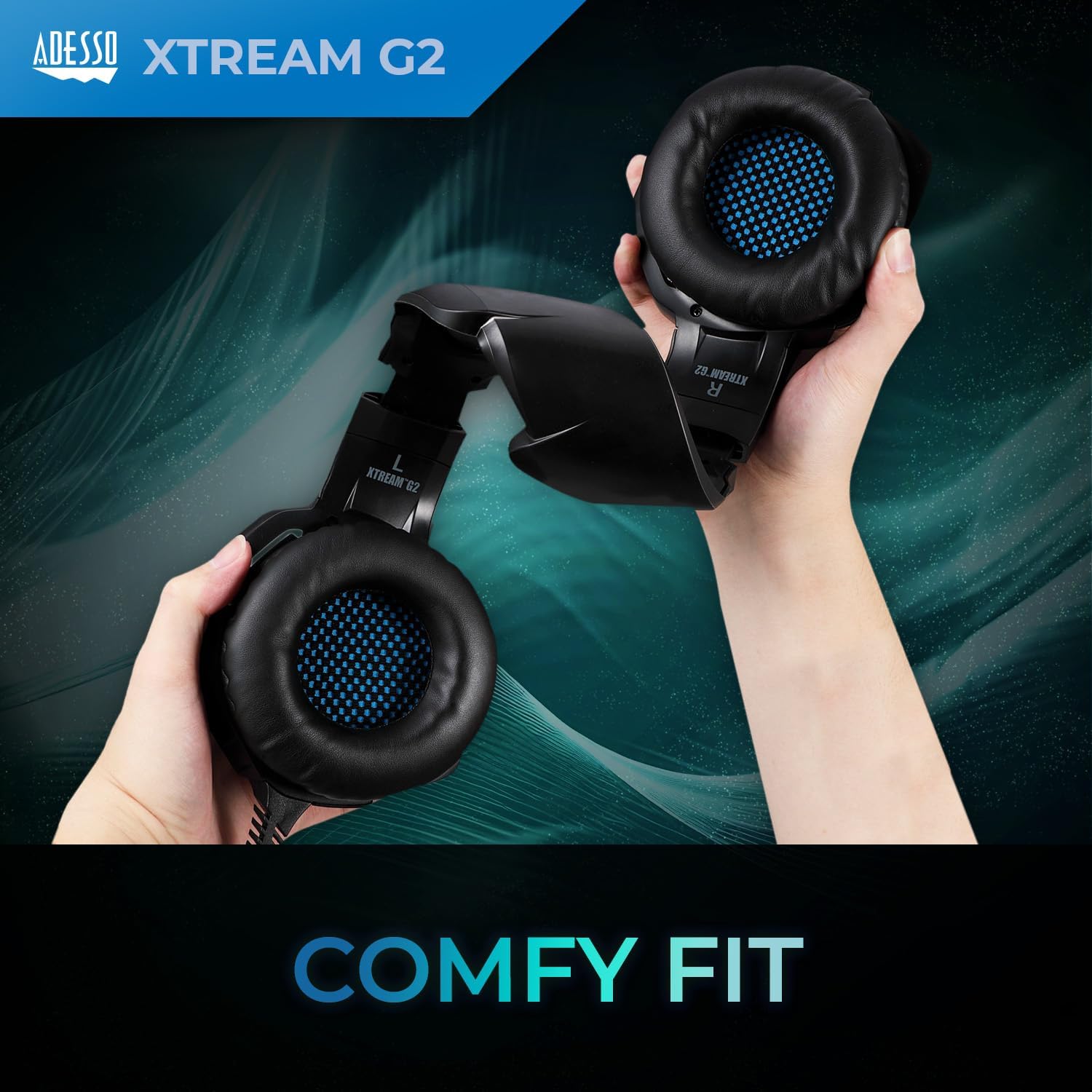
Image: Detailed view of the soft-touch earpads designed for comfort.

Image: The rotatable microphone, demonstrating its flexibility.
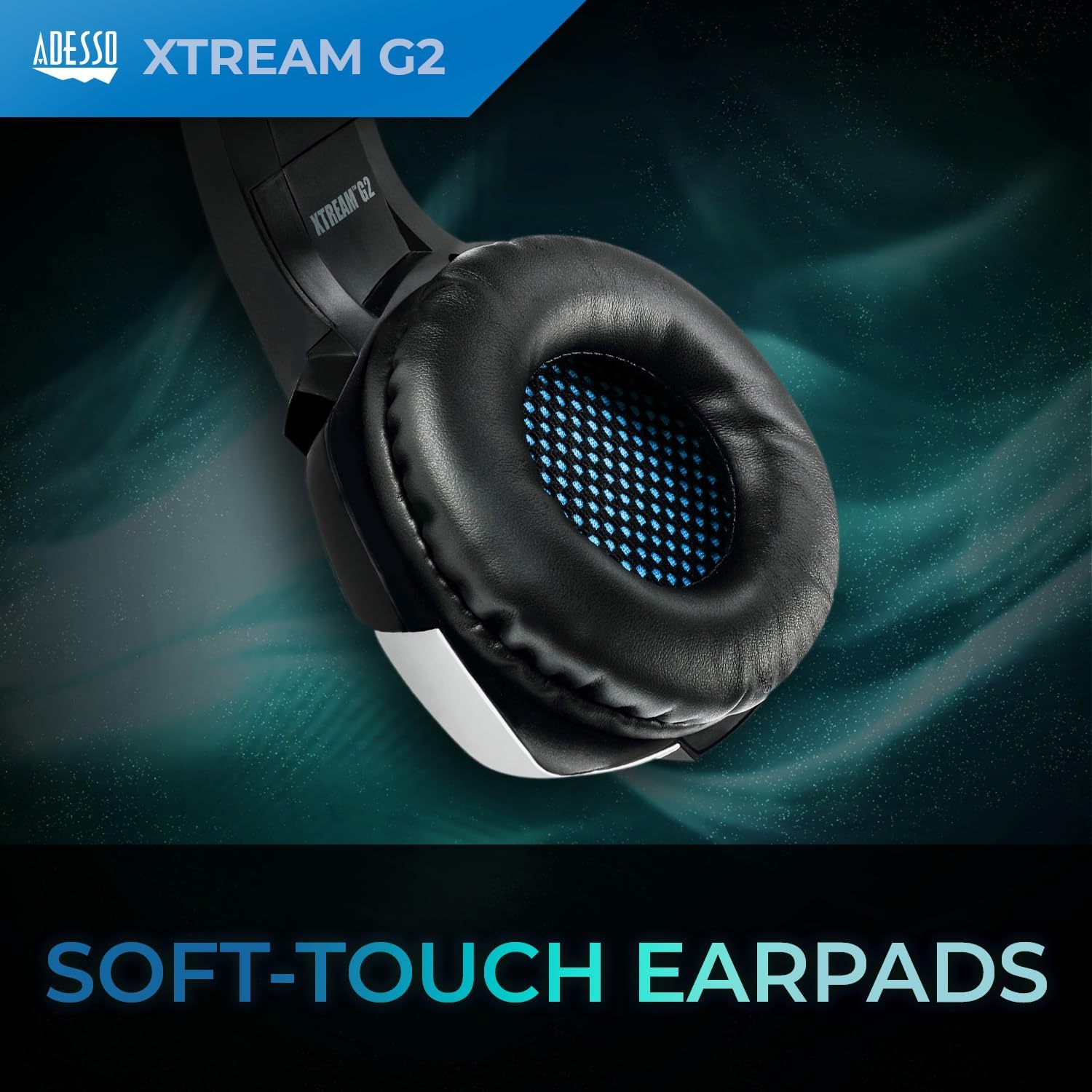
Image: The inline controller with volume wheel and microphone button.
Setup Instructions
1. Connecting the Headset
- Locate the USB-A connector on your Adesso Xtream G2 headset cable.
- Plug the USB-A connector into an available USB port on your PC, PS4, Xbox, Nintendo Switch dock, or laptop.
- The headset is plug-and-play; drivers should install automatically.

Image: The USB-A plug for connecting the headset to your device.
2. Adjusting the Fit
- Gently extend or retract the headband on both sides to fit your head comfortably.
- Position the earcups over your ears so they fully enclose them for optimal sound isolation and comfort.
- Rotate the microphone boom downwards and position it near your mouth for clear voice capture.

Image: Adjusting the headband for a comfortable fit.
Operating Instructions
Volume Control
- The inline controller on the headset cable features a rotary volume wheel.
- Rotate the wheel upwards to increase volume and downwards to decrease volume.
Microphone Control
- The inline controller also has a button to mute or unmute the microphone.
- Press the button once to toggle the microphone on or off.
Compatibility
The Adesso Xtream G2 headset is compatible with the following devices:
- PC (Windows)
- Notebooks/Laptops
- PlayStation 4 (PS4)
- Xbox (via controller with 3.5mm jack, USB for power/LEDs only)
- Nintendo Switch (via USB-A to USB-C adapter for dock, or 3.5mm jack for handheld)
Maintenance
- Cleaning: Use a soft, dry cloth to wipe down the headset and earcups. For deeper cleaning of earcups, a slightly damp cloth with mild soap can be used, ensuring no moisture enters the speaker grilles.
- Storage: Store the headset in a cool, dry place away from direct sunlight and extreme temperatures. Avoid placing heavy objects on top of the headset.
- Cable Care: Do not sharply bend or pull the cable. Avoid tangling the cable to prevent damage.
- Microphone: Handle the microphone boom gently. Avoid excessive force when rotating or adjusting its position.
Troubleshooting
| Issue | Possible Solution |
|---|---|
| No sound from headset |
|
| Microphone not working |
|
| LED lights not illuminating |
|
Specifications
| Model Name | Xtream G2 |
| Brand | Adesso |
| Connectivity Technology | USB |
| Audio Driver Size | 50 Millimeters |
| Impedance | 16 Ohms |
| Frequency Range | 20 Hz to 20 kHz |
| Noise Control | Active Noise Cancellation (Microphone) |
| Control Type | Volume Control, Microphone Mute |
| Compatible Devices | PC, Notebook, PlayStation 4, Xbox, Nintendo Switch |
| Item Weight | 430 Grams |
| Material | Cushiony material, Plastic |
| Color | Blue |
Warranty Information
The Adesso Xtream G2 Gaming Headset comes with a 1 Year Limited Warranty. Please retain your proof of purchase for warranty claims. For detailed terms and conditions, refer to the official Adesso website or contact customer support.
Support
For technical assistance, product inquiries, or warranty support, please visit the official Adesso website or contact their customer service department. Contact information can typically be found on the product packaging or the manufacturer's website.
Product Overview Video
Video: An overview of the Adesso Gaming Headphones, highlighting key features like adjustability, inline controls, and connectivity options.


