
1. Introduction
Thank you for choosing the AMIR Upgraded Digital Kitchen Scale. This precision instrument is designed to provide accurate measurements for a variety of items, from cooking ingredients to jewelry and medicine. Its compact size and versatile functions make it an essential tool for your home or professional needs. Please read this manual carefully to ensure proper use and maintenance of your scale.

Image: The AMIR Digital Kitchen Scale, showcasing its compact design, stainless steel platform, clear protective trays, and included AAA batteries.
2. Setup
- Unpack the Scale: Carefully remove the scale and all accessories from the packaging. Ensure all components are present: the digital scale, two clear protective trays, and 2 AAA batteries.
- Install Batteries: Open the battery compartment on the back of the scale. Insert the 2 AAA batteries, ensuring correct polarity (+/-). Close the compartment securely.
- Remove Protective Film: Peel off any protective film from the stainless steel weighing platform and the LCD display.
- Placement: Place the scale on a hard, flat, and stable surface. Avoid placing it on soft, uneven, or vibrating surfaces, as this can affect accuracy.
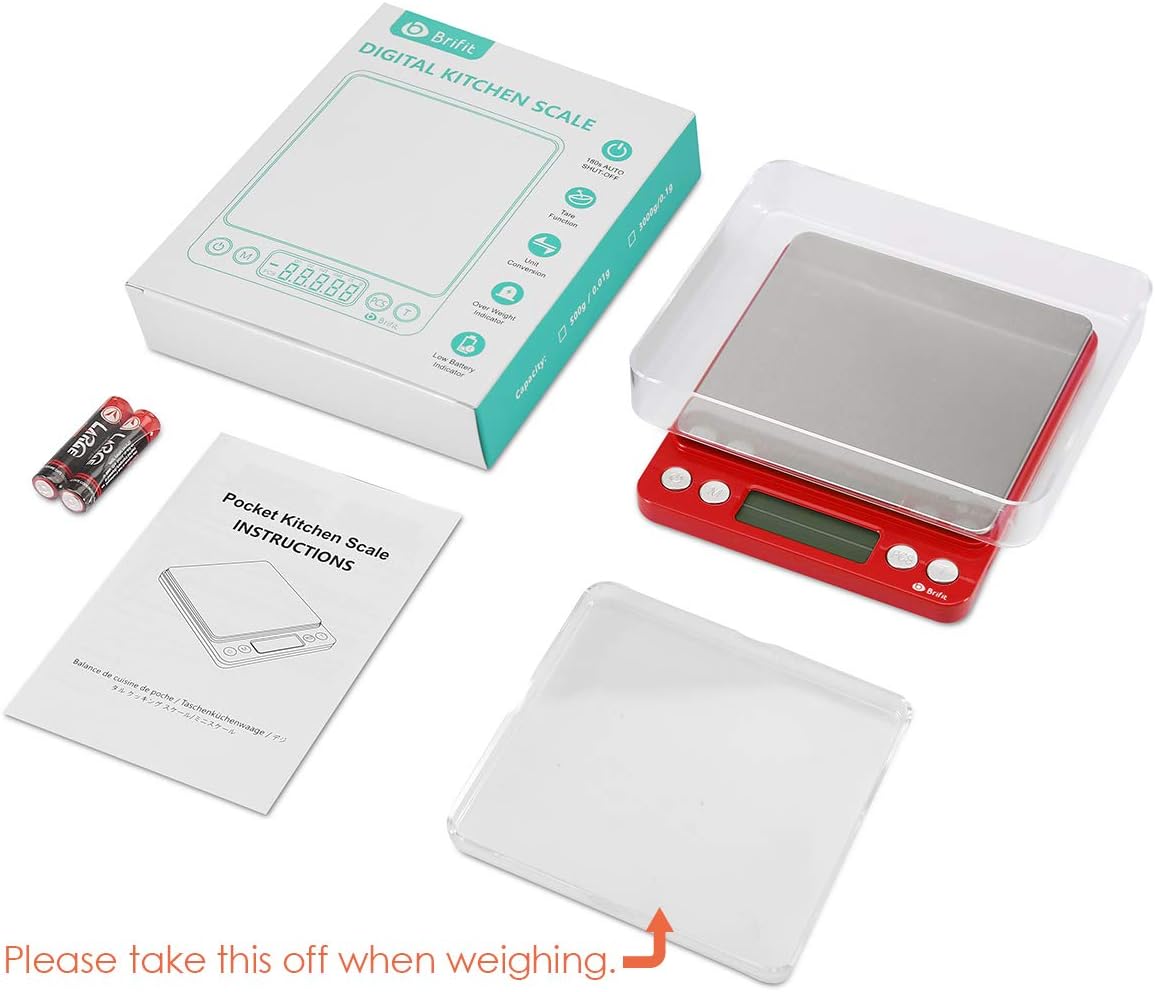
Image: The AMIR Digital Kitchen Scale, its packaging, two clear trays, and AAA batteries, illustrating the contents upon unboxing.
3. Operating Instructions
Your AMIR Digital Kitchen Scale features intuitive button functions for ease of use.
- Power On/Off: Press the On/Off button to turn the scale on or off. The display will show '88888' and then '0.00g' when ready.
- Unit Conversion: Press the M (Mode) button to cycle through the available measurement units: grams (g), troy ounces (tl), ounces (oz), carats (ct), pennyweights (dwt), and grains (gn).
- Tare Function: To weigh items in a container, place the empty container on the platform and press the T (Tare) button. The display will reset to '0.00'. You can then add your items to the container, and the scale will display only the net weight of the items.
- PCS (Counting) Function: This function allows you to count multiple pieces of uniform weight (e.g., pins, beads, screws).
- With the scale on and showing '0.00', press and hold the PCS button until a sample quantity (e.g., '25', '50', '75', '100') appears.
- Place the corresponding number of sample items on the platform.
- Press the PCS button again to confirm the sample. The scale is now calibrated for counting.
- Add more items, and the display will show the total count.
- Auto-Off Feature: The scale is designed to automatically turn off after a period of inactivity to conserve battery life. The default auto-off time can be set to 60, 120, or 180 seconds. Refer to the full user manual for instructions on adjusting this setting.
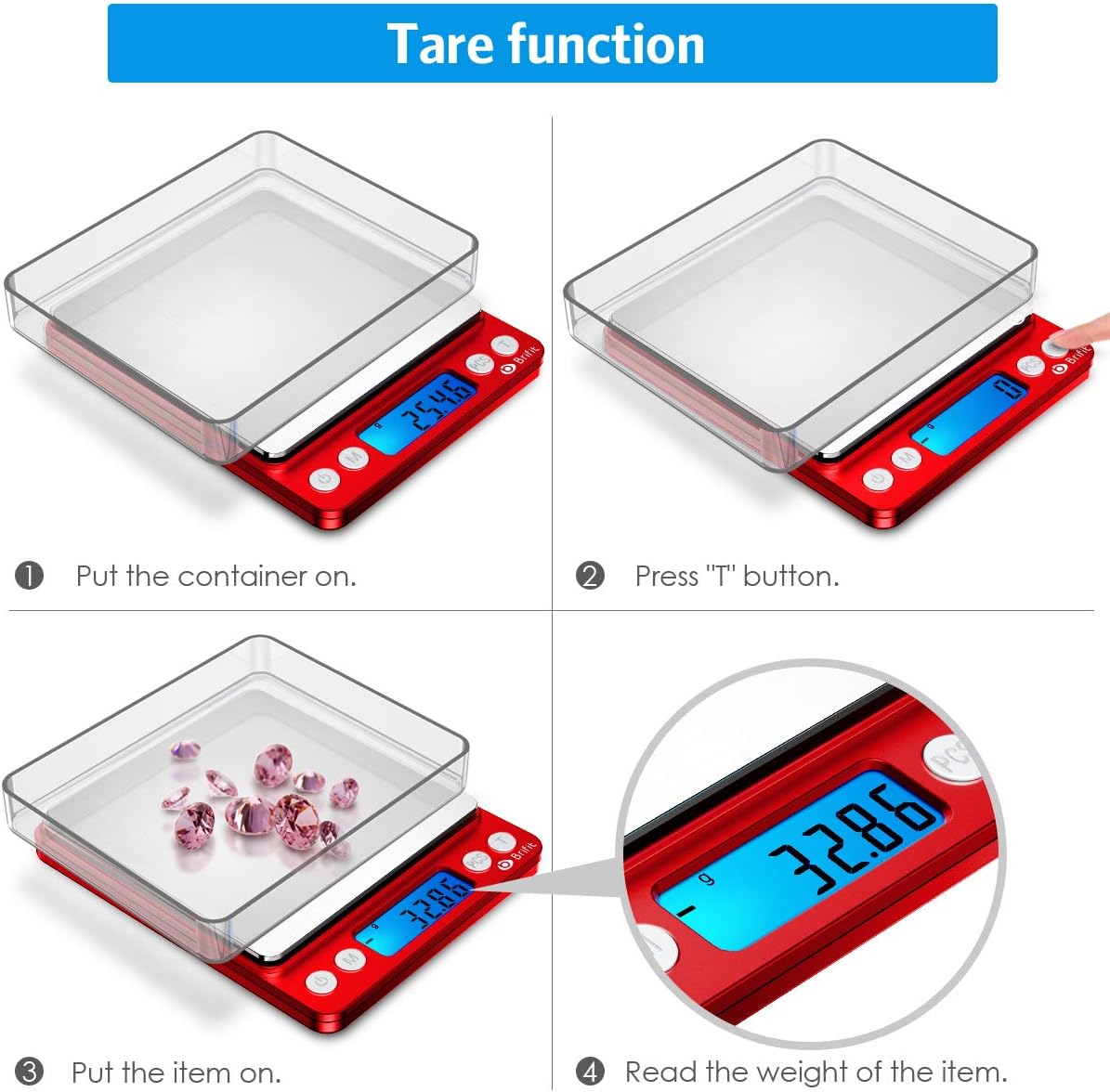
Image: A visual guide to using the tare function, showing how to zero out the weight of a container before adding items.
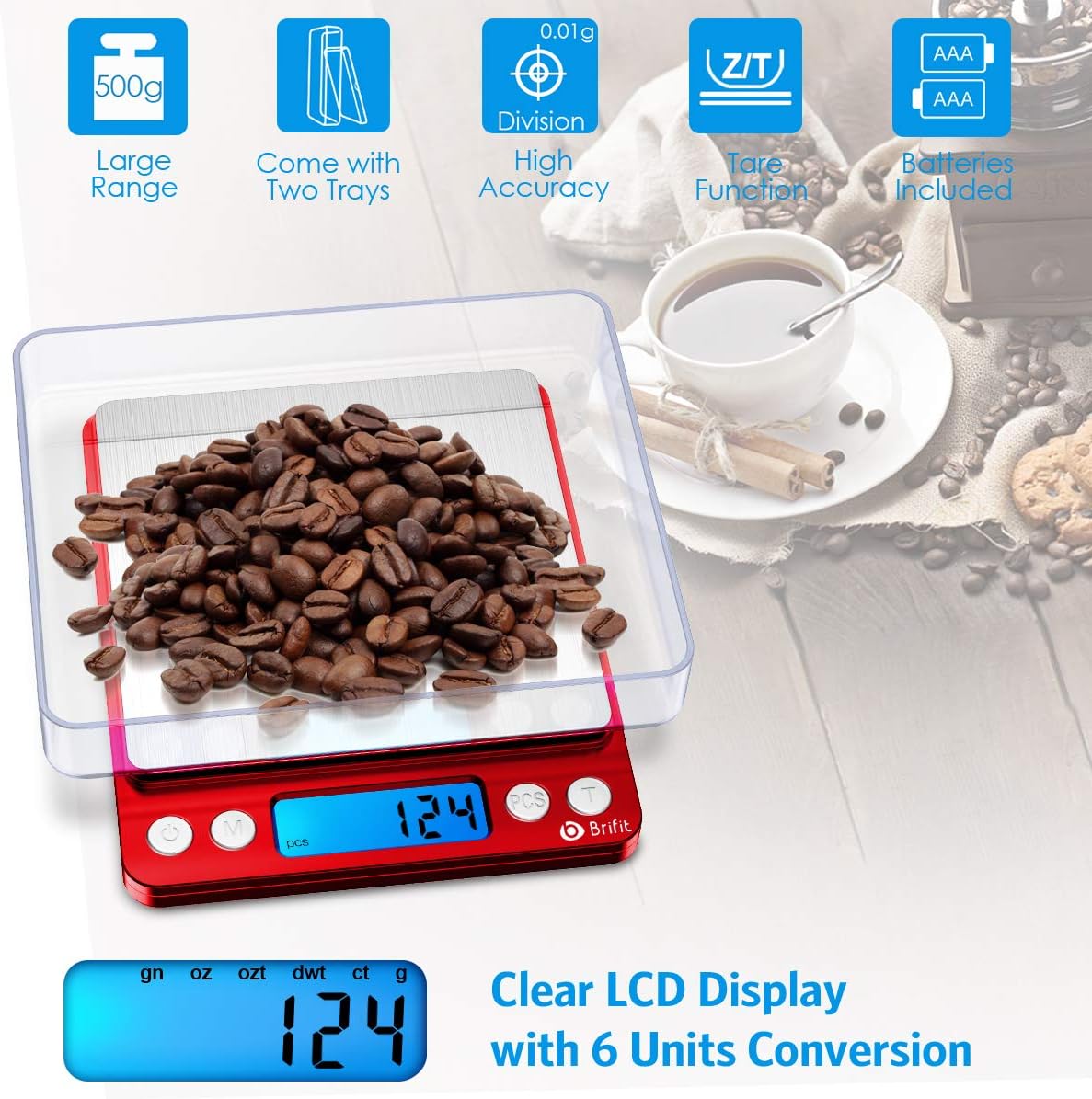
Image: The scale displaying a weight in grams, with an overlay highlighting the different unit options available for conversion.
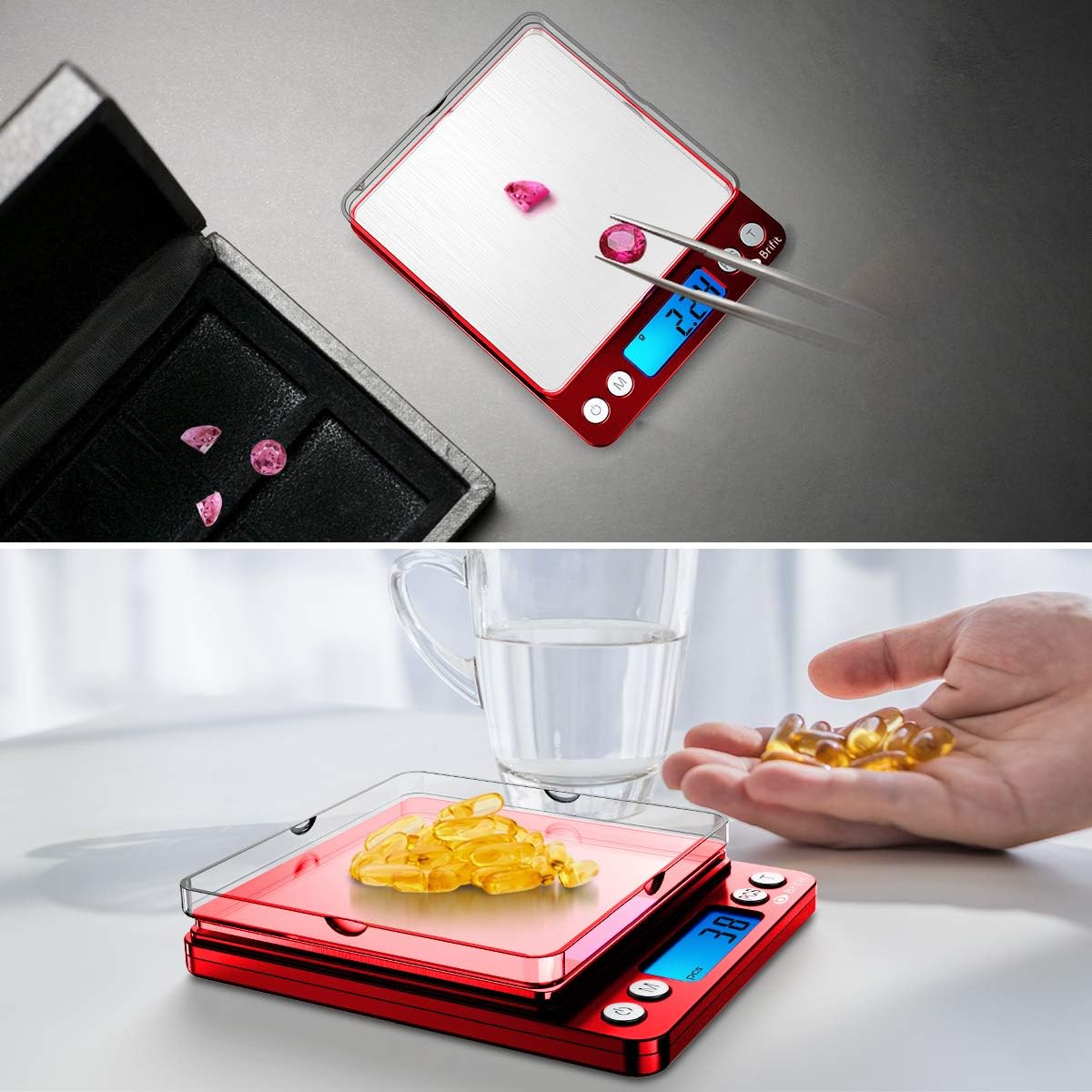
Image: Examples of the scale's versatility, demonstrating its use for precise measurements of small items such as jewelry and medication.
4. Maintenance
- Cleaning: The stainless steel platform and ABS plastic frame are easy to clean. Wipe the scale with a soft, damp cloth. Do not immerse the scale in water or use abrasive cleaners.
- Storage: Store the scale in a clean, dry environment. The clear trays can be used as protective covers when not in use. Avoid placing heavy objects on the scale when storing.
- Battery Replacement: Replace batteries when the low battery indicator appears on the display. Always use new AAA batteries.
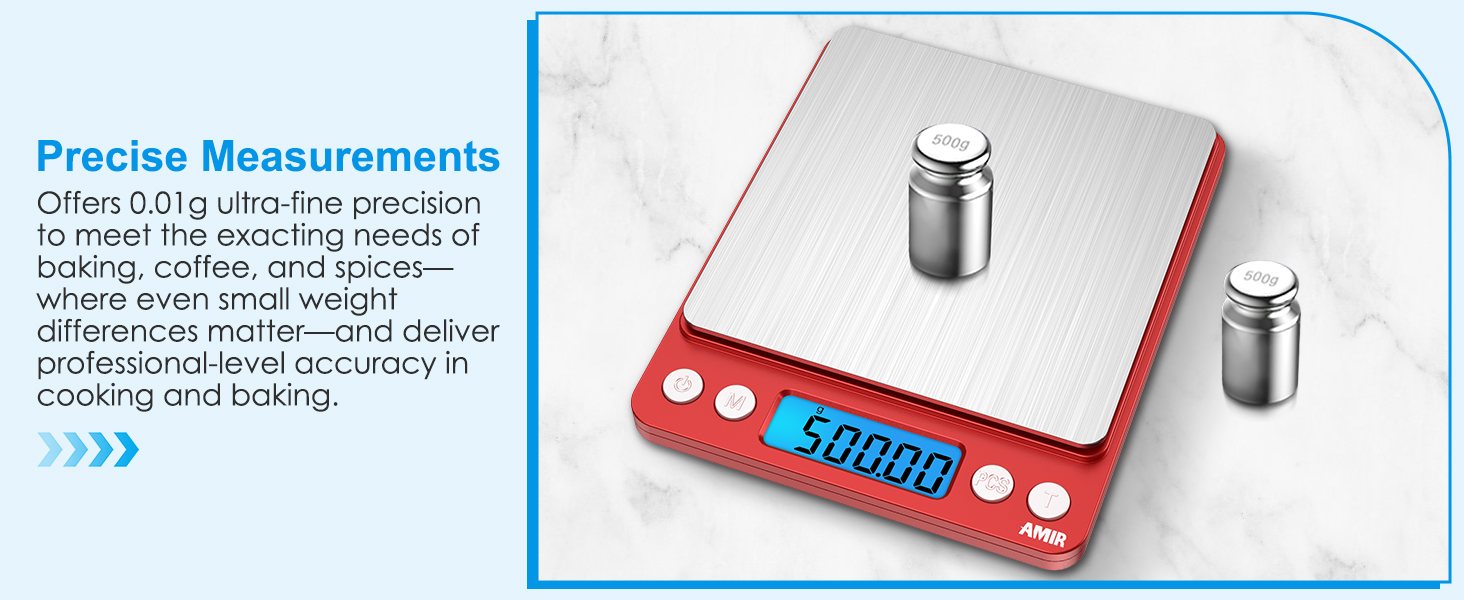
Image: A hand cleaning the scale's stainless steel platform, highlighting its easy-to-clean surface.
5. Troubleshooting
| Problem | Possible Cause | Solution |
|---|---|---|
| Display shows 'LO' | Low battery power. | Replace the batteries with new AAA batteries. |
| Display shows 'O-Ld' | Overload. The weight on the platform exceeds the maximum capacity (500g). | Remove the excess weight immediately to prevent damage to the scale. |
| Inaccurate or fluctuating readings | Unstable surface, air currents, or scale not properly calibrated. | Ensure the scale is on a stable, flat, and level surface. Avoid drafts. If issues persist, refer to the full manual for calibration instructions (if applicable). |
| Scale does not turn on | Batteries are dead or incorrectly installed. | Check battery polarity or replace with new batteries. |
If you encounter any issues not listed here, please contact customer support.
6. Specifications
| Feature | Detail |
|---|---|
| Brand | AMIR |
| Model Number | KA8R |
| Color | Red |
| Display Type | LCD (Back-Lit) |
| Weight Limit | 500 Grams (0.05g to 500g) |
| Readout Accuracy | 0.01 Grams |
| Measurement Units | grams (g), troy ounces (tl), ounces (oz), carats (ct), pennyweights (dwt), grains (gn) |
| Material | Acrylonitrile Butadiene Styrene (ABS), Plastic, Stainless Steel |
| Product Dimensions | 5 x 4 x 0.75 inches (approx.) |
| Item Weight | 4.4 ounces (125 Grams) |
| Batteries | 2 AAA batteries (included) |
7. Warranty and Support
AMIR is committed to providing high-quality products and excellent customer service.
- Return Policy: 6 Months Return
- Warranty: 24 Months Warranty
- Professional Support: 7*24H Professional Support is available for any inquiries or assistance you may need.
For support, please refer to the contact information provided with your product packaging or visit the official AMIR website.
