
1. Introduction
Thank you for purchasing the Jam HX-P202 Chill Out Bluetooth Speaker. This manual provides essential information for setting up, operating, and maintaining your speaker. Please read these instructions carefully before use to ensure optimal performance and longevity of your device.
The Jam Chill Out speaker is designed for portability and durability, featuring a compact design, Bluetooth connectivity, and water and dust resistance, making it suitable for various environments.
2. Product Overview and Features
The Jam HX-P202 Chill Out speaker offers a range of features for an enhanced audio experience:
- Bluetooth Connectivity: Easily connect your device wirelessly within a 100 ft (30 m) range.
- Integrated USB Cable: A convenient built-in charging cable ensures you always have a way to power your speaker.
- Mono Speaker: Despite its compact size, the 3W driver with passive radiator delivers clear sound.
- Water and Dust Proof (IP67): Designed to withstand dirt and submersion in water up to one meter for 30 minutes.
- Up to 8 Hours Playtime: Enjoy extended listening sessions on a single charge.
- Speakerphone Functionality: Answer calls directly through the speaker without disconnecting your phone. The music pauses automatically for incoming calls and resumes when the call ends.

Bluetooth Compatible: Connect wirelessly up to 100 ft (30 m).

Water & Dust Proof (IP67): Built for durability in various conditions.

Speakerphone: Answer calls directly through the speaker.

Integrated USB Cable: Convenient built-in charging solution.
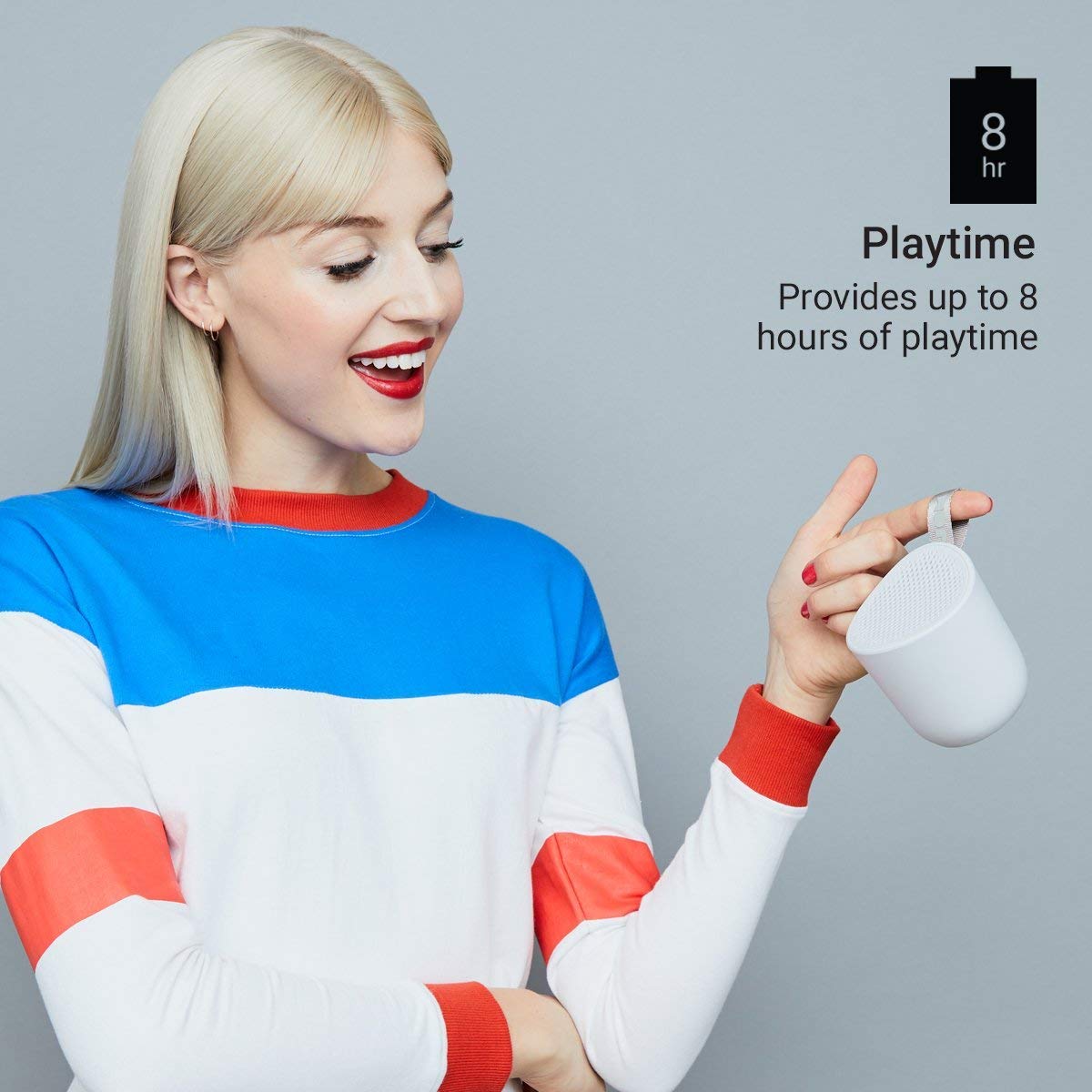
Up to 8 Hours Playtime: Enjoy music for longer periods.
3. Setup
3.1 Charging the Speaker
- Locate the integrated USB charging cable on your Jam Chill Out speaker.
- Plug the USB end of the cable into a powered USB port (e.g., computer, USB wall adapter).
- The charging indicator light will illuminate. Once fully charged, the light will change or turn off (refer to LED indicator section for details).
- A full charge typically takes less than 2 hours.
3.2 Powering On/Off
- To Power On: Press and hold the power button (usually marked with a circle or power symbol) for a few seconds until you hear an audible tone or see the LED indicator light up.
- To Power Off: Press and hold the power button again for a few seconds until you hear an audible tone or the LED indicator turns off.
3.3 Bluetooth Pairing
- Ensure the speaker is powered on and within close proximity to your Bluetooth-enabled device (e.g., smartphone, tablet).
- The speaker will automatically enter pairing mode, indicated by a flashing LED light (typically blue).
- On your device, go to the Bluetooth settings and enable Bluetooth.
- Search for available devices. You should see "Jam Chill Out" or a similar name appear in the list.
- Select the speaker from the list to initiate pairing.
- Once successfully paired, the speaker will emit an audible confirmation tone, and the LED light will become solid blue.
- If pairing fails, power off the speaker and your device, then repeat the steps.
4. Operating Instructions
4.1 Playing Music
- After successful Bluetooth pairing, open your preferred music application on your connected device.
- Select and play your desired audio. The sound will be streamed through the Jam Chill Out speaker.
- Use the volume controls on your connected device or the speaker's physical buttons (if available) to adjust the playback volume.
4.2 Speakerphone Functionality
- When an incoming call is received on your paired device, the music playback will automatically pause, and the speaker will ring.
- Press the designated call answer button (often the play/pause button or a specific phone icon button) on the speaker to answer the call.
- Speak into the speaker for hands-free communication.
- To end the call, press the call answer button again. Music playback will resume automatically.
- To make a call, initiate dialing from your phone; the speaker will automatically switch to hands-free mode.
5. Maintenance
5.1 Cleaning
- Before cleaning, ensure the speaker is powered off and disconnected from any charging source.
- Wipe the exterior of the speaker with a soft, damp cloth. Do not use harsh chemicals, cleaning solvents, or abrasive cleaners.
- Ensure all ports are dry before charging or using the speaker after cleaning.
5.2 Water and Dust Resistance (IP67)
- The speaker is rated IP67, meaning it is dirt-proof and can be submerged in water up to one meter for 30 minutes.
- Always ensure the charging port cover is securely closed before exposing the speaker to water or dust.
- After exposure to water, gently shake off excess water and allow the speaker to air dry completely before charging or opening any port covers.
- Do not intentionally submerge the speaker for extended periods or beyond the specified depth.
5.3 Battery Care
- To preserve battery life, avoid fully discharging the speaker frequently.
- If storing the speaker for an extended period, charge it to approximately 50% and store it in a cool, dry place. Recharge every few months to prevent deep discharge.
- Do not expose the speaker to extreme temperatures.
6. Troubleshooting
If you encounter issues with your Jam Chill Out speaker, refer to the following common solutions:
| Problem | Possible Solution |
|---|---|
| Speaker does not power on. | Ensure the battery is charged. Connect the integrated USB cable to a power source and allow it to charge for at least 15 minutes before attempting to power on again. |
| Cannot pair with Bluetooth device. | Ensure the speaker is in pairing mode (flashing blue LED). Turn off and on your device's Bluetooth. Move the speaker closer to your device. Forget the speaker from your device's Bluetooth list and try pairing again. |
| No sound or low volume. | Check the volume levels on both the speaker and your connected device. Ensure the speaker is properly paired and connected. Try playing a different audio source. |
| Sound distortion. | Reduce the volume on both the speaker and your device. Ensure the speaker is not too far from your device, causing signal interference. |
| Speakerphone not working. | Ensure the speaker is paired and connected to your phone. Check your phone's call audio routing settings to ensure audio is directed to the Bluetooth speaker. |
If these steps do not resolve the issue, please refer to the Warranty and Support section for further assistance.
7. Specifications
| Specification | Detail |
|---|---|
| Brand | Jam Audio |
| Model Number | HX-P202-GY |
| Connectivity Technology | Bluetooth, USB |
| Wireless Technology Type | Bluetooth |
| Audio Output Mode | Mono |
| Speaker Type | Outdoor |
| Product Features | Bluetooth, Wireless |
| Control Method | Touch, Button |
| Colour | Grey |
| Battery Average Life | 8 Hours |
| Water Resistance Level | Waterproof (IP67) |
| Item Weight | 294 Grams |
| Compatible Devices | Smartphone, Tablet |
| Power Source | Battery Powered (1 Lithium Ion battery included) |
8. Warranty and Support
8.1 Warranty Information
The Jam HX-P202 Chill Out Bluetooth Speaker comes with a 1-year warranty provided by the manufacturer from the date of purchase. Please retain your proof of purchase for warranty claims.
8.2 Customer Support
For further assistance, technical support, or warranty inquiries, please contact Jam Audio customer service through their official website or the retailer where the product was purchased.


