
Introduction
This document provides essential information for the TOPENS EKPKMJ4B PCB Print Circuit Control Board. This board serves as a replacement control unit for various TOPENS swing gate openers, including models AD5, AD8, AD5S, AD8S, PW502, PW802, A5132, A8132, AT6132S, and AT12132S. It is designed to restore the functionality of your gate opener system in the event of a control board failure.
Setup and Installation
The EKPKMJ4B control board is designed for straightforward replacement. Installation typically involves removing the old board and connecting the new one. It is crucial to refer to the specific user manual of your TOPENS swing gate opener model for detailed, step-by-step installation instructions, wiring diagrams, and safety precautions. This ensures correct setup and safe operation.
Important: Always disconnect power to the gate opener system before attempting any installation or maintenance to prevent electrical shock or damage to the unit.
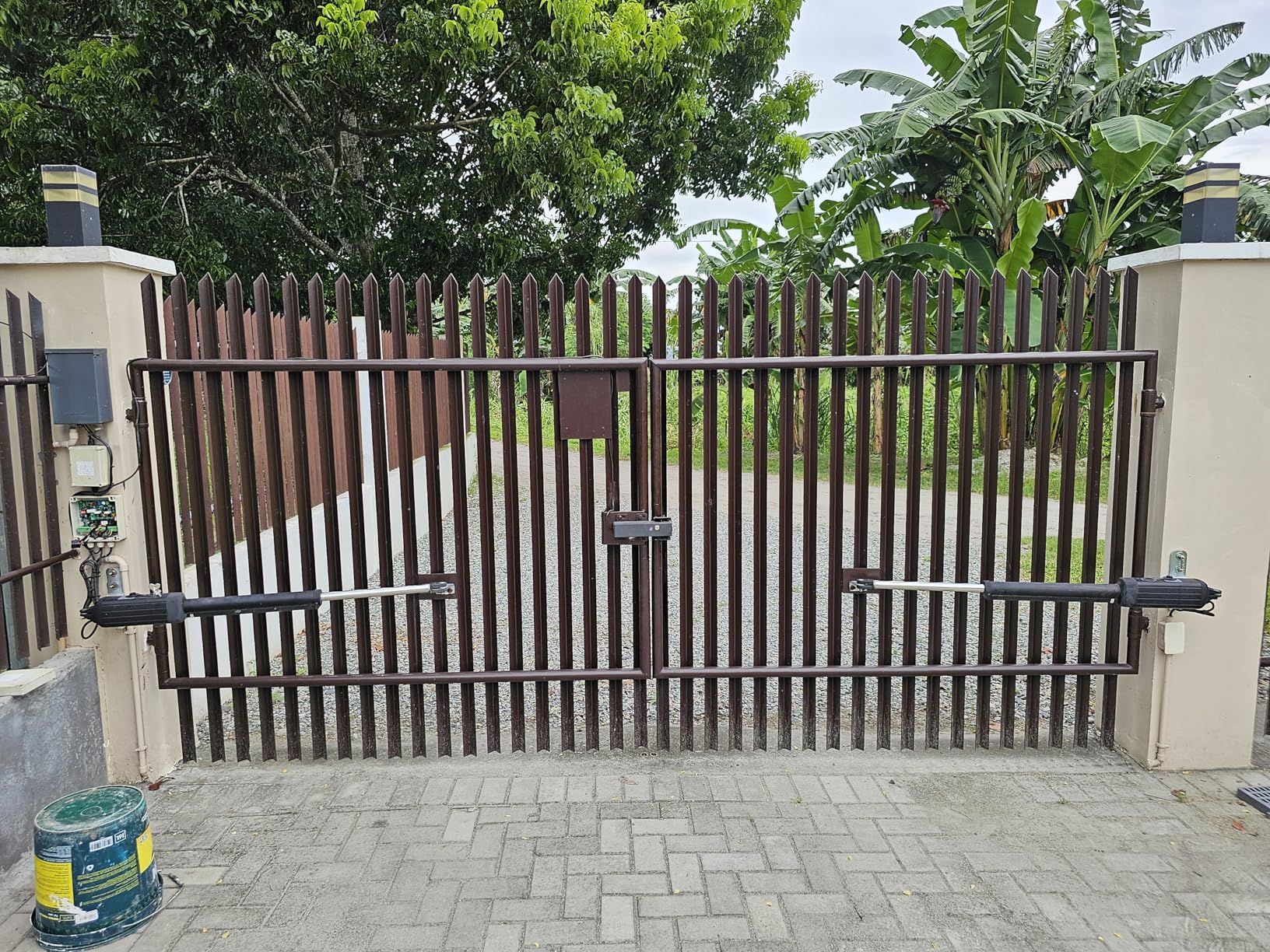
Image: The TOPENS EKPKMJ4B PCB Control Board shown installed within a gate opener's control box, illustrating its typical placement and connections.
After installation, follow the gate opener's manual for initial setup and programming, which may include remote control pairing and limit switch adjustments.
Operation
The EKPKMJ4B PCB acts as the central processing unit for your TOPENS swing gate opener. Once installed and configured according to your gate opener's manual, it manages all operational functions, including opening, closing, safety features, and remote control commands. Its operation is integrated with the overall gate opener system.
Maintenance
To ensure the longevity and reliable performance of your control board, consider the following general maintenance guidelines:
- Environmental Protection: Ensure the control box housing the PCB remains sealed and protected from moisture, dust, and extreme temperatures.
- Connection Checks: Periodically inspect all wiring connections to the board to ensure they are secure and free from corrosion.
- Power Supply: Verify that the power supply to the gate opener is stable and within the specified voltage range.
Avoid direct contact with the circuit board components unless performing a specific repair as instructed by TOPENS support.
Troubleshooting
If your gate opener system experiences issues after replacing the control board, or if the board itself is suspected of malfunction, consider the following:
- Refer to Gate Opener Manual: Many operational issues are addressed in the comprehensive troubleshooting section of your specific TOPENS gate opener manual.
- Power Check: Confirm that the gate opener is receiving power and that all circuit breakers are engaged.
- Wiring Integrity: Double-check all wiring connections to the control board for proper seating and absence of damage.
- Component Failure: In some cases, individual components on the board, such as relays, may fail. If the gate opener does not respond to commands and other components are confirmed functional, the board may require further inspection or replacement.
For persistent issues, it is recommended to contact TOPENS customer support for expert assistance.
Specifications
| Model Number | EKPKMJ4B |
| Compatible Gate Openers | AD5, AD8, AD5S, AD8S, PW502, PW802, A5132, A8132, AT6132S, AT12132S Swing Gate Openers |
| Included Components | 1 x Print Circuit Control Board |
| Item Weight | 8.4 ounces |
| Package Dimensions | 6.57 x 4.8 x 1.97 inches |
| Manufacturer | Hangzhou Sanyuan Tools Co.,LTD |
Warranty Information
The TOPENS EKPKMJ4B PCB Print Circuit Control Board comes with a 12-month warranty from the date of purchase. This warranty covers defects in materials and workmanship under normal use. Please retain your proof of purchase for warranty claims. For specific terms and conditions, refer to the warranty policy provided with your original gate opener or contact TOPENS customer service.
Customer Support
For any questions, technical assistance, or troubleshooting guidance regarding the EKPKMJ4B PCB Control Board or your TOPENS gate opener system, please contact TOPENS customer support. Their team is available to provide expert help and ensure your system operates correctly.
Contact Information: Please visit the official TOPENS website or refer to your gate opener's user manual for the most current customer service contact details, including email and phone support.


