1. Introduction
The devolo Magic 1 LAN adapter extends your home network using existing electrical wiring, transforming any power outlet into a high-speed network connection. This device is designed for reliable and fast data transmission, ideal for streaming, gaming, and general internet use throughout your home.

Image 1.1: The devolo Magic 1 LAN adapter shown with its retail packaging, highlighting its key features like LAN connection, integrated socket, and powerline adapter functionality.
2. Setup
The devolo Magic 1 LAN adapter offers a simple plug-and-play setup. Follow these steps to establish your powerline network:
- Connect to Router: Plug one devolo Magic 1 LAN adapter into a power outlet near your internet router. Connect it to your router's LAN port using an Ethernet cable.
- Connect Devices: Plug additional devolo Magic 1 LAN adapters into power outlets in rooms where you need network access. Connect your devices (e.g., computer, smart TV, game console) to the adapter's LAN port using an Ethernet cable.
- Automatic Pairing: The adapters will automatically pair and establish a secure powerline network. The LED indicator on the adapter will illuminate to confirm a successful connection.

Image 2.1: A devolo Magic 1 LAN adapter plugged into a wall outlet, demonstrating the Ethernet cable connection to a device.
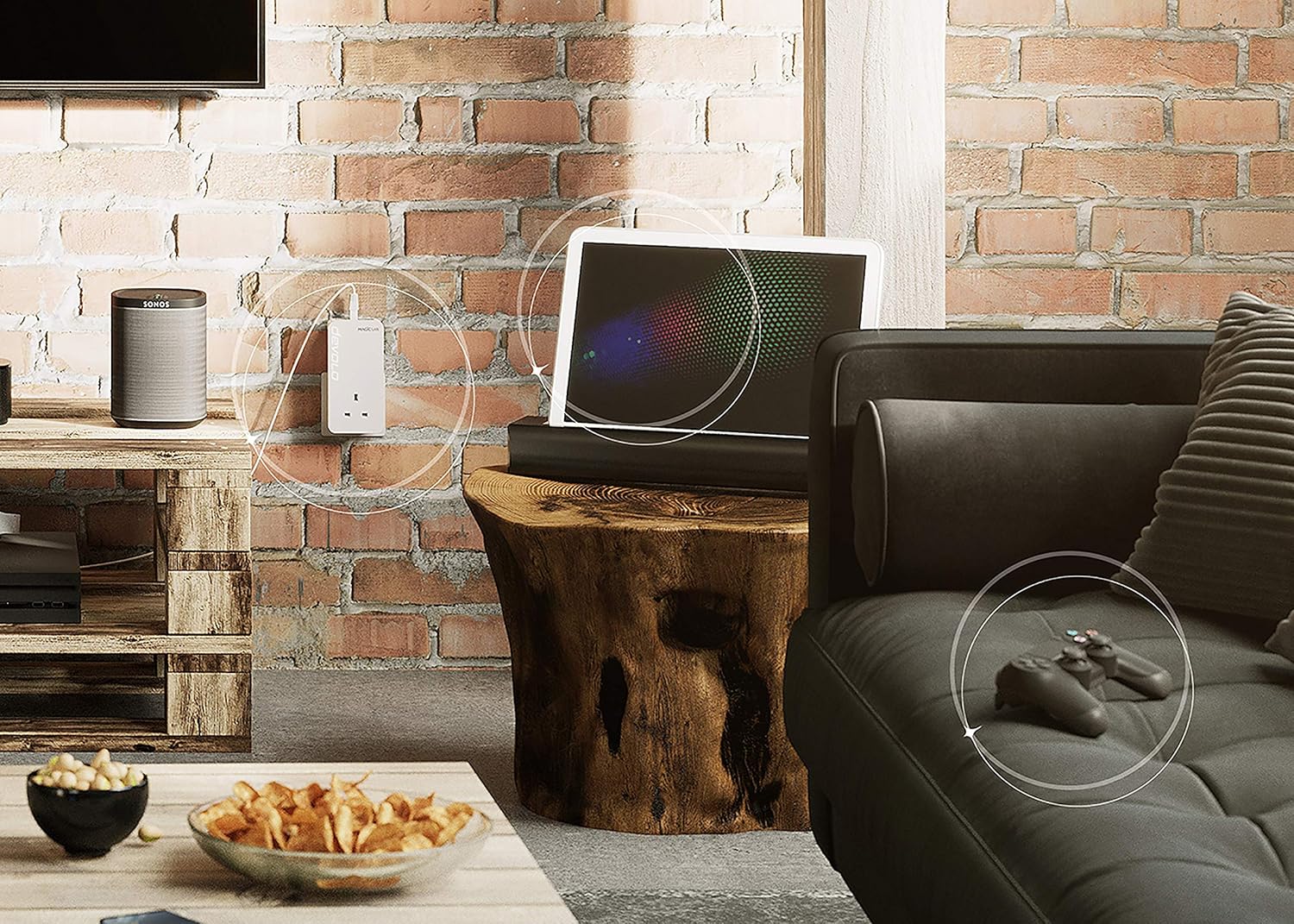
Image 2.2: A diagram showing how multiple devolo Magic LAN adapters can be used to extend network coverage throughout a multi-story home, connecting various devices.
3. Operating the Device
Once set up, the devolo Magic 1 LAN adapter operates continuously to provide a stable network connection. It utilizes your home's electrical wiring to transmit data at speeds up to 1200 Mbit/s, ensuring high-performance internet access for all connected devices.
The integrated electrical socket on the adapter ensures that no power outlet is wasted, allowing you to connect other electrical appliances directly into the adapter.

Image 3.1: The devolo Magic 1 LAN adapter seamlessly integrated into a living room environment, providing network connectivity to various entertainment devices.
4. Maintenance
To ensure optimal performance and longevity of your devolo Magic 1 LAN adapter, follow these simple maintenance guidelines:
- Cleaning: Disconnect the adapter from the power outlet before cleaning. Use a soft, dry cloth to wipe the exterior. Do not use liquid cleaners or abrasive materials.
- Placement: Ensure the adapter is plugged directly into a wall outlet. Avoid using power strips, extension cords, or surge protectors, as these can interfere with powerline signal quality.
- Ventilation: Do not cover the adapter or place it in an enclosed space, as this can lead to overheating. Ensure adequate airflow around the device.
5. Troubleshooting
If you encounter issues with your devolo Magic 1 LAN adapter, consider the following common solutions:
- No Network Connection:
- Ensure all adapters are securely plugged into wall outlets.
- Verify that Ethernet cables are properly connected to both the adapter and your devices/router.
- Check the LED indicators on the adapters. If they are off or red, refer to the device's quick installation guide for specific LED meanings.
- Slow Connection Speed:
- Ensure adapters are not plugged into power strips or surge protectors.
- Avoid plugging adapters into outlets on different electrical phases if possible (in larger homes).
- Minimize interference from other electrical devices (e.g., motors, dimmers) by plugging them into different outlets.
- Adapter Not Pairing:
- Press the pairing button on one adapter, then within two minutes, press the pairing button on the other adapter you wish to connect.
- If issues persist, reset the adapters to factory settings (refer to the full user manual for specific instructions).
6. Specifications
| Feature | Detail |
|---|---|
| Model Number | 8289 |
| Brand | devolo |
| Product Dimensions | 1.65 x 2.6 x 5.12 inches |
| Item Weight | 9.3 ounces (0.27 Kilograms) |
| Hardware Interface | Ethernet |
| Color | White |
| Compatible Devices | Desktop and other Ethernet-enabled devices |
| Data Link Protocol | Ethernet |
| Data Transfer Rate | 1200 Megabits Per Second |
| Manufacturer | A95X |
| GTIN | 04250059682894 |
7. Warranty Information
The devolo Magic 1 LAN adapter comes with a 3-year manufacturer's warranty. This warranty covers defects in materials and workmanship under normal use. Please retain your proof of purchase for warranty claims. For detailed terms and conditions, refer to the warranty card included with your product or visit the official devolo website.
8. Support
For further assistance, technical support, or to download the latest firmware and software, please visit the official devolo support website. You can also find frequently asked questions (FAQs) and additional troubleshooting guides online.


