
1. Introduction
Thank you for choosing the TechniSat DIGITRADIO 750 DAB+ Micro Hi-Fi System. This manual provides essential information for the safe and efficient operation of your device. Please read it thoroughly before use and keep it for future reference.

Image 1: TechniSat DIGITRADIO 750 Micro Hi-Fi System. This image shows the main unit and two speakers.
Safety Information
- Ensure the power supply voltage matches the requirements specified on the device.
- Do not expose the device to rain or moisture to prevent fire or electric shock.
- Do not block ventilation openings. Install in accordance with the manufacturer's instructions.
- Protect the power cord from being walked on or pinched.
- Only use attachments/accessories specified by the manufacturer.
2. Package Contents
Verify that all items are present in the packaging:
- TechniSat DIGITRADIO 750 Main Unit
- 2 x Stereo Speakers (100 Watt RMS total output)
- DAB/FM Whip Antenna
- Remote Control (2 AAA Batteries included)
- Power Cable
- Instruction Manual
3. Setup
3.1 Placement
Place the main unit and speakers on a stable, flat surface. Ensure adequate ventilation around the unit. Position the speakers for optimal stereo sound, typically equidistant from the listening position.
3.2 Connecting the Speakers
Connect the included stereo speakers to the main unit using the speaker cables. Ensure correct polarity (red to red, black to black) for each speaker to maintain proper sound staging.
3.3 Connecting the Antenna
Extend the DAB/FM whip antenna for optimal radio reception. For best results, position the antenna vertically and away from other electronic devices.
3.4 Power Connection
Connect the power cable to the IEC connector on the rear of the main unit, then plug it into a suitable wall outlet (230V, 50Hz).

Image 2: Rear connections of the DIGITRADIO 750, including USB, AUX in, headphone jack, and power input.
3.5 Remote Control Setup
Insert the two AAA batteries into the remote control, observing the correct polarity.

Image 3: The remote control for the DIGITRADIO 750, featuring various function buttons.
4. Operating Instructions
4.1 Power On/Off
Press the Power/Standby button on the unit or remote control to turn the system on or off.
4.2 Source Selection
Press the SOURCE button on the remote or the MODE button on the unit to cycle through available input sources: DAB+, FM, CD, Bluetooth, USB, AUX In.
4.3 Volume Control
Adjust the volume using the VOL+/- buttons on the remote or the VOLUME knob on the main unit.
4.4 DAB+ / FM Radio
Select DAB+ or FM mode. Use the TUN+/- buttons on the remote or the SELECT/SNOOZE knob on the unit to tune to stations. The system will automatically scan for available stations in DAB+ mode.
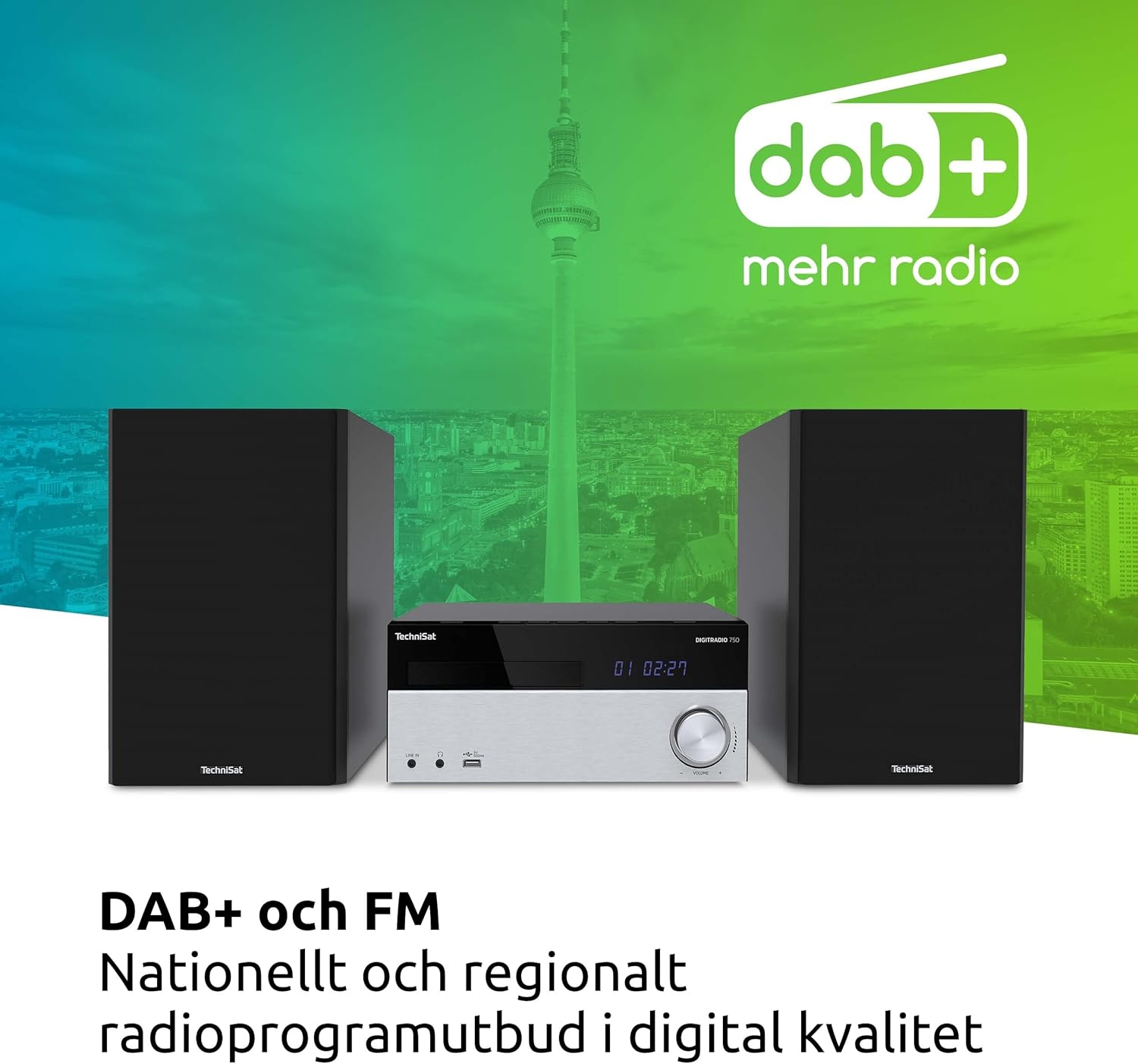
Image 4: The DIGITRADIO 750 showcasing its DAB+ and FM radio capabilities.
4.5 CD Player
Insert a CD into the disc slot. The system will automatically detect and begin playback. Use the PLAY/PAUSE, STOP, SKIP buttons on the unit or remote to control playback. The CD player supports audio CDs, CD-R, CD-RW, and MP3-CDs.

Image 5: Detail of the integrated CD player on the DIGITRADIO 750.
4.6 Bluetooth Audio Streaming
Select Bluetooth mode. The unit will enter pairing mode. On your smartphone, tablet, or computer, search for


