1. Introduction
This manual provides essential information for the safe and efficient operation, maintenance, and troubleshooting of your iRobot Roomba 640 Robot Vacuum. Please read this guide thoroughly before using your robot vacuum.
Important Safety Information
Always follow basic precautions when using an electrical appliance. Read all instructions before use. This appliance is not intended for use by persons (including children) with reduced physical, sensory or mental capabilities, or lack of experience and knowledge, unless they have been given supervision or instruction concerning use of the appliance by a person responsible for their safety. Children should be supervised to ensure that they do not play with the appliance. Do not operate the Roomba in areas with exposed electrical outlets or standing water. Keep hair, loose clothing, fingers, and all parts of body away from openings and moving parts.
2. Package Contents
Verify that all items are present in your package:
- 1 iRobot Roomba 640 Robot Vacuum
- 1 Home Base® Charging Station
- 1 North American Line Cord
- 1 Extra AeroVac™ Filter
- Owners Guide
- Documentation Package

Figure 2.1: The Roomba 640 Robot Vacuum with its included accessories, including the Home Base charging station and an extra filter.
3. Setup
3.1 Charging the Battery
- Place the Home Base® charging station on a hard, level surface against a wall. Ensure there are no obstacles within 3 feet (1 meter) of either side of the Home Base and 4 feet (1.2 meters) in front of it.
- Plug the line cord into the Home Base and then into a wall outlet.
- Place your Roomba onto the Home Base, ensuring the metal charging contacts on the robot align with those on the Home Base. The battery indicator will pulse to show it's charging.
- Allow Roomba to charge for at least 3 hours before its first use. A full charge provides approximately 90 minutes of cleaning time.
Video 3.1: This video demonstrates the initial setup and charging process for the iRobot Roomba 640. It shows how to correctly place the Home Base and dock the robot for charging.
4. Operating Instructions
4.1 Starting a Cleaning Cycle
To start a cleaning cycle, simply press the large CLEAN button located on the top of your Roomba. The robot will automatically begin cleaning and navigate your home. It uses a patented 3-stage cleaning system to loosen, lift, and suction debris from various floor types.
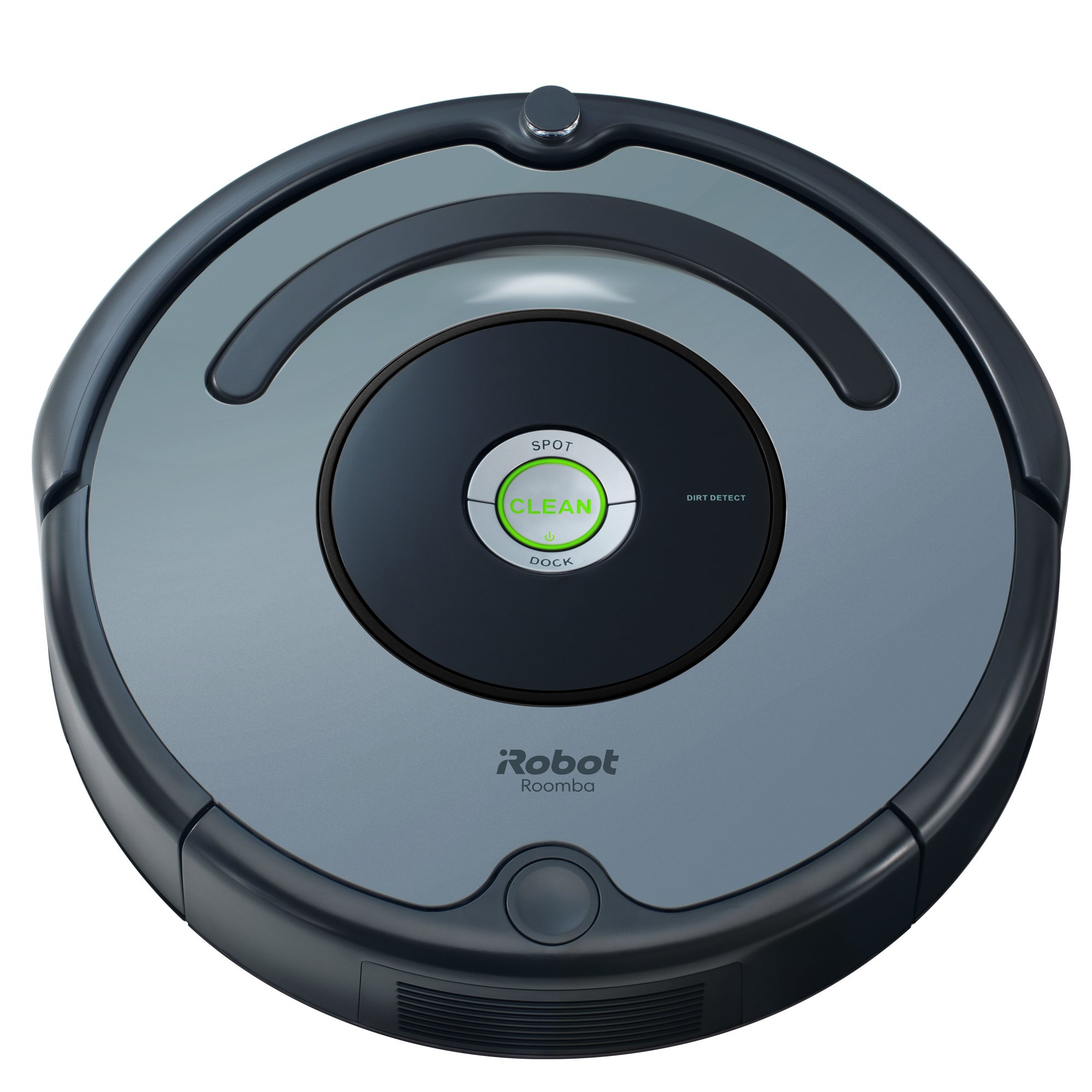
Figure 4.1: The Roomba 640 efficiently cleans under furniture, reaching areas that are typically difficult to access with traditional vacuums.
4.2 Automatic Docking
When the battery is low or when Roomba completes its cleaning cycle, it will automatically return to its Home Base to recharge. Ensure the Home Base remains plugged in and accessible for the robot to dock successfully.
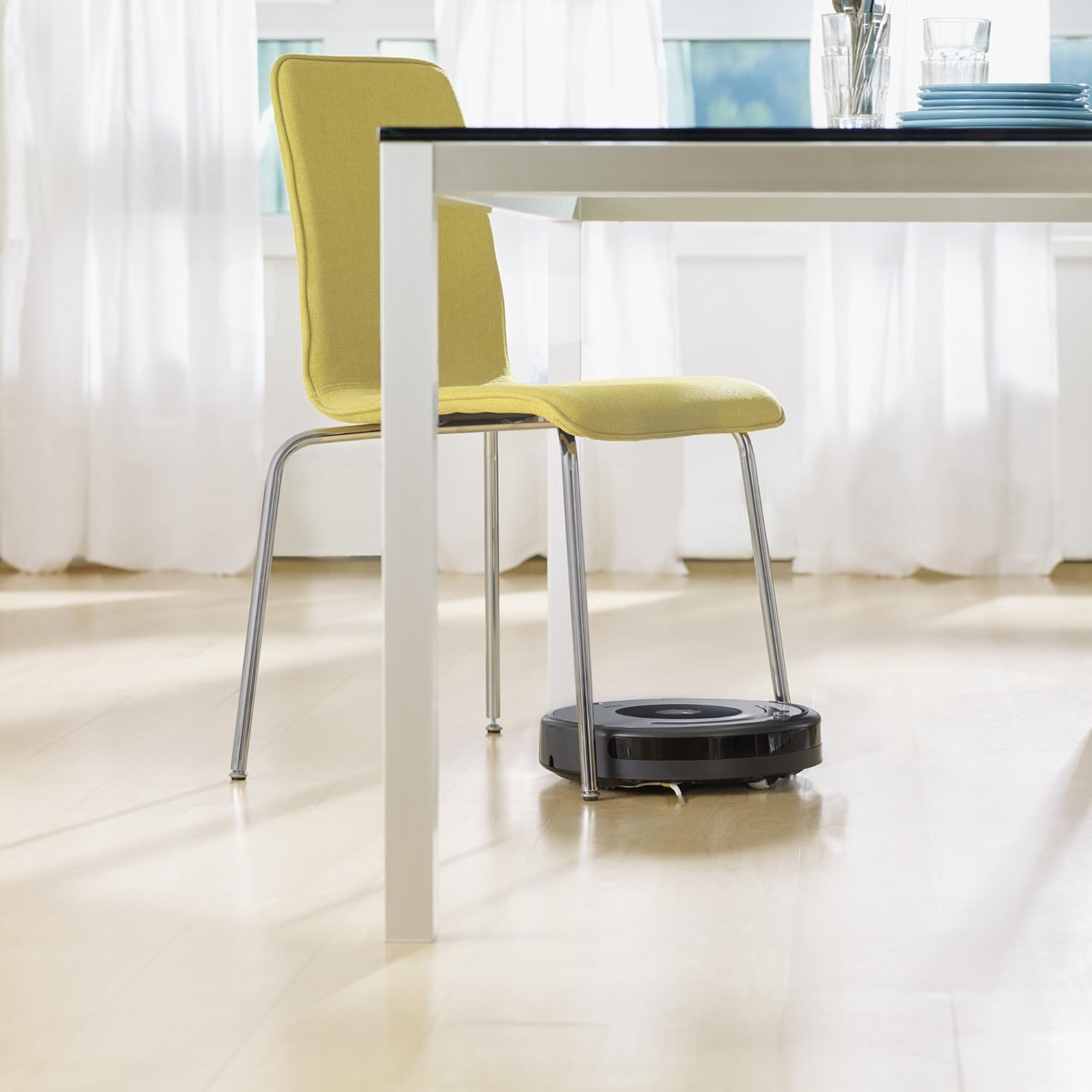
Figure 4.2: The Roomba 640 navigating and cleaning under a dining table and chairs, demonstrating its ability to maneuver around obstacles.
4.3 Cliff Detection
The Roomba 640 is equipped with cliff sensors that prevent it from falling down stairs or other drop-offs. It will detect edges and change direction to avoid them.

Figure 4.3: The Roomba 640 approaching a step, illustrating its cliff detection technology that prevents falls.
5. Maintenance
Regular maintenance ensures optimal performance and extends the lifespan of your Roomba 640.
5.1 Emptying the Dust Bin
Empty the dust bin after each cleaning cycle. Press the bin release button, slide out the bin, and open the bin door to discard debris. Tap the bin to remove excess dirt.
5.2 Cleaning the Filter
The AeroVac™ Filter should be cleaned regularly by tapping it against a trash can to remove dust. Replace the filter every 2-3 months, or more frequently if you have pets. An extra filter is included with your purchase.
5.3 Cleaning Brushes
Periodically remove and clean the main brushes and side brush. Use the cleaning tool (if included) to remove hair and debris wrapped around the brushes. Ensure the brush bearings are also free of debris.
5.4 Cleaning Sensors and Charging Contacts
Wipe the cliff sensors, wall-following sensor, and charging contacts on both the robot and Home Base with a clean, dry cloth. This prevents dirt buildup from affecting performance.
6. Troubleshooting
If your Roomba 640 encounters an issue, refer to the table below for common problems and solutions.
| Problem | Possible Cause | Solution |
|---|---|---|
| Roomba does not turn on or charge. | Battery not installed correctly, charging contacts dirty, or Home Base not powered. | Ensure battery is properly seated. Clean charging contacts on Roomba and Home Base. Verify Home Base is plugged into a working outlet. |
| Roomba gets stuck frequently. | Obstacles (cords, rugs), dirty cliff sensors, or tangled brushes. | Clear the cleaning area of loose cables and small objects. Clean cliff sensors. Remove and clean main brushes and side brush. |
| Poor cleaning performance. | Full dust bin, dirty filter, or worn brushes. | Empty the dust bin. Clean or replace the filter. Clean or replace worn brushes. |
| Roomba does not return to Home Base. | Home Base placement, obstacles blocking path, or dirty charging contacts. | Ensure Home Base is in an open area. Clear path to Home Base. Clean charging contacts. |
7. Specifications
| Feature | Detail |
|---|---|
| Brand | iRobot |
| Model Name | Roomba 640 |
| Item Model Number | R640020 |
| Color | Gray |
| Product Dimensions | 13.4 x 13.4 x 3.61 inches |
| Item Weight | 1.65 pounds |
| Battery Life | 90 minutes |
| Power Source | Battery Powered |
| Control Method | Touch (Button Control) |
| Filter Type | Disk (AeroVac™) |
| Surface Recommendation | Carpets, Hard Floors |
| UPC | 885155013224 |
8. Warranty and Support
8.1 Manufacturer's Warranty
The iRobot Roomba 640 Robot Vacuum comes with a 1-year manufacturer warranty for purchases made from authorized sellers. Please retain your proof of purchase for warranty claims.
8.2 Customer Support
For further assistance, technical support, or warranty inquiries, please visit the official iRobot website or contact their customer service department. Refer to the documentation package included with your product for specific contact details.
You can also find additional resources and FAQs on the iRobot Store on Amazon.


