
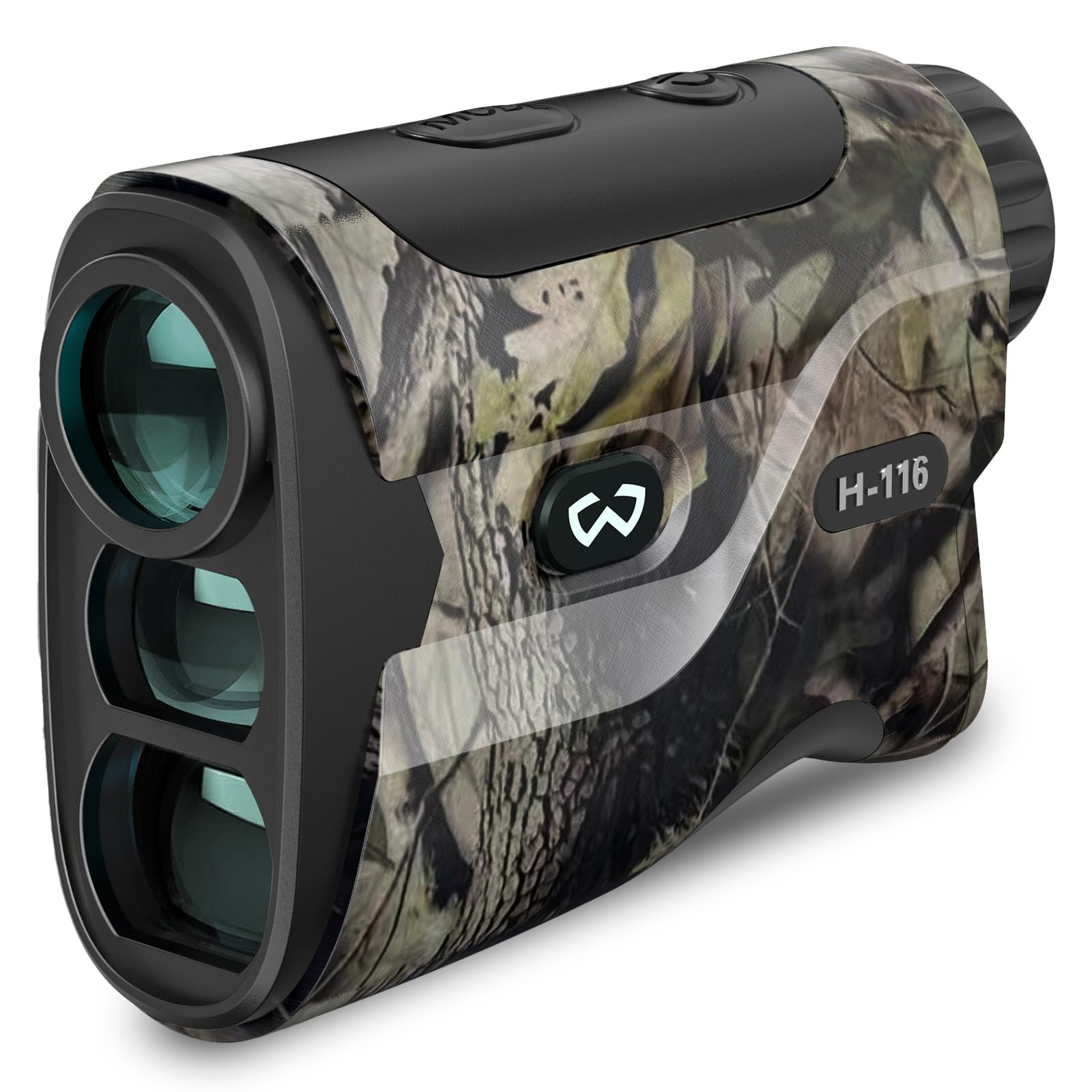
1. Safety Information
Please read and understand all safety instructions before using the WOSPORTS H-116H Hunting Rangefinder. Failure to follow these instructions may result in injury or damage to the device.
- Laser Safety: This device uses an invisible Class 1 laser. Do not stare directly into the laser beam or aim it at others. Direct exposure to the laser beam may cause eye damage.
- Battery Handling: Use only the specified CR2-3V Lithium battery. Ensure correct polarity when inserting the battery. Do not mix old and new batteries or different types of batteries. Dispose of used batteries according to local regulations.
- Environmental Conditions: Avoid exposing the device to extreme temperatures, direct sunlight for prolonged periods, or high humidity. The device is designed for outdoor use but should be protected from heavy rain or immersion in water.
- Cleaning: Use only a soft, clean cloth for cleaning the lenses and body. Avoid abrasive materials or harsh chemicals.
- Children: Keep the device out of reach of children. This is not a toy.
2. Package Contents
Verify that all items listed below are included in your package:
- WOSPORTS H-116H Hunting Rangefinder
- Storage Bag
- Carabiner
- Hang String
- Lens Cloth
- Lithium Battery (CR2-3V)
- User Manual
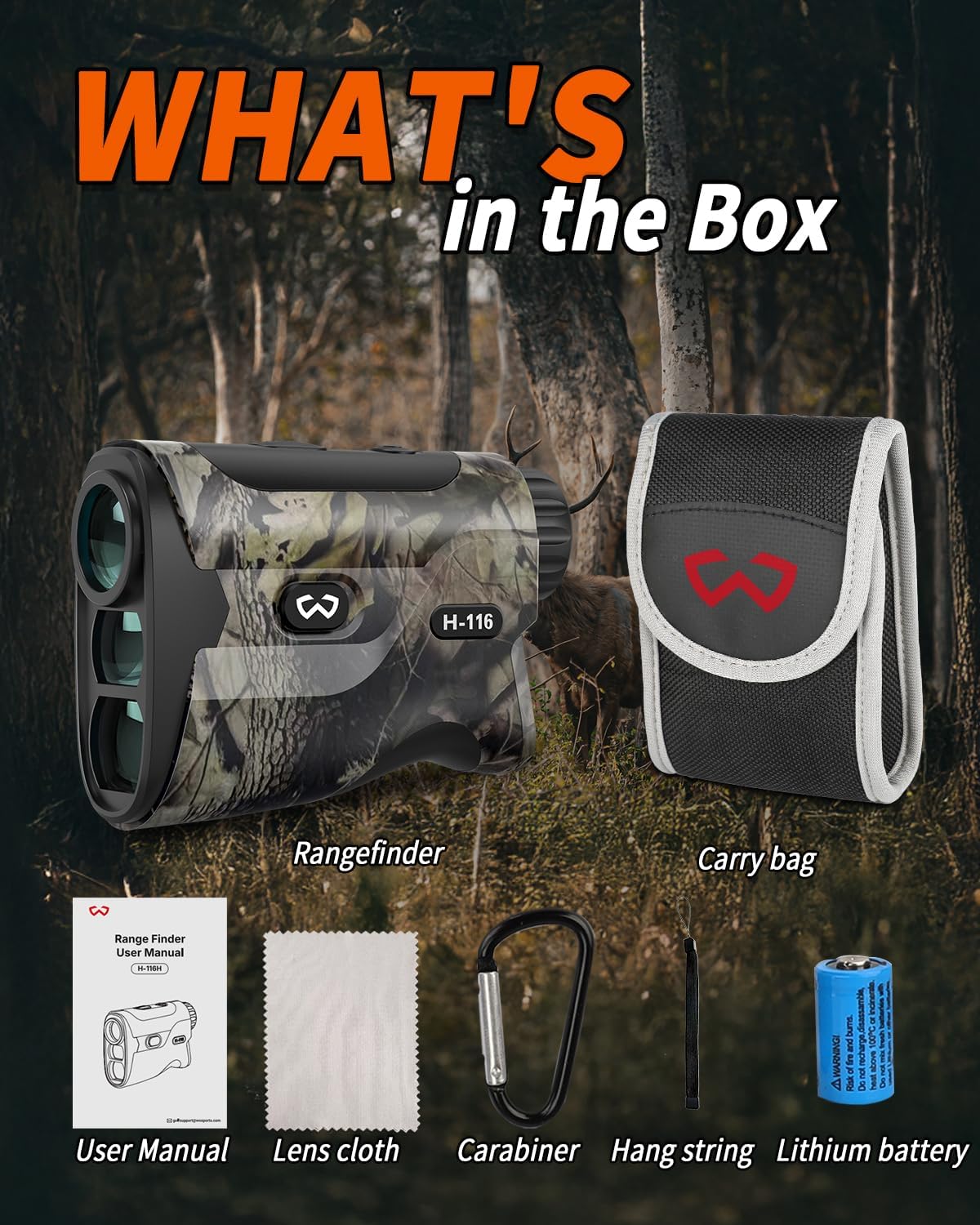
Image: All items included in the WOSPORTS H-116H Rangefinder package, neatly laid out on a wooden surface.
3. Setup
3.1 Battery Installation
- Locate the battery compartment on the rear side of the rangefinder.
- Gently open the battery cover.
- Insert the provided CR2-3V Lithium battery, ensuring the positive (+) and negative (-) terminals align correctly with the markings inside the compartment.
- Close the battery cover securely.

Image: Close-up view of the WOSPORTS H-116H Rangefinder's battery compartment, showing the location for battery insertion.
3.2 Power On/Off
- To power on the device, press the Power button (usually marked with a power symbol) located on the top of the rangefinder.
- The display will illuminate.
- The device will automatically power off after a period of inactivity to conserve battery life.
3.3 Unit Switching (Meters/Yards)
- To switch between meters (M) and yards (Y), long press the "MODE" button for 3 seconds.
- The unit displayed on the screen will change accordingly.
4. Operating Modes
The WOSPORTS H-116H Rangefinder features 4 versatile modes to suit various hunting scenarios. Press the 'MODE' button to cycle through the available modes.

Image: Visual representation of the four operating modes (Range, Bow Hunting, Slope, Speed) as seen through the rangefinder's display, targeting various objects like deer, targets, and moving animals.
4.1 M1: Range Mode
- Provides straightforward linear distance measurement to a target.
- Ideal for general distance measurement in flat terrain.
- Supports rapid scanning for quick multiple measurements.
4.2 M2: Bow Hunting Mode
- Designed to provide accurate range data specifically for bow hunters.
- Calculates the angle-compensated distance, which is crucial for uphill or downhill shots.
4.3 M3: Slope Mode
- Offers angle-adjusted distance readings, enhancing range calculations for varied terrain.
- Useful for situations where elevation changes affect the true horizontal distance.
4.4 M4: Speed Mode
- Allows tracking and measuring the speed of moving targets in real-time.
- Point the rangefinder at the moving object and press the power button to get a speed reading.
4.5 Scanning Mode
- In Modes 1, press and hold the Power button to activate continuous scanning.
- This allows you to scan across multiple targets or a moving target to get continuous distance updates.
5. Maintenance
5.1 Cleaning the Lenses
- Use the provided lens cloth or a soft, clean microfiber cloth to gently wipe the lenses.
- Do not use abrasive cloths, paper towels, or tissues, as these can scratch the lens coatings.
- For stubborn dirt or smudges, a small amount of lens cleaning fluid designed for optics can be applied to the cloth, not directly to the lens.
5.2 Cleaning the Body
- Wipe the body of the rangefinder with a soft, damp cloth.
- Avoid using strong detergents or solvents, which may damage the finish.
5.3 Storage
- When not in use, store the rangefinder in its protective storage bag to prevent scratches and dust accumulation.
- Store in a cool, dry place, away from direct sunlight and extreme temperatures.
- If storing for extended periods, it is recommended to remove the battery to prevent leakage.
6. Troubleshooting
If you encounter issues with your WOSPORTS H-116H Rangefinder, refer to the following common problems and solutions:
| Problem | Possible Cause | Solution |
|---|---|---|
| Device does not power on. | Battery is dead or incorrectly installed. | Check battery polarity. Replace with a new CR2-3V Lithium battery. |
| Inaccurate distance readings. | Obstruction in front of the lens, dirty lens, or target is too close/far. | Ensure lenses are clean. Target must be within the 5-1200 yard range. Ensure a clear line of sight. |
| Display is dim or flickering. | Low battery. | Replace the battery. |
| Cannot switch modes. | Incorrect button press. | Ensure you are pressing the 'MODE' button. A quick press cycles, a long press changes units. |
7. Specifications
- Brand: WOSPORTS
- Model Name: H-116H
- Measuring Range: 1200 yards
- Magnification: 6x
- Color: Camo
- Material: Plastic
- Item Weight: 145 Grams
- Battery Type: CR2-3V Lithium (Included)
- Sport: Hunting, Shooting
- Included Components: Range Finder, Storage Bag, Carabiner, Hang String, Lens Cloth, Lithium Battery (CR2-3V), User Manual
8. Warranty and Support
8.1 Warranty Information
The WOSPORTS H-116H Hunting Rangefinder comes with a 2-Year Warranty from the date of purchase. This warranty covers manufacturing defects and malfunctions under normal use. It does not cover damage caused by misuse, accidents, unauthorized modifications, or improper maintenance.
8.2 Customer Support
For technical assistance, warranty claims, or any questions regarding your WOSPORTS H-116H Rangefinder, please contact WOSPORTS customer service. Refer to the contact information provided on the official WOSPORTS website or in your product packaging.
Please have your model number (H-116H) and proof of purchase ready when contacting support.

