
Iris Ohyama PCF-C15T
IRIS USA WOOZOO Desk Fan User Manual
Model: PCF-C15T
1. Introduction
The IRIS USA WOOZOO Desk Fan (Model: PCF-C15T) is designed to maximize airflow and provide efficient air circulation in various indoor environments such as homes, offices, and dorms. This powerful yet compact unit features remote control capabilities, multiple speed settings, natural breeze mode, and versatile oscillation options to ensure optimal comfort.

Figure 1: IRIS USA WOOZOO Desk Fan (Model: PCF-C15T) with remote control.
Key Features:
- Multidirectional Oscillation: Achieve full room auto air circulation with horizontal (90°) and vertical (75°) oscillation, or activate both simultaneously for comprehensive airflow.
- Remote Control: Full control over power, mode, speed, auto-oscillation, and timer settings from a distance.
- Timer Settings: Optional 1, 2, and 4-hour auto-shutoff timer for energy efficiency.
- Multiple Modes: Includes a natural breeze mode that mimics natural wind patterns.
- 3 Speed Levels: Adjust airflow from a light breeze to a powerful stream.
- Quiet Operation: Virtually silent 'low' setting for undisturbed cooling.
- Compact Design: Powerful yet compact, suitable for various spaces.
2. Setup
The WOOZOO Desk Fan is designed for quick and easy setup. Follow these steps to begin using your fan:
- Unpacking: Carefully remove the fan and all accessories from the packaging. Ensure all components are present: fan unit, remote control, and instruction manual.
- Placement: Place the fan on a stable, flat, and dry surface. Ensure there is adequate space around the fan for optimal airflow and oscillation. Avoid placing it near curtains or objects that could obstruct the fan blades.
- Power Connection: Plug the fan's power cord into a standard 120V AC electrical outlet.
- Remote Control Battery: If not already installed, insert the required batteries into the remote control. Refer to the remote control section for battery type and installation instructions.

Figure 2: Proper placement of the WOOZOO fan on a stable surface.
3. Operation
Your WOOZOO Desk Fan can be operated using the control panel on the base of the unit or via the included remote control.
3.1 Control Panel & Remote Control Overview

Figure 3: WOOZOO fan control panel and remote control layout.
The control panel on the fan's base mirrors the functions available on the remote control, offering convenient access to all settings.
3.2 Power On/Off
- Press the Power Button (
 ) on the control panel or remote to turn the fan on or off.
3.3 Speed Settings
The fan offers 3 speed levels to customize airflow intensity.
- Press the Speed Up () or Speed Down () buttons on the control panel or remote to cycle through the speed options.
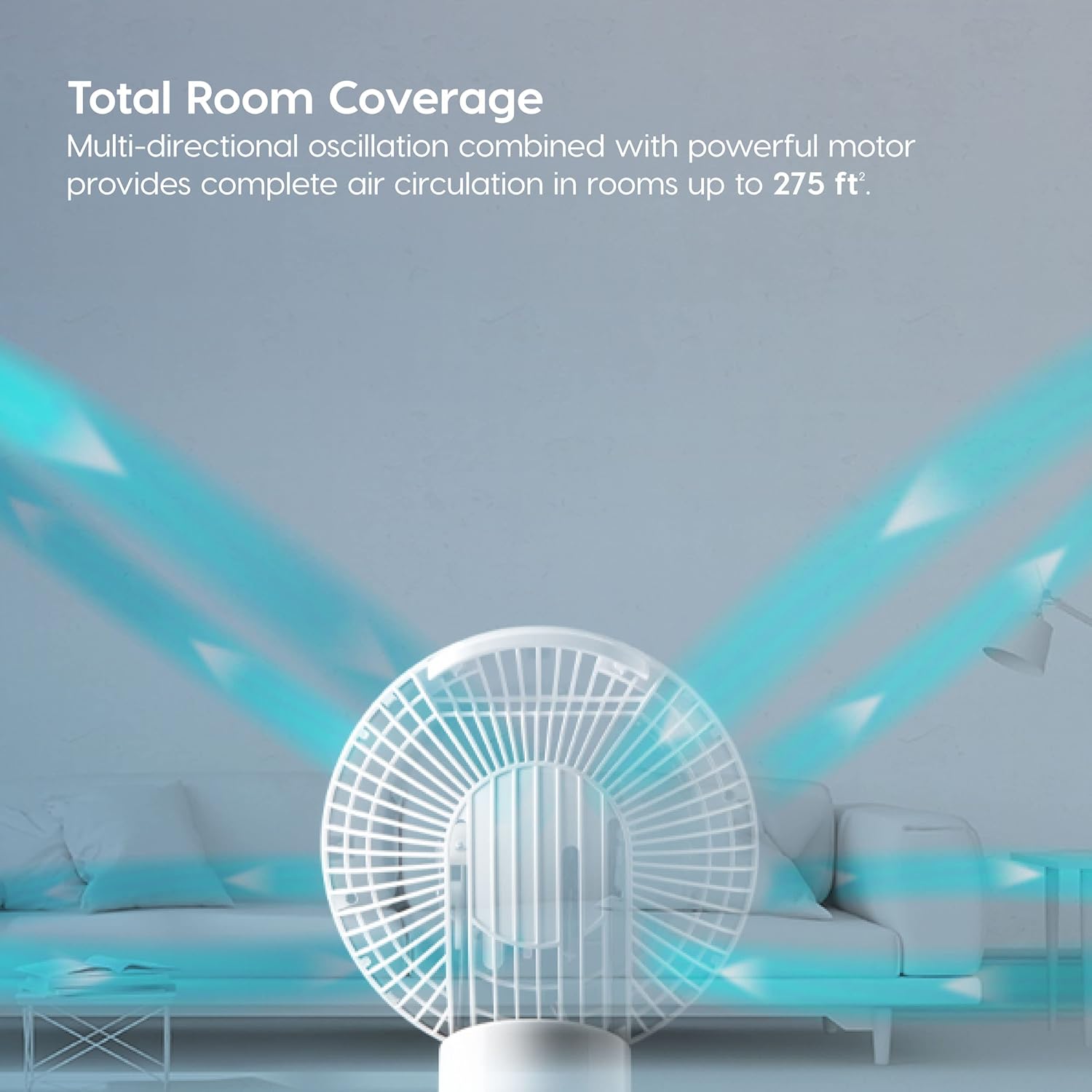
Figure 4: The fan provides powerful airflow up to 74 ft away.
3.4 Oscillation Modes
The fan offers various oscillation patterns for comprehensive air circulation.
- Press the Oscillation Button () to cycle through horizontal, vertical, and multi-directional oscillation.
- Horizontal Oscillation: Fan moves left and right (90°).
- Vertical Oscillation: Fan moves up and down (75°).
- Multi-directional Oscillation: Fan moves both horizontally and vertically simultaneously for full room coverage.
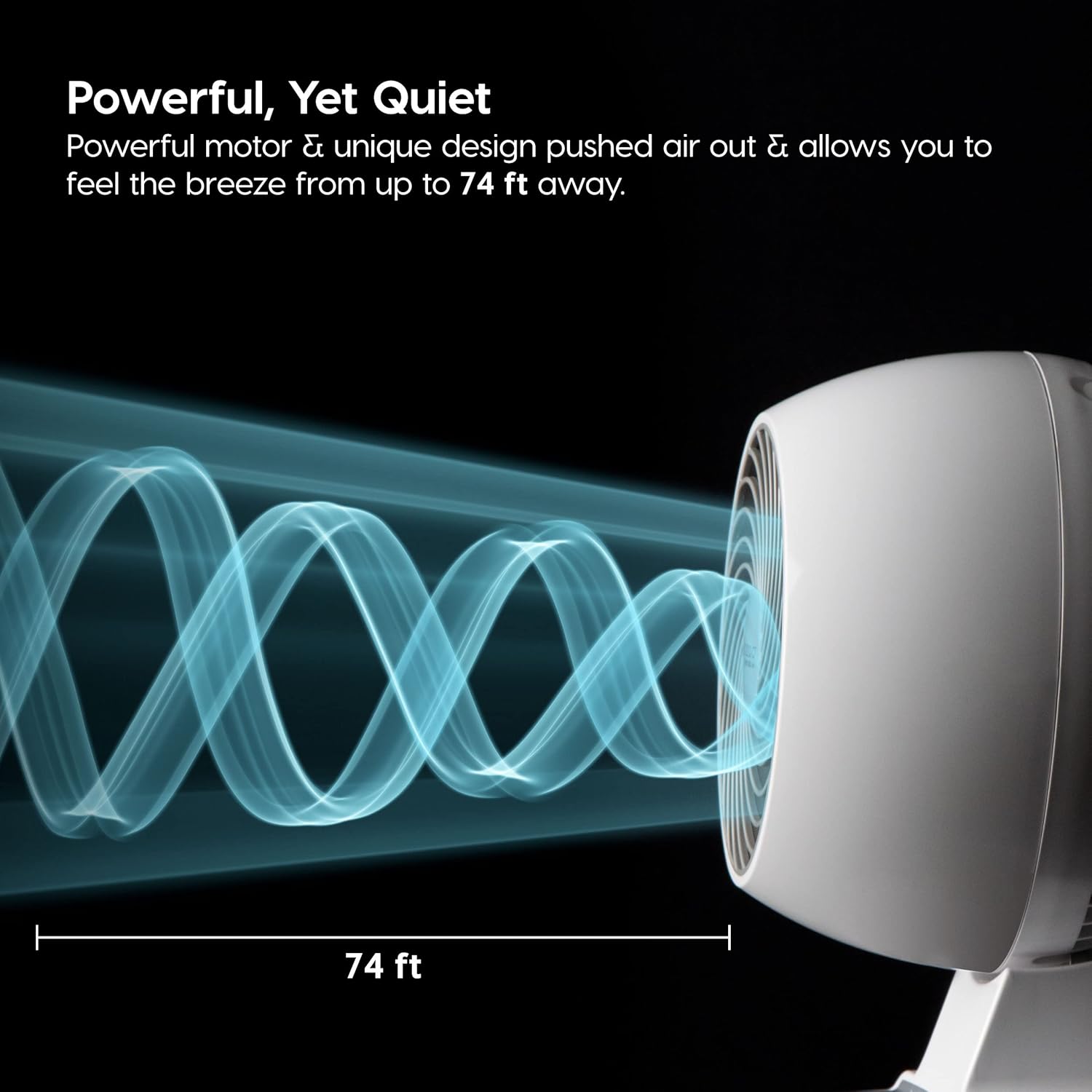
Figure 5: Multi-directional oscillation ensures air reaches every corner of the room.

Figure 6: Total room coverage with multi-directional oscillation.
3.5 Natural Breeze Mode
- Activate the Natural Breeze Mode () to simulate the feeling of natural outdoor wind with varying fan speeds.
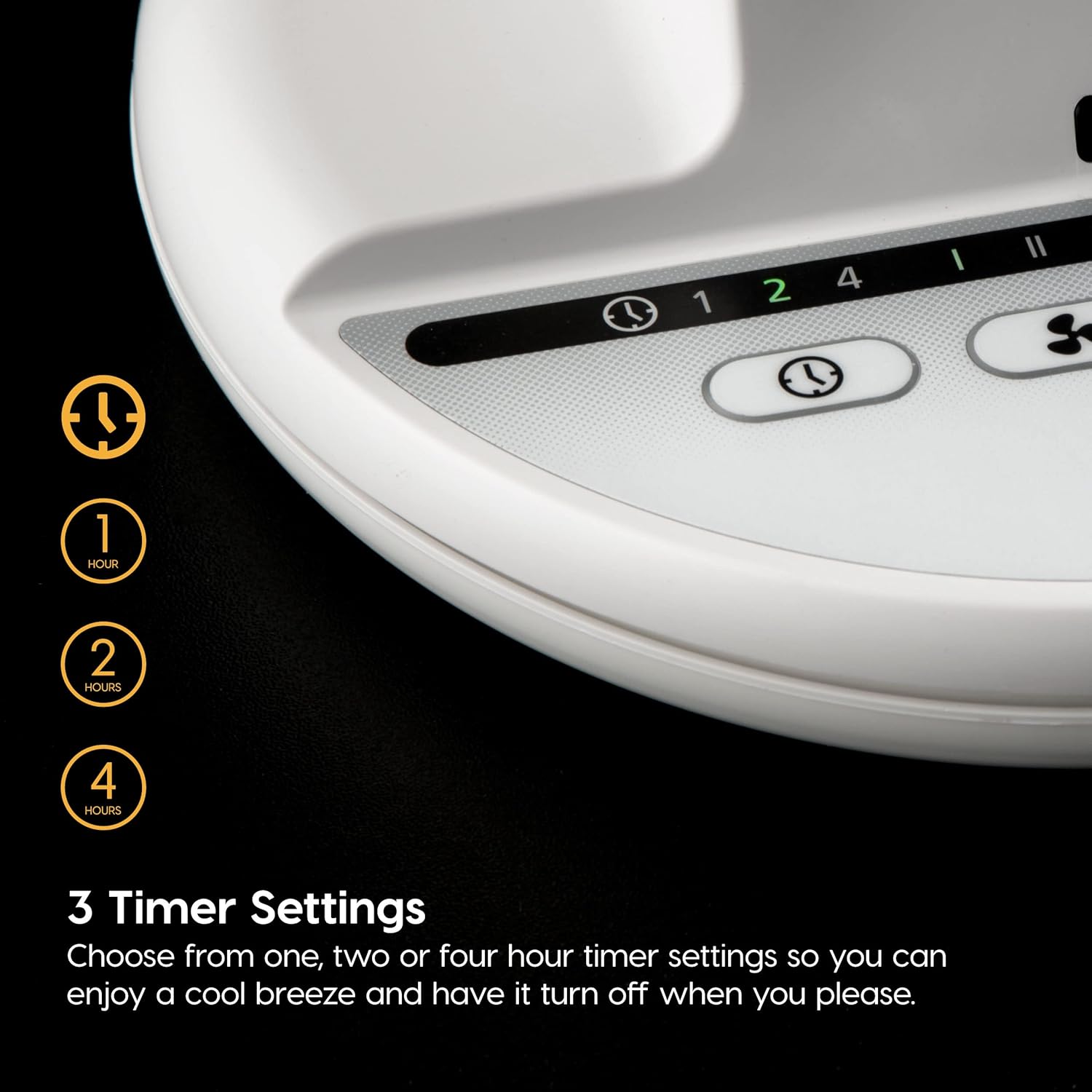
Figure 7: Natural breeze mode mimics natural wind patterns.
3.6 Timer Settings
Set the fan to automatically shut off after a specified duration.
- Press the Timer Button () to select 1, 2, or 4-hour auto-shutoff options.

Figure 8: Choose from 1, 2, or 4-hour timer settings.
4. Maintenance
Regular maintenance ensures optimal performance and longevity of your WOOZOO Desk Fan.
4.1 Cleaning
- Exterior Cleaning: Wipe the exterior surfaces of the fan with a soft, damp cloth. Do not use abrasive cleaners or solvents.
- Dust Removal: Use a vacuum cleaner with a brush attachment or compressed air to remove dust from the air intake and exhaust vents.
- Blade Cleaning: For thorough cleaning of the fan blades, refer to the detailed instructions in the full user manual (PDF) for disassembly and reassembly procedures. Ensure the fan is unplugged before attempting any cleaning.

Figure 9: Internal components of the WOOZOO fan, illustrating the wind vein funnel, deep pitch fan blade, and motorized base.
4.2 Storage
When not in use for extended periods, store the fan in a cool, dry place, preferably in its original packaging to protect it from dust and damage.
5. Troubleshooting
If you encounter issues with your WOOZOO Desk Fan, refer to the common problems and solutions below:
| Problem | Possible Cause | Solution |
|---|---|---|
| Fan does not turn on. | No power supply; Power button not pressed. | Ensure the power cord is securely plugged into a working outlet. Press the Power Button. |
| Weak or no airflow. | Fan speed is too low; Air intake/exhaust blocked. | Increase the fan speed. Check for and remove any obstructions from the air vents. |
| Oscillation not working. | Oscillation mode not activated. | Press the Oscillation Button to activate the desired oscillation mode. |
| Remote control not working. | Dead batteries; Obstruction between remote and fan. | Replace remote control batteries. Ensure no objects are blocking the signal path. |
If the problem persists after trying these solutions, please contact customer support.
6. Specifications
| Feature | Detail |
|---|---|
| Brand | Iris Ohyama |
| Model Name | PCF-C15T |
| Color | White |
| Electric Fan Design | Table Fan |
| Power Source | Corded Electric |
| Product Dimensions | 7.99"D x 8.66"W x 11.93"H |
| Room Type | Kitchen, Bathroom, Bedroom |
| Special Feature | Programmable |
| Noise Level | 35 dB |
| Wattage | 60 watts |
| Number of Blades | 3 |
| Voltage | 120 Volts |
| Item Weight | 4.63 pounds |
| Included Components | Fan, Instructions Manual, Remote |
| Control Method | Remote |
| Blade Material | Plastic |
| Manufacturer | IRIS USA |
| UPC | 762016474564 |
7. Warranty & Support
For detailed warranty information and customer support, please refer to the official documentation provided with your product or visit the manufacturer's website.
- User Manual (PDF): A comprehensive user manual is available for download. Download User Manual
- Instructions for Use (IFU) (PDF): Additional instructions for use can be found here. Download IFU
- Protection Plans: Extended protection plans are available for purchase to cover your product beyond the standard warranty. Details can be found on the product's purchase page or by contacting your retailer.
Related documentsPCF-C15T


Ask a question about this manual
Ask about setup, troubleshooting, compatibility, parts, safety, or missing instructions. Manuals+ will review the question and use this page’s manual context to help answer it.