
SLLEA ZS08E382
SLLEA AC Adapter User Manual
Model: ZS08E382
1. Introduction
This user manual provides essential information for the safe and effective use of your SLLEA AC Adapter, specifically designed for compatibility with WD Elements 500GB WD5000C035-000 External Hard Drives. Please read this manual thoroughly before using the product to ensure proper operation and to prevent damage.

Image 1.1: The SLLEA AC Adapter, showing the main power brick, the attached AC power cord with a 2-pin plug, and the DC output cable with its round connector.
2. Safety Information
To ensure safe operation and prevent damage to the adapter or connected devices, please observe the following safety precautions:
- Voltage Compatibility: Ensure the input voltage of the adapter (100-240 VAC) matches the local power supply.
- Indoor Use Only: This adapter is designed for indoor use. Do not expose it to rain, moisture, or extreme temperatures.
- Proper Connection: Always connect the adapter to the device before plugging it into a power outlet. Disconnect from the power outlet before disconnecting from the device.
- Avoid Overloading: Do not connect devices that exceed the adapter's specified output power (12V 2A / 5V 2A).
- Cable Care: Do not bend, twist, or pull the power cord excessively. Keep it away from heat sources and sharp objects.
- No User Serviceable Parts: The adapter contains no user-serviceable parts. Do not attempt to open or repair the unit. Refer all servicing to qualified personnel.
- Protection Features: This adapter is equipped with over-heat and over-voltage protection. If the adapter becomes unusually hot, disconnect it immediately.
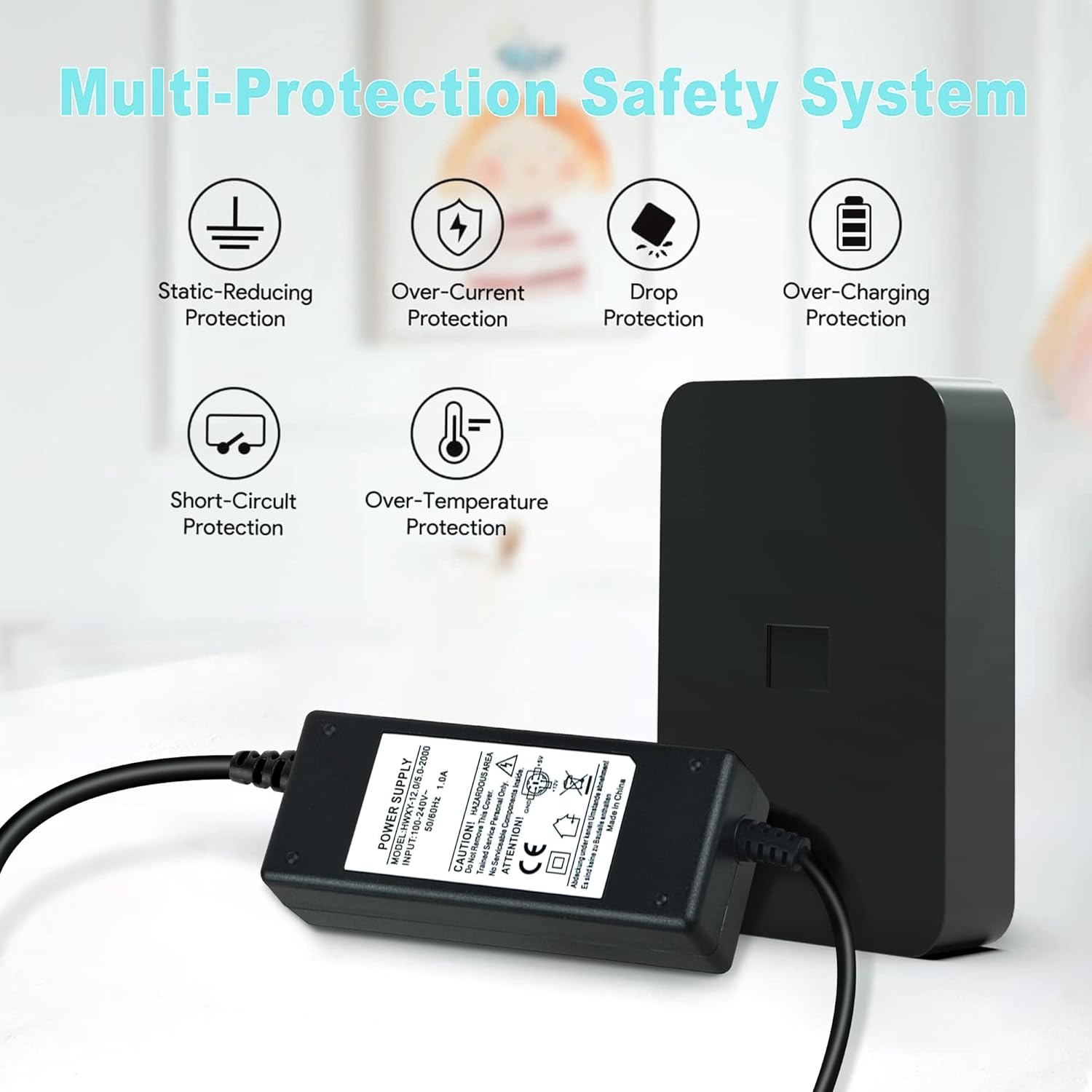
Image 2.1: Visual representation of the adapter's multi-protection safety system, including static-reducing, over-current, drop, over-charging, short-circuit, and over-temperature protection.

Image 2.2: Certification icons indicating RoHS compliance, double insulation standard, and CE approval for safety and environmental standards.
3. Package Contents
Verify that all items are present and in good condition upon opening the package:
- 1 x SLLEA AC / DC Power Adapter (Model: ZS08E382)
4. Product Features
The SLLEA AC Adapter offers the following key features:
- Universal Input Voltage: Supports 100-240 VAC, 50/60Hz for worldwide use.
- Optimized Output: Provides stable 12V 2A and 5V 2A power output, suitable for compatible WD Elements external hard drives.
- Extended Cable Length: Features a 5FT (1.5m) cable for flexible placement. The total length including the charging box and cable to the socket is approximately 7 feet.
- Robust Construction: Built with a thicker casing for durability and resistance to bending or breakage.
- Safety Certifications: CE and FCC certified, ensuring compliance with safety standards.
- Multi-Protection System: Includes static-reducing, over-current, drop, over-charging, short-circuit, and over-temperature protection.

Image 4.1: Close-up details of the adapter's components: the stable output adapter interface, the heat-resistant plum blossom connector, and the safe and durable 2-pin plug.

Image 4.2: Illustration demonstrating the total length of the adapter and its cables, measuring approximately 7 feet from the wall socket to the device.
5. Specifications
| Attribute | Detail |
|---|---|
| Model Number | ZS08E382 |
| Input Voltage | 100-240 VAC, 50/60Hz |
| Output Voltage/Current | 12V 2A / 5V 2A |
| Cable Length | 5FT (1.5m) |
| Connector Type | Round (specific to compatible WD Elements drives) |
| Compatible Devices | WD Elements 500GB WD5000C035-000 External Hard Drive |
| Dimensions (Package) | 6.5 x 4.72 x 1.93 inches |
| Item Weight | 9.9 ounces |
| Certifications | CE, FCC, RoHS Compliant |

Image 5.1: The power supply unit, displaying its model and input/output specifications, alongside a diagram detailing the pinout of the round connector (GND, +5V, +12V).
6. Setup
Follow these steps to set up your SLLEA AC Adapter:
- Identify the Device: Ensure your device is a compatible WD Elements 500GB WD5000C035-000 External Hard Drive.
- Connect to Device: Carefully insert the round connector of the SLLEA AC Adapter's DC output cable into the power input port of your external hard drive. Ensure a firm and secure connection.
- Connect to Power Outlet: Plug the 2-pin AC power plug of the adapter into a standard 100-240 VAC wall outlet.
- Verify Power: Once connected, your external hard drive should receive power and indicate readiness for operation (e.g., an LED indicator on the hard drive).

Image 6.1: The SLLEA AC Adapter providing power to an external hard drive, which is connected to a laptop, demonstrating a typical setup.
7. Operating Instructions
The SLLEA AC Adapter functions as a dedicated power supply for your compatible WD Elements external hard drive. Its operation is straightforward:
- Once properly connected to both the hard drive and a power outlet, the adapter will supply the necessary power for the hard drive to function.
- No additional controls or settings are required on the adapter itself.
- Always ensure the hard drive is safely ejected or powered off according to its own instructions before disconnecting the power adapter.
8. Troubleshooting
If you encounter issues with your SLLEA AC Adapter, refer to the following common problems and solutions:
| Problem | Possible Cause | Solution |
|---|---|---|
| Hard drive not powering on. | Adapter not properly connected to hard drive or wall outlet. | Ensure all connections are secure and the wall outlet is functional. Try a different outlet. |
| Adapter feels unusually hot. | Overload or poor ventilation. | Immediately disconnect the adapter. Ensure it is used in a well-ventilated area and not covered. Verify the connected device's power requirements do not exceed the adapter's specifications. |
| Intermittent power to hard drive. | Loose connection or damaged cable/connector. | Check all connections for looseness. Inspect the cable and connector for any visible damage. If damaged, discontinue use and replace the adapter. |
| Adapter makes unusual noise. | Internal component issue. | Immediately disconnect the adapter from power. Do not use it again. Contact customer support. |
If the problem persists after trying these solutions, please contact SLLEA customer support for further assistance.
9. Maintenance
Proper care and maintenance will extend the life of your SLLEA AC Adapter:
- Cleaning: Disconnect the adapter from all power sources before cleaning. Use a soft, dry cloth to wipe the surface. Do not use liquid cleaners or aerosols.
- Storage: When not in use, store the adapter in a cool, dry place, away from direct sunlight and extreme temperatures. Avoid tightly coiling the cable.
- Inspection: Periodically inspect the adapter and its cables for any signs of wear, cuts, or damage. Discontinue use if any damage is found.
10. Warranty and Support
SLLEA is committed to providing high-quality products and customer satisfaction. For warranty information, technical support, or any inquiries regarding your AC adapter, please refer to the following:
- Customer Support: For assistance, please visit the official SLLEA store on Amazon or contact their customer service directly.
- Online Resources: Additional information and FAQs may be available on the SLLEA brand store page: SLLEA Amazon Store.

Image 10.1: SLLEA's commitment to customer service, highlighting after-sale support, quick response, a focus on customer needs, and lifetime technical assistance.
Ask a question about this manual
Ask about setup, troubleshooting, compatibility, parts, safety, or missing instructions. Manuals+ will review the question and use this page’s manual context to help answer it.