
SimpliSafe SS3-AMZ-4
SimpliSafe 12 Piece Wireless Home Security System User Manual
Brand: SimpliSafe
Model: SS3-AMZ-4
Introduction
The SimpliSafe 12 Piece Wireless Home Security System provides comprehensive security for your home. Designed for ease of use and robust protection, this system includes a Base Station, Keypad, Entry Sensors, Motion Sensors, a Key Fob, a Panic Button, and an Indoor Security Camera. It offers optional 24/7 professional monitoring for fast emergency response.
This system is effective, intuitive, and affordable, ensuring your home is safe and secure. It's compatible with Alexa and Google Assistant for smart home integration.

Image: Overview of the SimpliSafe 12-piece home security system components, including the Base Station, Keypad, Entry Sensors, Motion Sensors, Key Fob, Panic Button, and Indoor Security Camera.
Setup
Setting up your SimpliSafe system is designed to be straightforward, requiring no wiring or drilling.
Initial Installation
1. Base Station & Camera: Plug in the Base Station and the SimpliCam Wired Indoor Security Camera. The Base Station is the brain of your system and should be placed in a central location.
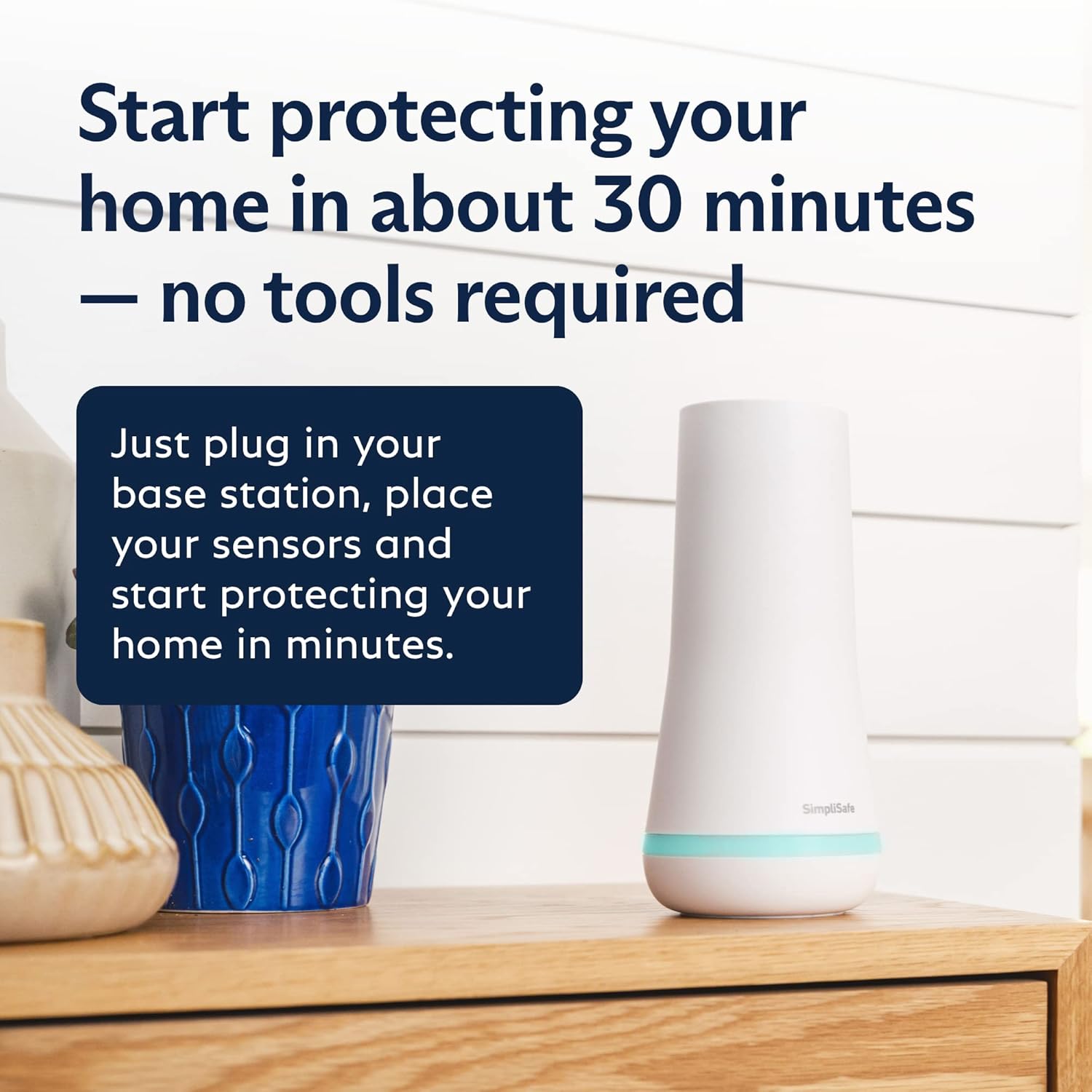
Image: SimpliSafe Base Station plugged in on a wooden surface, illustrating easy setup.
2. Sensor Placement: Place your Entry Sensors on doors, windows, and cabinets. Motion Sensors should be placed in corners for optimal room coverage.

Image: A SimpliSafe Entry Sensor installed on a window frame, demonstrating how it alerts when opened.

Image: A SimpliSafe Motion Sensor mounted in a corner, showing its 35ft range and 90-degree field of view for full room coverage.
3. Keypad & Key Fob: Place the Keypad near a frequently used entrance. The Key Fob allows for arming and disarming with a push of a button.

Image: A hand interacting with the SimpliSafe Keypad, highlighting its wire-free design and ease of placement near an entrance.
4. Panic Button: Install the Panic Button in an easily accessible location, such as by your bedside.
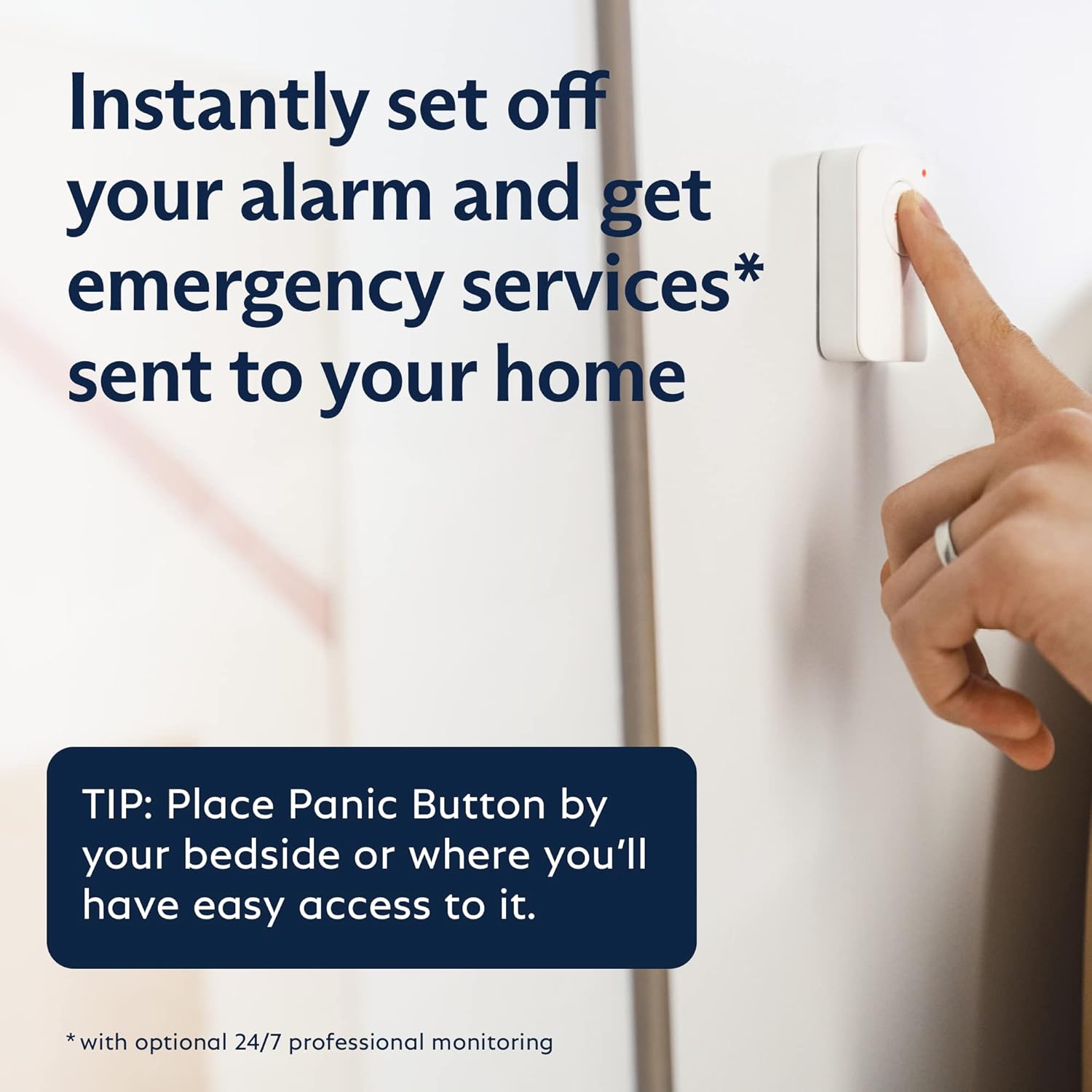
Image: A finger pressing the SimpliSafe Panic Button, suggesting placement for quick access in emergencies.
App-Guided Setup
The SimpliSafe App will guide you through the entire setup process, providing detailed instructions for each component.

Image: A smartphone displaying the SimpliSafe App interface, showing complete control of the system from anywhere.
Official Setup Video
Video: An official SimpliSafe video demonstrating how the system works, including setup and operational features.
Operating the System
Arming and Disarming
The SimpliSafe system offers three primary modes: Off, Home, and Away.
- Off: The system is disarmed.
- Home: Activates entry sensors on doors and windows, but motion sensors are disarmed, allowing you to move freely inside.
- Away: Activates all sensors, including motion sensors, for full protection when no one is home.
You can arm/disarm the system using the Keypad, Key Fob, or the SimpliSafe App.

Image: A hand holding the SimpliSafe Key Fob, showing its buttons for arming, disarming, and a built-in panic function.
Indoor Security Camera
The SimpliCam Wired Indoor Security Camera provides crystal clear 1080p HD video with a 120° field of view. It features a built-in stainless steel shutter for privacy and 2-way audio.

Image: The SimpliCam Wired Indoor Security Camera, highlighting its livestream video, motion detection, 2-way audio, and privacy shutter features.
Professional Monitoring
With optional 24/7 professional monitoring, agents are ready to dispatch emergency help (police, fire department, medical care) immediately upon alarm verification.
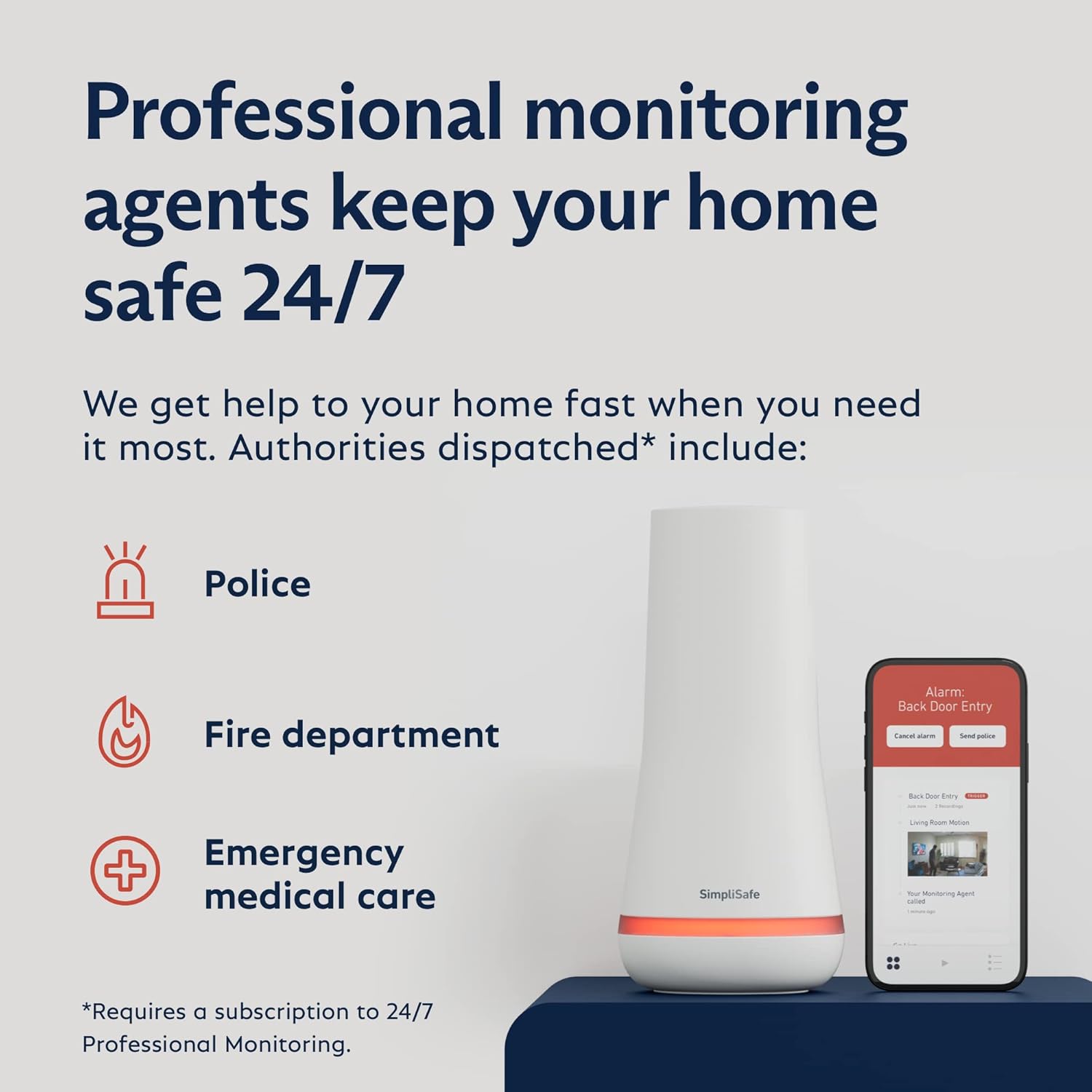
Image: Illustration of SimpliSafe's 24/7 professional monitoring, showing dispatch for police, fire department, and emergency medical care.
Maintenance
Battery Backup
The Base Station includes a battery backup that lasts up to 24 hours, ensuring your system remains operational even during power outages.

Image: The SimpliSafe Base Station glowing, indicating its battery backup and cellular connection for continuous protection.
Cellular Backup
For continuous protection, the system utilizes cellular backup (requires professional monitoring plan) to maintain connection even if Wi-Fi is lost.
Sensor Batteries
All sensors are battery-powered. The system will alert you when batteries need to be replaced. (9 AAA batteries included for initial setup).
Troubleshooting
Power Outage
The Base Station has a 24-hour battery backup. If power is out for longer, the system will cease operation. Ensure power is restored to the Base Station.
Cellular Backup Issues
Some users have reported issues with cellular backup in certain rural areas or with specific carriers. If cellular backup is not functional, contact SimpliSafe customer support. They may be able to assist with module changes.
Motion Sensor Adjustment
If motion sensors are not working as expected, they may need adjustment. Refer to the SimpliSafe App or contact support for guidance on adjusting sensitivity or placement. Motion sensors are designed for human detection, not pet detection (under 60lbs).
Door/Window Sensor Alerts
If sensors are not alerting when doors/windows open, ensure they are properly aligned and the system is armed. Check the SimpliSafe App for sensor status.
Camera Connectivity
If your SimpliCam is not connecting or streaming, check your Wi-Fi connection and ensure the camera is properly powered. SimpliSafe customer support can provide troubleshooting steps for camera issues.
Specifications
| Feature | Detail |
|---|---|
| Indoor/Outdoor Usage | Indoor |
| Compatible Devices | Alexa, Google Assistant |
| Power Source | Battery Powered |
| Connectivity Protocol | Cellular, Wi-Fi |
| Video Capture Resolution | 1080p |
| Field Of View | 120 Degrees (Camera), 90 Degrees (Motion Sensor) |
| Included Components | Base station, keypad, 5 entry sensors, 2 motion sensors, 1 keyfob, 1 panic button, 1 SimpliCam security camera |
| Batteries | 9 AAA batteries required (included) |
| Item Weight | 5.85 pounds |
| Product Dimensions | 13.3 x 13.2 x 6.8 inches |
Warranty & Support
Warranty
The SimpliSafe 12 Piece Wireless Home Security System comes with a 1 Year Warranty.
Customer Support
SimpliSafe offers responsive customer support. If you encounter any issues during setup or operation, contact SimpliSafe directly for assistance.
User Manual (PDF)
For a detailed PDF user manual, please refer to the official document: SimpliSafe User Manual (PDF)
Additional Information
Fast Protect Monitoring
When you enable video verification on your SimpliSafe cameras, professional monitoring agents can use eyewitness evidence to verify a break-in, which can mean priority dispatch for faster police response. (Requires Fast Protect Monitoring plan).
Smart Home Compatibility
The system is compatible with Alexa and Google Assistant, allowing for voice control and integration into your smart home ecosystem.
Related documentsSS3-AMZ-4

Ask a question about this manual
Ask about setup, troubleshooting, compatibility, parts, safety, or missing instructions. Manuals+ will review the question and use this page’s manual context to help answer it.