
1. Introduction and Overview
This manual provides detailed instructions for the assembly, operation, and maintenance of your Ameriwood Home Brookspoint TV Stand. This TV stand is designed to accommodate televisions up to 75 inches wide and features a Golden Oak finish with metal mesh sides and a black powder-coated metal frame. It includes six shelves, one of which is adjustable, for storing media devices and accessories. The open-concept design facilitates easy cable management and promotes air circulation to prevent device overheating.

Figure 1: Assembled Ameriwood Home Brookspoint TV Stand with a television.
2. Safety Information
Please read and understand all safety warnings before assembly and use. Failure to follow these instructions may result in injury or product damage.
- Always follow assembly instructions carefully.
- Do not exceed the weight limit of 25 lbs (11.3 kg) per shelf.
- The TV stand can support a television up to 75 inches wide or 145 lbs (65.7 kg).
- Always use appropriate safety measures when handling and assembling the product. Two adults are recommended for assembly.
- Ensure the TV stand is placed on a level, stable surface.
- Do not allow children to climb on the TV stand.
3. Package Contents
Before beginning assembly, verify that all parts and hardware are present and undamaged. Refer to the packing list included with your purchase to confirm all components are accounted for. If any parts are missing or damaged, please contact customer support.
4. Setup and Assembly Instructions
The Ameriwood Home Brookspoint TV Stand ships flat and requires assembly. Two adults are recommended for the assembly process. Follow the step-by-step instructions provided in the assembly manual included with your product. For a visual guide, please refer to the assembly video below.
Video 1: Assembly guide for the Ameriwood Home Brookspoint TV Stand. This video demonstrates the step-by-step process of constructing the TV stand, including attaching the frame, shelves, and back panel.
Assembly Tips:
- Clear a spacious area for assembly to prevent damage to components.
- Organize all hardware before starting.
- Do not overtighten screws to avoid stripping or damaging the particleboard.
- Ensure all connections are secure before moving or placing items on the stand.

Figure 2: Front view of the assembled TV stand, highlighting the six storage compartments.

Figure 3: Angled view of the TV stand, showcasing the Golden Oak finish and black metal frame.
5. Operating Instructions
Once assembled, your TV stand is ready for use. Place your television on the top surface, ensuring it is centered and stable. Utilize the six shelves for organizing your media components such as DVD/Blu-Ray players, cable boxes, gaming consoles, and other accessories. The center shelf is adjustable, allowing you to customize the height to fit various devices. The open design of the stand ensures proper ventilation for electronic equipment.
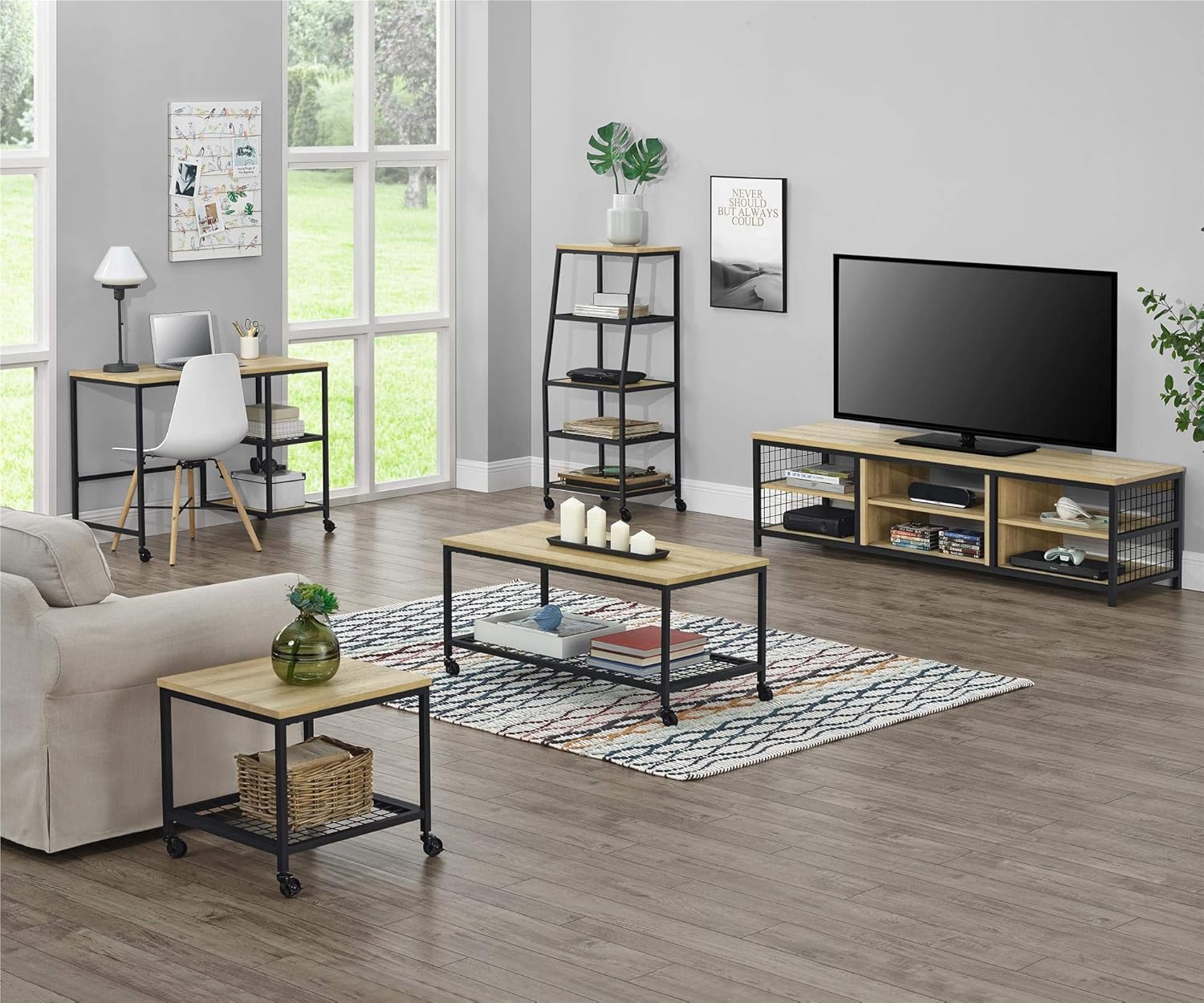
Figure 4: The TV stand integrated into a living room, demonstrating its functional use for media storage.
6. Maintenance
To maintain the appearance and longevity of your TV stand, follow these simple care guidelines:
- Cleaning: Wipe surfaces with a soft, damp cloth. Avoid harsh chemicals or abrasive cleaners, as these can damage the finish.
- Spills: Clean up spills immediately to prevent staining or damage to the particleboard.
- Sunlight: Avoid prolonged exposure to direct sunlight to prevent fading of the Golden Oak finish.
- Heat: Do not place hot items directly on the surface without protective padding.
- Hardware: Periodically check and tighten all hardware to ensure stability.
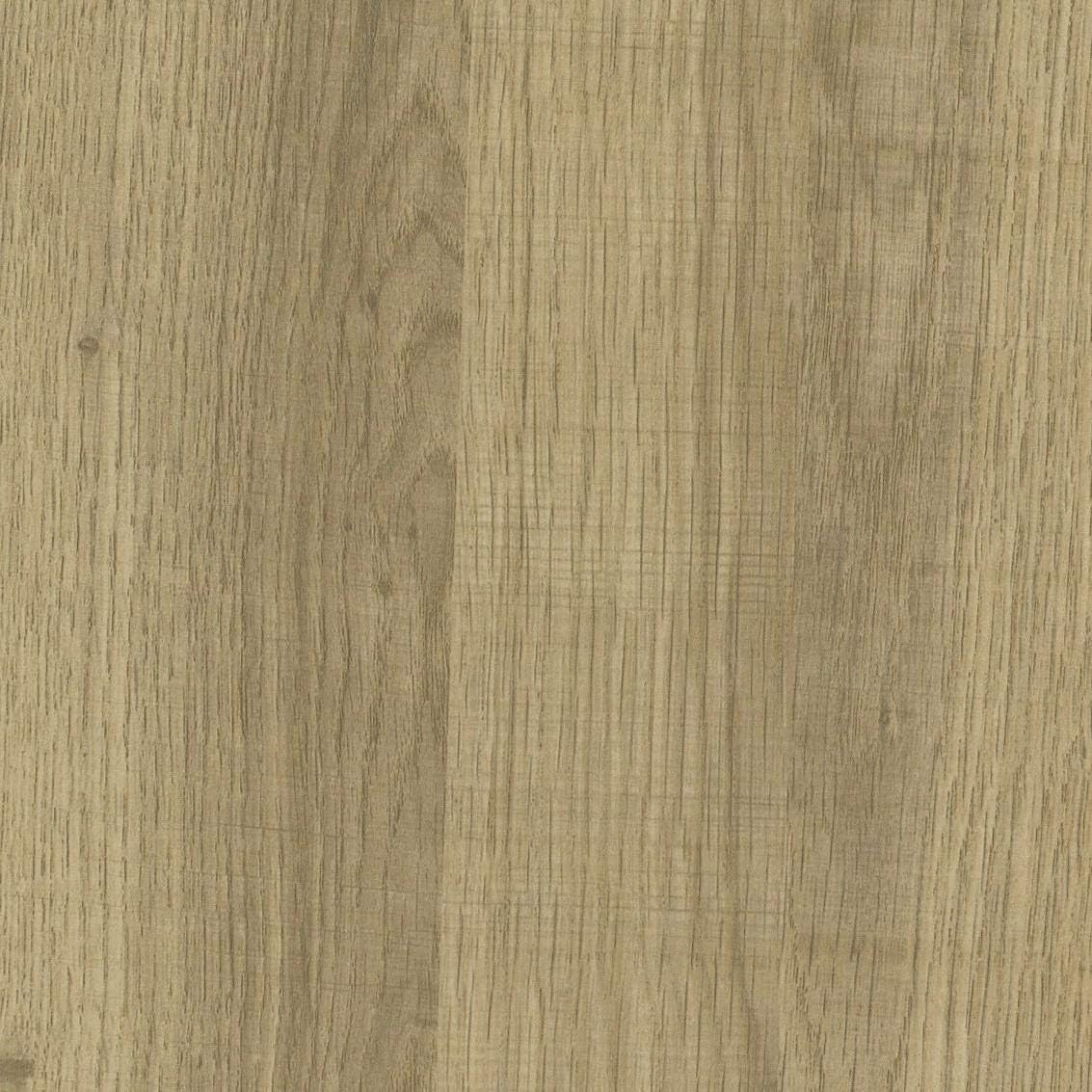
Figure 5: Detail of the Golden Oak finish, showcasing the wood grain effect.
7. Troubleshooting
If you encounter issues during assembly or use, consider the following:
- Missing Parts: Double-check the packaging and compare with the included parts list. Contact customer support if parts are genuinely missing.
- Unstable Stand: Ensure all screws and fasteners are securely tightened. Verify that the stand is on a level surface.
- Difficulty with Assembly: Review the assembly video and written instructions carefully. Sometimes, a small detail can be overlooked. Ensure components are oriented correctly.
- Damaged Components: If any components arrived damaged, do not proceed with assembly. Contact customer support for replacement parts.
8. Specifications
| Feature | Detail |
|---|---|
| Brand | Ameriwood Home |
| Model Number | 1857885COM |
| Material | Wood (Laminated Particleboard), Metal (Powder Coated) |
| Color | Golden Oak |
| Product Dimensions (H x W x D) | 19.2" x 69.53" x 19.7" (48.77 cm x 176.66 cm x 50.04 cm) |
| Item Weight | 86.4 lbs (39.19 kg) |
| Number of Shelves | 6 (1 adjustable) |
| Max TV Size | Up to 75 inches |
| Max TV Weight Capacity | 145 lbs (65.7 kg) |
| Max Shelf Weight Capacity | 25 lbs (11.3 kg) per shelf |
| Assembly Required | Yes |
| GTIN/UPC | 029986185709 |
9. Warranty and Support
For warranty information or assistance with your Ameriwood Home Brookspoint TV Stand, please contact Ameriwood Home customer support. Details regarding specific warranty periods and terms are typically provided with your purchase documentation. If you have questions about assembly, missing parts, or product functionality, please reach out to the manufacturer directly.
Manufacturer: Ameriwood Industries


