
Nikon D3500 W/ AF-P DX NIKKOR 18-55mm f/3.5-5.6G VR
Nikon D3500 DSLR Camera User Manual
Model: D3500 W/ AF-P DX NIKKOR 18-55mm f/3.5-5.6G VR
Brand: Nikon
1. Introduction
This manual provides detailed instructions for the setup, operation, and maintenance of your Nikon D3500 DSLR camera. Designed for both beginners and experienced photographers, the D3500 offers exceptional image quality and user-friendly features to capture your best moments.
The Nikon D3500 is an easy-to-use DSLR that captures beautiful photos and videos. It features a comfortable design, a large image sensor, and seamless connectivity with compatible smartphones.

Figure 1.1: Front view of the Nikon D3500 DSLR camera with the AF-P DX NIKKOR 18-55mm f/3.5-5.6G VR lens attached.
2. What's in the Box
Upon unboxing your Nikon D3500, please ensure all the following components are present:
- Nikon D3500 Camera Body
- AF-P DX NIKKOR 18-55mm f/3.5-5.6G VR Lens
- Rechargeable Li-ion Battery EN-EL14a
- Battery Charger
- Strap
- Body Cap
- Eyepiece Cap
- Rubber Eyecup
3. Setup
3.1. Attaching the Lens
Align the white mounting mark on the lens with the white mounting mark on the camera body. Rotate the lens counter-clockwise until it clicks into place. Ensure the lens is securely attached before use.
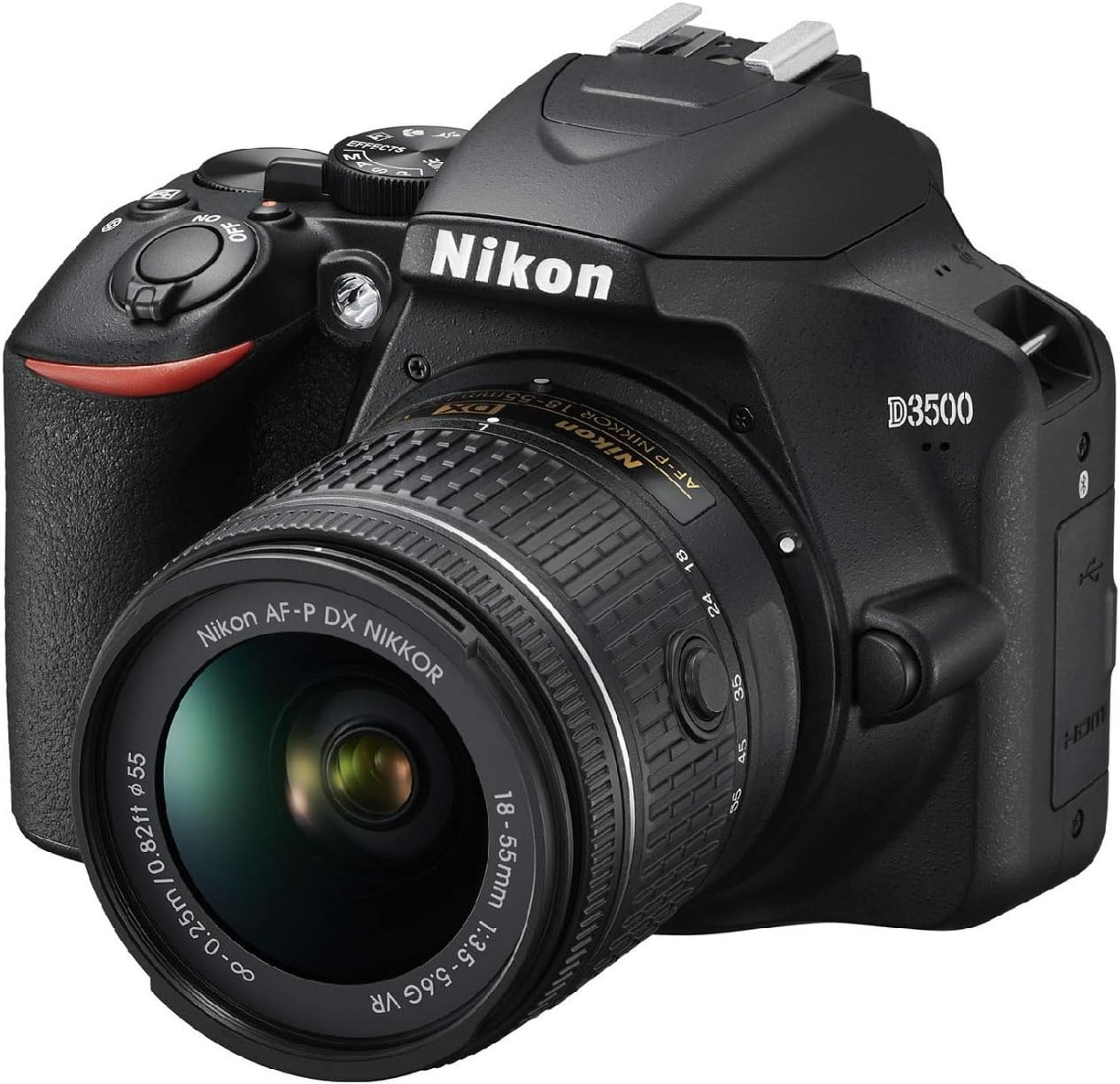
Figure 3.1: Angled view of the Nikon D3500, highlighting the lens attachment.
3.2. Inserting the Battery and Memory Card
Open the battery chamber cover on the bottom of the camera. Insert the EN-EL14a battery with the orange contact facing the camera's contacts. Close the cover. Open the memory card slot cover on the side of the camera and insert a compatible SDXC memory card until it clicks. Close the cover.
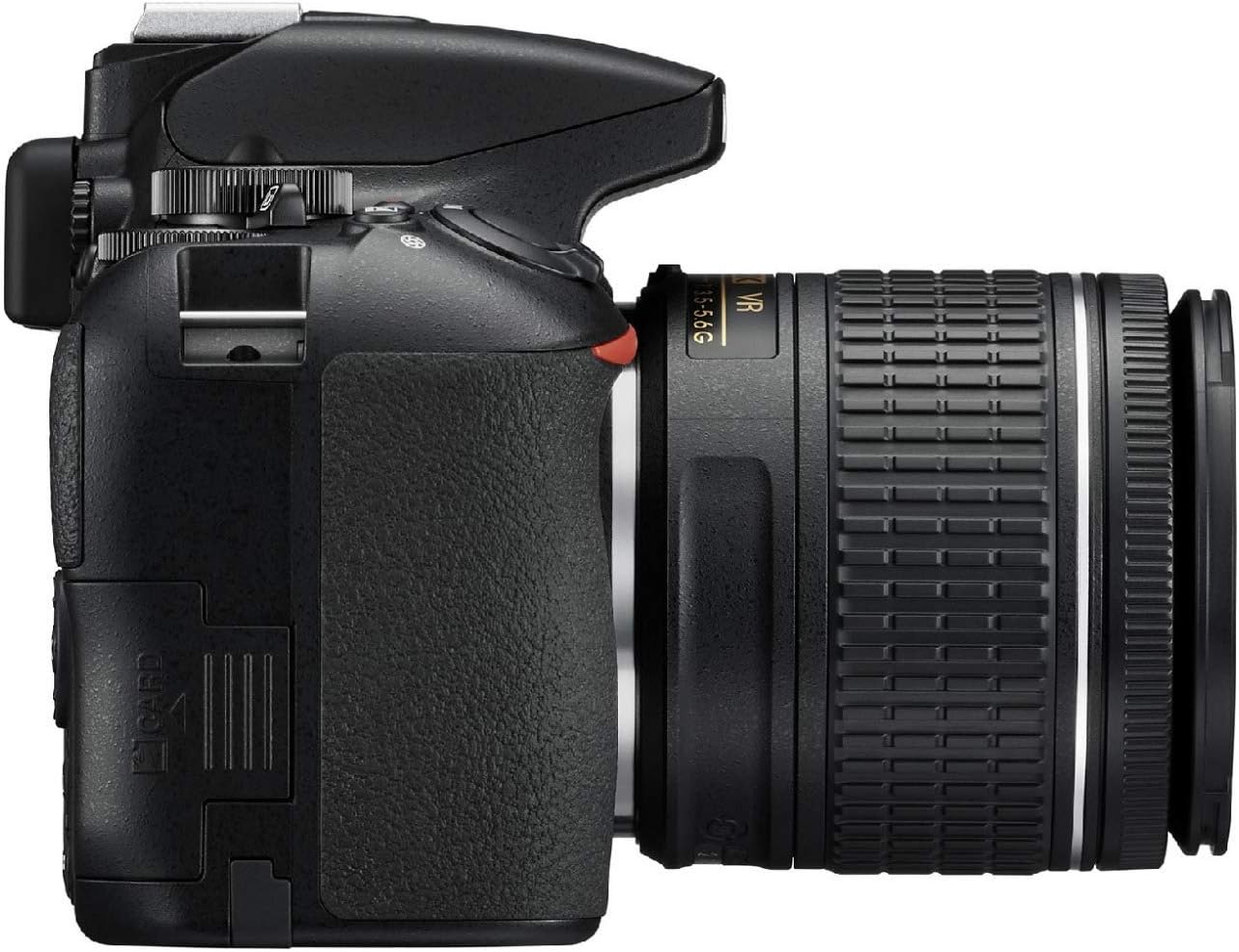
Figure 3.2: Side view of the Nikon D3500, illustrating the memory card slot location.
3.3. Initial Power On
Turn the power switch to 'ON'. The camera will prompt you to set the date and time. Follow the on-screen instructions to complete the initial setup.
4. Operating the Camera
4.1. Basic Operation and Ergonomics
The D3500 features a redesigned body that is compact, comfortable, and durable, making it ideal for travel and everyday use. Its intuitive button layout on the right side allows for easy one-handed operation without changing your grip.
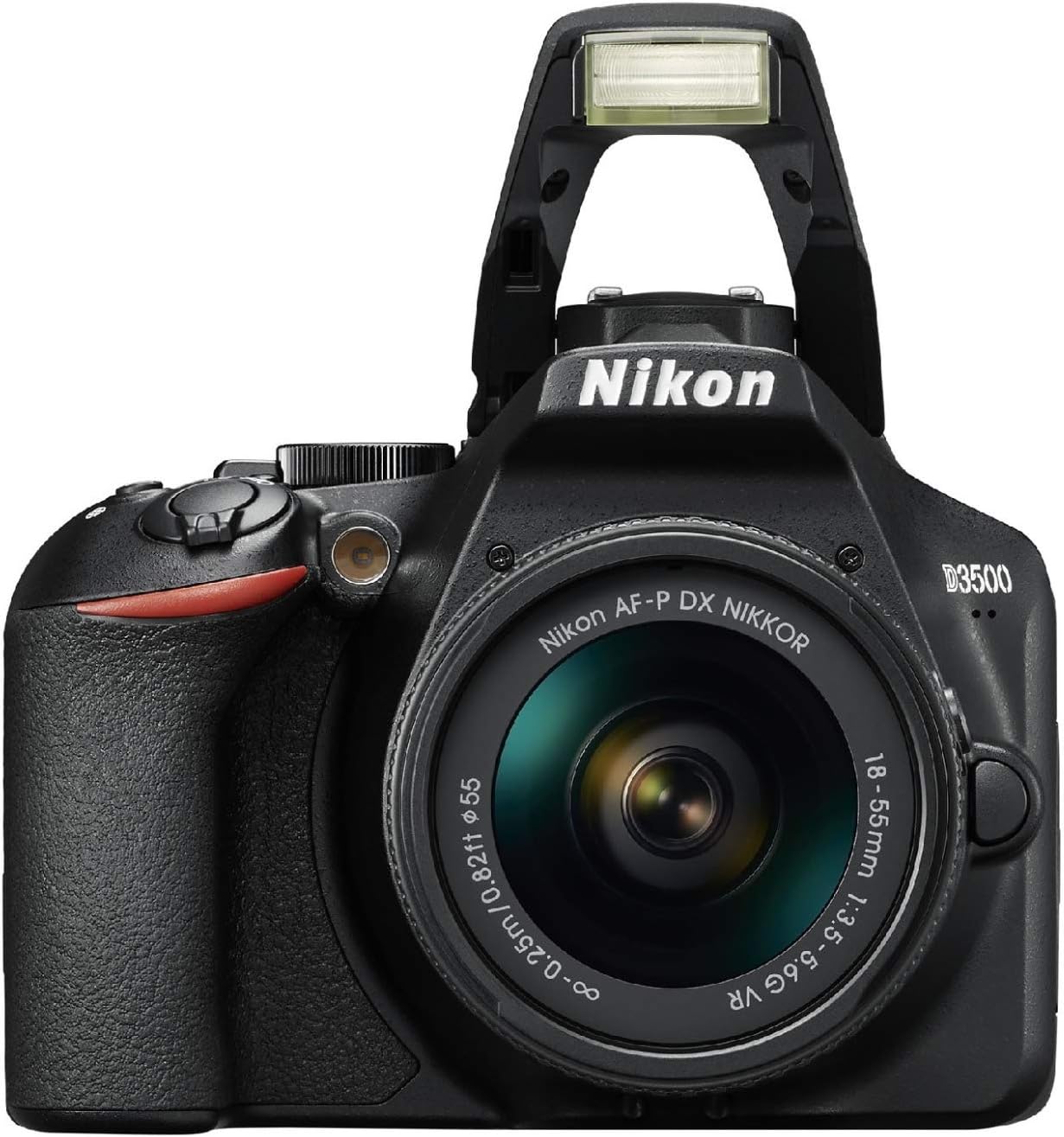
Figure 4.1: Top view of the Nikon D3500, showing the mode dial and other controls.
Video 4.1: "D3500 First Impressions" - This video provides an overview of the camera's comfortable design and improved handling, demonstrating its portability and ease of use.
4.2. Image Quality
Equipped with a 24.2 MP DX-format CMOS sensor, the D3500 delivers sharp, clear pictures with vibrant colors. The large sensor is 15 times larger than those found in typical smartphones, providing superior detail and performance, especially in low-light conditions. The camera supports an expanded ISO range of 100-25600, allowing for beautiful images even in challenging lighting.
Video 4.2: "D3500 Product Tour" - This video highlights the camera's high image quality and performance in various lighting conditions, showcasing the capabilities of its large sensor and wide ISO range.
4.3. Autofocus and Continuous Shooting
The D3500 features an 11-point autofocus system with modes like dynamic tracking and 3D tracking, ensuring sharp focus on your subjects. Combined with a continuous shooting speed of 5 frames per second (fps), it is well-suited for capturing fast-moving subjects, making it a capable sport shooter.
4.4. Special Effects and Guide Mode
Explore your creativity with the D3500's built-in special effects modes, including Night Vision, Super Vivid, Pop, Photo Illustration, Toy Camera Effect, Miniature Effect, Selective Color, Silhouette, High Key, and Low Key. For new users, the intuitive Guide Mode helps you learn about photography by providing step-by-step instructions on how to achieve various effects and adjust settings like aperture and shutter speed.
4.5. Video Recording
Record stunning 1080p Full HD videos with monaural sound at the touch of a button. Activate Live View mode and press the record button to capture high-definition footage. The camera supports MP4 video capture format.
Video 4.3: "First Look D3500" - This video demonstrates the camera's video recording capabilities and how to capture high-quality footage.
4.6. Connectivity (SnapBridge)
The D3500 works seamlessly with Nikon’s SnapBridge app (Bluetooth version 4.1) for sharing photos with a compatible smartphone or tablet. You can use your smart device as a remote trigger and automatically transfer 2-megapixel files from the camera to your phone for instant sharing on social media platforms.
4.7. Battery Life
Enjoy extended shooting sessions with the D3500's impressive battery life. The camera is designed for efficiency, providing up to 1200 shots on a single charge of the Lithium Ion battery (EN-EL14a).
5. Maintenance
To ensure the longevity and optimal performance of your Nikon D3500, follow these maintenance guidelines:
- Cleaning: Use a soft, lint-free cloth to clean the camera body. For the lens, use a specialized lens cleaning solution and cloth. Avoid touching the sensor directly.
- Storage: Store the camera in a dry, cool place away from direct sunlight and extreme temperatures. Use a desiccant pack to prevent moisture buildup.
- Battery Care: Fully charge the battery before use. If storing for extended periods, charge it every six months to maintain battery health.
- Firmware Updates: Periodically check the Nikon website for firmware updates to ensure your camera has the latest features and bug fixes.
6. Troubleshooting
If you encounter any issues with your Nikon D3500, refer to the following common troubleshooting tips:
- Camera not turning on: Ensure the battery is fully charged and correctly inserted. Check if the memory card is properly seated.
- Images are blurry: Verify that the lens is clean and properly attached. Check your focus mode and ensure sufficient lighting.
- Memory card error: Reinsert the memory card. If the issue persists, try a different compatible memory card. Ensure the card is not locked.
- Connectivity issues with SnapBridge: Ensure Bluetooth is enabled on both the camera and your smart device. Restart both devices and try reconnecting.
For more complex issues, consult the full user manual available on the Nikon support website or contact Nikon customer support.
7. Specifications
| Feature | Detail |
|---|---|
| Model Name | D3500 W/ AF-P DX NIKKOR 18-55mm f/3.5-5.6G VR |
| Model Number | 1590 |
| Effective Still Resolution | 24.2 MP |
| Photo Sensor Technology | CMOS |
| Expanded ISO Range | 100-25600 |
| Continuous Shooting | 5 fps |
| Autofocus Points | 11 |
| Video Resolution | FHD 1080p |
| Video Capture Format | MP4 |
| Wireless Technology | Bluetooth |
| Battery Type | Lithium Ion (EN-EL14a) |
| Item Weight | 13.76 ounces |
| Screen Size | 3 Inches |
| Supported File Format | JPEG, Raw |
8. Warranty & Support
For detailed warranty information and customer support, please refer to the official Nikon website. The manufacturer's website provides comprehensive resources, including downloadable manuals, FAQs, and contact information for technical assistance.
Visit the Nikon Store on Amazon for additional product information and accessories.
Related documentsD3500 W/ AF-P DX NIKKOR 18-55mm f/3.5-5.6G VR


Ask a question about this manual
Ask about setup, troubleshooting, compatibility, parts, safety, or missing instructions. Manuals+ will review the question and use this page’s manual context to help answer it.