
Silverlit 360 Cross Verte (B07GVLZCSW)
Silverlit Exost 360 Cross Remote-Controlled Car User Manual
Model: 360 Cross Verte (B07GVLZCSW)
Brand: Silverlit
1. Important Safety Information
WARNING: Not suitable for children under 36 months. To be used under adult supervision.
Always read and follow all instructions before use. Keep this manual for future reference.
2. Product Overview
The Silverlit Exost 360 Cross is a high-performance remote-controlled car designed for incredible acrobatics and all-terrain driving. Its unique two-sided driving system allows it to flip and continue driving after impacts, ensuring continuous fun.
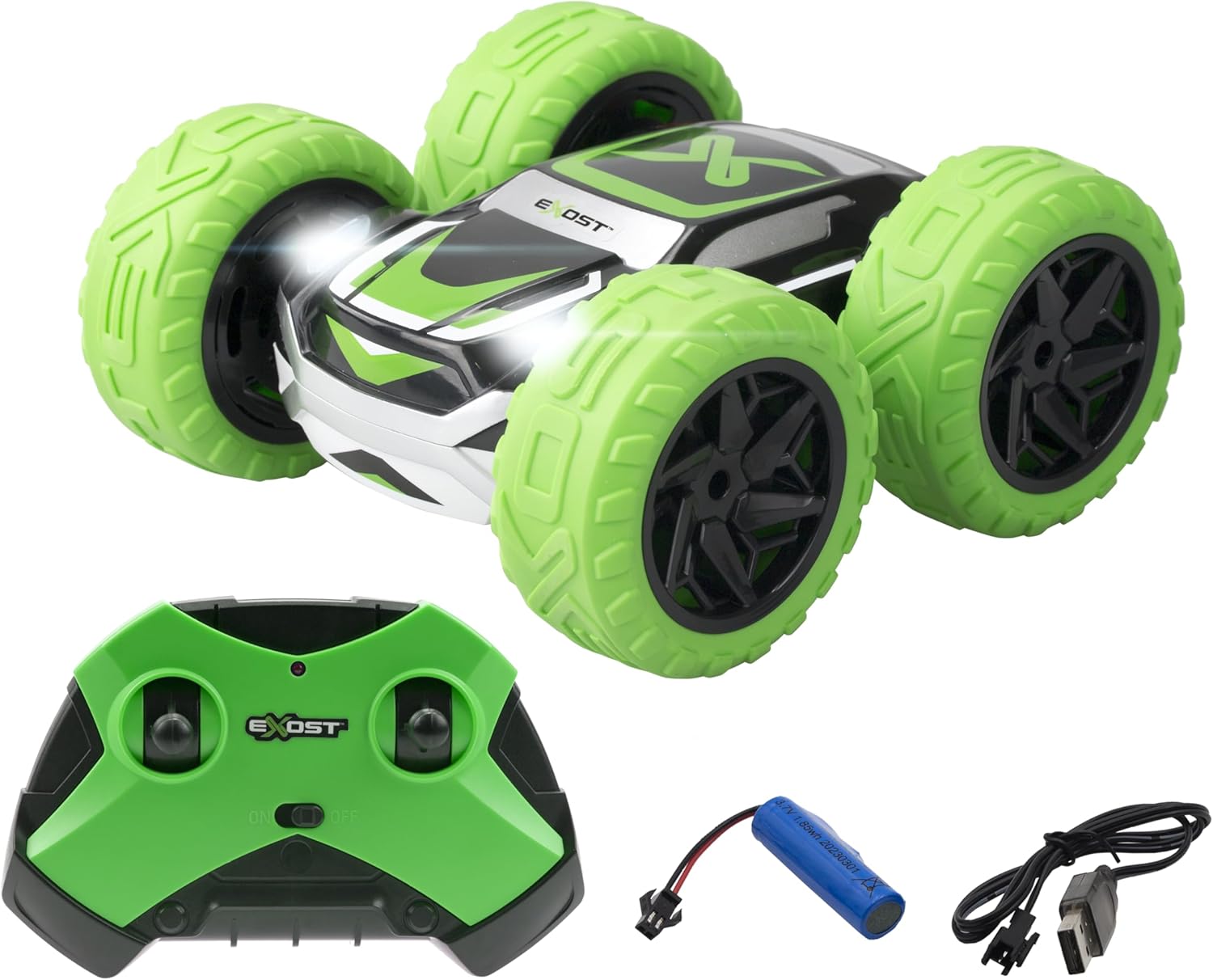
Image: The Exost 360 Cross car in green and black, shown with its matching green remote control, rechargeable battery, and USB charging cable.
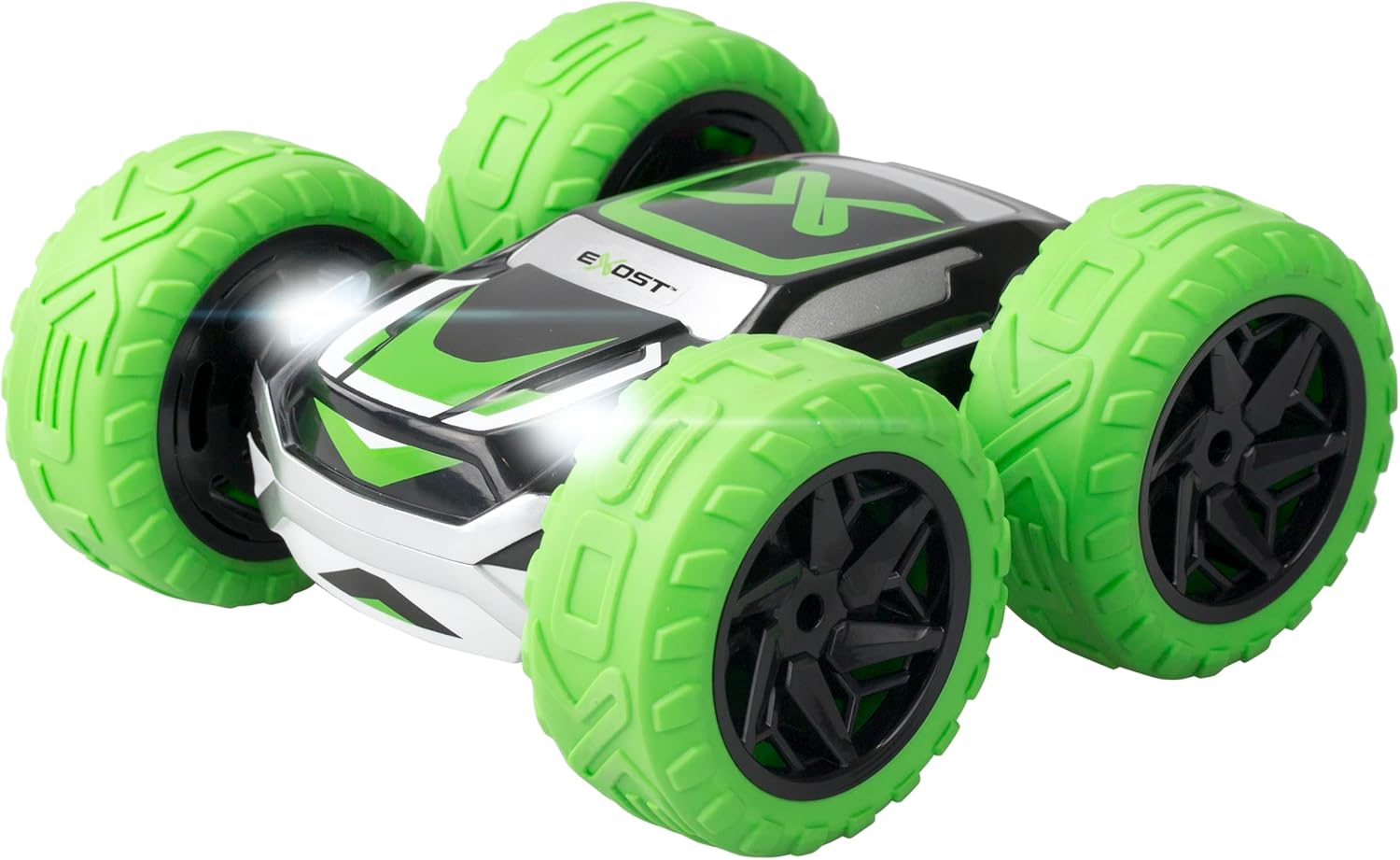
Image: A close-up front view of the Exost 360 Cross car, highlighting its bright green wheels and LED headlights.

Image: Top-down view of the Exost 360 Cross car, showing its black and green design on one side, with "EXOST" branding visible.
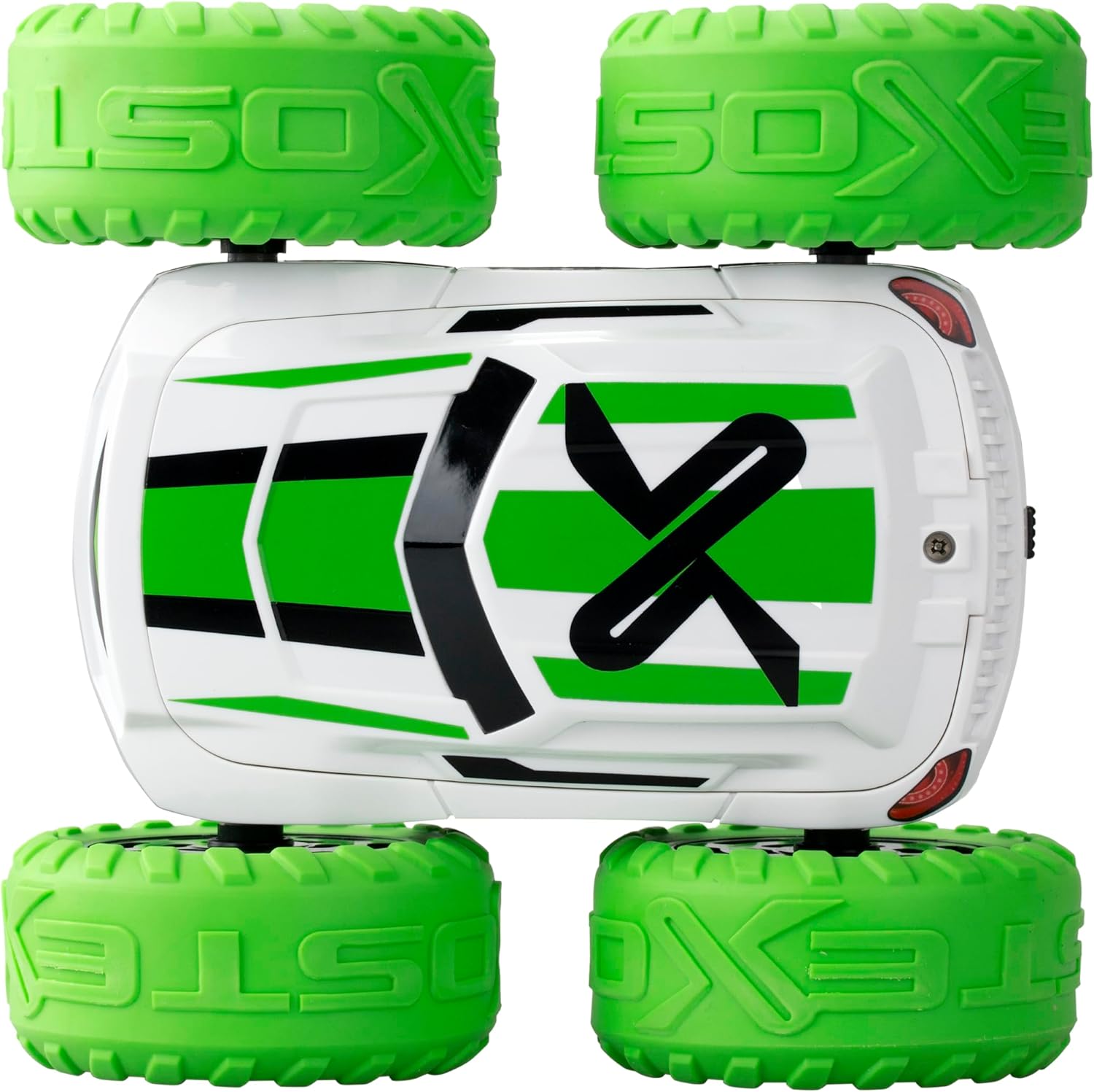
Image: Top-down view of the Exost 360 Cross car, showing its white and green design on the opposite side, demonstrating its two-sided driving capability.
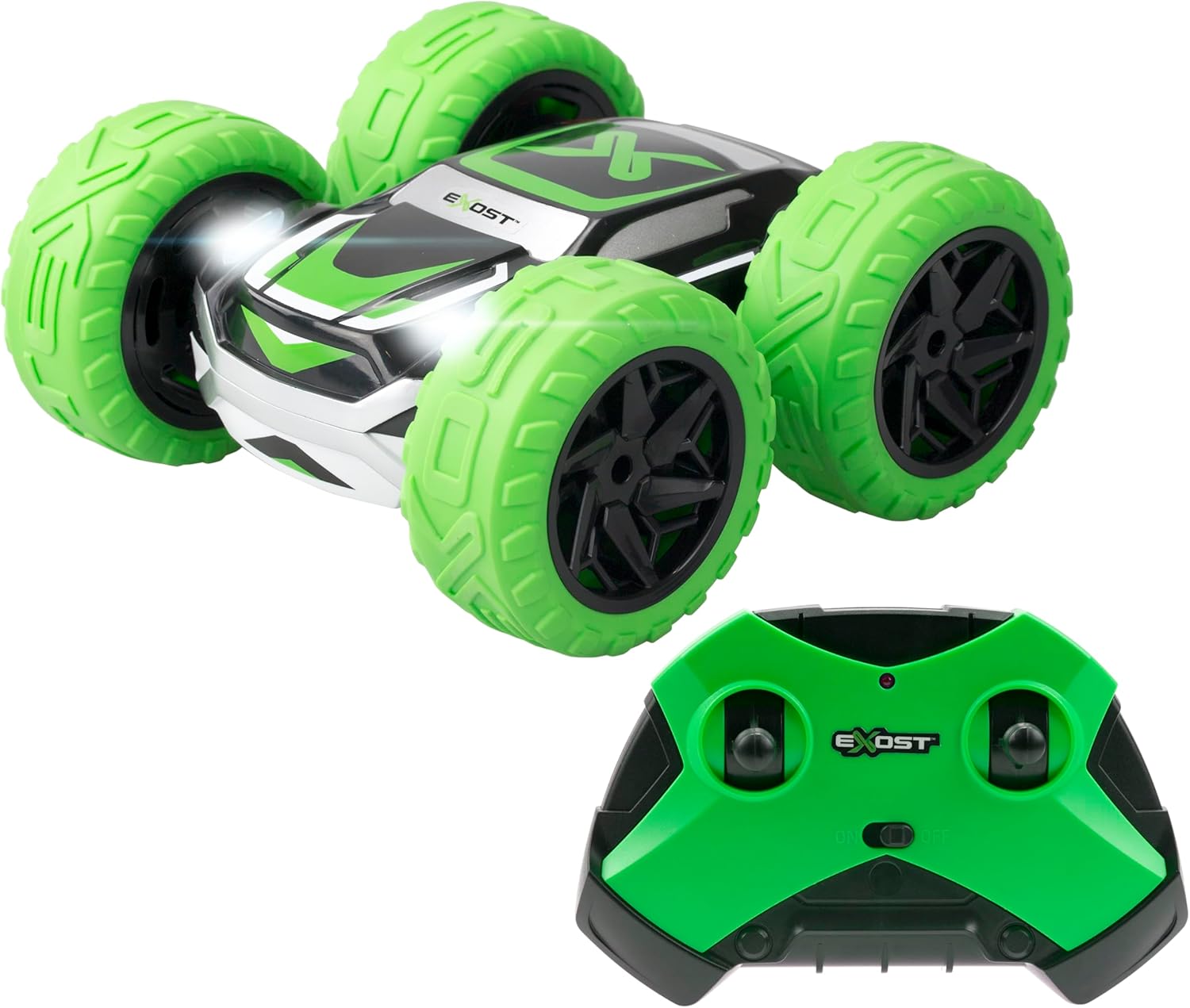
Image: A close-up of the green remote control for the Exost 360 Cross, showing its dual joysticks and power switch.
Key Features:
- 360° Flip Function: Performs incredible acrobatics and flips to continue driving after impacts.
- Shockproof & All-Terrain: Equipped with puncture-proof tires designed to absorb shocks, suitable for various terrains including dirt, grass, and asphalt (not for water).
- Lightweight & Agile: Achieves speeds of up to 12km/h, offering excellent maneuverability for stunts.
- 2.4GHz Technology: Allows multiple cars to be played simultaneously for racing, suitable for both indoor and outdoor use.
- Rechargeable Battery: Includes a rechargeable battery via USB cable for the car. Remote control requires 2 AA batteries (not included).
3. Setup
3.1. Battery Installation (Remote Control)
- Locate the battery compartment on the back of the remote control.
- Use a screwdriver to open the battery compartment cover.
- Insert 2 new AA batteries, ensuring correct polarity (+/-).
- Replace the battery compartment cover and secure it with the screw.
3.2. Charging the Car Battery
- Locate the battery compartment on the car. This may require unscrewing a cover.
- Connect the car's rechargeable battery to the provided USB charging cable.
- Plug the USB cable into a standard USB power source (e.g., computer USB port, USB wall adapter).
- The charging indicator light on the USB cable will show the charging status. Charging time is approximately 2 hours for up to 25 minutes of play.
- Once fully charged, disconnect the battery from the USB cable and install it back into the car, securing the cover.
3.3. Pairing the Car and Remote Control
The 2.4GHz technology typically allows for automatic pairing. Follow these steps:
- Ensure both the car and the remote control have fresh or fully charged batteries.
- Turn on the car using its power switch.
- Turn on the remote control using its power switch.
- The car and remote control should automatically pair. If not, turn both off and on again.
4. Operating Instructions
4.1. Remote Control Functions
The remote control features two joysticks for precise control:
- Left Joystick: Controls forward and backward movement.
- Right Joystick: Controls left and right steering.
4.2. Driving the 360 Cross
- Forward/Backward: Push the left joystick forward to move the car forward, pull it back to move backward.
- Turning: While moving forward or backward, push the right joystick left or right to steer.
- 360° Spins: Push one joystick forward and the other backward simultaneously to perform rapid 360-degree spins.
- Two-Sided Driving: The car is designed to flip over upon impact and continue driving on its other side. No need to manually reorient the car.
- LED Headlights: The car features integrated LED headlights that illuminate during operation.
Practice in an open area to get accustomed to the controls and master the car's unique acrobatic capabilities.
5. Maintenance
- Cleaning: Use a soft, dry cloth to clean the car and remote control. Do not use water or chemical cleaners.
- Storage: When not in use, store the car and remote control in a cool, dry place, away from direct sunlight. Remove batteries from the remote control if storing for extended periods.
- Battery Care: Always fully charge the car's battery before storage and recharge periodically if not used for a long time to maintain battery health.
6. Troubleshooting
| Problem | Possible Cause | Solution |
|---|---|---|
| Car does not respond to remote control. |
|
|
| Short play time. |
|
|
| Car moves slowly or erratically. |
|
|
7. Specifications
| Feature | Detail |
|---|---|
| Product Dimensions | 15(L) X 14.5(D) X 7.5(H) cm |
| Max Speed | 12 km/h |
| Control Range | Up to 25 meters |
| Play Time | Approx. 25 minutes |
| Car Battery | Rechargeable (USB cable included) |
| Remote Control Battery | 2 x AA (not included) |
| Frequency | 2.4 GHz |
| Recommended Age | 5+ years |
| Manufacturer | Silverlit |
| Country of Origin | China |
8. Warranty and Support
This product is covered by a standard manufacturer's warranty against defects in materials and workmanship. For warranty claims or technical support, please contact Silverlit customer service through their official website or the retailer where the product was purchased.
Please retain your proof of purchase for warranty purposes.
Related documents360 Cross Verte (B07GVLZCSW)


Ask a question about this manual
Ask about setup, troubleshooting, compatibility, parts, safety, or missing instructions. Manuals+ will review the question and use this page’s manual context to help answer it.