
Bose 789564-0030
Bose QuietComfort 35 (Series II) Wireless Headphones User Manual
Model: 789564-0030
Brand: Bose
Introduction
The Bose QuietComfort 35 wireless headphones II are designed to provide an enhanced listening experience by minimizing external distractions through world-class noise cancellation. These headphones offer balanced audio performance at any volume and feature a noise-rejecting dual-microphone system for clear communication. They are also Alexa-enabled for convenient voice control.
This manual provides essential information for setting up, operating, maintaining, and troubleshooting your QuietComfort 35 (Series II) headphones.
Package Contents
Upon unboxing, please ensure all the following items are present:
- Bose QuietComfort 35 (Series II) Wireless Headphones
- Carrying Case
- 12-inch USB Charging Cable
- 42-inch Audio Cable (for wired listening without battery power)

Figure 1: Included components of the Bose QuietComfort 35 (Series II) headphones.
Setup
1. Charging the Headphones
Before initial use, fully charge your headphones. Locate the Micro USB port on the bottom of the right earcup. Connect the provided USB charging cable to the headphones and a USB power source. A full charge provides up to 20 hours of wireless listening.
2. Powering On/Off
To power on, slide the Power/Bluetooth switch on the right earcup to the 'On' position. To power off, slide the switch to the 'Off' position.
3. Bluetooth Pairing
Your headphones offer hassle-free Bluetooth pairing. To enter pairing mode, slide the Power/Bluetooth switch to the Bluetooth symbol and hold until the indicator light blinks blue. Then, select "Bose QC35 II" from your device's Bluetooth settings. The headphones can connect to two devices simultaneously and remember up to eight devices.
4. Bose Connect App
For personalized settings, access to future updates, and enhanced control, download the Bose Connect app from your device's app store. The app allows you to manage Bluetooth connections, adjust noise cancellation levels, and customize the Action button.
Operating Your Headphones
Controls Overview
The headphones feature intuitive controls for managing audio and calls:
- Multi-function Button (Right Earcup): Press once to play/pause audio or answer/end calls. Press twice to skip forward. Press three times to skip backward.
- Volume Buttons (Right Earcup): Use the '+' and '-' buttons to adjust the volume.
- Action Button (Left Earcup): This button can be programmed via the Bose Connect app. By default, it allows you to cycle through three levels of noise cancellation (High, Low, Off) or activate your device's voice assistant (e.g., Alexa, Google Assistant).

Figure 2: Right earcup with power, Bluetooth, multi-function, and volume controls.
Noise Cancellation
The QuietComfort 35 II headphones feature world-class active noise cancellation. Use the Action button (or the Bose Connect app) to select your preferred level of noise cancellation. This feature significantly reduces ambient noise, allowing for a more immersive audio experience or quiet concentration.
Audio Quality
Experience balanced audio performance at any volume level, ensuring clear highs, rich mids, and deep bass. The over-ear design and soft ear cushions provide passive noise isolation even when active noise cancellation is off.
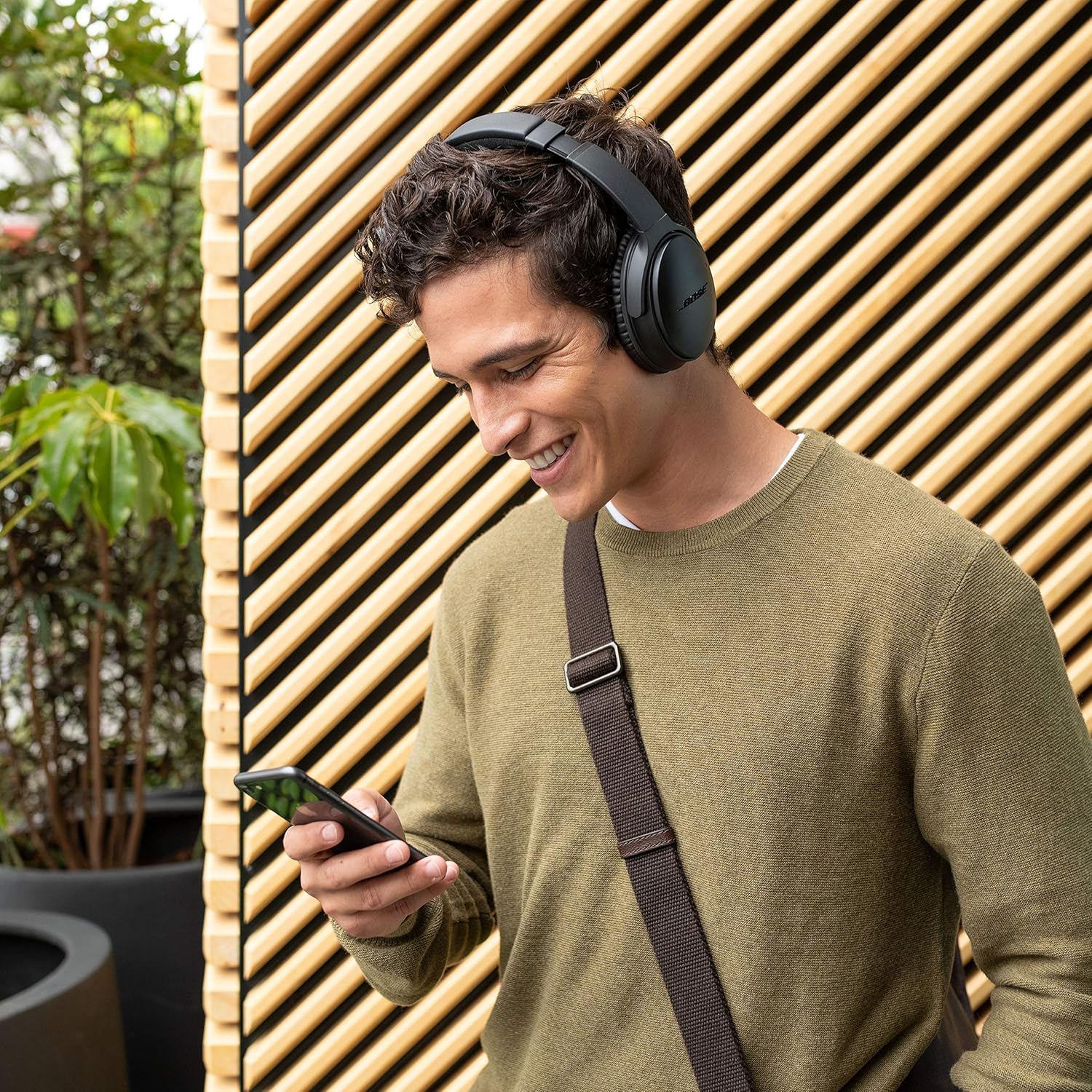
Figure 3: User enjoying audio with Bose QuietComfort 35 II headphones.

Figure 4: Headphones providing a focused environment for work.
Maintenance
Cleaning
Wipe the headphones with a soft, dry cloth. Do not use any sprays or solvents. Ensure the charging port and audio jack are free from dust and debris.
Storage
When not in use, store the headphones in their provided carrying case to protect them from dust, scratches, and impacts. The earcups fold inward for compact storage.

Figure 5: The durable design supports various environments.
Troubleshooting
If you encounter issues with your Bose QuietComfort 35 (Series II) headphones, please refer to the following common solutions:
| Problem | Possible Solution |
|---|---|
| Headphones not powering on | Ensure the battery is charged. Connect to a power source using the USB cable. |
| Cannot pair via Bluetooth | Make sure the headphones are in pairing mode (blinking blue light). Check your device's Bluetooth settings and ensure it's discoverable. Try forgetting the device on your phone and re-pairing. Ensure the latest firmware is installed via the Bose Connect app. |
| No audio or low volume | Check headphone and device volume levels. Ensure the headphones are correctly paired. If using the audio cable, ensure it is fully inserted into both the headphones and the audio source. |
| Noise cancellation not working effectively | Adjust noise cancellation levels using the Action button or Bose Connect app. Ensure earcups are properly sealed around your ears. |
For more detailed troubleshooting or persistent issues, please consult the official Bose support resources.
Specifications
- Model Name: Quietcomfort 35 II
- Connectivity Technology: Bluetooth, NFC
- Headphones Jack: 2.5 mm Jack
- Noise Control: Active Noise Cancellation (3 levels)
- Battery Life: Up to 20 Hours
- Frequency Range: 20 Hz - 20,000 Hz
- Item Weight: 0.23 Kilograms (8.2 ounces)
- Product Dimensions: 3.2 x 6.7 x 7.1 inches
- Material: Plastic
- Control Type: Voice Control (Alexa-enabled)
- Compatible Devices: Smartphones, Tablets, Smart Speakers, Laptops, Desktops, Gaming Consoles
Warranty and Support
Bose products are designed for durability and performance. For specific warranty information, please refer to the warranty card included with your product or visit the official Bose website. Keep your proof of purchase for warranty claims.
For further assistance, technical support, or to download the full user manual in PDF format, please visit the Bose Support Website or contact Bose customer service.
A PDF version of the user manual is available for download: User Manual (PDF).
Important Safety Information
Always use your headphones responsibly. Avoid using headphones at high volumes for extended periods to prevent hearing damage. Be aware of your surroundings when using headphones, especially in situations requiring attention (e.g., driving, walking near traffic).
Related documents789564-0030


Ask a question about this manual
Ask about setup, troubleshooting, compatibility, parts, safety, or missing instructions. Manuals+ will review the question and use this page’s manual context to help answer it.