
Introduction
This manual provides instructions for the Zspeed K811 Active Stylus Pen Replacement Magnetic Caps. These caps are designed to replace worn or lost tips for your Zspeed K811 stylus, ensuring continued functionality and precision. The package includes two rubber tip replacement caps and two mesh tip replacement caps.

Image: Overview of the replacement magnetic caps, including both rubber and mesh tip types.
Setup and Installation
The replacement caps are designed for easy installation due to their magnetic adsorption feature. Follow these steps to replace the stylus tip:
- Identify the Tip Type: Determine whether you need to replace a rubber tip or a mesh tip. The package contains both types.
- Remove the Old Cap: Gently pull the existing cap off the stylus. The magnetic connection will release with a slight pull.
- Attach the New Cap: Align the new replacement cap with the end of the Zspeed K811 Active Stylus Pen. The magnetic design will guide the cap into place, securing it firmly.

Image: Illustration of the magnetic adsorption design, showing how the cap attaches to the stylus.

Image: Dimensional diagram of the replacement caps, showing their length and diameter for proper fit.
Operating Instructions
Once the replacement cap is securely attached, your Zspeed K811 Active Stylus Pen is ready for use. The caps are designed to maintain the stylus's performance for various tasks, including drawing, writing, and navigating on compatible touchscreens.
- Rubber Tip: Ideal for precise writing and detailed drawing, offering a smooth glide on the screen.
- Mesh Tip: Suitable for general navigation, scrolling, and broader strokes, providing a durable and responsive interaction.
The stylus with these caps is compatible with a wide range of devices, including Apple, Android, and Windows tablets and smartphones.

Image: The stylus being used on a smartphone, demonstrating its wide compatibility across different device types.
Maintenance
Proper maintenance will extend the lifespan of your replacement caps and ensure optimal performance of your stylus.
- Cleaning: Gently wipe the tips with a soft, dry, lint-free cloth to remove dust or smudges. Do not use abrasive cleaners or solvents.
- Storage: When not in use, store the stylus with a cap attached to protect the tip. Keep spare caps in a clean, dry place to prevent damage or loss.
- Handling: Avoid applying excessive pressure when using the stylus, as this can prematurely wear down the tip.

Image: Close-up of the replacement rubber tips, illustrating their design.
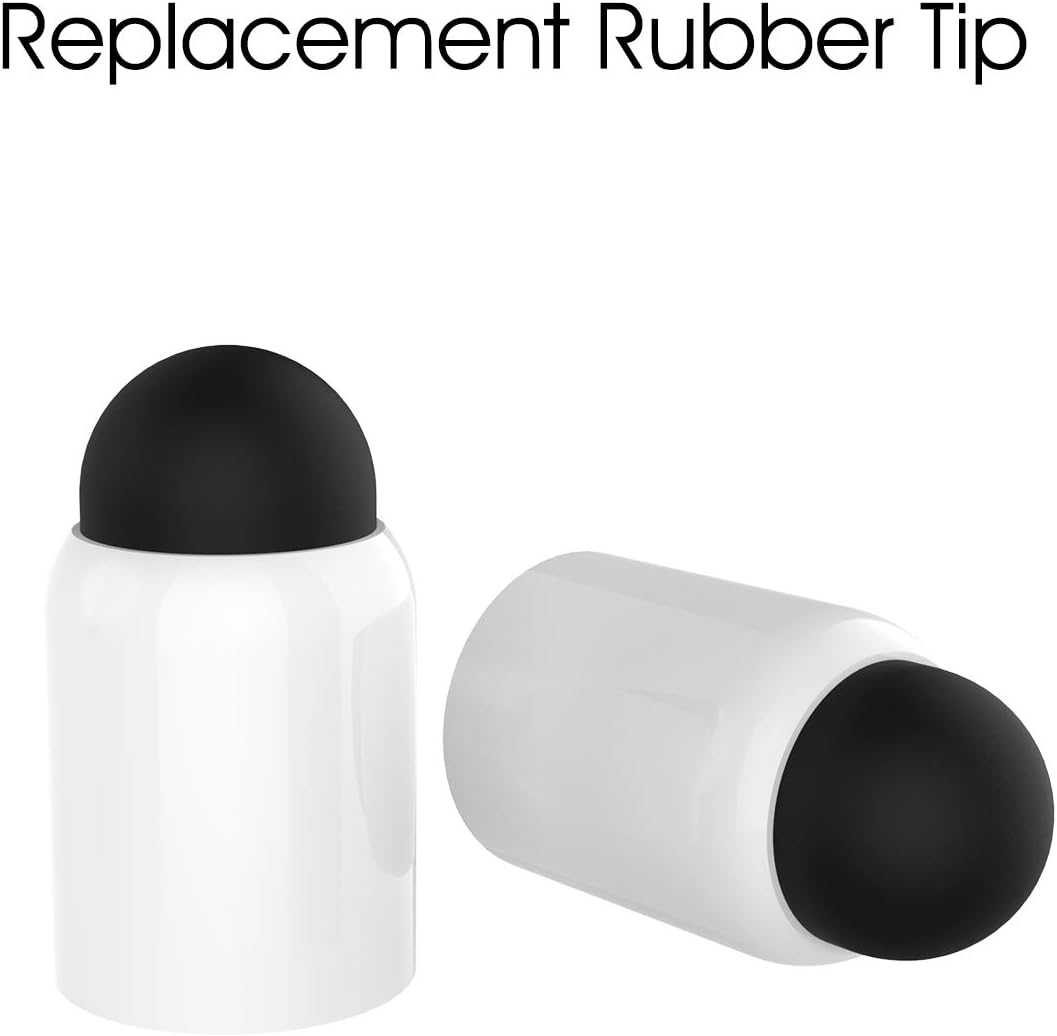
Image: Close-up of the replacement mesh tips, illustrating their woven design.
Troubleshooting
If you encounter issues after replacing the caps, consider the following:
- Cap Does Not Stay On: Ensure the cap is fully seated onto the stylus. The magnetic connection should feel secure. If it still doesn't stay, inspect both the stylus end and the cap for any obstructions or damage.
- Stylus Not Responding: This issue is typically related to the stylus itself, not the cap. Ensure the stylus is charged and properly paired with your device, if applicable. Test with a different cap if available.
- Reduced Responsiveness/Accuracy: The tip might be worn out. Replace the cap with a new one. Ensure your device's screen is clean and free of smudges or debris.
Specifications
| Manufacturer | Zspeed |
|---|---|
| Item Model Number | PT01WT |
| ASIN | B07FXBLDQ2 |
| Parcel Dimensions | 21.59 x 5.08 x 0.76 cm |
| Item Weight | 18 g |
| Package Contents | 2 Rubber Tip Replacement Caps, 2 Mesh Tip Replacement Caps |
Warranty and Support
For information regarding warranty coverage or technical support for your Zspeed K811 Active Stylus Pen Replacement Magnetic Caps, please refer to the original product documentation that came with your Zspeed K811 Active Stylus Pen or visit the official Zspeed website. Contact information for customer support is typically available on the manufacturer's website.