
Ventev 236940
Ventev 10W Qi Wireless Charging Pad Model 236940 User Manual
Comprehensive instructions for your Ventev wireless charging pad.
Introduction
This manual provides detailed instructions for the Ventev 10W Qi Wireless Charging Pad, Model 236940. Please read this manual carefully before using the product to ensure proper operation and to maximize its lifespan. Keep this manual for future reference.
1. Setup
1.1 Package Contents
Verify that all items are present in the package:
- Ventev 10W Qi Wireless Charging Pad
- 5ft USB-A to USB-C Cable
- Qualcomm Quick Charge 3.0 Wall Charger
1.2 Connecting the Charging Pad
- Connect the USB-C end of the provided 5ft USB-A to USB-C cable into the USB-C port on the Ventev Wireless Charging Pad.
- Connect the USB-A end of the cable into the Qualcomm Quick Charge 3.0 Wall Charger.
- Plug the wall charger into a standard electrical outlet.
- The charging pad is now ready for use.

Image 1.1: Ventev 10W Qi Wireless Charging Pad and accessories.

Image 1.2: Fast Wireless Charging features.
2. Operating Instructions
2.1 Charging Your Device
- Ensure the Ventev Wireless Charging Pad is properly connected to a power source as described in the Setup section.
- Place your Qi-compatible smartphone or other device directly onto the center of the charging pad.
- The device should indicate that it is charging. If not, adjust the position of the device on the pad.
- The charging pad supports 10W wireless charging for compatible devices, including Samsung Galaxy phones, and 7.5W for compatible iPhones (iPhone 16-12, iPhone 17).
The charging pad is designed to work with most phone cases. However, very thick cases or cases containing metal may interfere with wireless charging. Remove such cases if charging issues occur.

Image 2.1: Device charging on the pad.
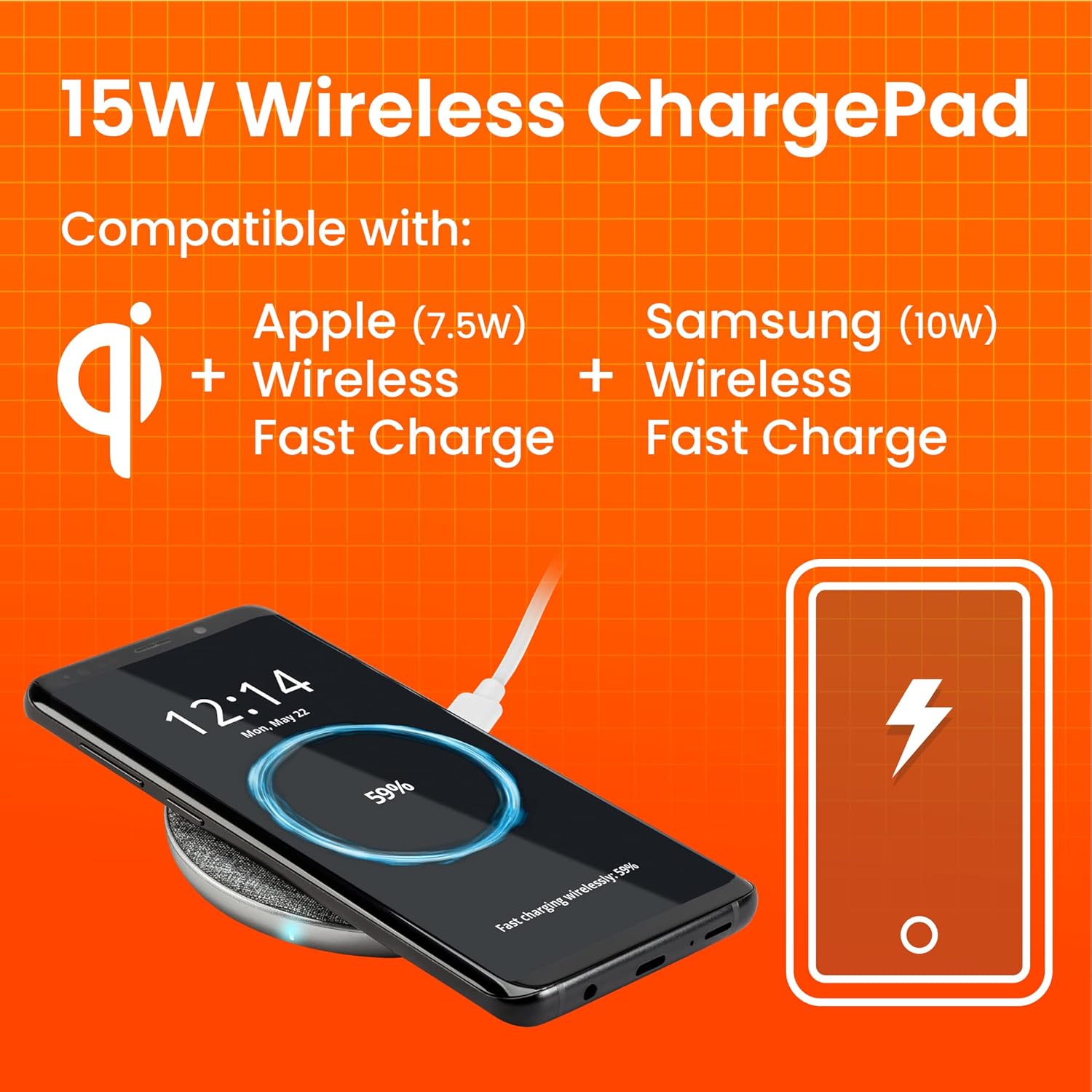
Image 2.2: Compatibility and charging speeds.

Image 2.3: Compatibility with phone cases.
3. Maintenance
To ensure optimal performance and longevity of your Ventev Wireless Charging Pad, follow these simple maintenance guidelines:
- Cleaning: Disconnect the charging pad from the power source before cleaning. Use a soft, dry, lint-free cloth to wipe the surface. Avoid using harsh chemicals, cleaning solvents, or strong detergents.
- Storage: When not in use for extended periods, store the charging pad in a cool, dry place away from direct sunlight and extreme temperatures.
- Handling: Avoid dropping the device or subjecting it to strong impacts. Do not disassemble the charging pad, as this will void the warranty and may cause damage.
4. Troubleshooting
If you encounter issues with your Ventev Wireless Charging Pad, refer to the following common problems and solutions:
| Problem | Possible Cause / Solution |
|---|---|
| Device not charging. |
|
| Slow charging. |
|
| Device vibrates off the pad. |
|
| Charging pad feels warm. | It is normal for the charging pad and your device to become slightly warm during wireless charging. If it becomes excessively hot, disconnect it immediately and contact customer support. |
5. Specifications
| Feature | Detail |
|---|---|
| Model Number | 236940 |
| Brand | Ventev |
| Product Dimensions | 2 x 4 x 8 inches |
| Item Weight | 8.8 ounces |
| Color | Gray |
| Connectivity Technology | Wireless |
| Output Wattage | 10 Watts (Max) |
| Output Amperage | 10 Milliamps (Max) |
| Compatible Devices | Qi-compatible Smartphones (e.g., Samsung Galaxy, iPhone 16-12, iPhone 17, AirPods) |
| Included Components | 5ft USB-A to USB-C cable, Qualcomm Quick Charge 3.0 wall charger |
| Date First Available | July 31, 2018 |
6. Warranty Information
For detailed warranty information regarding your Ventev 10W Qi Wireless Charging Pad, please refer to the warranty card included with your product or visit the official Ventev website. Warranty terms and conditions may vary by region and retailer.
7. Customer Support
If you require further assistance or have questions not covered in this manual, please contact Ventev customer support. You can find contact information on the official Ventev website:
Related documents236940


Ask a question about this manual
Ask about setup, troubleshooting, compatibility, parts, safety, or missing instructions. Manuals+ will review the question and use this page’s manual context to help answer it.