
HALO Bolt 58830 mWh USB Power Bank, Portable Phone, Laptop, Tablet Charger, Mobile Car Emergency Jump Starter
HALO Bolt 58830 ACDC Portable Power Bank User Manual
Model: HALO Bolt 58830 | Brand: HALO
Introduction
The HALO Bolt 58830 ACDC is a versatile portable power solution designed to provide power for various electronic devices and to jump-start vehicles. This compact device features multiple charging outputs, including USB ports and an AC outlet, along with an emergency floodlight. It is engineered for reliability and portability, ensuring you have power when and where you need it.
This manual provides essential information on setting up, operating, and maintaining your HALO Bolt 58830 ACDC to ensure safe and efficient use.
Product Overview & What's Included
Your HALO Bolt 58830 ACDC package includes the following components:
- HALO Bolt ACDC 58830 Portable Power Bank
- Jumper Cables
- DC Car Charging Cable
- USB to Micro USB Cable
- AC Wall Charger
- Carrying Pouch
- Operating Instructions (this manual)
- Quick Start Guide
- Warranty Card

The HALO Bolt 58830 ACDC unit with its included jumper cables.

All components included in the HALO Bolt 58830 ACDC package, neatly arranged.
Setup
Initial Charging of Your HALO Bolt
Before first use, fully charge your HALO Bolt 58830 ACDC. Use the provided AC Wall Charger. Plug the charger into the "INPUT" port on the HALO Bolt and then into a standard wall outlet. The LED indicator lights will illuminate to show the charging progress. All four lights will be solid green when fully charged.
The input port and battery level indicator lights on the HALO Bolt 58830 ACDC.
Operating Instructions
Jump Starting a Vehicle
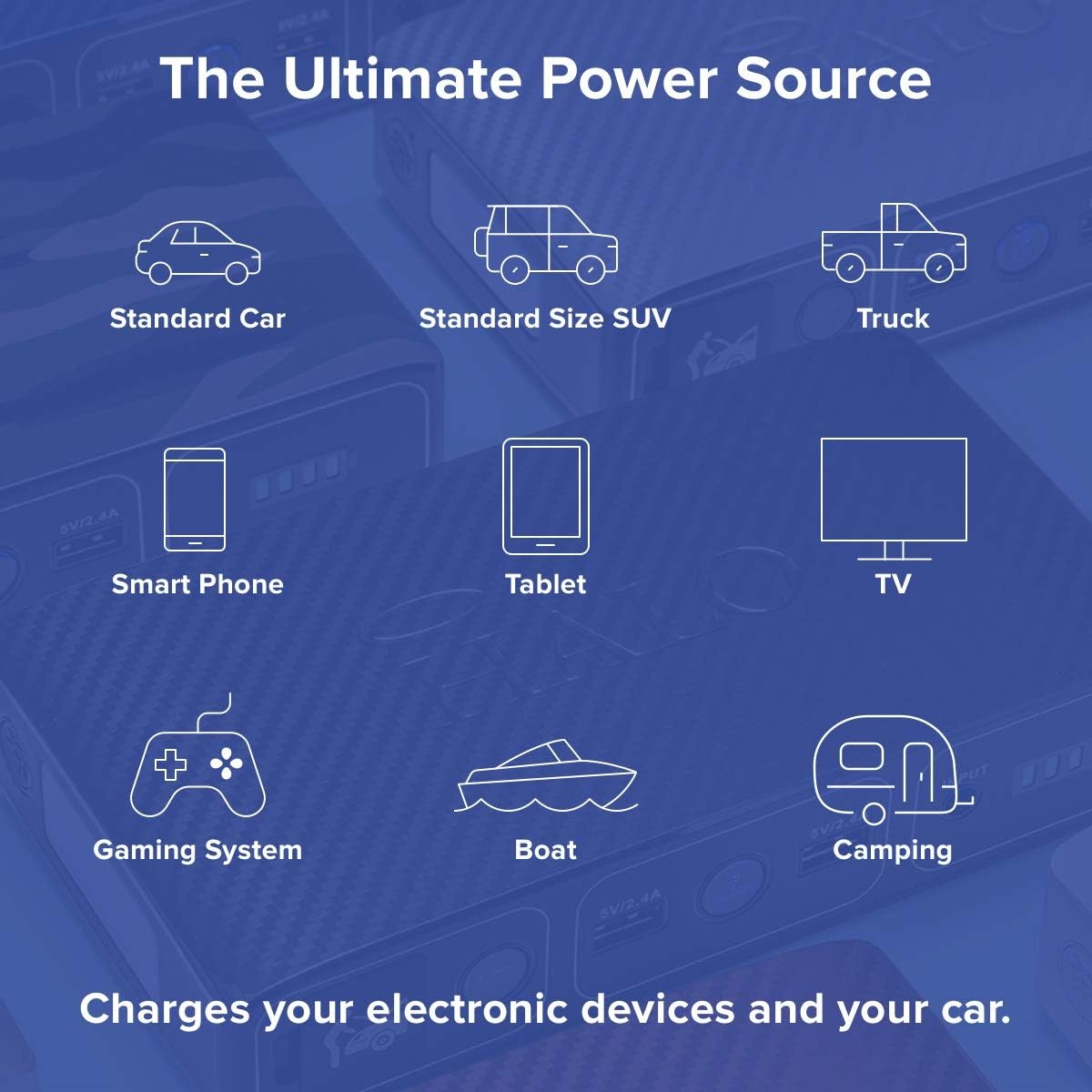
The HALO Bolt 58830 ACDC can jump-start standard cars, SUVs, and trucks. Follow these steps carefully:
- Ensure your HALO Bolt is fully charged.
- Connect the jumper cables to the HALO Bolt's jump-start port.
- Attach the red clamp to the positive (+) terminal of your vehicle's battery.
- Attach the black clamp to a clean, unpainted metal part of your vehicle's engine block or chassis (ground point), away from the battery.
- Press the "Jump Start" button on the HALO Bolt. Wait for a solid green light, indicating a safety check is in process.
- Once the light is solid green, start your vehicle.
- After the vehicle starts, immediately disconnect the jumper cables from the HALO Bolt, then from the vehicle's battery (black clamp first, then red clamp).

The HALO Bolt 58830 ACDC connected to a car battery, ready for jump starting.
Charging Electronic Devices
The HALO Bolt 58830 ACDC can charge a wide range of electronic devices:
- USB Devices: Use the two 5V/2.4A USB charging outputs to power smartphones, tablets, and other USB-powered devices. Simply connect your device's USB cable to the HALO Bolt.
- AC Devices: The 120V AC wall outlet allows you to power laptops, small appliances, and other devices requiring a standard wall plug. Press the AC power button to activate the outlet.

The HALO Bolt 58830 ACDC simultaneously charging a smartphone, tablet, and laptop.
Using the Emergency Floodlight
The HALO Bolt features a built-in LED floodlight for emergency situations or when extra illumination is needed. Press the floodlight power button to turn it on or off.

The HALO Bolt 58830 ACDC with its emergency floodlight activated.
Safety Features
The HALO Bolt 58830 ACDC is equipped with multiple safety features to protect both the device and your vehicle:
- Reverse polarity protection
- Reverse current protection
- Over voltage protection
- Low voltage protection
- Short Circuit protection
- Jumper cable spark protection
- Timer circuit protection
- Auto power off

Visual representation of the automated safety checks integrated into the HALO Bolt.
Maintenance
To ensure the longevity and optimal performance of your HALO Bolt 58830 ACDC:
- Recharge the unit every 3 months when not in use to maintain battery health.
- Store the unit in a cool, dry place away from direct sunlight and extreme temperatures.
- Clean the exterior with a soft, damp cloth. Do not use harsh chemicals or abrasive materials.
- Keep all ports and connections free from dust and debris.
Troubleshooting
If you encounter issues with your HALO Bolt 58830 ACDC, consider the following:
- Unit not turning on: Ensure the unit is charged. Connect it to the AC wall charger and allow it to charge for a few hours.
- Vehicle not jump starting:
- Check that the jumper cables are securely connected to both the HALO Bolt and the vehicle's battery terminals/ground point.
- Ensure the "Jump Start" button is pressed and a solid green light appears.
- Verify that the vehicle's battery terminals are clean and free of corrosion.
- If the red light flashes, check for reverse polarity connection and correct it.
- Devices not charging via USB/AC:
- Ensure the HALO Bolt has sufficient charge.
- Verify that the correct power button (blue for USB, AC button for AC outlet) is activated.
- Check that your device's charging cable is properly connected and functional.
Specifications
| Feature | Detail |
|---|---|
| Brand | HALO |
| Model | Bolt 58830 mWh USB Power Bank |
| Product Dimensions | 3.8"D x 7.2"W x 1.6"H |
| Item Weight | 0.634 ounces |
| Amperage | 1200 Amps |
| AC Output | 120V AC |
| USB Output | 5V/2.4A (x2) |
| Battery Type | Lithium Polymer (1 included) |
| TSA Approved | Yes |
Warranty and Support
The HALO Bolt 58830 ACDC comes with a 90 Day Limited Manufacturer's Warranty. For detailed warranty information or technical support, please refer to the included Warranty Card or visit the official HALO website.
For additional resources, you may also refer to the official User Guide (PDF) available at: User Guide (PDF) and User Manual (PDF) at: User Manual (PDF).
Related Documents - Bolt 58830 mWh USB Power Bank, Portable Phone, Laptop, Tablet Charger, Mobile Car Emergency Jump Starter
 |
HALO Bolt 58830 ACDC Quick Start Guide Get started quickly with the HALO Bolt 58830 ACDC portable power bank. This guide covers jump-starting vehicles, charging laptops and electronic devices, and using the integrated LED floodlight. Features include USB ports, an AC outlet, and a car jump starter function. |
 |
HALO BOLT ACDC 58830 User Manual and Operating Guide Comprehensive guide to operating, charging, and jump-starting vehicles with the HALO BOLT ACDC 58830 portable power station. Includes safety precautions, specifications, and troubleshooting. |
 |
HALO BOLT ACDC 58830 User Manual and Operating Instructions Comprehensive guide to operating and troubleshooting the HALO BOLT ACDC 58830 portable power bank and car jump starter, including safety precautions, charging instructions, and specifications. |
 |
HALO BOLT ULTIMATE: Portable Jump Starter, Power Bank & Air Compressor - Operating Manual Comprehensive operating instructions for the HALO BOLT ULTIMATE. Learn how to jump start vehicles, charge devices, use the air compressor, and understand safety precautions for this versatile portable power solution. |
 |
HALO BOLT ACDC MAX Operating Instructions and User Manual Official operating instructions and user manual for the HALO BOLT ACDC MAX portable power station, covering jump starting, charging devices via USB and AC outlet, safety precautions, troubleshooting, specifications, and warranty information. |
 |
HALO BOLT ACDC MAX Operating Instructions and Safety Guide Comprehensive operating instructions, safety precautions, troubleshooting tips, and specifications for the HALO BOLT ACDC MAX portable power bank and jump starter. |
Ask a question about this manual
Ask about setup, troubleshooting, compatibility, parts, safety, or missing instructions. Manuals+ will review the question and use this page’s manual context to help answer it.