
1. Introduction
Thank you for choosing the RCA RLDEDV4001 40-Inch 1080p Full HD LED TV with Built-In DVD Player. This manual provides essential information for the safe and efficient operation of your television. Please read these instructions thoroughly before using the product and retain them for future reference.
This television combines a high-definition display with an integrated DVD player, offering a versatile entertainment solution. It features multiple input options for connecting various external devices.
2. Important Safety Information
Observe the following safety precautions to prevent damage and ensure safe operation:
- Power Source: Connect the TV only to the specified power supply.
- Ventilation: Ensure adequate ventilation. Do not block ventilation openings.
- Water and Moisture: Do not expose the TV to rain or moisture. Do not place objects filled with liquids on the TV.
- Cleaning: Unplug the TV before cleaning. Use a soft, dry cloth.
- Servicing: Do not attempt to service this product yourself. Refer all servicing to qualified service personnel.
- Placement: Place the TV on a stable, level surface. Avoid placing it in direct sunlight or near heat sources.
3. What's in the Box
Carefully unpack the box and ensure all items are present:
- RCA RLDEDV4001 40-Inch LED TV with Built-In DVD Player
- TV Stand (2 pieces)
- Remote Control
- Power Cord
- User Manual (this document)
- Screws for Stand Installation
4. Setup
4.1 Unpacking
Remove the television and all accessories from the packaging. Retain the packaging materials for future transport or storage.
4.2 Stand Installation
To install the included stand:
- Place the TV face down on a soft, clean surface to prevent screen damage.
- Align each stand piece with the corresponding slots on the bottom of the TV.
- Secure each stand piece using the provided screws. Ensure they are tightened firmly.

4.3 Connecting Peripherals
The RCA RLDEDV4001 offers various input ports for connecting external devices. Refer to the back panel image below for port locations.
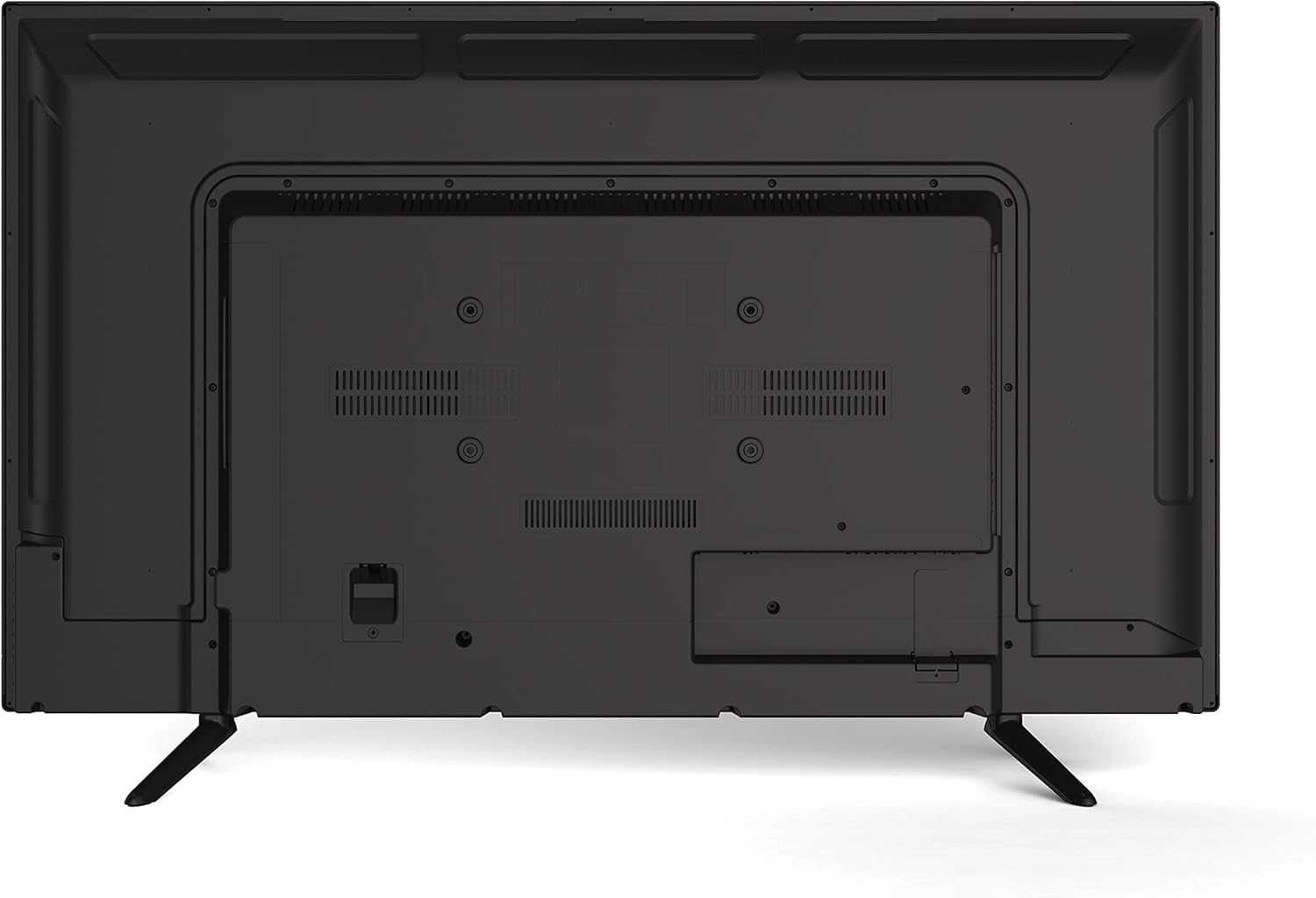
- HDMI (x3): Connect Blu-ray players, game consoles, cable/satellite boxes, or other HDMI-enabled devices.
- VGA: Connect a computer for use as a monitor.
- RF (Antenna/Cable): Connect an antenna for over-the-air broadcasts or a cable TV connection.
- YPBPR (Component Video): Connect devices using component video cables (red, green, blue) for video and separate audio cables (red, white).
- AV (Composite Video): Connect older devices using composite video (yellow) and stereo audio (red, white) cables.
- PC Audio: Audio input for VGA connection.
- Headphone: Connect headphones for private listening.
4.4 Power Connection
After connecting all desired peripherals, plug the power cord into the TV's power input, then plug the other end into a standard electrical outlet.
5. Operating Instructions
5.1 Power On/Off
Press the POWER button on the remote control or on the TV's side panel to turn the TV on or off.
5.2 Input Selection
Press the INPUT or SOURCE button on the remote control to cycle through available input sources (TV, HDMI1, HDMI2, HDMI3, VGA, AV, YPBPR, DVD).
5.3 Channel Scan (TV Mode)
If using an antenna or cable connection, perform a channel scan:
- Switch the input to TV.
- Access the TV's menu using the MENU button on the remote.
- Navigate to the Channel or Setup section.
- Select Auto Scan or Auto Program to search for available channels.
5.4 DVD Player Operation
The integrated slot-loading DVD player supports standard DVD discs.
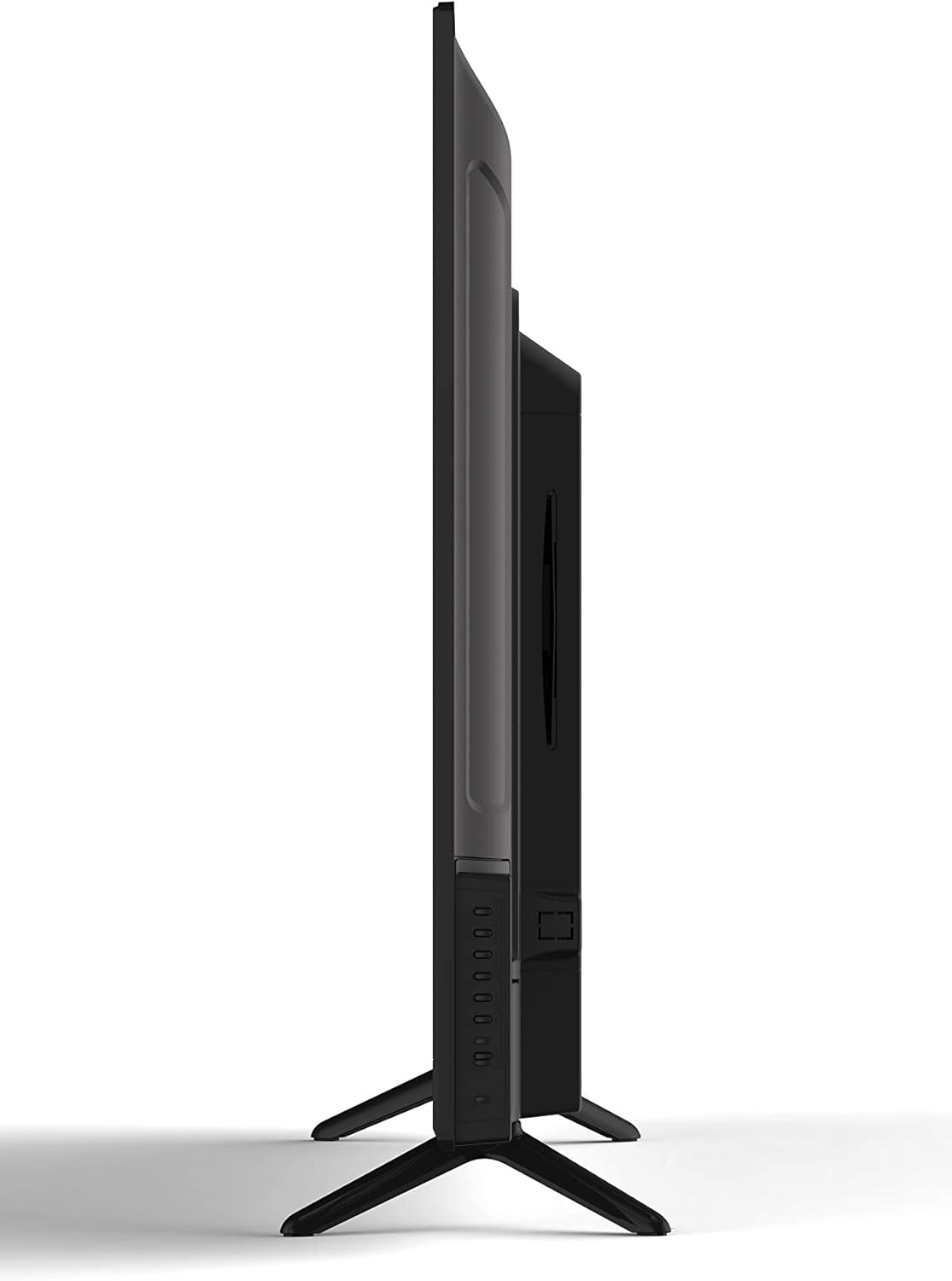
- Gently insert a DVD disc into the slot on the side of the TV, label side facing up. The TV will automatically switch to DVD input or prompt you to do so.
- Use the DVD control buttons on the remote (Play, Pause, Stop, Fast Forward, Rewind, Skip) to manage playback.
- To eject a disc, press the EJECT button on the remote or the TV's side panel.
5.5 Picture and Sound Settings
Access the TV's menu to adjust picture (brightness, contrast, color, aspect ratio) and sound (volume, bass, treble, sound mode) settings to your preference.
5.6 Sleep Timer
The sleep timer function allows you to set a specific time after which the TV will automatically turn off. Access this feature through the TV's main menu.
5.7 Multi-Language On-Screen Display (OSD)
The TV supports multiple languages for its on-screen display. You can change the OSD language in the TV's setup menu.
6. Maintenance
6.1 Cleaning the TV
Always unplug the TV before cleaning.
- Screen: Use a soft, lint-free cloth specifically designed for electronics screens. Do not use abrasive cleaners or solvents.
- Cabinet: Wipe the cabinet with a soft, dry cloth. If necessary, use a slightly damp cloth, then immediately wipe dry.
6.2 Storage
If storing the TV for an extended period, disconnect it from power, remove batteries from the remote, and store it in a cool, dry place, preferably in its original packaging.
7. Troubleshooting
Before contacting support, try these common solutions:
| Problem | Possible Cause / Solution |
|---|---|
| No Power | Ensure the power cord is securely plugged into the TV and the wall outlet. Check if the outlet is functional. |
| No Picture, but Sound is Present | Verify the correct input source is selected. Check cable connections to external devices. |
| No Sound, but Picture is Present | Check the volume level and ensure the TV is not muted. Verify audio cable connections for external devices. |
| DVD Not Playing / Disc Error | Ensure the disc is inserted correctly (label side up). Clean the disc for smudges or scratches. Try a different disc. |
| Remote Control Not Working | Replace the batteries (2 AAA required). Ensure there are no obstructions between the remote and the TV's sensor. |
8. Specifications
| Feature | Description |
|---|---|
| Model | RLDEDV4001 |
| Screen Size | 40 Inches |
| Display Type | Full HD D-LED |
| Resolution | 1920 x 1080 (1080p) |
| Aspect Ratio | 16:9 |
| Brightness | 450 cd/m² |
| Contrast Ratio | 1500:1 |
| Response Time | 8 ms |
| Viewing Angle (H/V) | 178° / 178° |
| Tuner Type | ATSC/NTSC |
| Built-in Player | Slot Loading DVD Player |
| Display Capabilities | 480i, 480p, 576i, 576p, 720i, 720p, 1080i, 1080p |
| HDMI Inputs | 3 |
| VGA Input | 1 |
| RF Input | 1 |
| YPBPR (Component) Input | 1 |
| AV (Composite) Input | 1 |
| PC Audio Input | 1 |
| Headphone Output | 1 |
| Special Features | Sleep Timer, Programmable Channel Memory, Multi-Language OSD |
| Item Weight | 19.1 Pounds |
| Remote Control Batteries | 2 x AAA (not included) |
9. Warranty and Support
This product is sold as a Certified Refurbished item and typically comes with a minimum 90-day warranty provided by the seller. For specific warranty details, please refer to the documentation provided at the time of purchase or contact your retailer.
For technical assistance or customer support, please refer to the contact information provided by your retailer or the RCA brand's official support channels.


