
i-Star PI00679
i-Star DAB/DAB+ & FM Portable Digital Radio User Manual
Model: PI00679
1. Introduction
Thank you for choosing the i-Star DAB/DAB+ & FM Portable Digital Radio. This manual provides essential information for setting up, operating, and maintaining your device. This radio offers clear digital audio quality via DAB/DAB+ and traditional FM reception, a portable design with a rechargeable battery, and convenient features like station presets and a sleep timer.

Figure 1: i-Star DAB/DAB+ & FM Portable Digital Radio
2. What's in the Box
Please check the contents of your package:
- 1 x i-Star DAB Portable Radio
- 1 x Micro USB Charging Cable
- 1 x Power Adapter (UK plug, may require adapter for other regions)
- 1 x User Guide
3. Product Overview
3.1 Key Features
- DAB/DAB+ and FM Radio Tuner for clear digital and analog reception.
- Portable design with integrated 1200mAh rechargeable lithium battery for up to 4 hours of playback.
- 20 station presets (10 DAB, 10 FM) for quick access to your favorite stations.
- Clear LCD display for station information.
- Sleep timer function for automatic power-off.
- 3.5mm headphone jack for personal listening.
3.2 Controls and Display
The radio features an intuitive control panel and an LCD screen. Refer to the diagram below for button identification (exact layout may vary slightly).

Figure 2: Display showing DAB/DAB+ and FM options

Figure 3: Compact and portable design
4. Setup
4.1 Charging the Battery
Before first use, fully charge the radio's internal 1200mAh lithium battery. Connect the supplied Micro USB charging cable to the radio's USB port and the other end to the power adapter. Plug the adapter into a wall outlet. The charging indicator will show the charging status.

Figure 4: Charging via Micro USB
4.2 Antenna Positioning
Extend the telescopic antenna fully for optimal reception. For best signal quality, especially for DAB/DAB+ stations, position the antenna carefully. Placing the radio near a window can often improve reception. Signal reception can be affected by local environmental factors and proximity to other electronic devices.
4.3 First Power On and Auto Scan
Press and hold the Power button to turn on the radio. Upon first power-on, the radio will automatically perform a scan for available DAB/DAB+ stations. This process may take a few moments. Once complete, the radio will tune to the first available station.
5. Operating Instructions
5.1 Power On/Off
- To Power On: Press and hold the Power/Mode button.
- To Power Off: Press and hold the Power/Mode button again.
5.2 Mode Selection (DAB/FM)
Press the Mode button to switch between DAB/DAB+ and FM radio modes.
5.3 Tuning Stations
- Auto Scan (DAB): In DAB mode, press the Scan/Preset button to initiate a full scan for available DAB/DAB+ stations.
- Manual Tuning (FM): In FM mode, use the CH- and CH+ buttons to manually tune to frequencies. Press and hold for auto-seek.
- Navigating Stations: Use the CH- and CH+ buttons to cycle through available stations in the current mode.
5.4 Saving and Recalling Presets
The radio allows you to store up to 20 favorite stations (10 DAB, 10 FM).
- To Save a Preset: Tune to the desired station. Press and hold the Scan/Preset button until 'Preset Store' appears on the display. Use the CH- and CH+ buttons to select a preset number (1-10). Press Enter to confirm.
- To Recall a Preset: Briefly press the Scan/Preset button. Use the CH- and CH+ buttons to select the desired preset number. The radio will automatically tune to the saved station.
5.5 Volume Control
Use the VOL- and VOL+ buttons to adjust the listening volume.
5.6 Sleep Timer
The sleep timer allows the radio to automatically turn off after a set period.
- To Set Sleep Timer: Press the Info/Sleep button repeatedly to cycle through available sleep timer durations (e.g., 15, 30, 45, 60, 90, 120 minutes, or Off). The selected duration will be displayed.
- To Cancel Sleep Timer: Cycle through the options until 'Sleep Off' is displayed.
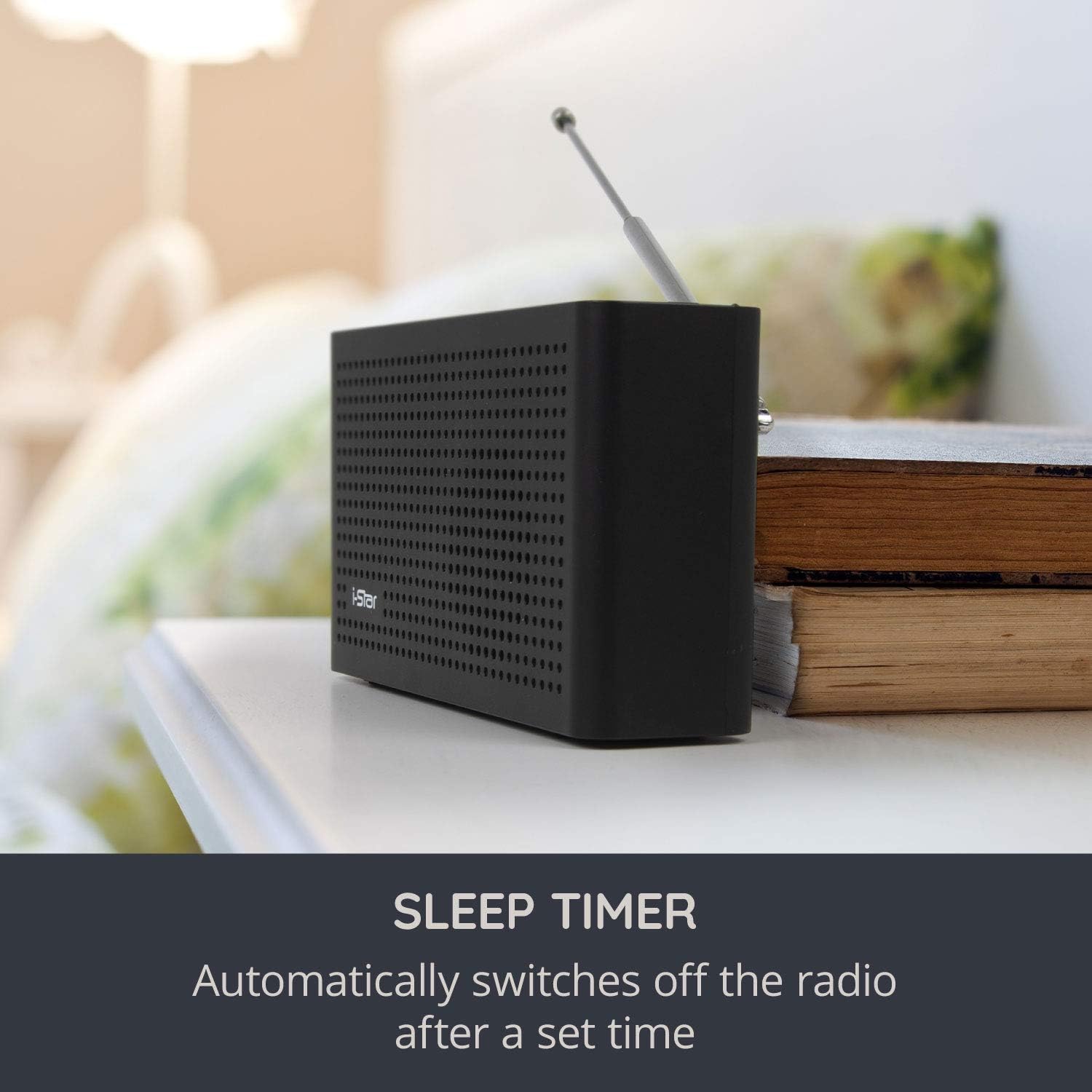
Figure 5: Sleep Timer function
5.7 Personal Listening (Headphones)
Connect standard 3.5mm headphones to the headphone jack on the side of the radio for private listening. The internal speaker will automatically mute when headphones are connected.

Figure 6: Personal listening with headphones
6. Maintenance
6.1 Cleaning
Wipe the radio with a soft, dry cloth. Do not use abrasive cleaners, waxes, or solvents as these may damage the surface. Avoid exposing the radio to excessive dust or moisture.
6.2 Battery Care
To prolong battery life, avoid fully discharging the battery frequently. Recharge the radio when the low battery indicator appears. If storing the radio for an extended period, charge it to approximately 50% every few months.
7. Troubleshooting
If you encounter issues with your i-Star radio, please refer to the following common problems and solutions:
| Problem | Possible Cause | Solution |
|---|---|---|
| No power / Radio does not turn on | Battery is depleted. | Connect the radio to power using the supplied USB cable and adapter. Allow it to charge for a few minutes before attempting to power on. |
| Poor DAB/FM reception or no stations found | Weak signal, antenna not extended, or interference. | Fully extend the telescopic antenna. Reposition the radio, ideally near a window, and away from other electronic devices that may cause interference. Perform a new auto-scan for DAB stations. Note that DAB reception depends on local transmitter signal strength. |
| Sound distortion or static | Weak signal or volume too high. | Adjust the antenna position. Try a different station. Lower the volume if it's set too high. |
| Battery life is shorter than expected | Battery not fully charged, or high volume usage. | Ensure the battery is fully charged before use. High volume levels consume more power. |
If the problem persists after trying these solutions, please contact i-Star customer support.
8. Specifications
| Feature | Specification |
|---|---|
| Model Number | PI00679 |
| Tuner Type | DAB+, FM |
| Output Power | 1.5W RMS |
| Battery Type | 18650 Rechargeable Lithium Battery |
| Battery Capacity | 1200mAh |
| Connectivity | Micro USB (charging), 3.5mm AUX Out (headphones) |
| Display | LCD |
| Dimensions (L x W x H) | 6.3 x 3.35 x 1.57 cm (approx. 2.48 x 1.32 x 0.62 inches) |
| Weight | 420 grams (approx. 0.93 lbs) |
9. Warranty and Support
i-Star is a UK-based company committed to customer satisfaction. This product comes with a 12-month warranty from the date of purchase. We offer an easy return policy and lifetime UK-based customer service.
This product complies with CE and FCC standards, ensuring its safety and electromagnetic compatibility.
Contact Support:
For any questions, technical assistance, or warranty claims, please contact i-Star customer service through the retailer's platform or visit the official i-Star website for contact details.
Ask a question about this manual
Ask about setup, troubleshooting, compatibility, parts, safety, or missing instructions. Manuals+ will review the question and use this page’s manual context to help answer it.