
1. Introduction
This manual provides comprehensive instructions for the installation, operation, and maintenance of your Lexmark 24B6887 M3250 XM3250 Black Toner Cartridge. This genuine Lexmark product is designed to deliver consistent, high-quality black prints for compatible Lexmark M3250 and XM3250 series printers. Please read this manual carefully before installing or using the toner cartridge to ensure optimal performance and longevity.
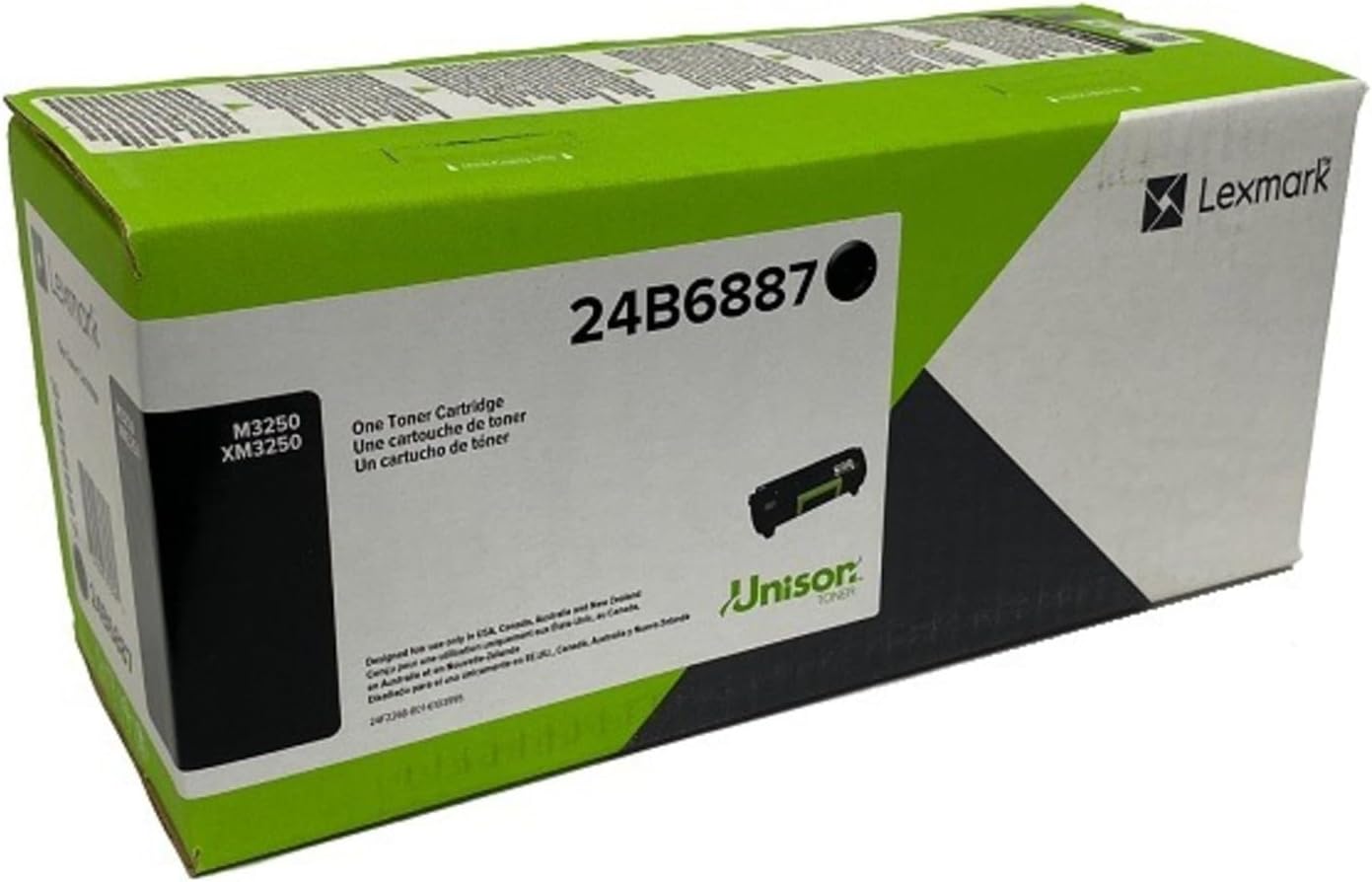
An image showing the Lexmark 24B6887 M3250 XM3250 Black Toner Cartridge box. The box is primarily green and white, featuring the Lexmark logo, the model number '24B6887', and text indicating 'One Toner Cartridge'. A small image of the toner cartridge itself is visible on the box.
2. Setup and Installation
2.1 Unpacking the Cartridge
- Carefully open the toner cartridge packaging.
- Remove the toner cartridge from its protective bag.
- Place the cartridge on a clean, flat surface. Avoid touching the imaging drum or electrical contacts.
2.2 Installing the Toner Cartridge
- Ensure your Lexmark M3250 or XM3250 printer is powered off.
- Open the front access door of the printer. Refer to your printer's user manual for the exact location.
- If replacing an existing cartridge, gently pull the old cartridge straight out of the printer.
- Hold the new Lexmark 24B6887 toner cartridge by its handle and align it with the guides inside the printer.
- Push the cartridge firmly until it clicks into place. Ensure it is seated securely.
- Close the front access door of the printer.
- Power on the printer. The printer will typically perform a self-test and recognize the new cartridge.
3. Operating Guidelines
The Lexmark 24B6887 toner cartridge is designed for straightforward operation once installed. It is an integral component of your printer's imaging system.
3.1 Page Yield
This black toner cartridge has an estimated page yield of 21,000 pages at 5% coverage. Actual yield may vary significantly based on content of printed pages and other factors.
3.2 Print Quality
For optimal print quality, always use genuine Lexmark toner cartridges. The printer's internal calibration system will adjust to the new cartridge to maintain consistent output.
4. Maintenance and Storage
4.1 Cartridge Storage
Store new, unused toner cartridges in their original, unopened packaging in a cool, dry place away from direct sunlight and extreme temperatures. Avoid storing cartridges vertically for extended periods.
4.2 Cartridge Replacement
Replace the toner cartridge when the printer indicates a low toner warning or when print quality significantly degrades (e.g., faded prints, streaks). Follow the installation steps in Section 2.2 for replacement.
5. Troubleshooting
If you encounter issues with your Lexmark 24B6887 toner cartridge, refer to the following common problems and solutions:
- "Toner Low" or "Replace Toner" Message: This indicates the cartridge is nearing the end of its life or is empty. Replace the cartridge with a new one.
- Faded or Light Prints: The toner level may be low. Try gently shaking the cartridge horizontally a few times to redistribute the toner, then reinsert it. If the issue persists, replace the cartridge.
- Streaks or Smudges on Prints: This could indicate a dirty imaging drum or fuser unit, or a defective cartridge. Ensure the cartridge is properly seated. If the problem continues, the cartridge may need replacement, or the printer may require cleaning/servicing.
- Cartridge Not Recognized: Ensure the cartridge is correctly installed and fully seated. Power cycle the printer (turn off, wait 30 seconds, turn on). Check for any protective tapes or seals that might have been left on the cartridge's electrical contacts. Clean the electrical contacts on the cartridge and in the printer with a lint-free cloth if necessary.
- Paper Jams: While not directly caused by the toner cartridge, a poorly installed cartridge can sometimes contribute. Ensure the cartridge is properly seated. Refer to your printer's manual for paper jam resolution.
If these steps do not resolve the issue, consult your Lexmark printer's user manual or contact Lexmark customer support.
6. Specifications
| Attribute | Detail |
|---|---|
| Model Number | 24B6887 |
| Compatible Printer Models | Lexmark M3250, Lexmark XM3250 |
| Toner Color | Black |
| Estimated Page Yield | 21,000 pages (at 5% coverage) |
| Item Weight | 0.63 ounces |
| Product Dimensions | 1 x 1 x 1 inches |
| Manufacturer | Lexmark |
7. Warranty and Support
As a genuine Lexmark product, this toner cartridge is covered by Lexmark's standard warranty policy. For specific warranty terms and conditions, please refer to the documentation included with your Lexmark printer or visit the official Lexmark website.
For technical assistance, troubleshooting beyond this manual, or warranty claims, please contact Lexmark Customer Support:
- Lexmark Official Website: www.lexmark.com
- Refer to your printer's documentation for regional support contact information.


