
1. Introduction
This manual provides essential instructions for the safe and effective operation of your WONNIE Mini Projector W-US-TYY001. Please read this manual thoroughly before using the projector and retain it for future reference. This projector is designed for home entertainment in dark environments.
2. Product Overview
Key Features
- Upgraded 2200 Lumens brightness for enhanced visual experience.
- Supports up to 1080P resolution for sharp and crisp images.
- Adjustable projection screen size from 32 inches to 170 inches.
- Contrast Ratio of 3000:1.
- Equipped with an innovative cooling system for reduced fan noise.
- Multiple connectivity options: HDMI, AV, VGA, SD Card, USB.
Package Contents
Verify that all items listed below are included in your package:
- 1 x WONNIE Mini Projector W-US-TYY001
- 1 x User Manual
- 1 x Remote Control (AAA batteries not included)
- 1 x HDMI Cable
- 1 x Power Cable
- 1 x 3-in-1 AV Cable

Image 2.1: The WONNIE Mini Projector W-US-TYY001 with its lens, control panel, and an HDMI cable.
3. Setup
- Placement: Place the projector on a stable, flat surface. Ensure there is adequate ventilation around the projector to prevent overheating. For optimal viewing, position the projector directly in front of your projection surface (wall or screen).
- Power Connection: Connect the power cable to the projector's power input and then plug it into a standard electrical outlet.
- Initial Power On: Press the power button on the projector or the remote control to turn on the device. The indicator light will illuminate.
4. Operating Instructions
Powering On/Off
- To power on, press the 'Power' button on the projector or the remote control.
- To power off, press the 'Power' button again. Confirm shutdown if prompted.
Source Selection
After powering on, use the 'Source' button on the projector or remote control to select the desired input source (e.g., HDMI, AV, VGA, USB, SD Card). The projector will default to USB input if no other source is selected.
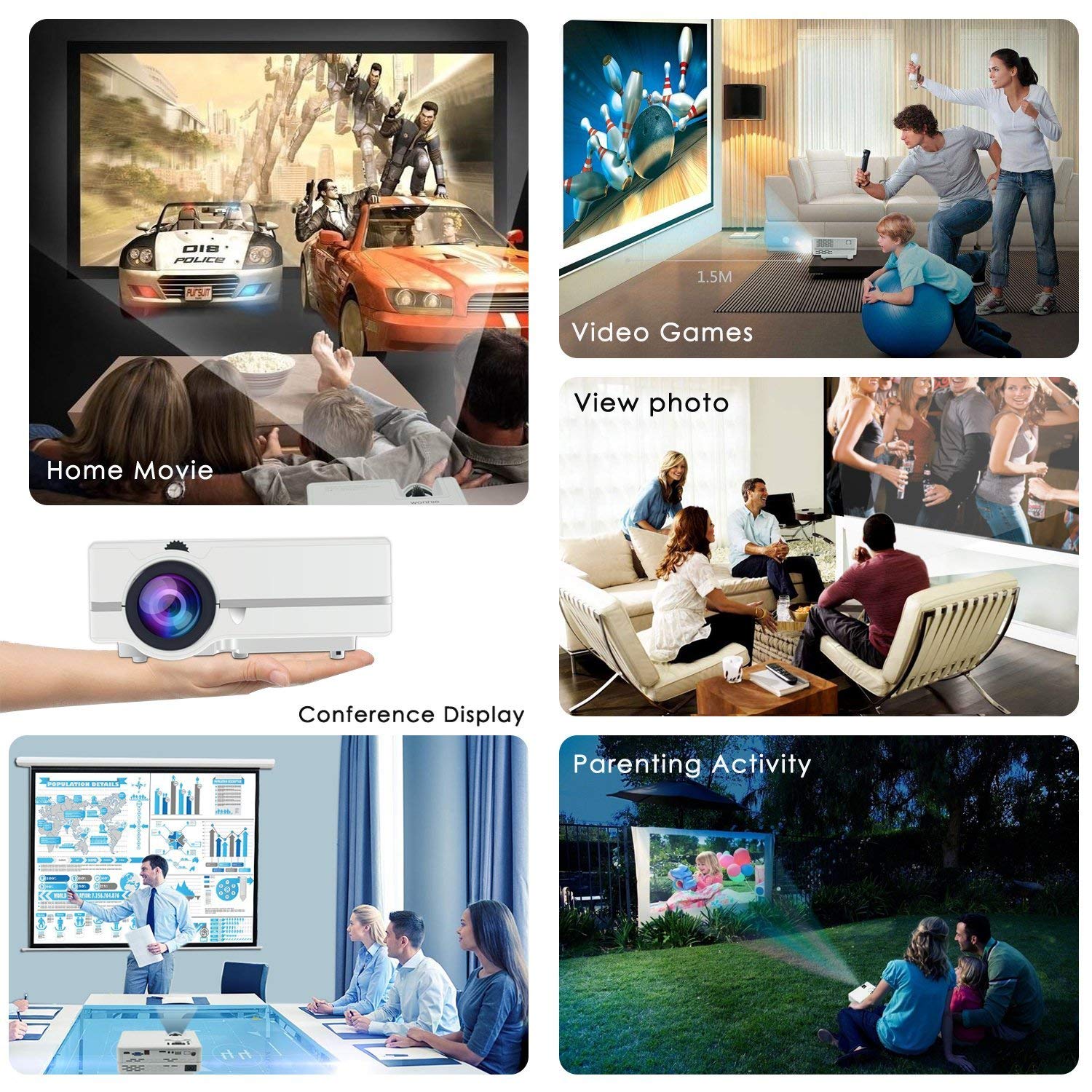
Image 4.1: Examples of how the WONNIE Mini Projector can be used for various activities.
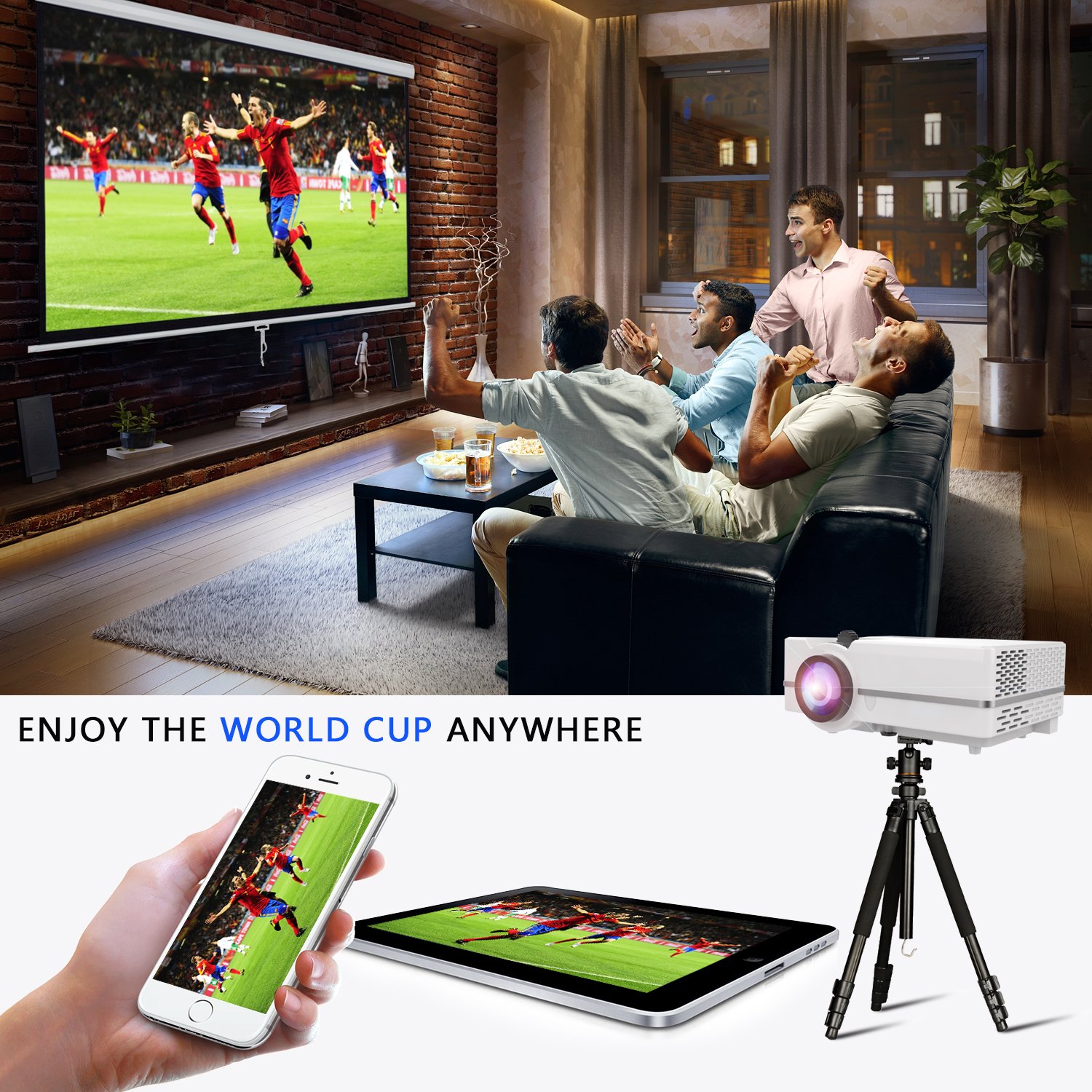
Image 4.2: The projector can be used for shared viewing experiences, such as watching sports.
5. Connectivity
The WONNIE Mini Projector offers multiple ports for connecting various devices:
- HDMI: Connects to laptops, PCs, TV boxes, Amazon Fire TV Stick, Chrome Book, Blue-ray DVD players, and gaming consoles. An HDMI cable is included.
- VGA: Connects to computers. Note that VGA cables do not transmit audio signals; an external speaker is required for sound when using a VGA connection.
- USB: Supports USB flash drives for playing media files (music, pictures, video). It does not support cord connection for data transfer from other devices.
- AV: Connects to devices using the included 3-in-1 AV cable.
- SD Card: Insert an SD card to play media files directly.
- Audio Output: For connecting external speakers or headphones.
Connecting Smartphones/Tablets: An HDMI adapter (not included) is required to connect the projector to tablets and smartphones.
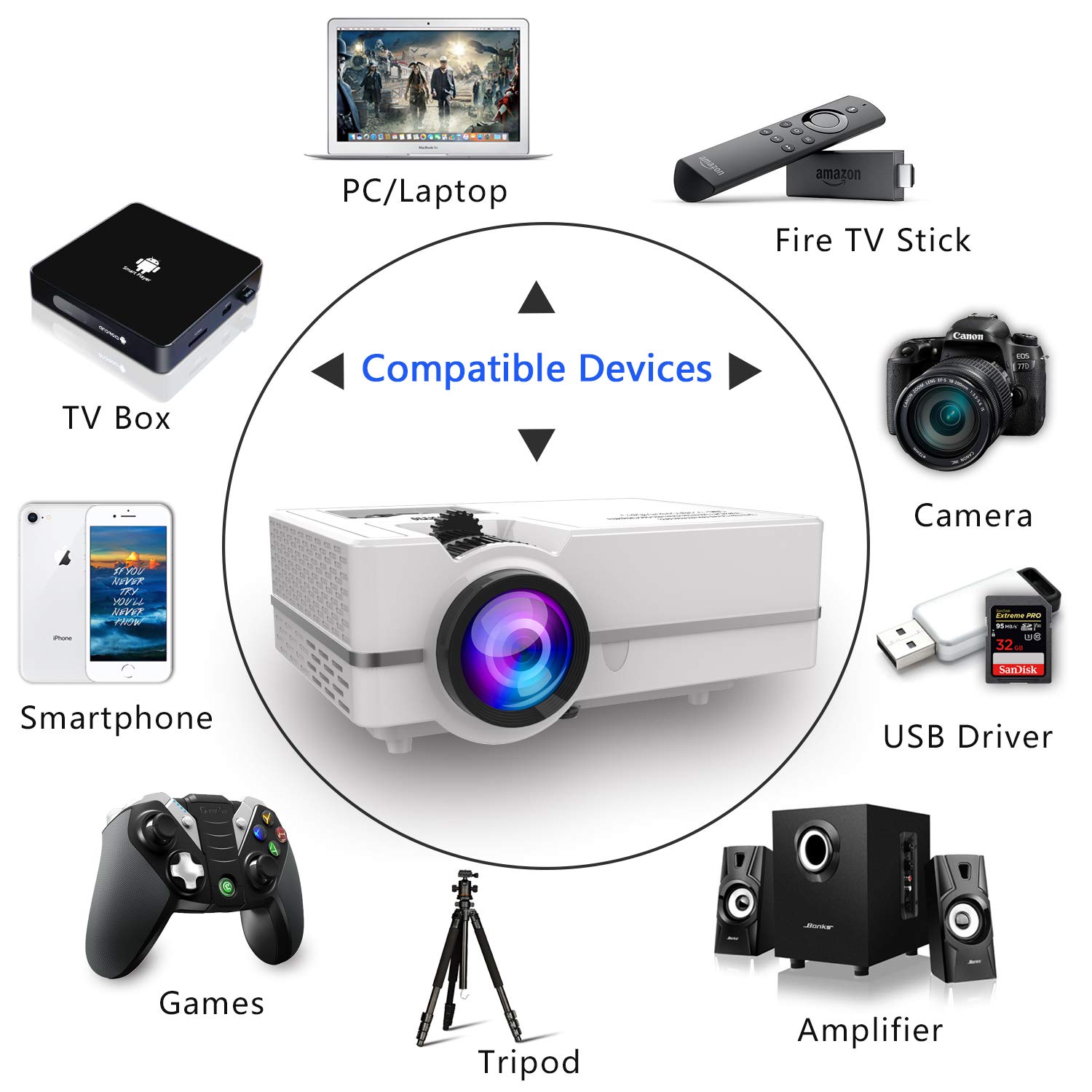
Image 5.1: Overview of compatible devices and connection types for the projector.
6. Focus and Keystone Adjustment
To achieve a clear and properly shaped image, you will need to adjust the focus and keystone correction.
- Focus Adjustment: Rotate the focus ring around the projector lens until the image appears sharp and clear.
- Keystone Correction: If the projected image appears trapezoidal (wider at the top or bottom), use the keystone correction dial to adjust the image to a rectangular shape. The projector supports manual keystone correction of ±15°.
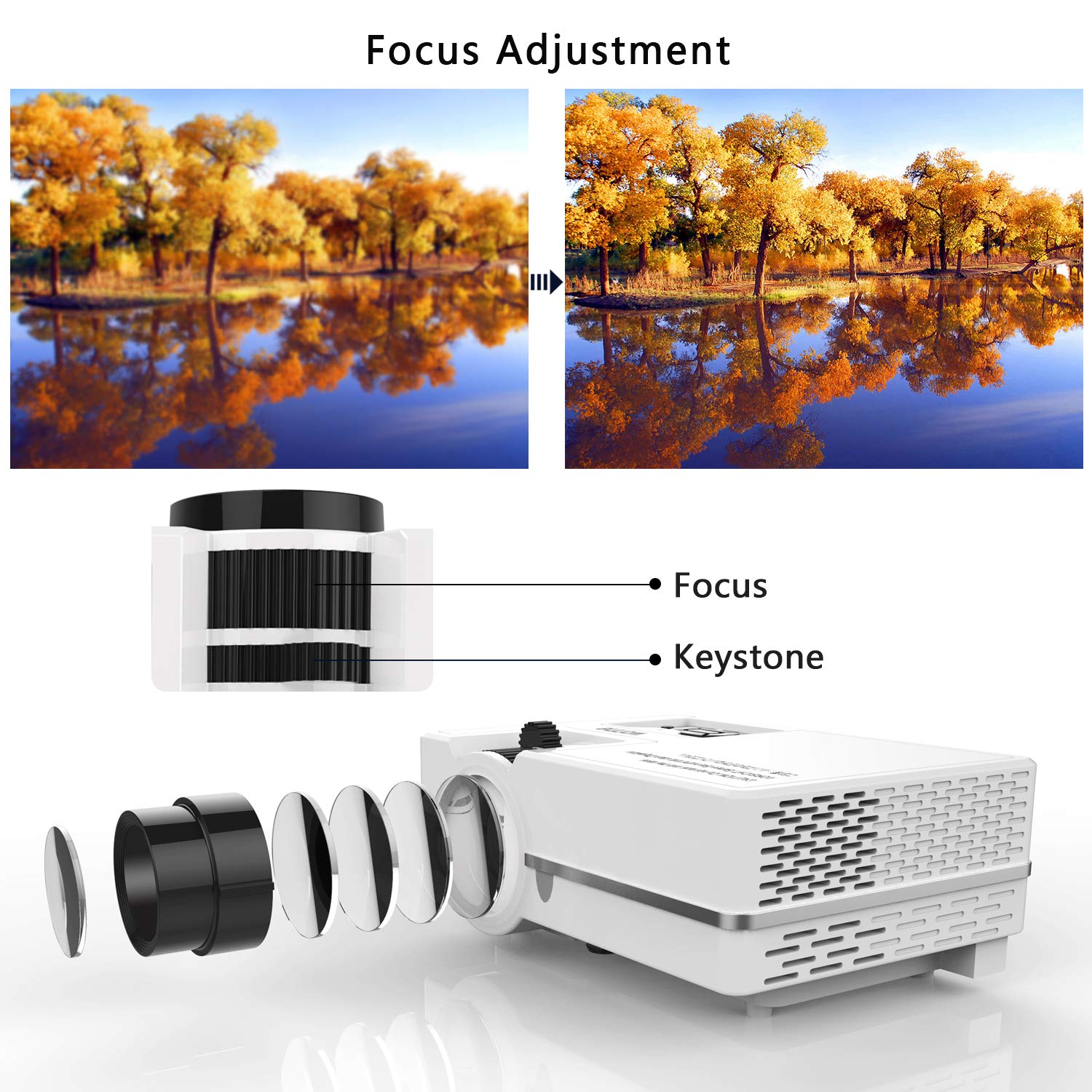
Image 6.1: Visual guide for adjusting the focus and keystone correction dials.
7. Maintenance
Regular maintenance ensures optimal performance and extends the lifespan of your projector.
- Lens Cleaning: Use a soft, lint-free cloth or lens cleaning paper to gently wipe the projector lens. Avoid using abrasive cleaners or excessive force.
- Ventilation: Ensure that the projector's ventilation openings are not blocked. Proper airflow is crucial for heat dissipation and preventing overheating.
- Storage: When not in use, store the projector in a cool, dry place, away from direct sunlight and dust. Ensure the lens cover is in place.
8. Troubleshooting
Refer to this section for solutions to common issues you may encounter.
- No Image or Blurry Image:
- Check if the correct input source is selected.
- Adjust the focus ring until the image is clear.
- Ensure the projection distance is within the recommended range (1.07m to 4.8m).
- No Sound:
- If using a VGA connection, an external speaker is required as VGA does not transmit audio.
- Check the volume settings on the projector and the connected device.
- If streaming, ensure the audio output settings in the application are set to stereo.
- Image Too Dim:
- The best viewing effect is achieved in a dark environment. Reduce ambient light for optimal brightness.
- This projector is not suitable for presentations in brightly lit rooms.
- Cannot Connect Smartphone/Tablet:
- An HDMI adapter (sold separately) is required to connect most smartphones and tablets to the projector.
9. Specifications
| Feature | Specification |
|---|---|
| Picture Technology | LED |
| Brightness | 2200 Lumens (160 ANSI light output) |
| Lamp Type | LED |
| Projection Size / Distance | 32" - 170" / 1.07m - 4.8m (Recommended: 120" at 3.5m) |
| Contrast Ratio | 3000:1 |
| Aspect Ratio | 16:9 |
| Projection Ratio | 1.4:1 |
| Native Resolution | 800 x 480 pixels |
| Supported Resolution | 1920 x 1080 pixels |
| Keystone Correction | Manual ±15° |
| Inputs | USB, AV, SD, HDMI, Audio Output |
| Power/Wattage | 24 watts |
| Item Weight | 1.37 kg |
| Model Number | W-US-TYY001 |
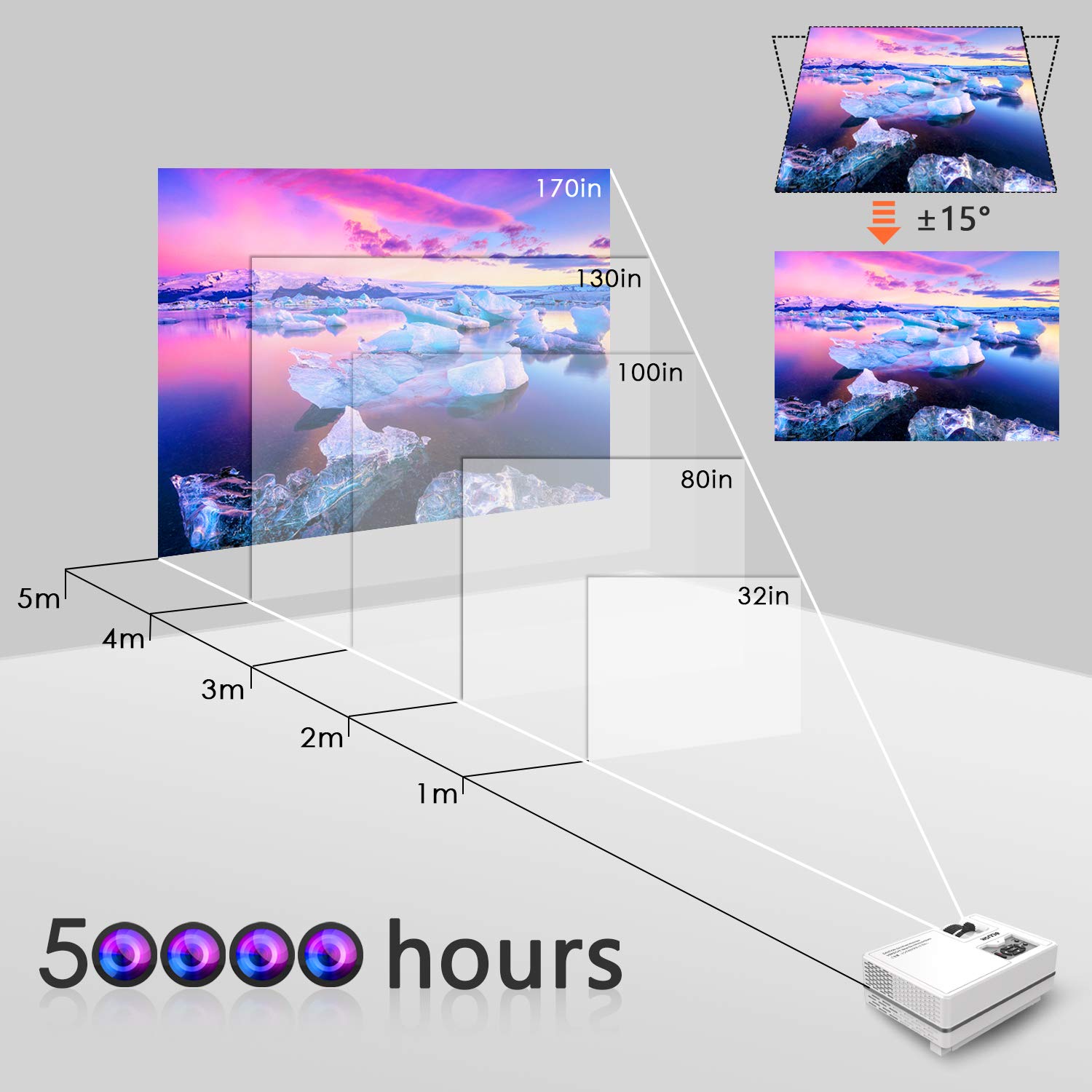
Image 9.1: Projection distance and screen size guide for the projector.
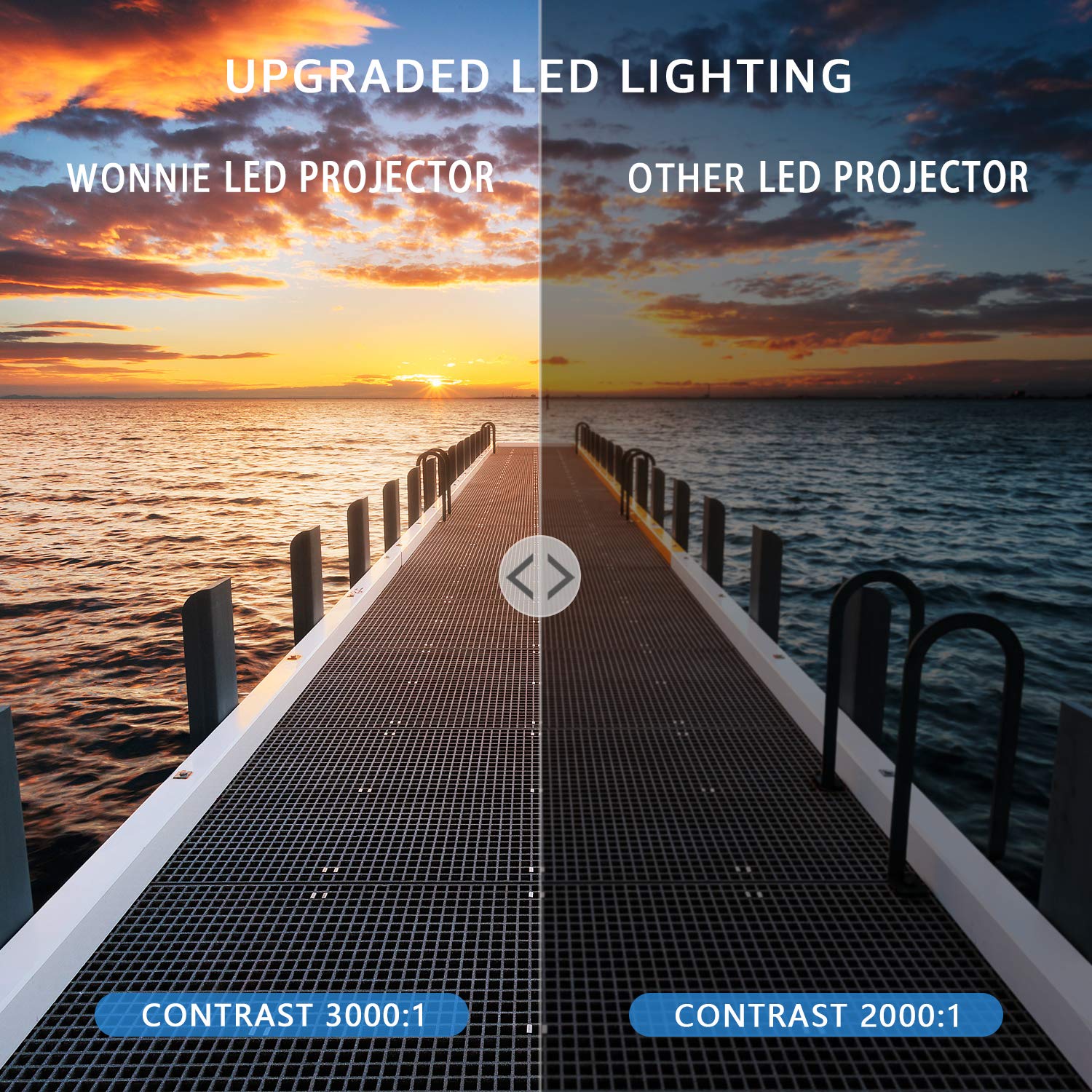
Image 9.2: Visual comparison of the projector's contrast ratio.
10. Warranty and Support
WONNIE offers a 3-year money-back guarantee and lifetime professional customer service and technical support for this product. If you encounter any issues or have questions, please contact WONNIE customer service for assistance.