
Introduction
Thank you for choosing the Energizer D12 12W Dual USB-A Car Charger. This compact and efficient car charger is designed to power your mobile devices on the go. Featuring two USB-A ports and Smart IC technology, it intelligently distributes power to optimize charging speed for two devices simultaneously. This manual provides essential information for the safe and effective use of your charger.
Setup
- Locate your vehicle's cigarette lighter socket: Ensure the socket is clean and free from debris.
- Insert the charger: Firmly push the Energizer D12 car charger into the cigarette lighter socket until it is securely seated. The charger is designed to fit standard 12V or 24V vehicle power outlets.
- Connect your device: Use a compatible USB-A charging cable (not included) to connect your smartphone, tablet, or other USB-powered device to one of the USB-A ports on the charger.
- Begin charging: Once connected, your device should begin charging automatically.

Image: A person inserting the Energizer D12 car charger into the vehicle's cigarette lighter socket.
Operating Instructions
- Dual Port Charging: The Energizer D12 features two USB-A ports, allowing you to charge two devices simultaneously.
- Smart IC Technology: The charger incorporates Smart IC technology, which intelligently detects the connected devices and distributes the 12W power (up to 2.4A total) to optimize charging speed for each device.
- Universal Compatibility: This charger is compatible with a wide range of devices, including smartphones and tablets that use Lightning, Micro-USB, or USB-C cables (when paired with a suitable USB-A to device cable).
- Charging Indication: Your device's screen will typically indicate when it is charging. The charger itself does not have an LED indicator.

Image: The Energizer D12 car charger displaying its dual USB-A charging ports.
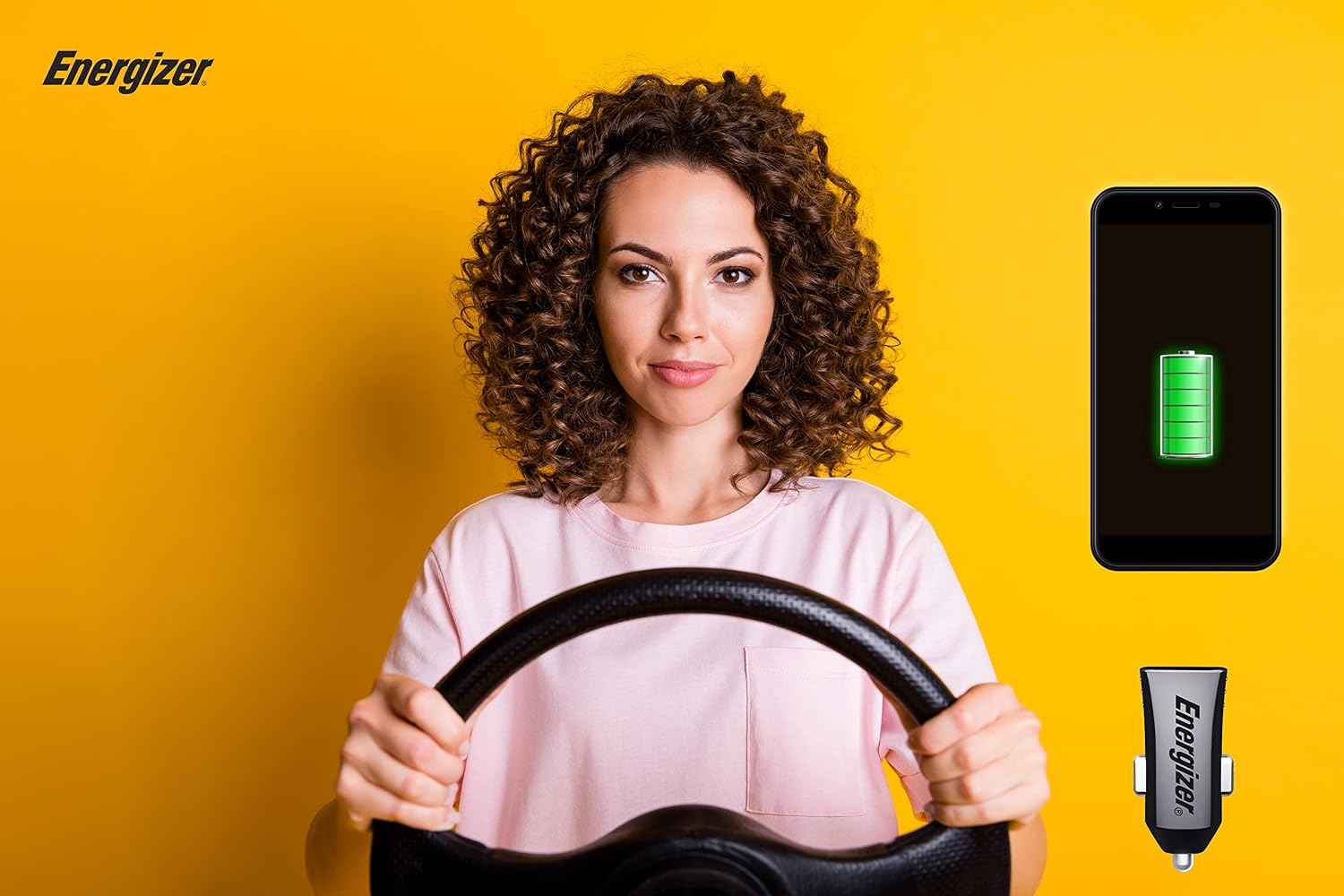
Image: A user's phone charging in a car, illustrating the charger in use.
Maintenance
- Cleaning: Disconnect the charger from the car socket before cleaning. Use a soft, dry cloth to wipe the exterior of the charger. Do not use liquid cleaners or solvents.
- Storage: When not in use, store the charger in a cool, dry place, away from direct sunlight and extreme temperatures.
- Handling: Avoid dropping the charger or subjecting it to strong impacts, as this can damage internal components.
Troubleshooting
- Device not charging:
- Ensure the car charger is fully inserted into the cigarette lighter socket.
- Check if your vehicle's engine is running or if the accessory power outlet is active.
- Verify that the USB cable is securely connected to both the charger and your device.
- Try using a different USB cable to rule out a faulty cable.
- Test the charger with a different device to confirm charger functionality.
- Check your car's fuse box for a blown fuse related to the cigarette lighter socket.
- Slow charging:
- Ensure you are using a high-quality USB cable designed for fast charging.
- Charging two devices simultaneously may result in slightly slower charging for each, depending on their power requirements.
- Close unnecessary applications on your device to reduce power consumption during charging.
Specifications
| Model Number | D12 |
| Brand | Energizer |
| Input Voltage | 12V - 24V DC (Vehicle Cigarette Lighter Socket) |
| Output Power | 12 Watts (Total) |
| Output Current | 2.4 Amps (Total) |
| Output Voltage | 5V DC (Standard USB) |
| Number of USB Ports | 2 (USB-A) |
| Connector Type | USB Type A |
| Compatible Devices | Smartphones, Tablets (via USB-A cable) |
| Color | Black |
| Weight | 14 Grams |
| Form Factor | Compact |
Warranty Information
Energizer products are manufactured to high-quality standards. For specific warranty details, including duration and terms, please refer to the warranty card included with your purchase or visit the official Energizer website. Keep your proof of purchase for any warranty claims.
Customer Support
If you encounter any issues or have questions regarding your Energizer D12 car charger that are not addressed in this manual, please contact Energizer customer support. Contact information can typically be found on the product packaging or the official Energizer website.


