
YoLin YL-case-RosePink-42
YoLin Apple Watch Series 3 42mm Protective Case User Manual
Introduction
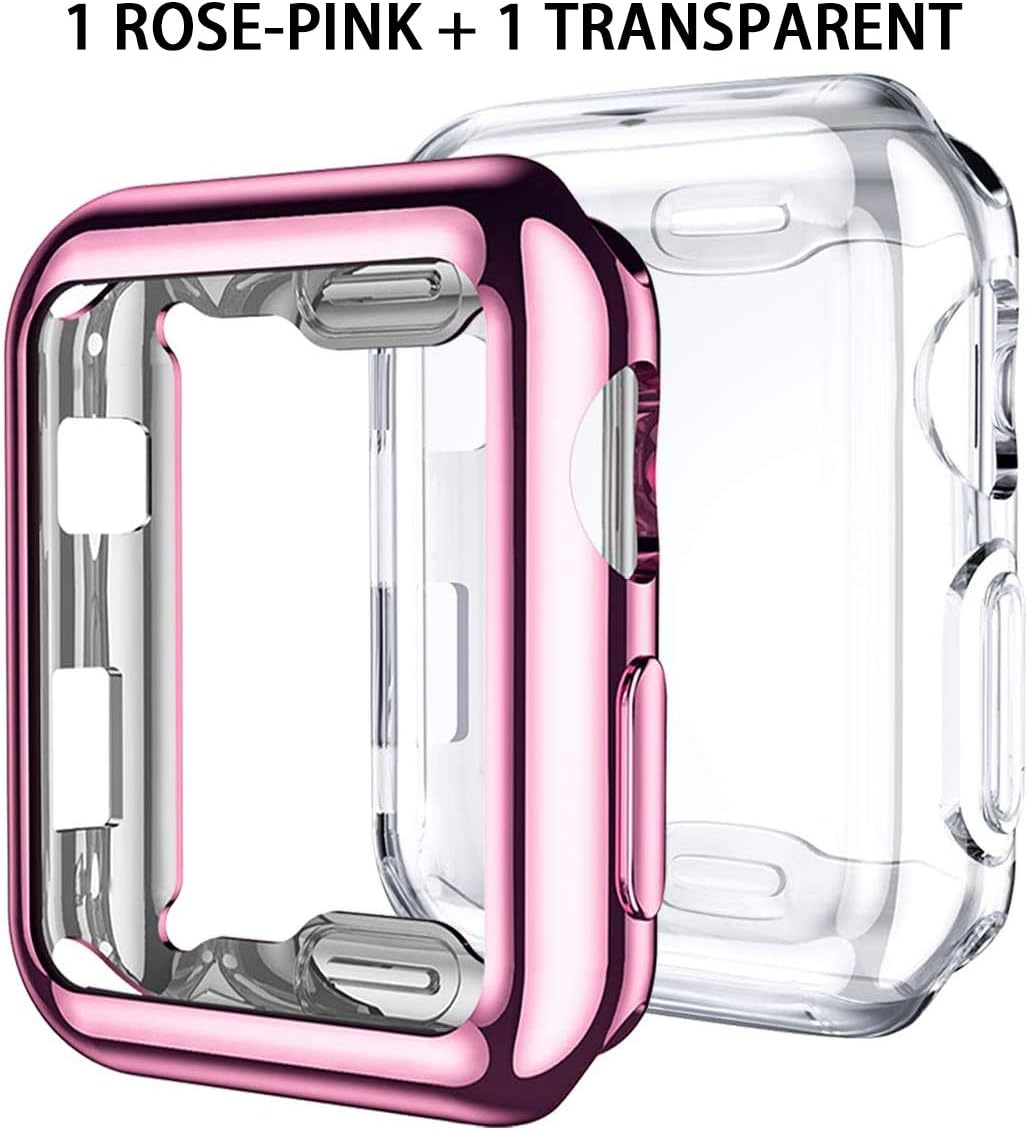
This manual provides instructions for the YoLin Protective Case designed for the Apple Watch Series 3, 42mm model. This full-coverage case is engineered to protect your device from dust, fingerprints, scratches, drops, and impacts. It is made from high-quality, scratch-resistant Thermoplastic Polyurethane (TPU) and features precise cutouts for full functionality.
The package includes two cases: one rose-pink and one transparent.

Setup and Installation
Follow these steps to correctly install the protective case on your Apple Watch Series 3 (42mm) and ensure optimal screen sensitivity.
- Step 1: Clean the Watch. Use a wet cloth to clean the watch screen and its body, then dry thoroughly with a dry cloth. This prevents dust or moisture from being trapped under the case.
- Step 2: Position the Case. First, insert the side of the watch with the Digital Crown into the case.
- Step 3: Secure Corners. Gently push one corner of the watch into the case, then proceed to the remaining corners until the watch is fully seated.
- Step 4: Adjust for Alignment. This step is crucial for maintaining screen sensitivity. Adjust the position of the case to ensure that the hole in the case is perfectly aligned with the microphone and speaker of the watch. This ensures full contact between the case and the screen, preventing degradation of touch sensitivity.

Operation and Usage
The YoLin protective case is designed for daily use, providing protection while maintaining full access to your Apple Watch's features.
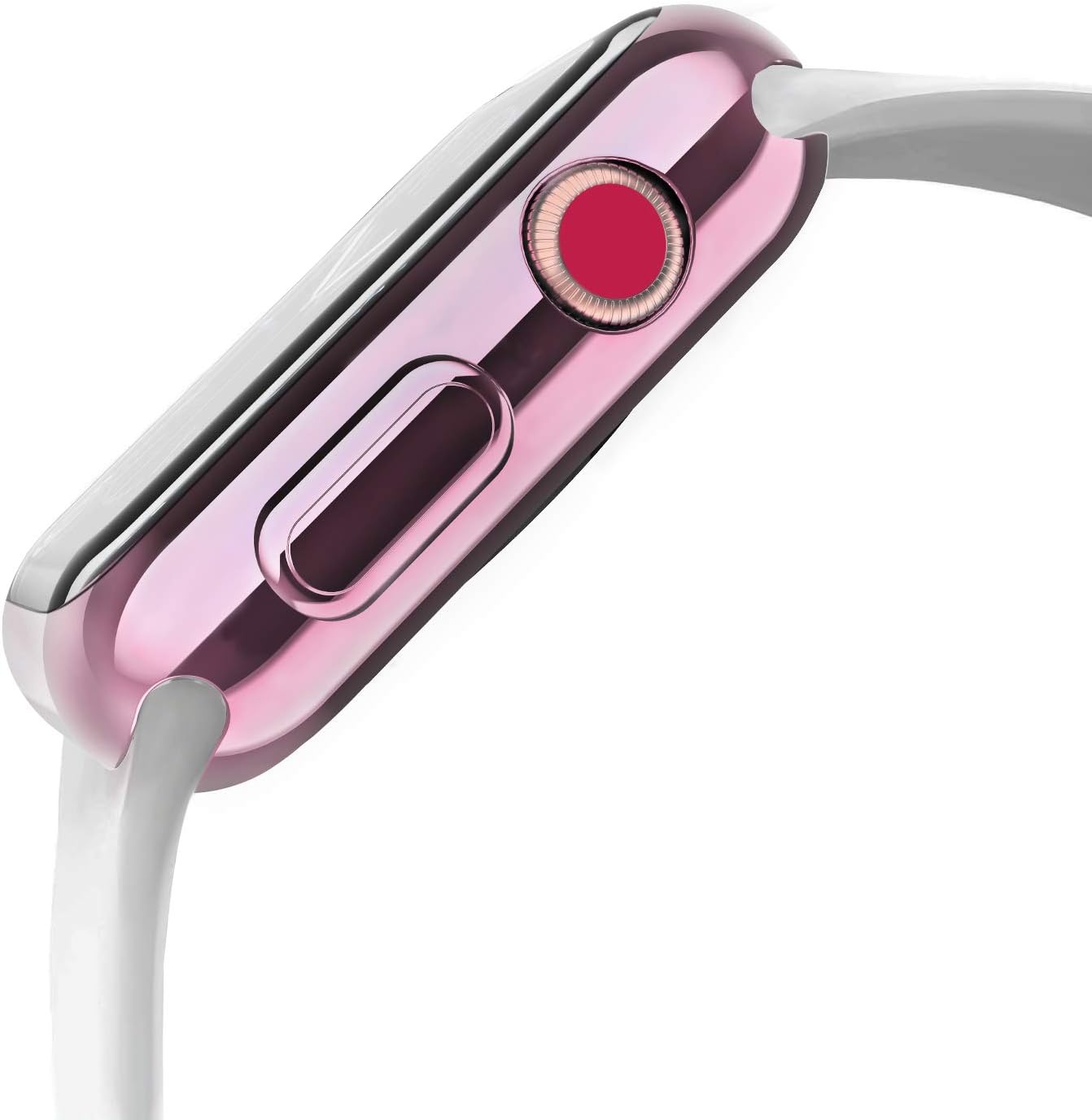
- Full Functionality: The precise cutouts ensure that all buttons, the Digital Crown, microphone, and speaker remain fully accessible and functional.
- Touch Sensitivity: When installed correctly, the case does not impede the touch sensitivity of the Apple Watch screen.
- Protection: The case offers comprehensive protection against scratches, minor impacts, and dust for the front face and curved edges of your Apple Watch.

Maintenance
To ensure the longevity and effectiveness of your YoLin protective case, follow these maintenance guidelines:
- Cleaning: Regularly remove the case and clean both the watch and the inside of the case with a soft, damp cloth, then dry thoroughly. This prevents accumulation of dust and debris that could scratch the watch or affect touch sensitivity.
- Moisture Management: The case is designed to protect against splashes, but moisture can become trapped between the case and the screen during activities like hand washing or intense workouts due to sweat. This can affect screen responsiveness.
How to Remove Trapped Moisture:
- Step 1: Remove Case. Take off the watch bands, then carefully remove the protective case from the Apple Watch.
- Step 2: Clean and Dry. Clean both the watch screen and the inside of the case with a wet cloth, then dry them completely with a dry cloth.
- Step 3: Reinstall. Reinstall the case by following the installation steps outlined in the "Setup and Installation" section. Ensure the case is properly aligned with the microphone and speaker.

Troubleshooting
- Issue: Reduced Screen Sensitivity
- Solution: This is often caused by trapped moisture or improper case alignment.
- Remove the case, clean and dry both the watch and the case thoroughly (refer to "How to Remove Trapped Moisture").
- Reinstall the case, paying close attention to Step 4 of the "Setup and Installation" section to ensure the microphone and speaker cutouts are perfectly aligned.
- Issue: Dust or Debris Under the Case
- Solution: Remove the case and clean both the watch and the case with a soft, damp cloth, then dry completely before reinstallation.
- Issue: Difficulty Pressing Buttons or Using Digital Crown
- Solution: Ensure the case is correctly seated and aligned. The precise cutouts should allow full access. If the issue persists, remove and reinstall the case, verifying proper positioning.
Specifications
| Brand | YoLin |
| Model Number | YL-case-RosePink-42 |
| Compatible Devices | Apple Watch Series 3 (42mm) |
| Material | Thermoplastic Polyurethane (TPU) |
| Special Features | Scratch Resistant, Full Coverage Protection |
| Color (Included) | 1 Rose-Pink, 1 Transparent |
Warranty Information
Specific warranty details for this product are not provided in the available information. Please refer to the retailer's return policy or contact the manufacturer directly for warranty inquiries.
Support
For further assistance or questions regarding your YoLin protective case, please contact the seller or refer to the product listing page for additional information.
Ask a question about this manual
Ask about setup, troubleshooting, compatibility, parts, safety, or missing instructions. Manuals+ will review the question and use this page’s manual context to help answer it.