1. Introduction
This manual provides detailed instructions for the installation and operation of your Start-X Remote Starter Kit. This kit allows you to remotely start your vehicle using your existing factory key fob, offering convenience and comfort in various weather conditions. The system is designed for a straightforward, plug-and-play installation without requiring wire cutting or splicing.

Image 1.1: Start-X Remote Starter Kit with a compatible Ford F-150.
2. Vehicle Compatibility and Requirements
The Start-X Remote Starter Kit (Model EVO-FORT3) is compatible with a range of Ford vehicles. Please verify your vehicle's make, model, and year against the list below:
- Ford F-150: 2015, 2016, 2017, 2018, 2019, 2020
- Ford F-250/F-350: 2017, 2018, 2019, 2020, 2021
- Ford Ranger: 2019, 2020, 2021, 2022, 2023
- Ford Transit Connect: 2019, 2020, 2021, 2022
- Ford Transit: 2020, 2021, 2022, 2023 (4' Screen models)
- Ford Bronco Sport: 2021, 2022, 2023
- Ford Edge: 2015, 2016, 2017, 2018, 2019, 2020
- Ford Escape: 2020, 2021, 2022
- Ford Expedition: 2018, 2019, 2020, 2021
- Ford Explorer: 2016, 2017, 2018, 2019, 2020, 2021, 2022, 2023
Important Vehicle Requirements:
- Compatible with automatic transmission vehicles only (including diesel).
- Requires a functional factory key fob.
- Vehicle will not remote start if the check engine light is illuminated or if the fuel level is low.
- Compatible with both push-to-start and key ignition vehicles.

Image 2.1: Visual representation of vehicle compatibility requirements.
3. Package Contents
Upon opening your Start-X Remote Starter Kit, please ensure all the following components are present:
- Remote Start Module
- Vehicle Connection T-Harness
- Pry Tool
- Zip Ties
- Installation Guide
- Welcome Card
- Warning Sticker
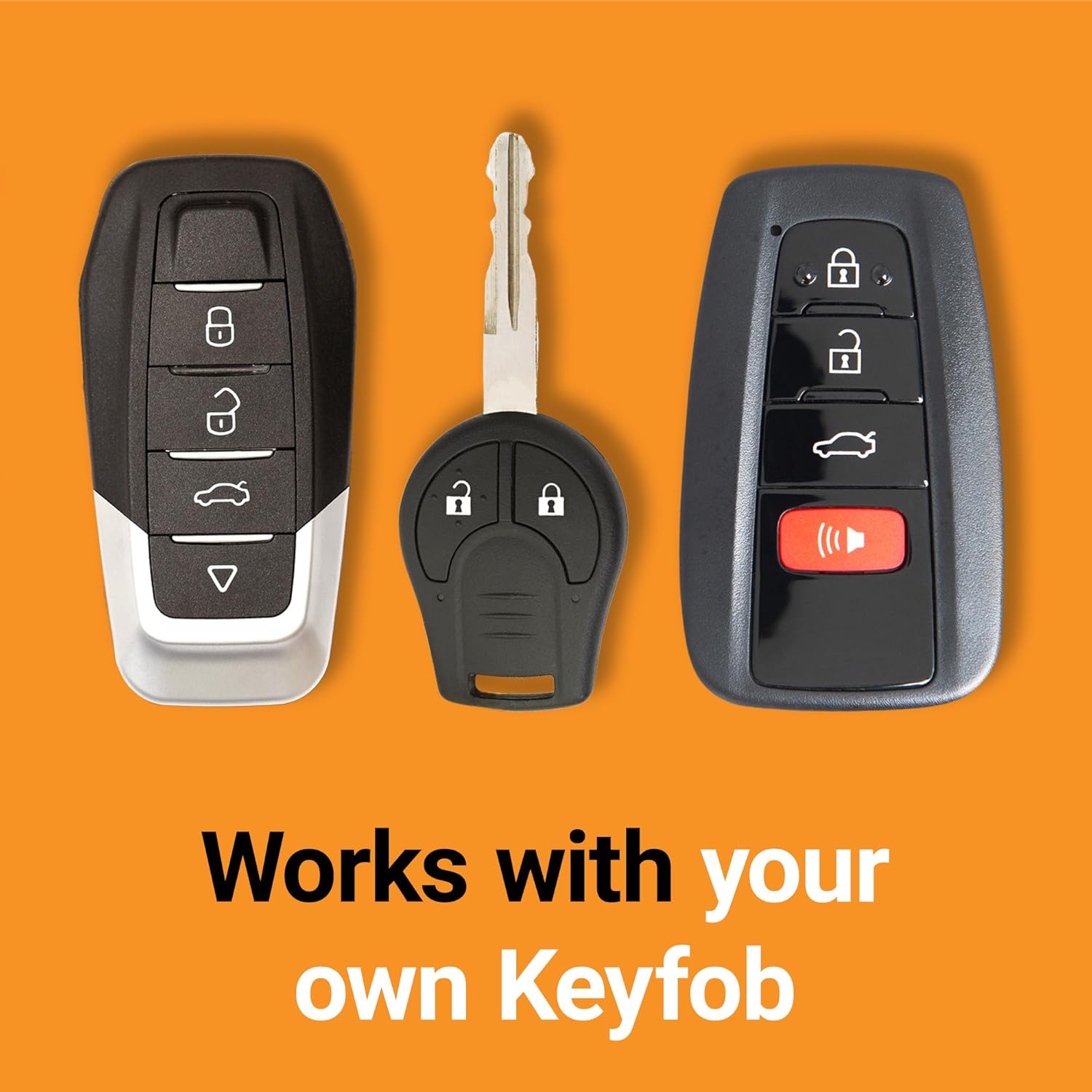
Image 3.1: All components included in the Start-X Remote Starter Kit.
4. Setup and Installation
The Start-X Remote Starter Kit is designed for a simple, plug-and-play installation. No wire cutting or splicing is required. For a visual guide, refer to the official installation videos available on the Start-X website or YouTube channel specific to your vehicle's make and model.
Installation Steps:
- Locate the OBD-II Port: The installation typically involves connecting the T-Harness to your vehicle's On-Board Diagnostics II (OBD-II) port, usually located under the dashboard on the driver's side.
- Connect the T-Harness: Disconnect the existing harness from the OBD-II port. Connect the provided T-Harness in-line with the vehicle's wiring and the OBD-II port. Ensure all connections are secure.
- Program the Module: Follow the specific programming instructions provided in your kit's installation guide. This usually involves a sequence of key turns and button presses to pair the module with your vehicle's system. The module's LED indicators will guide you through the programming process.
- Plug in Remaining Connectors: After programming, connect any remaining connectors from the T-Harness to the remote start module.
- Secure the Module: Use the provided zip ties to secure the remote start module and excess wiring safely away from moving parts or pedals under the dashboard.

Image 4.1: Illustrates the plug-and-play connection of the remote start module.
5. Operating Instructions
Your Start-X Remote Starter Kit utilizes your vehicle's existing factory key fob for remote start functionality.
To Remote Start Your Vehicle:
- Ensure your vehicle is locked.
- Press the Lock button on your factory key fob.
- Press the Unlock button on your factory key fob.
- Press the Lock button on your factory key fob again.
Perform the Lock-Unlock-Lock sequence within approximately 3 seconds. Your vehicle's engine should start, and the parking lights may illuminate to indicate successful remote start.
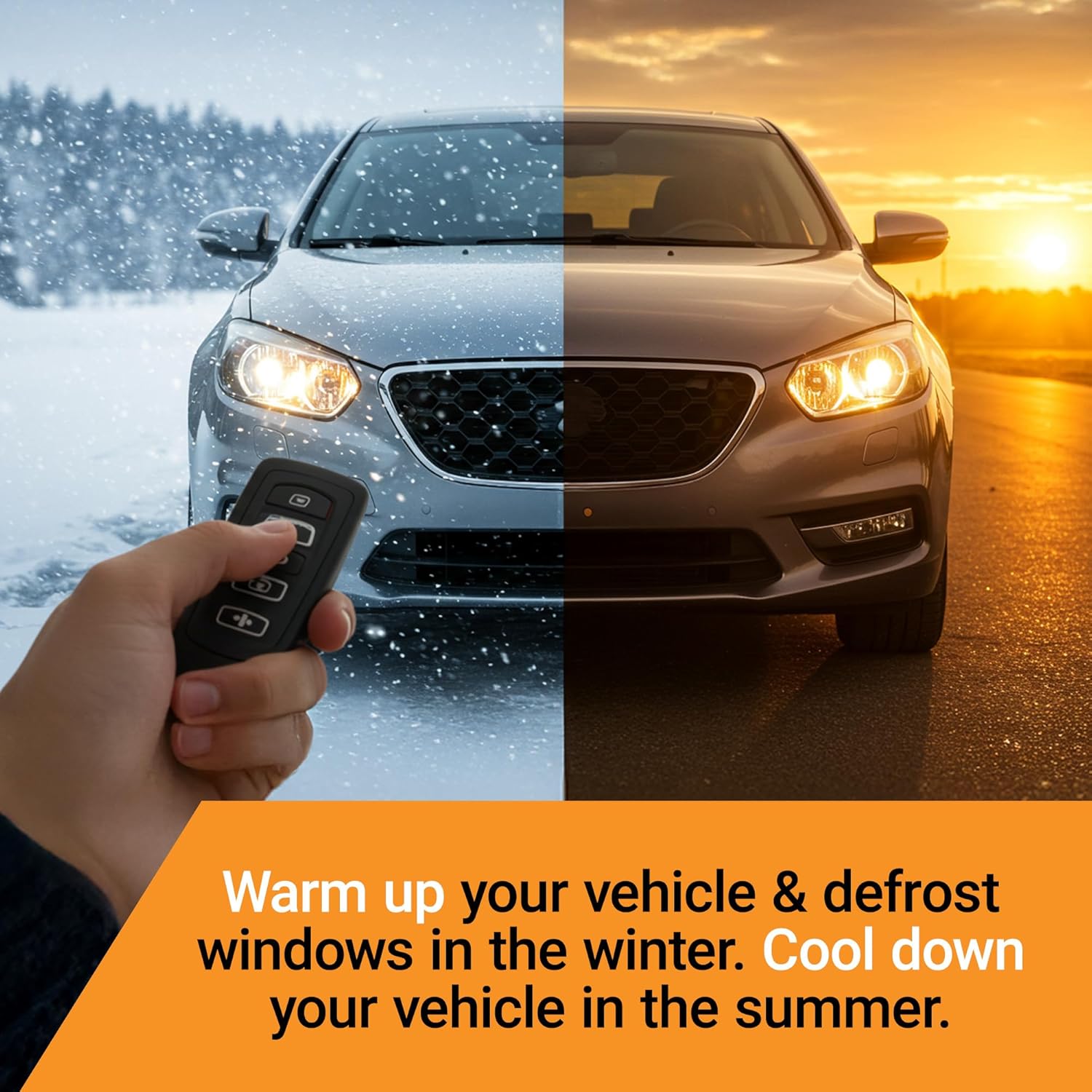
Image 5.1: Remote starting your vehicle for comfort in any season.

Image 5.2: The remote starter works with your original factory key fob.
To Turn Off Your Vehicle After Remote Start:
Repeat the Lock-Unlock-Lock sequence on your factory key fob, or simply enter the vehicle and press the brake pedal.
Climate Control:
When remote started, your vehicle's climate control system will activate based on the settings it had when the vehicle was last turned off. For optimal comfort, set your desired temperature and fan speed before exiting the vehicle.
6. Troubleshooting
If you encounter issues with your Start-X Remote Starter Kit, review the following common scenarios:
- Vehicle Does Not Remote Start:
- Ensure the vehicle's check engine light is not on.
- Verify the fuel level is not critically low.
- Confirm all connections of the T-Harness and module are secure.
- Re-attempt the Lock-Unlock-Lock sequence, ensuring it's performed within 3 seconds.
- Check your factory key fob battery.
- TPMS (Tire Pressure Monitoring System) Warning After Installation: This is a common occurrence after disconnecting the vehicle's battery during installation. The TPMS system may require a short drive (typically 10-20 minutes) for the sensors to re-learn and the warning light to reset.
- Remote Start Stops Unexpectedly: Ensure no doors, hood, or trunk are open, and the brake pedal is not pressed before entering the vehicle.
For further assistance, please contact Start-X technical support. Support agents are located in the USA.
7. Specifications
| Feature | Detail |
|---|---|
| Manufacturer | Start-X |
| Model Number | EVO-FORT3 |
| Item Weight | 11.3 ounces |
| Package Dimensions | 8.15 x 4.13 x 2.36 inches |
| UPC | 810154291014 |
| Remote Control Included | Yes (utilizes factory key fob) |
| Installation Type | Plug & Play T-Harness |
8. Warranty and Support
Start-X remote start modules are designed and engineered in North America. Technical support agents are located in the United States to provide assistance with installation or troubleshooting.
For support, please refer to the contact information provided with your product packaging or visit the official Start-X website.

Image 8.1: Start-X products are designed and engineered in North America.
9. Safety Information
Please read and understand all safety information before installing and operating the Start-X Remote Starter Kit.
- Only install this product in vehicles with an automatic transmission.
- Ensure the vehicle is in Park (P) before attempting to remote start.
- Never remote start your vehicle in an enclosed space, such as a garage, due to the risk of carbon monoxide poisoning.
- Keep children and pets away from the vehicle during remote start operation.
- Always ensure the vehicle is visible and clear of obstructions before remote starting.
- Do not attempt to install or operate the device if you are unsure about any steps. Consult a professional or Start-X technical support.


