
1. Introduction
This manual provides essential information for the safe and effective operation, setup, and maintenance of your Lincoln Electric Autopro 155S welder. Please read this manual thoroughly before using the equipment to ensure proper function and safety.
The Autopro 155S is an inverter-based stick welder designed for various welding tasks. Its solid-state technology delivers consistent performance, comparable to transformer-based AC stick welders, while offering a compact and portable design.
2. Safety Information
WARNING: Welding can be dangerous. Protect yourself and others from serious injury or death. Read and understand all safety information provided in this manual and on the equipment labels.
- Electric Shock Can Kill: Do not touch live electrical parts. Wear dry insulating gloves and protective clothing. Insulate yourself from work and ground.
- Fumes and Gases Can Be Dangerous: Keep your head out of the fumes. Use ventilation or exhaust to remove fumes and gases from the breathing zone and general area.
- Welding Rays Can Burn Eyes and Skin: Wear a welding helmet with a proper shade of filter to protect your face and eyes when welding or watching. Wear appropriate safety glasses with side shields. Wear protective clothing made from durable, flame-resistant material.
- Fire and Explosion Hazard: Remove all flammables within 35 feet (10.7 m) of the welding operation. Have a fire extinguisher nearby.
- Hot Parts Can Cause Severe Burns: Do not touch hot parts with bare hands. Allow cooling time before handling.
- Magnetic Fields Can Affect Pacemakers: Consult your doctor before operating welding equipment.
Always ensure the work area is clean, dry, and well-ventilated. Disconnect power before servicing.
3. Package Contents
Verify that all items listed below are present in your package:
- Lincoln Electric K3291-2 Autopro 155S Welder Unit
- 10-foot Work Cable & Clamp
- 10-foot Electrode Holder
- Shoulder Strap for Portability
- 6-foot Input Cable
- Instruction Manual (this document)
4. Setup
4.1 Unpacking and Inspection
Carefully remove the welder and all accessories from the packaging. Inspect for any signs of damage that may have occurred during shipping. If any damage is found, contact your supplier immediately.
4.2 Power Connection
The Autopro 155S requires a 230 Volt power source. Ensure the power outlet is properly grounded and capable of supplying the necessary current for welding operations. Connect the 6-foot input cable to the welder and then to the power source.
4.3 Connecting Welding Cables
- Connect the 10-foot work cable (ground clamp) to the appropriate terminal on the welder.
- Connect the 10-foot electrode holder cable to the other terminal on the welder.
- Ensure all connections are secure to prevent arcing and ensure optimal performance.
4.4 Electrode Installation
Insert the desired welding electrode into the electrode holder. Ensure the electrode is firmly gripped by the holder.
5. Operating Instructions
5.1 Controls Overview

Figure 1: Front view of the Lincoln Electric Autopro 155S Welder, showing control panel and cable connections.
The front panel of the Autopro 155S features a control knob for adjusting welding current (amperage) and indicator lights for power and thermal overload. Familiarize yourself with these controls before operation.
- Amperage Control Knob: Adjusts the welding current from 30 to 155 amps. Select the appropriate amperage based on the electrode type and material thickness.
- Power Indicator Light: Illuminates when the welder is powered on.
- Thermal Overload Indicator Light: Illuminates if the machine overheats. If this light comes on, stop welding and allow the unit to cool down.
5.2 Welding Procedure
- Ensure all safety precautions are observed, including wearing appropriate personal protective equipment (PPE).
- Connect the ground clamp securely to the workpiece or welding table.
- Turn on the welder. The power indicator light should illuminate.
- Adjust the amperage control knob to the desired setting. Refer to electrode manufacturer recommendations for specific settings.
- Strike an arc by lightly scratching the electrode against the workpiece. Maintain a consistent arc length and travel speed for a quality weld.
- When finished welding, turn off the welder and allow the workpiece to cool before handling.
6. Maintenance
Regular maintenance ensures the longevity and optimal performance of your Autopro 155S welder.
- Cleaning: Periodically clean the exterior of the welder with a dry, soft cloth. Ensure cooling vents are free from dust and debris to prevent overheating. Do not use solvents or abrasive cleaners.
- Cable Inspection: Regularly inspect welding cables, electrode holder, and ground clamp for damage, cuts, or loose connections. Replace damaged components immediately.
- Storage: Store the welder in a clean, dry environment when not in use.
WARNING: Always disconnect the welder from the power source before performing any maintenance or cleaning.
7. Troubleshooting
This section addresses common issues you might encounter with your Autopro 155S welder.
7.1 No Power
- Check Power Connection: Ensure the input cable is securely plugged into a live 230V outlet.
- Check Circuit Breaker: Verify that the circuit breaker for the outlet has not tripped.
- Inspect Input Cable: Look for any visible damage to the input cable.
7.2 Welder Overheats (Thermal Overload Light On)
- Allow Cooling: Stop welding and allow the machine to cool down. The thermal overload light will turn off when it's safe to resume.
- Check Ventilation: Ensure cooling vents are not blocked and the welder has adequate airflow.
- Reduce Duty Cycle: Avoid continuous welding for extended periods.
7.3 Poor Arc Stability or Weld Quality
- Check Amperage Setting: Adjust the amperage knob to the recommended setting for your electrode and material.
- Inspect Electrode: Ensure the electrode is dry and free from damage.
- Clean Workpiece: Remove any rust, paint, or contaminants from the workpiece surface.
- Check Ground Connection: Ensure the ground clamp has a clean, secure connection to the workpiece.
8. Specifications
Technical specifications for the Lincoln Electric Autopro 155S welder:
| Feature | Specification |
|---|---|
| Model Number | K3291-2 |
| Welding Output Range | 30-155 Amps |
| Technology | Solid State, Inverter Based |
| Power Source | 230 Volt AC |
| Item Weight | 20.7 pounds |
| Package Dimensions | 17.25 x 12.25 x 9 inches |
| Manufacturer | Marquette |
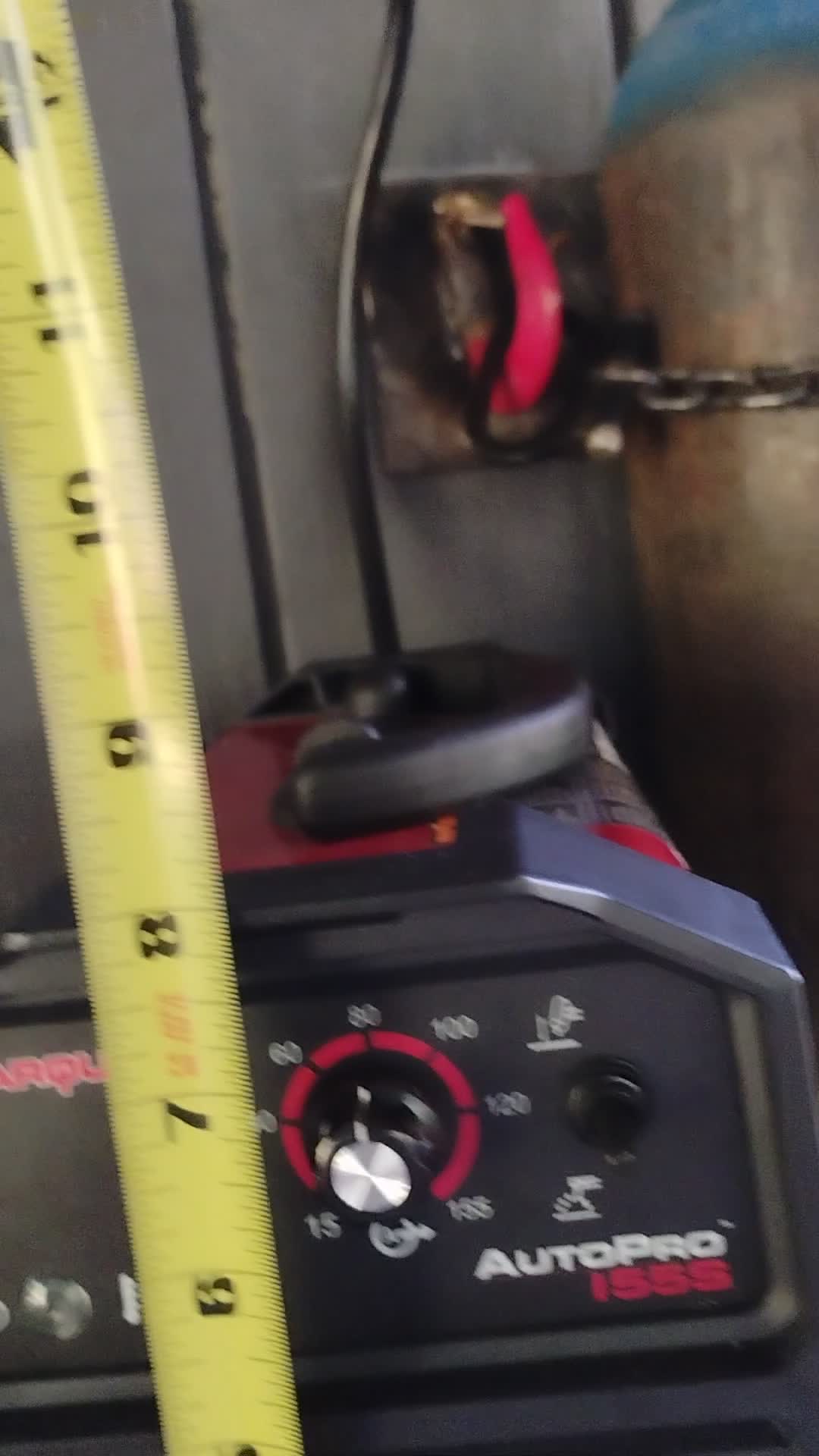
Figure 2: The Autopro 155S welder with a tape measure indicating its physical dimensions.
9. Warranty and Support
For warranty information and technical support, please refer to the documentation included with your purchase or visit the official Lincoln Electric website. Keep your purchase receipt as proof of purchase for warranty claims.
If you require assistance beyond the scope of this manual, contact Lincoln Electric customer service or an authorized service center.


