
Introduction
This manual provides detailed instructions for the installation, operation, and maintenance of your Utilitech 1.0-Sone 150-CFM White Bathroom Fan with integrated LED light. This ventilation fan is designed to provide efficient air movement and illumination in your bathroom, featuring an energy-efficient DC brushless motor and a dimmable LED light. Please read these instructions thoroughly before installation and use to ensure safe and optimal performance.
Important Safety Information
WARNING: To reduce the risk of fire, electric shock, or injury to persons, observe the following:
- Installation work and electrical wiring must be done by qualified person(s) in accordance with all applicable codes and standards, including fire-rated construction codes and standards.
- Use this unit only in the manner intended by the manufacturer. If you have questions, contact the manufacturer.
- Before servicing or cleaning the unit, switch power off at the service panel and lock the service disconnecting means to prevent power from being switched on accidentally. When the service disconnecting means cannot be locked, securely fasten a prominent warning device, such as a tag, to the service panel.
- Do not use this fan with any solid-state speed control device unless specifically approved for use with this model.
- This product is designed for general ventilating use only. Do not use to exhaust hazardous or explosive materials and vapors.
- Always wear safety glasses and gloves during installation and maintenance.
Package Contents
Verify that all components are present before beginning installation:
- Utilitech Bathroom Fan with Integrated LED Light
- 6-inch to 4-inch Duct Adapter
- Quick Connect Wire Nuts
- Installation Hardware (screws, etc., if applicable)

Image 1: The Utilitech bathroom fan unit, showing the main housing, LED light panel, and the attached duct connector.
Setup and Installation
This fan can be installed in both new construction (with attic access) and existing construction (without attic access). Professional installation is recommended for electrical wiring.
Pre-Installation Steps:
- Power Disconnection: Ensure power is turned off at the circuit breaker before starting any installation work.
- Location Selection: Choose a suitable ceiling location for the fan, ensuring adequate space for the housing and ductwork.
- Ducting Preparation: Prepare the ductwork. The fan is designed for 6-inch ducts, but a 6-inch to 4-inch duct adapter is included for compatibility with 4-inch systems.
Installation Procedure:
- Mounting the Housing: Secure the fan housing to the ceiling joists using appropriate fasteners. Ensure the housing is level and firmly attached.
- Connecting Ductwork: Connect the ventilation duct to the fan's duct connector. Use duct tape or clamps to ensure a secure and airtight seal. The fan includes a plastic duct connector and damper to prevent backdraft.
- Electrical Wiring: Connect the electrical wiring to the fan using the provided quick connect wire nuts. Follow local electrical codes and the wiring diagram provided with the unit. Ensure proper grounding.
- Installing the Grille/Light Panel: Once the housing and wiring are complete, attach the integrated LED light panel/grille to the fan housing.
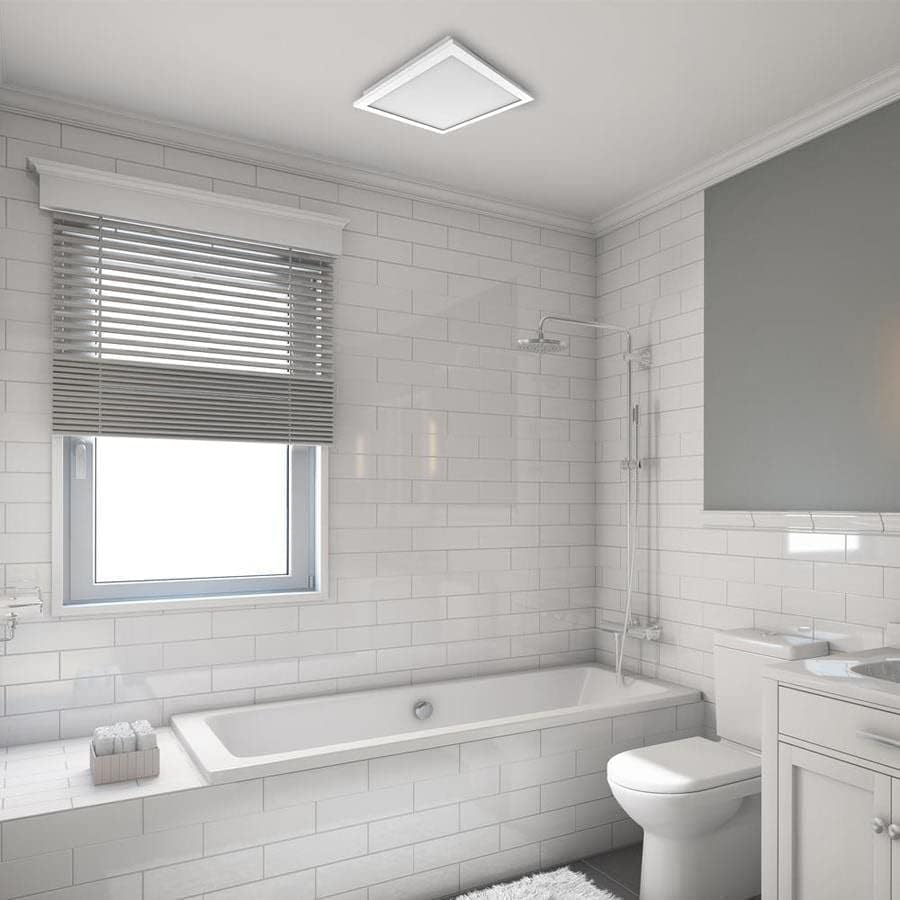
Image 2: An example of the Utilitech bathroom fan with LED light installed flush in a white ceiling, providing both ventilation and illumination.
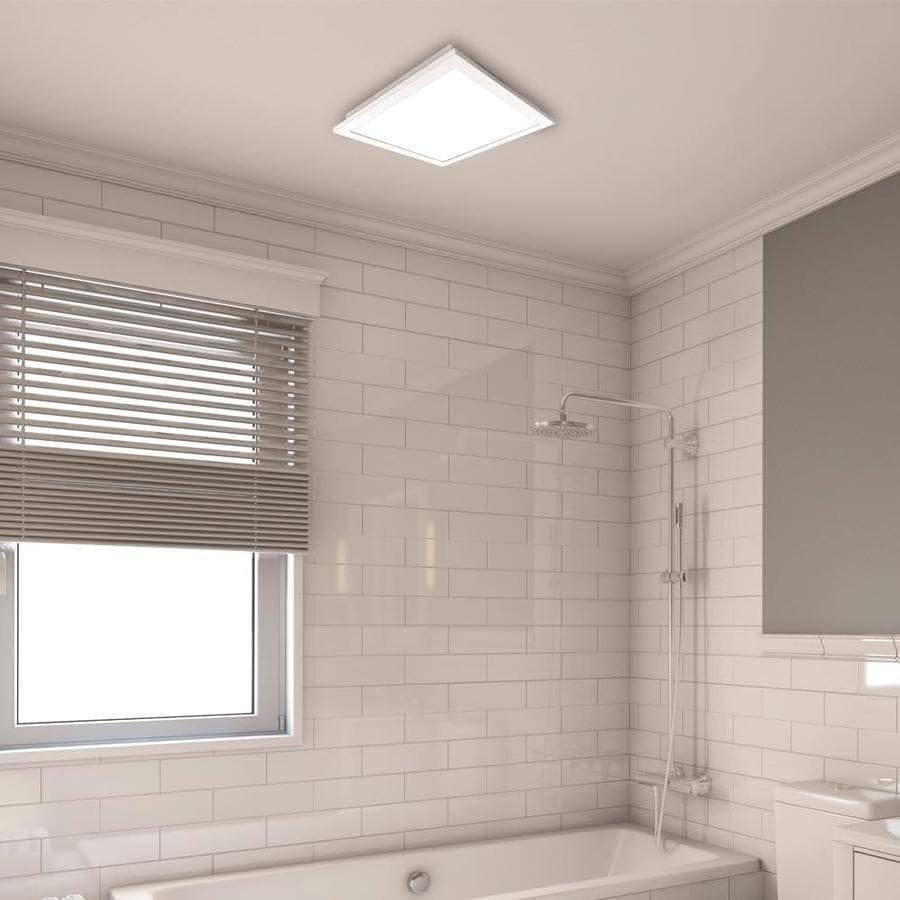
Image 3: A closer view of the installed fan's LED light panel, showing its sleek, white finish integrated into the ceiling.
Operating Instructions
The Utilitech bathroom fan is designed for simple operation, providing effective ventilation and lighting for your bathroom.
- Power On/Off: The fan and light are typically controlled by a standard wall switch. Flip the switch to turn the unit on or off.
- Ventilation: The fan operates at a single speed, moving 150 cubic feet per minute (CFM) of air at a quiet 1.0 sone level.
- LED Light: The integrated 13-watt LED light provides room illumination. This light is dimmable, requiring a compatible dimmer switch (sold separately) for dimming functionality.
- App Control: This model supports app control. Refer to the manufacturer's website or included documentation for details on connecting and controlling the fan via a smartphone application, if applicable.
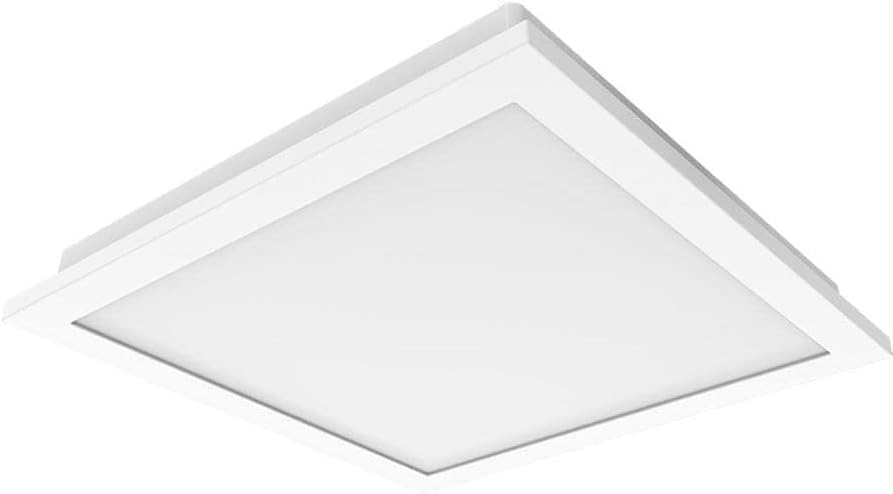
Image 4: A view of the fan's LED light panel from below, showcasing its clean, minimalist design.
Maintenance
Regular maintenance ensures the longevity and efficient operation of your Utilitech bathroom fan. Always disconnect power at the circuit breaker before performing any maintenance.
Cleaning the Fan and Light Grille:
- Turn off power to the fan at the service panel.
- Carefully remove the LED light panel/grille from the fan housing.
- Wipe the grille and light panel with a soft, damp cloth. Do not use abrasive cleaners or solvents.
- If necessary, use a vacuum cleaner with a brush attachment to remove dust from the fan blades and interior of the housing.
- Allow all parts to dry completely before reassembling.
- Reattach the LED light panel/grille and restore power.
The fan's DC brushless motor is designed for long-term operation, capable of running continuously for up to 70,000 hours, and the integrated LED light has a lifespan of up to 30,000 hours, minimizing the need for frequent internal maintenance.
Troubleshooting
If you experience issues with your Utilitech bathroom fan, refer to the following common problems and solutions. Always disconnect power before inspecting the unit.
| Problem | Possible Cause | Solution |
|---|---|---|
| Fan does not operate. | No power to the unit. Loose wiring connection. Faulty wall switch. | Check circuit breaker and wall switch. Verify all wire connections are secure (ensure power is off). Test or replace the wall switch. |
| LED light does not turn on. | No power to the unit. Loose wiring connection. Faulty LED driver/light panel. | Check power supply. Verify wiring connections. Contact customer support if the LED panel is faulty. |
| Fan is excessively noisy. | Loose mounting. Obstruction in fan blades. Ductwork issues. | Ensure fan housing is securely mounted. Remove grille and check for debris. Inspect ductwork for kinks or blockages. |
| Poor air movement. | Blocked ductwork. Fan blades are dirty. Improperly sized ducting. | Check ductwork for obstructions. Clean fan blades and grille. Ensure ducting matches recommended size or use adapter correctly. |
If problems persist after attempting these solutions, contact a qualified electrician or the manufacturer's customer support.
Specifications
| Feature | Detail |
|---|---|
| Brand | Utilitech |
| Model Name | 7116-02 |
| Air Flow Capacity | 150 CFM (Cubic Feet Per Minute) |
| Noise Level | 1.0 Sones |
| Light Type | Integrated Dimmable LED |
| LED Wattage | 13 Watts |
| LED Lifespan | Up to 30,000 hours |
| Motor Type | DC Brushless |
| Motor Lifespan | Up to 70,000 hours continuous running |
| Duct Size | 6-inch (includes 6-inch to 4-inch adapter) |
| Power Source | AC |
| Installation Type | Ceiling Mount (retrofit capable) |
| Control Method | Wall Switch, App Control |
| Certifications | UL Certified, HVI Listed, ENERGY STAR Compliant, Title 24 Compliant |
| Product Dimensions | 9.68 x 9.68 x 7.88 inches |
| Item Weight | 14.22 pounds |
Warranty Information
Utilitech products are manufactured to high-quality standards and are warranted to be free from defects in materials and workmanship for a specified period from the date of purchase. For specific warranty terms and conditions, please refer to the warranty card included with your product or visit the official Utilitech website. Keep your purchase receipt as proof of purchase for warranty claims.
Customer Support
If you have any questions regarding the installation, operation, or maintenance of your Utilitech bathroom fan, please contact Utilitech customer support. You can typically find contact information, including phone numbers and email addresses, on the manufacturer's official website or in the documentation provided with your product.
For further assistance, please visit the Utilitech website.


