
Introduction
This manual provides essential instructions for the safe and effective use, maintenance, and troubleshooting of your Colgate 360 Advanced Sonic Battery Power Toothbrush. Please read this manual thoroughly before first use and retain it for future reference.

Figure 1: Colgate 360 Advanced Sonic Battery Power Toothbrush packaging.
Safety Information
WARNING:
- Adult supervision is required for persons with disabilities when using this product.
- Replace the brush head refill if it becomes loose due to damage.
- Battery choke hazard. Do not install batteries backwards, charge, put in fire, or mix with other battery types.
- Batteries may explode or leak, causing injury.
- Replace all batteries at the same time.
Package Contents
- 1 x Colgate 360 Advanced Sonic Battery Power Toothbrush Handle
- 1 x Replaceable Brush Head
- 2 x AAA Batteries (included)
Setup
Battery Installation
- Firmly hold the bottom of the toothbrush handle.
- Rotate the top section of the handle counter-clockwise to open the battery compartment.
- Insert 2 new AAA batteries, ensuring correct polarity as indicated inside the brush handle.
- Firmly rotate the top section clockwise back into position to close the battery compartment securely.

Figure 2: Battery installation instructions on packaging.
Operating Instructions
Brushing Your Teeth
- Attach a brush head to the handle.
- Wet the bristles and apply a small amount of toothpaste.
- Place the brush head against your teeth at a slight angle towards the gumline.
- Press the power button (red button) to turn on the toothbrush. The toothbrush will provide sonic vibrations at 20,000 strokes per minute.
- Move the brush head slowly from tooth to tooth, allowing the bristles to clean each surface. Do not scrub aggressively.
- The toothbrush includes a 2-minute timer to assist with recommended brushing duration. Continue brushing until the timer indicates completion.
- After brushing, press the power button again to turn off the toothbrush.

Figure 3: Toothbrush features including sonic vibrations and 2-minute timer.
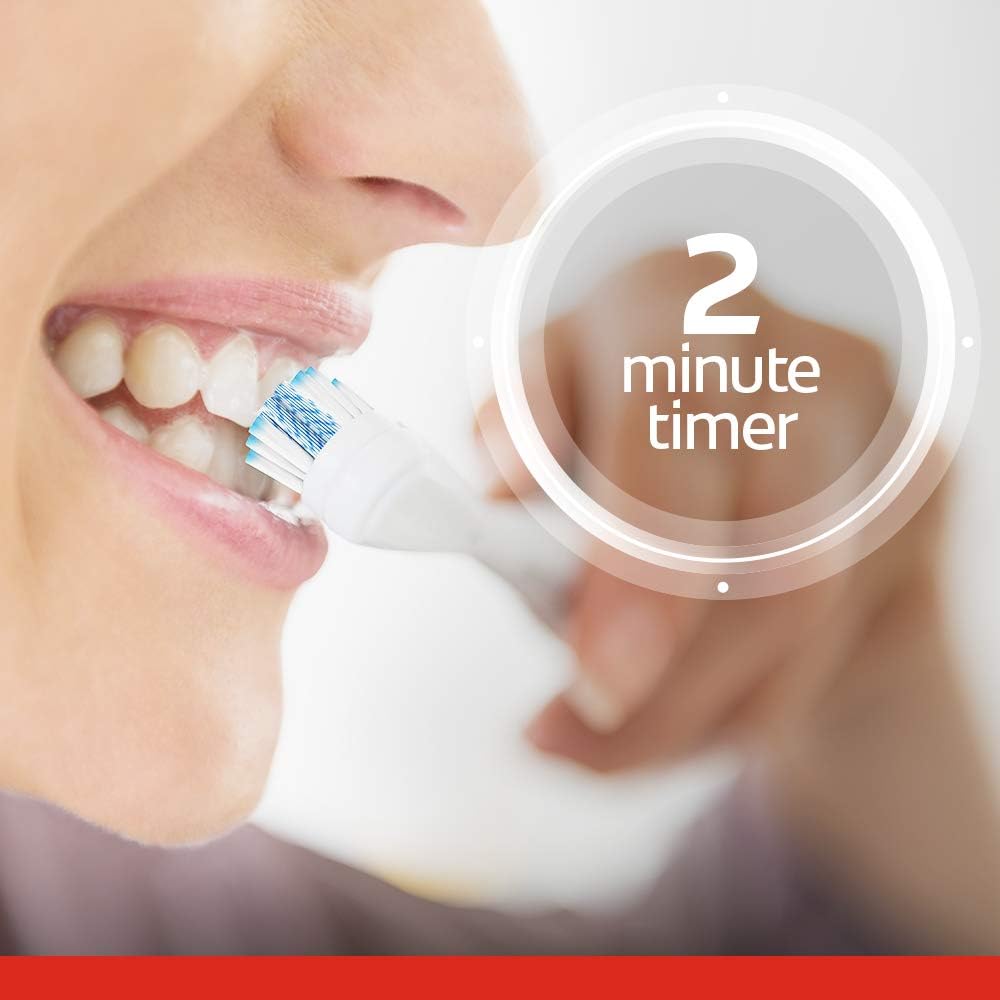
Figure 4: Illustration of the 2-minute timer during brushing.
Using the Cheek & Tongue Cleaner
The back of the brush head features a cheek and tongue cleaner designed to remove odor-causing bacteria. After brushing your teeth, gently glide the textured surface over your cheeks and tongue.

Figure 5: Replaceable brush head with integrated cheek and tongue cleaner.
Maintenance
Cleaning the Toothbrush
After each use, rinse the toothbrush head thoroughly under running water. Shake off any excess water and store the toothbrush upright to allow it to air dry.
Replacing the Brush Head
Dentists and hygienists recommend replacing your toothbrush refill every 3 months, or sooner if the brush head becomes damaged or worn.
- Gently pull the old brush head directly away from the handle.
- Press a new Colgate 360 Advanced brush head firmly into place on the handle until it clicks securely.
Replacing Batteries
Refer to the "Battery Installation" section under "Setup" for detailed instructions on replacing the AAA batteries. Always replace both batteries at the same time.
Troubleshooting
| Problem | Possible Cause | Solution |
|---|---|---|
| Toothbrush does not turn on. | Batteries are depleted or incorrectly installed. | Replace batteries with new AAA batteries, ensuring correct polarity. Refer to "Battery Installation" section. |
| Brush head feels loose. | Brush head is not securely attached or is damaged. | Ensure the brush head is firmly pressed onto the handle. If damaged, replace the brush head. |
| Reduced vibration intensity. | Batteries are low. | Replace batteries with new AAA batteries. |
Specifications
- Model Number: CN06919A
- Power Source: 2 x AAA Batteries (included)
- Vibration Speed: 20,000 strokes per minute
- Special Features: 2-minute timer, Lightweight handle, Replaceable brush head, Cheek & Tongue Cleaner
- Item Firmness: Soft
- Product Dimensions: 2.36 x 1.38 x 8.66 inches
- Weight: 3.21 ounces
- Manufacturer: Colgate-Palmolive Co
Warranty and Support
Colgate offers a satisfaction guarantee. If you are not satisfied with your product, you may be eligible for a refund or replacement.
For further assistance, product support, or warranty claims, please contact Colgate-Palmolive directly:
- Website: colgatepalmolive.com/us/contact-us
- Phone: 1-800-468-6502