
1. Introduction
The Tescoma Accura Digital Timer is designed for precise timekeeping in the kitchen and other environments. Its compact design and clear digital display make it a practical tool for managing cooking times, study sessions, or other timed activities.
2. Safety Instructions
- Keep the device away from water and high humidity.
- Do not expose to extreme temperatures or direct sunlight.
- Do not attempt to disassemble or repair the device yourself. Contact qualified personnel for service.
- Keep batteries out of reach of children.
3. Package Contents
- 1 x Tescoma Accura Digital Timer
- 1 x 9V Battery (included)
4. Setup
4.1 Battery Installation
The Tescoma Accura Digital Timer requires one 9V battery for operation. The battery may be pre-installed or included separately in the package.
- Locate the battery compartment cover on the back of the timer.
- Slide or unclip the cover to open the compartment.
- Insert the 9V battery, ensuring correct polarity (+/-).
- Replace the battery compartment cover securely.
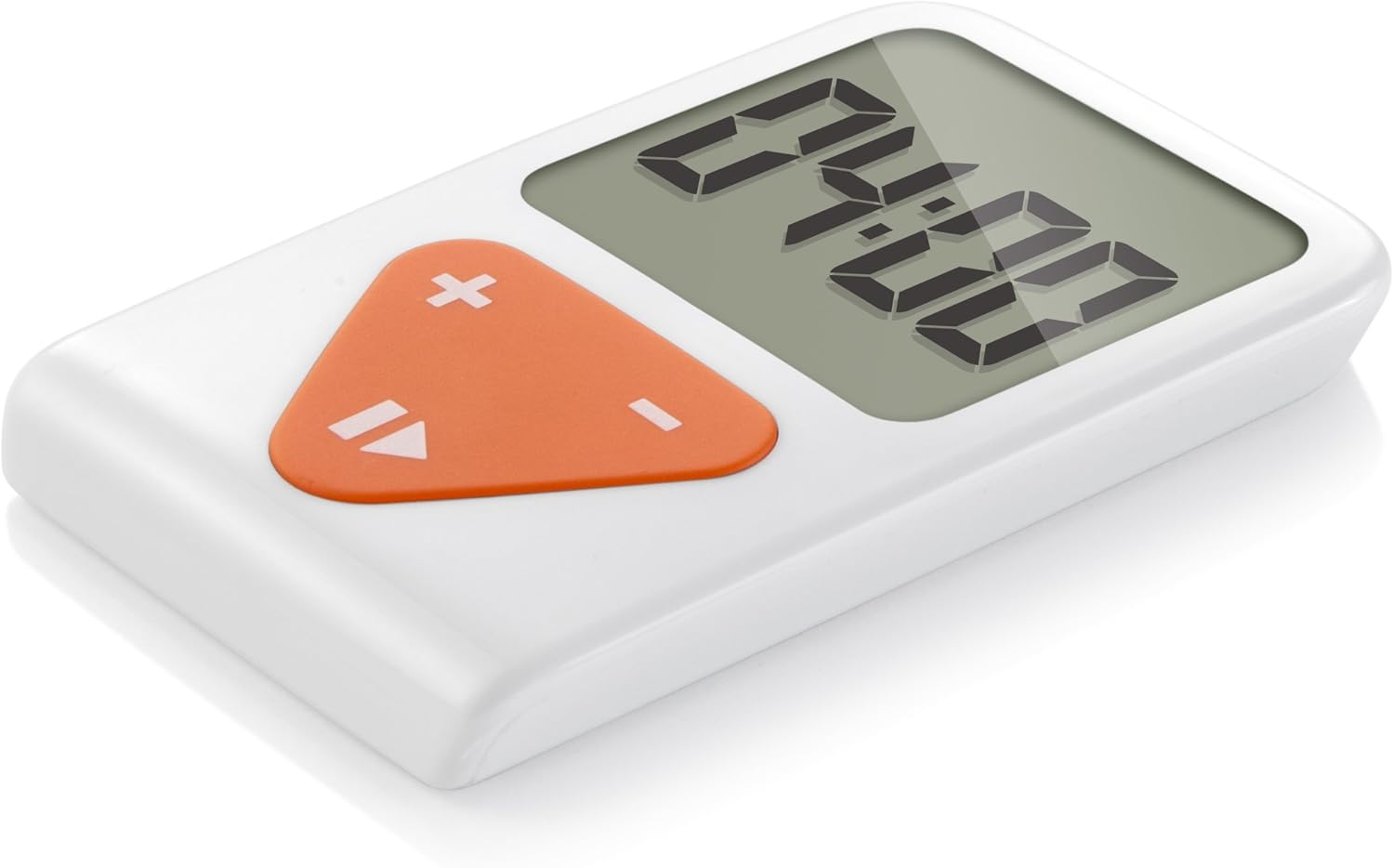
Figure 1: Front view of the Tescoma Accura Digital Timer. The display shows "00:00" and the control buttons are visible below it.
5. Operating Instructions
5.1 Setting the Timer
The timer features three control buttons: + (plus), - (minus), and a Play/Pause/Reset button (often indicated by a triangle or similar icon).
- To set time: Press the + or - buttons to adjust the desired time. Each press typically adjusts the time in 30-second increments. Hold the button for faster adjustment.
- Start/Pause: Press the Play/Pause button once to start the countdown. Press it again to pause the timer.
- Reset: To reset the timer to zero, press and hold the Play/Pause button for a few seconds while the timer is paused or stopped.
5.2 Alarm Function
When the countdown reaches zero, the timer will emit an audible alarm to indicate that the set time has elapsed. The alarm will sound for a short duration or until a button is pressed.

Figure 2: Dimensions of the Tescoma Accura Digital Timer. The device measures approximately 8.5 cm in height and 5 cm in width.
6. Maintenance
- Cleaning: Wipe the timer with a soft, damp cloth. Do not use abrasive cleaners or immerse in water.
- Battery Replacement: Replace the 9V battery when the display becomes dim or the timer stops functioning correctly. Dispose of used batteries responsibly.
- Storage: Store the timer in a cool, dry place when not in use for extended periods.
7. Troubleshooting
| Problem | Possible Cause | Solution |
|---|---|---|
| Display is blank or dim. | Low or dead battery. | Replace the 9V battery. Ensure correct polarity. |
| Timer does not start. | Time not set, or Play/Pause button not pressed. | Set a time using the + and - buttons, then press the Play/Pause button. |
| Alarm is not sounding. | Timer not reaching zero, or internal fault. | Ensure the timer counts down to zero. If the issue persists, contact customer support. |
8. Specifications
- Model: T634480
- Brand: Tescoma
- Material: Plastic
- Color: Bianco (White)
- Dimensions: Approximately 5.91 x 3.94 x 0.55 inches (15 x 10 x 1.4 cm)
- Item Weight: Approximately 1.41 ounces (40 Grams)
- Power Source: 1 x 9V Battery (included)
- Screen Size: 5 Centimeters (diagonal)
9. Warranty and Support
For warranty information or technical support, please refer to the Tescoma official website or contact their customer service department. Keep your purchase receipt as proof of purchase.
Tescoma Official Website: www.tescoma.com