
1. Introduction
The NiteRider Lumina 1000 Boost is a high-performance, self-contained bicycle headlight designed for various cycling activities, including mountain biking, road riding, adventure cycling, and urban commuting. This manual provides essential information for the proper setup, operation, and maintenance of your Lumina 1000 Boost light.
Key features include:
- 1000 Lumen BOOST Mode: Double-click the power button for maximum LED output.
- 5 Light Levels & 2 Daylight Flash Modes: Versatile lighting options for different conditions.
- Lock Mode: Prevents accidental activation during storage or transport.
- Intellicharge Function: Charges the battery twice as fast with a higher amp adapter.
- FL1 Standard IP64: Dust and water-resistant for reliable performance.
- Secure Handlebar Mount: Fits handlebars up to 35mm.
- Low Battery Indicator: Power button changes from blue to red when battery is below approximately 20%.

This video provides a general overview of the NiteRider Lumina 1000 Boost Headlight:
Video 1: NiteRider Lumina 1000 Boost Headlight Overview.
2. Setup
2.1 Package Contents

Your NiteRider Lumina 1000 Boost package should include:
- Lumina 1000 Boost Head Light
- USB Charging Cable
- Handlebar Clamp Mount
2.2 Mounting the Light
The Lumina 1000 Boost comes with a secure handlebar clamp mount designed to fit handlebars up to 35mm in diameter. Ensure the mount is firmly attached to prevent movement during rides.

2.3 Initial Charging
Before first use, fully charge the battery. The light features an Intellicharge function for faster charging with a higher amp adapter.
3. Operating Instructions
3.1 Power On/Off and Mode Selection
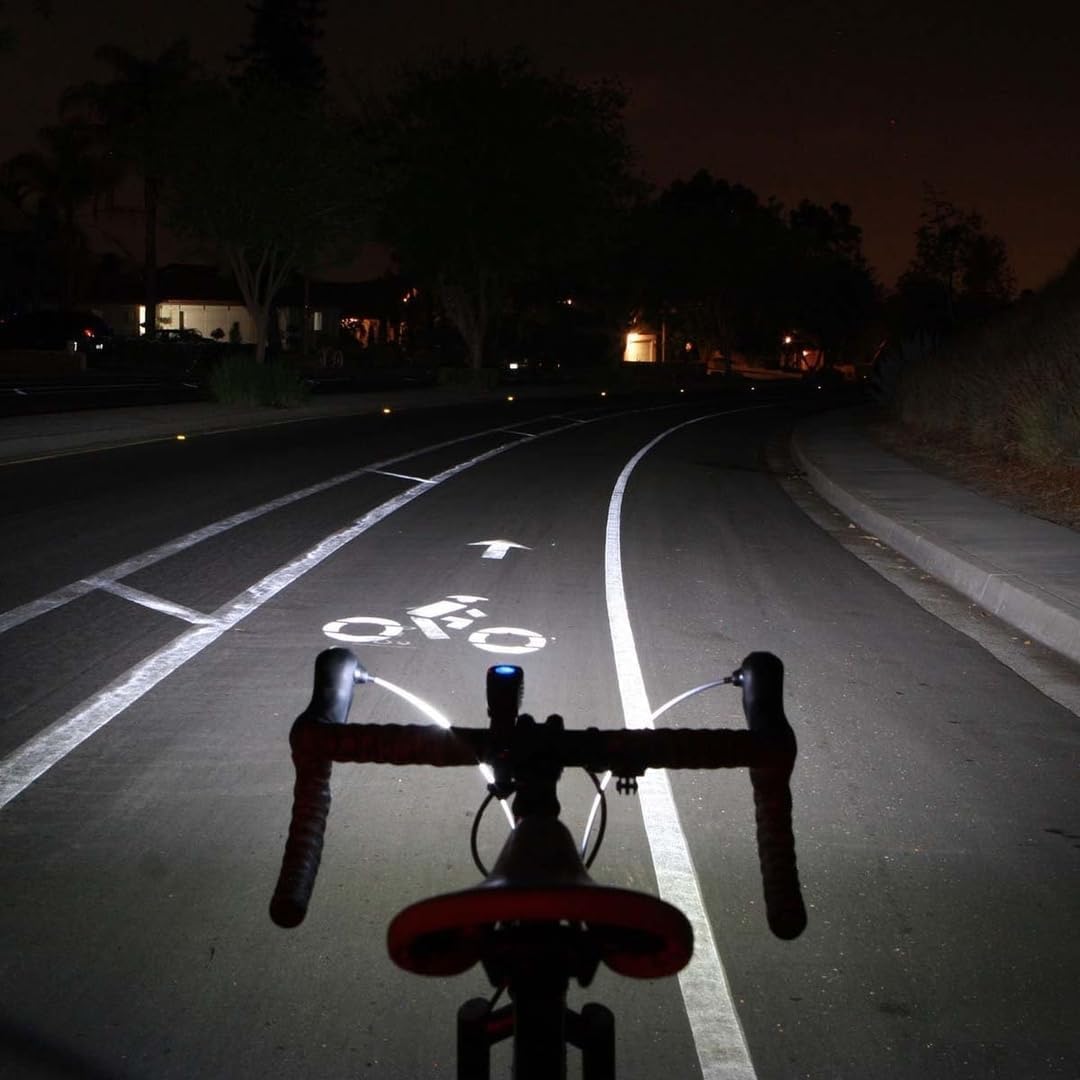
Press the power button once to turn the light on. Subsequent presses will cycle through the 5 light levels and 2 Daylight Flash modes. To activate BOOST mode (1000 Lumens), double-click the power button.

3.2 Lock Mode
The Lumina 1000 Boost is shipped in Lock Mode to prevent accidental activation and battery drain. It is important to unlock the light before first use.
To Lock the light: Press and hold the power button for approximately 7 seconds until the indicator light turns red.
To Unlock the light: Press and hold the power button for approximately 7 seconds until the indicator light turns blue.

Watch these videos for a detailed explanation of Lock Mode:
Video 2: How to Unlock the NiteRider Lumina when the button is red.
Video 3: Lumina Series lights come Locked for safety, Unlock to use.
3.3 Battery Level Indicator
The power button serves as a battery level indicator:
- Blue: Battery level is above approximately 20%.
- Red: Battery level is below approximately 20%, indicating it's time to recharge.
This video highlights the Lumina Boost features, including mode operation:
Video 4: Lumina Boost Highlights - High Power Lights By Day or Night.
4. Maintenance
To ensure the longevity and optimal performance of your NiteRider Lumina 1000 Boost, follow these maintenance guidelines:
- Cleaning: Wipe the light body and lens with a soft, damp cloth. Avoid abrasive cleaners or solvents.
- Charging: Recharge the battery regularly, especially if the light will not be used for an extended period. Store the light with a partial charge (around 50%) if storing for several months.
- Water and Dust Resistance: The light is FL1 Standard IP64 rated, meaning it is dust-tight and protected against water splashes from any direction. While durable, avoid submerging the light in water. Ensure the USB port cover is securely closed when not charging to maintain water resistance.
- Storage: Store the light in a cool, dry place away from direct sunlight. Activate Lock Mode when storing or transporting the light to prevent accidental activation.
5. Troubleshooting
5.1 Light Not Turning On
- Check Lock Mode: The light may be in Lock Mode. Press and hold the power button for 7 seconds until the indicator turns blue to unlock it.
- Battery Level: Ensure the battery is charged. If the indicator is red, recharge the light.
5.2 Battery Not Charging
- USB Connection: Verify the USB charging cable is securely connected to both the light and the power source.
- Power Source: Try a different USB port or wall adapter to rule out a faulty power source.
- Cable Integrity: Inspect the USB cable for any damage.
6. Specifications
| Feature | Detail |
|---|---|
| Model Name | NiteRider Lumina 1000 Boost |
| Brightness | 1000 Lumens (Boost Mode) |
| Light Levels | 5 |
| Daylight Flash Modes | 2 |
| Power Source | Battery Powered (USB Rechargeable) |
| Material | Nylon |
| Color | Black |
| Item Weight | 0.38 Pounds |
| Mounting Type | Handlebar Mount (fits up to 35mm) |
| Water Resistance Level | IP64 (Dust and Water-Resistant) |
| Included Components | Lumina 1000 Boost Head Light, USB charging cable, Handlebar clamp mount |
| UPC | 702699067820, 754133171495 |
7. Warranty Information
The NiteRider Lumina 1000 Boost comes with the following warranty coverage:
- Lifetime Warranty: Covers any defects in mechanical components (housings, covers, mounts, and fasteners) and LEDs.
- 2-Year Warranty: Covers Printed Circuit Boards, Switches, and AC Adapters.
- 1-Year Warranty: Covers Rechargeable Battery Cells.
For warranty claims or service, please refer to the official NiteRider website or contact their customer support.
8. Support
For additional support, technical assistance, or to purchase accessories, please visit the official NiteRider website or contact their customer service department. Keep your product's model name and serial number (if applicable) ready when contacting support.