
1. Product Overview
The Anker 2-Pack Dual Port 12W USB A Charger Block (Model A2620) is designed for efficient and safe charging of multiple devices simultaneously. Its compact size and foldable plug make it an ideal travel companion.

Image: Two Anker 12W Dual Port USB A Charger Blocks, showcasing their compact design.
2. What's Included
- 2 × PowerPort mini compact wall chargers
- Welcome guide
- 18-month worry-free warranty
3. Setup
The Anker Dual Port Charger features a foldable plug for convenience and portability. To set up, simply unfold the prongs and plug the charger into a standard wall outlet.
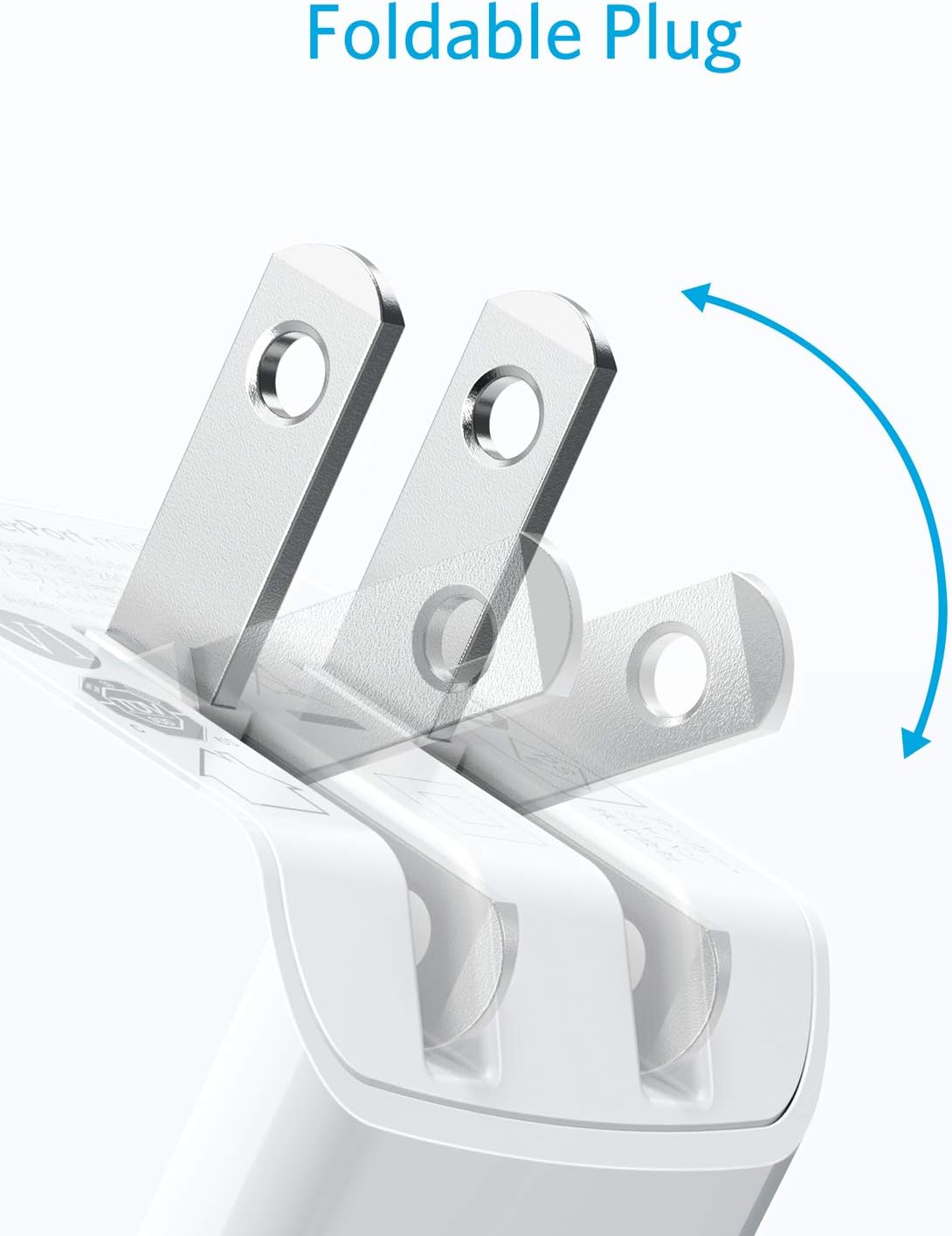
Image: Close-up of the Anker charger demonstrating its foldable plug mechanism.
Ensure the charger is securely inserted into the outlet. The compact design ensures it does not block adjacent outlets, allowing for efficient use of power strips or wall sockets.
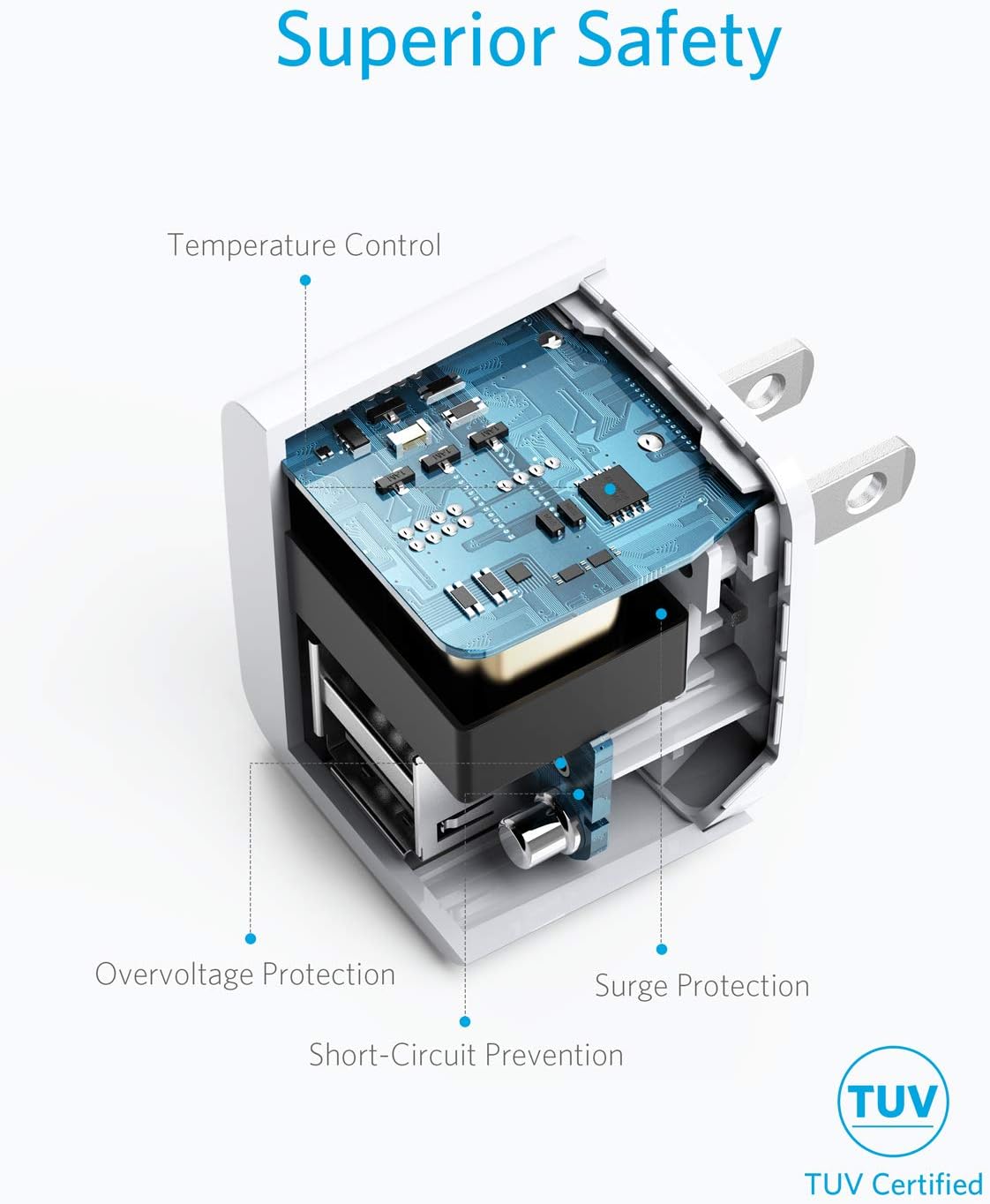
Image: An Anker charger plugged into a wall outlet, demonstrating its compact size and non-obstructive design.
4. Operating Instructions
This charger is equipped with two USB-A ports, allowing for simultaneous charging of two devices. Anker's exclusive PowerIQ technology intelligently detects your devices and adjusts the voltage output to deliver an optimized charge.
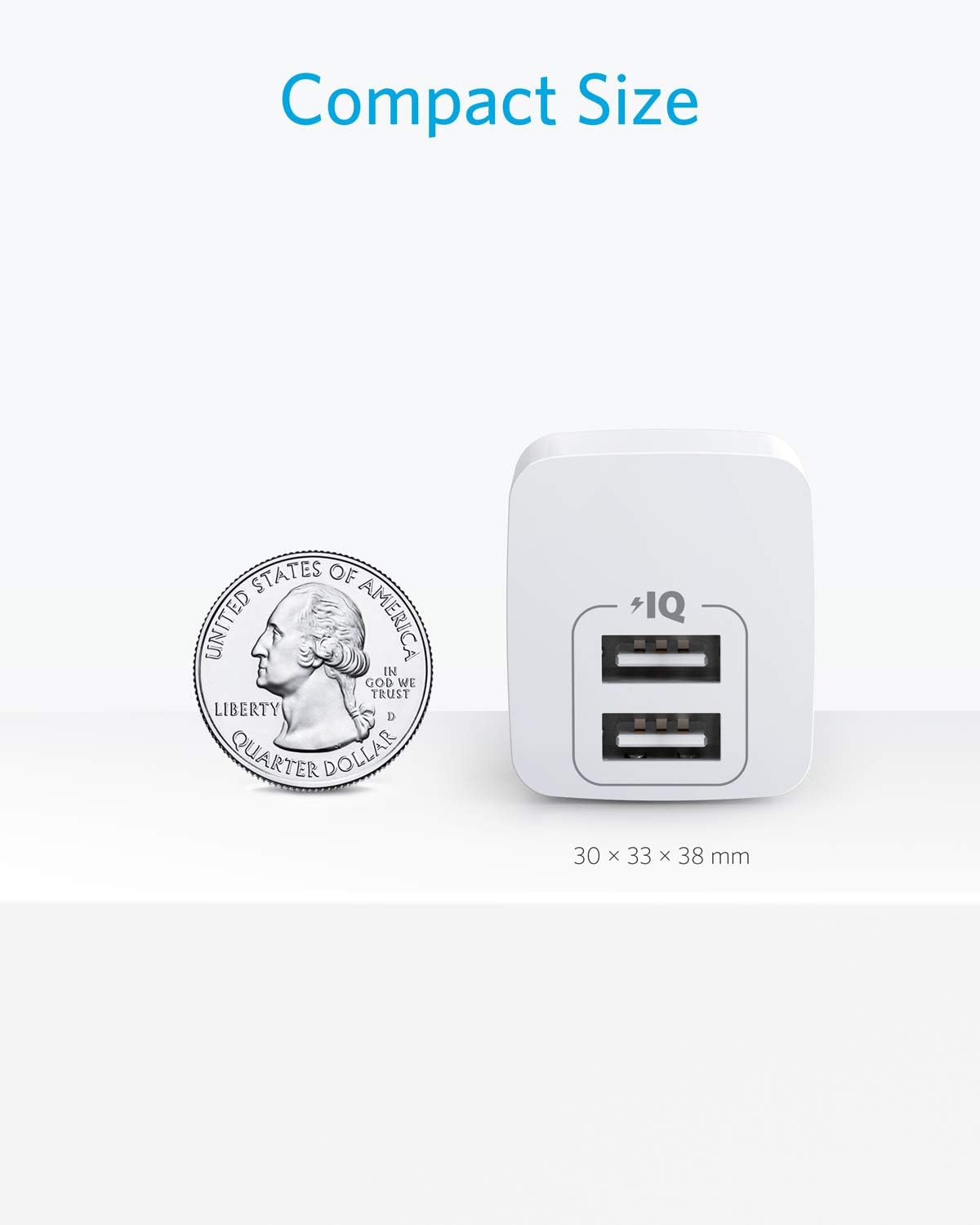
Image: Front view of the Anker charger highlighting its dual USB-A ports.
Simply connect your device's USB-A charging cable to one of the ports on the charger. The charger supports a maximum output of 12W when charging a single device.
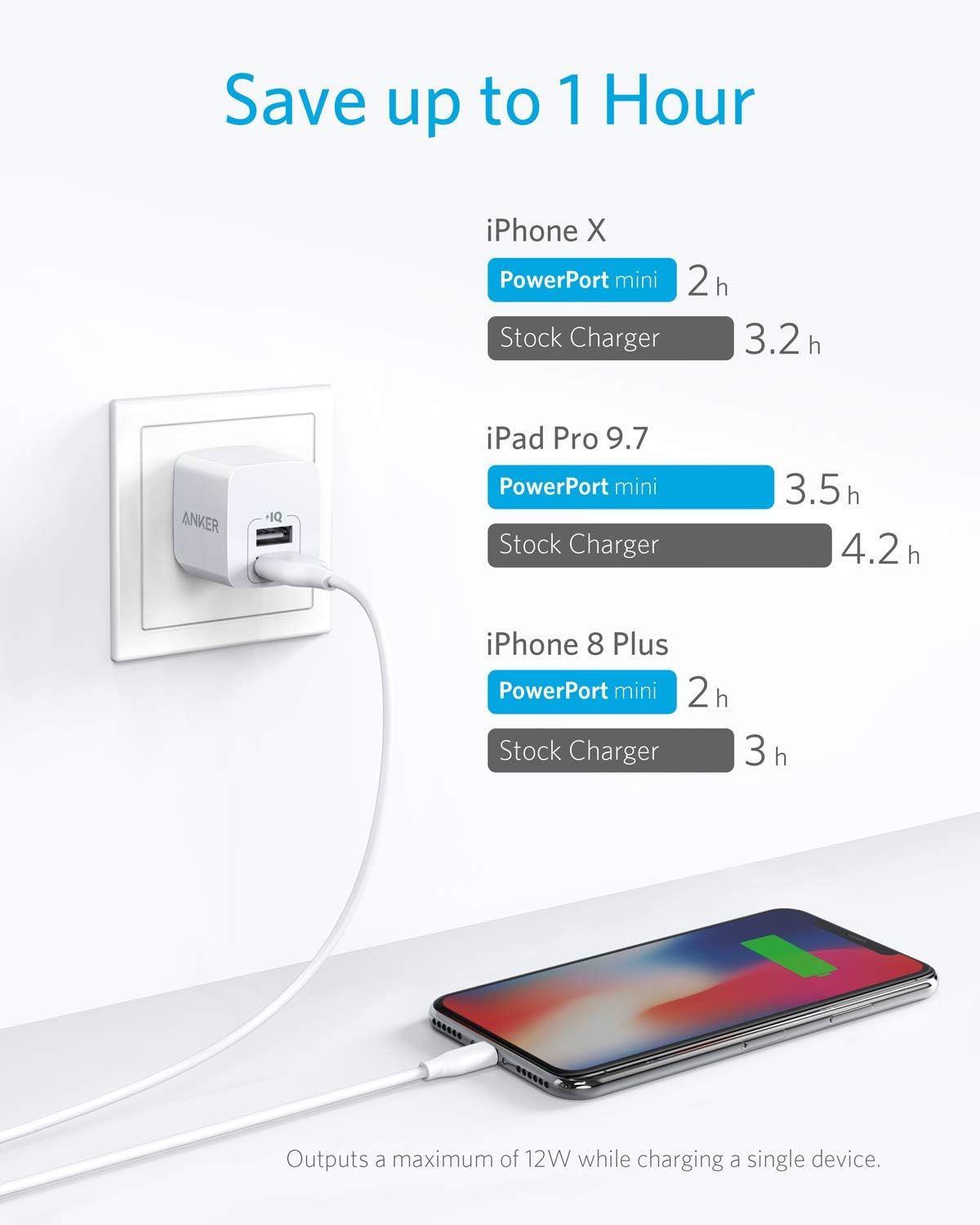
Image: An Anker PowerPort mini charging an iPhone, illustrating its efficiency compared to a stock charger.
The charger is universally compatible with a wide range of devices including phones, tablets, headphones, and portable chargers. Note: This charger does not support Qualcomm Quick Charge.
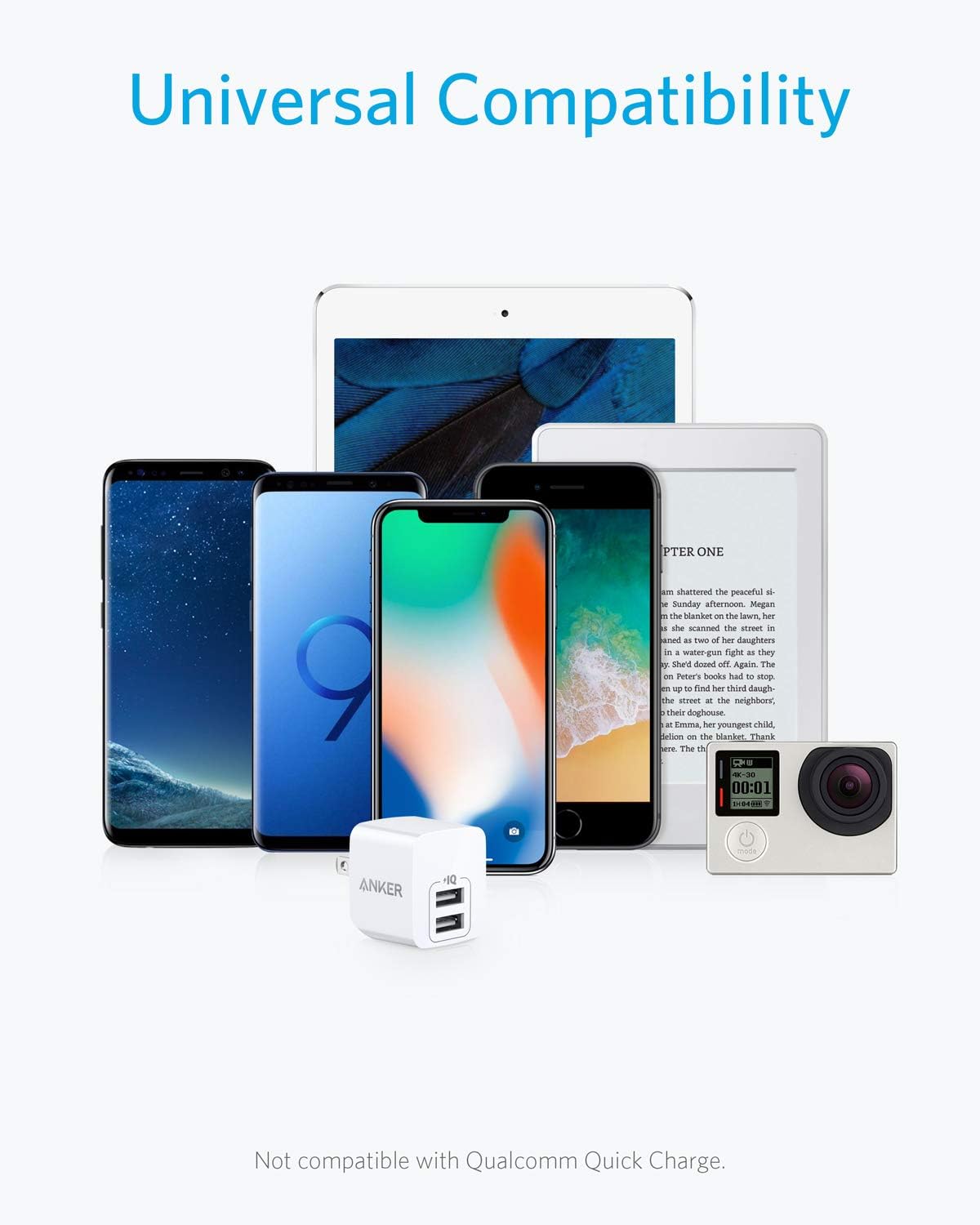
Image: Various electronic devices (phones, tablets, action camera) surrounding the Anker charger, indicating universal compatibility.
For optimal charging, ensure your device's charging cable is in good condition and properly connected.
5. Maintenance
To ensure the longevity and optimal performance of your Anker charger, keep it in a dry environment and avoid exposure to extreme temperatures. Regularly inspect the USB ports for any debris or damage. Clean the exterior with a soft, dry cloth as needed.
6. Troubleshooting
Device Not Charging:
- Ensure the charger is securely plugged into a working wall outlet.
- Verify that the USB cable is properly connected to both the charger and your device.
- Try using a different USB cable to rule out a faulty cable.
- Test the charger with a different device to confirm the charger's functionality.
Slow Charging:
- Ensure your device is compatible with 12W charging.
- Avoid using excessively long or low-quality USB cables, which can reduce charging efficiency.
- Note that this charger does not support Qualcomm Quick Charge, so devices requiring this technology may charge at a standard rate.
Safety Features:
Anker's MultiProtect 11-point safety system provides all-round protection for you and your devices, including temperature control, overvoltage protection, short-circuit prevention, and surge protection. If the charger stops working unexpectedly, these safety features may have been activated to protect your devices.
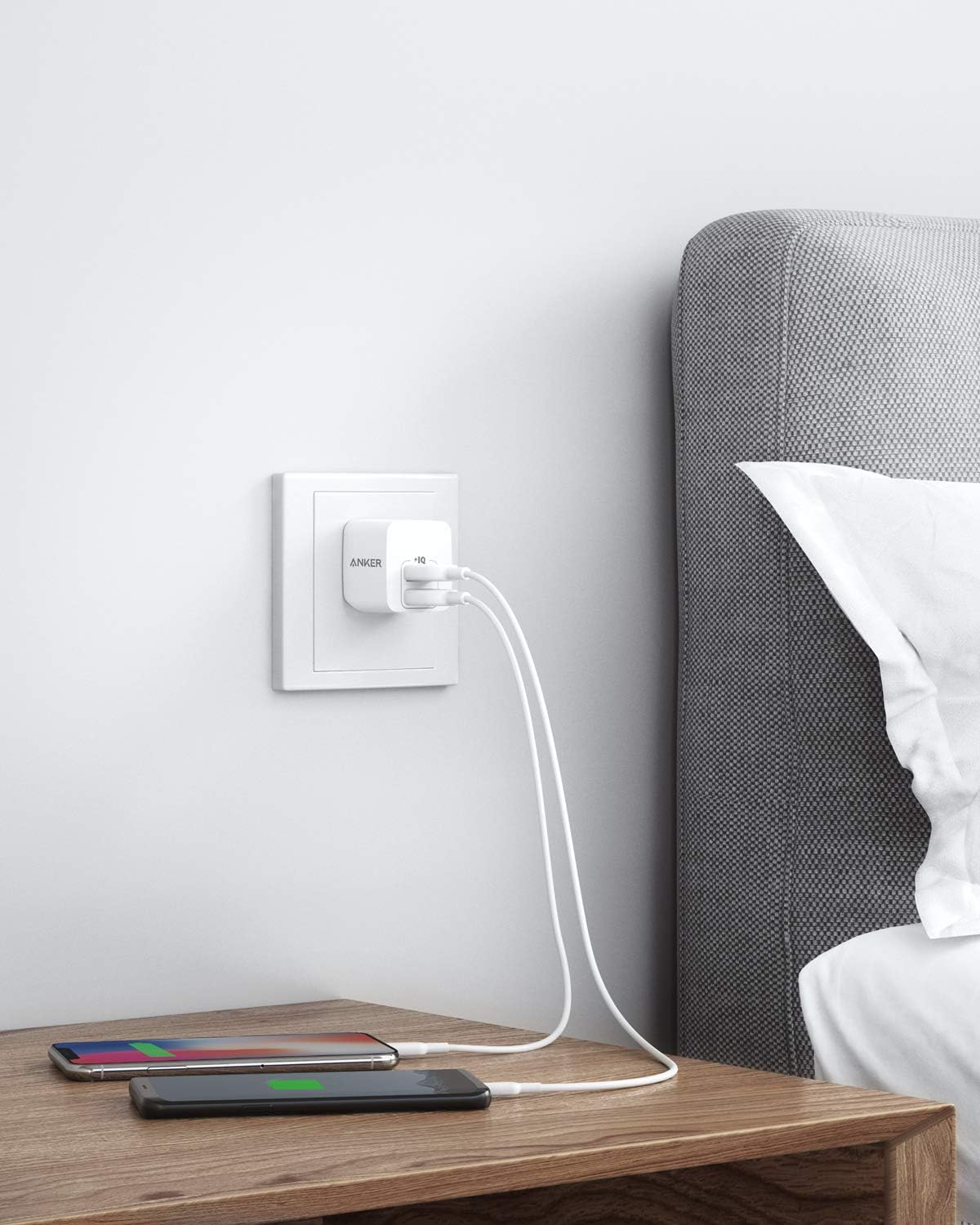
Image: Diagram illustrating the internal safety features of the Anker charger, including temperature control, overvoltage protection, short-circuit prevention, and surge protection.
7. Specifications
| Feature | Detail |
|---|---|
| Product Dimensions | 1.18 x 1.3 x 1.5 inches |
| Item Weight | 1.28 ounces |
| Model Number | A2620 |
| Input Voltage | 100-240 Volts |
| Output | 5V=2.4A (2.4A Max Per Port) |
| Connectivity Technology | USB |
| Connector Type | USB Type A |
| Special Feature | Fast Charging (12W Max) |
| Compatible Devices | iPhone 16 / 16 Pro / 15 / 15 Pro / 14 / 14 Plus / 14 Pro / 14 Pro Max / 13 mini / 13 / 13 Pro / 13 Pro Max / 12 mini / 12 / 12 Pro / 12 Pro Max / SE (2nd Gen), Galaxy S22 / S21 / Note 20, and other USB-A compatible devices. |
8. Warranty and Support
Your Anker PowerPort mini compact wall chargers come with a worry-free 18-month warranty, ensuring peace of mind regarding your purchase.
For any questions, concerns, or support needs, please refer to the welcome guide included in your package or visit the official Anker Store for friendly customer service and additional resources.


