
1. Product Overview
The Ultimate Ears BOOM 3 is a highly portable wireless Bluetooth speaker designed to deliver immersive 360-degree sound with deep bass. It is built for durability, featuring waterproof, dustproof, and drop-proof capabilities, making it suitable for various environments.

Figure 1: Ultimate Ears Boom 3 Speaker (Night Black)
This speaker features an all-new Magic Button for direct control of music playback and can be paired with other BOOM and MEGABOOM speakers for an enhanced audio experience.
2. Getting Started: Setup
2.1 Charging the Speaker
Before first use, fully charge your BOOM 3 speaker. The rechargeable battery provides up to 15 hours of playback on a single charge.
- Connect the provided USB charging cable to the Micro USB port on the speaker.
- Plug the other end of the USB cable into a USB power block (included) and then into a wall outlet.
- The LED indicator will show charging status.
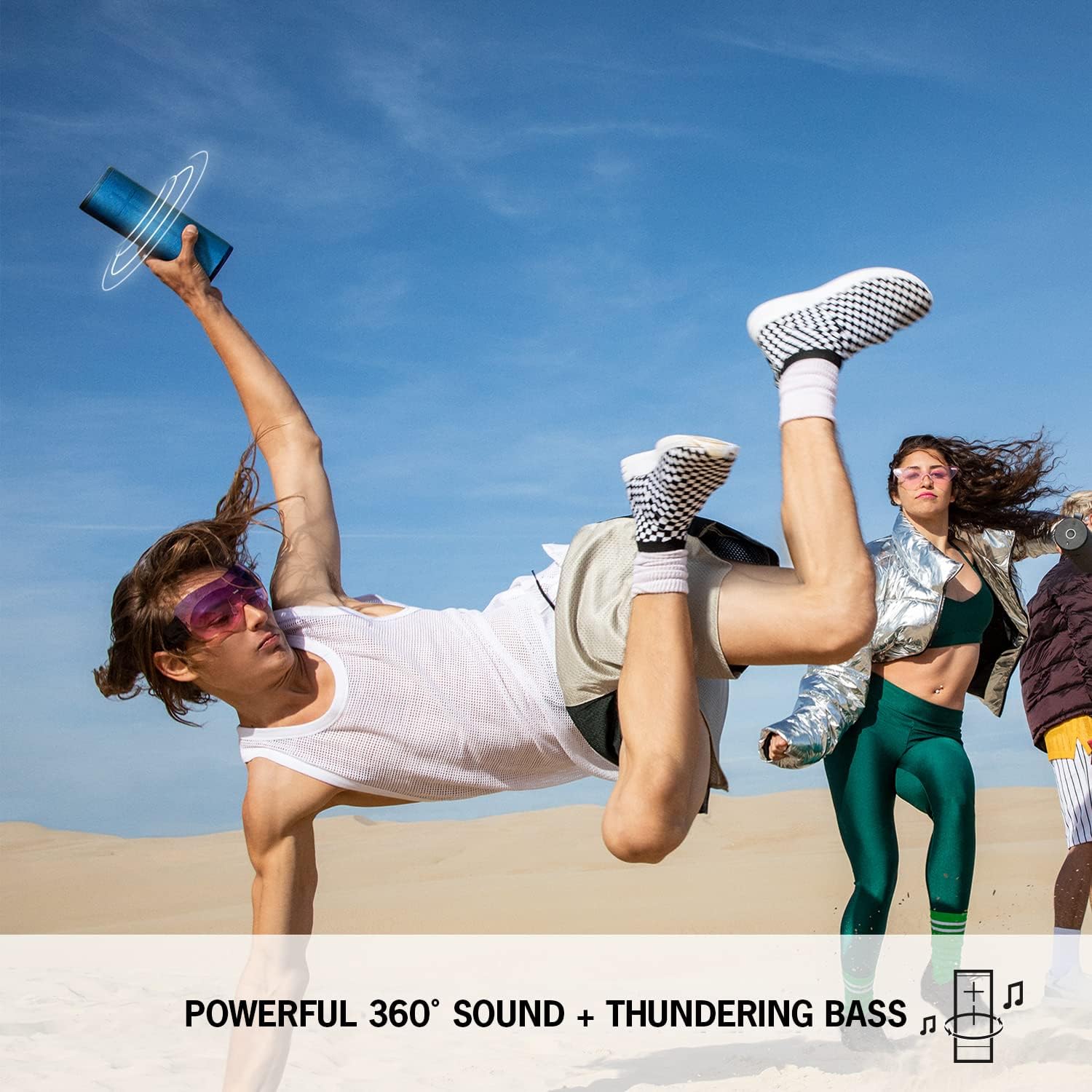
Figure 2: Charging the BOOM 3 Speaker
For wireless charging, the POWER UP charging dock (sold separately) can be used to keep your BOOM 3 ready for use.
2.2 Bluetooth Pairing
To connect your BOOM 3 to a Bluetooth-enabled device:
- Power on the BOOM 3 by pressing the Power ON/OFF button located on the top of the speaker.
- Press and hold the Bluetooth pairing button (small button next to the power button on top) until you hear an audible tone and the LED indicator flashes rapidly.
- On your mobile device, navigate to the Bluetooth settings and select "BOOM 3" from the list of available devices.
- Once connected, you will hear a confirmation tone from the speaker.

Figure 3: BOOM 3 Controls and Ports
3. Operating the Speaker
3.1 Basic Controls
- Power ON/OFF: Press the button on the top of the speaker.
- Volume Control: Use the large '+' and '-' buttons on the front of the speaker to adjust volume.
- Magic Button: Located on the top of the speaker.
- Press once to Play/Pause music.
- Press twice to Skip to the next track.
- Long press to activate custom one-touch playlists (requires BOOM App setup).
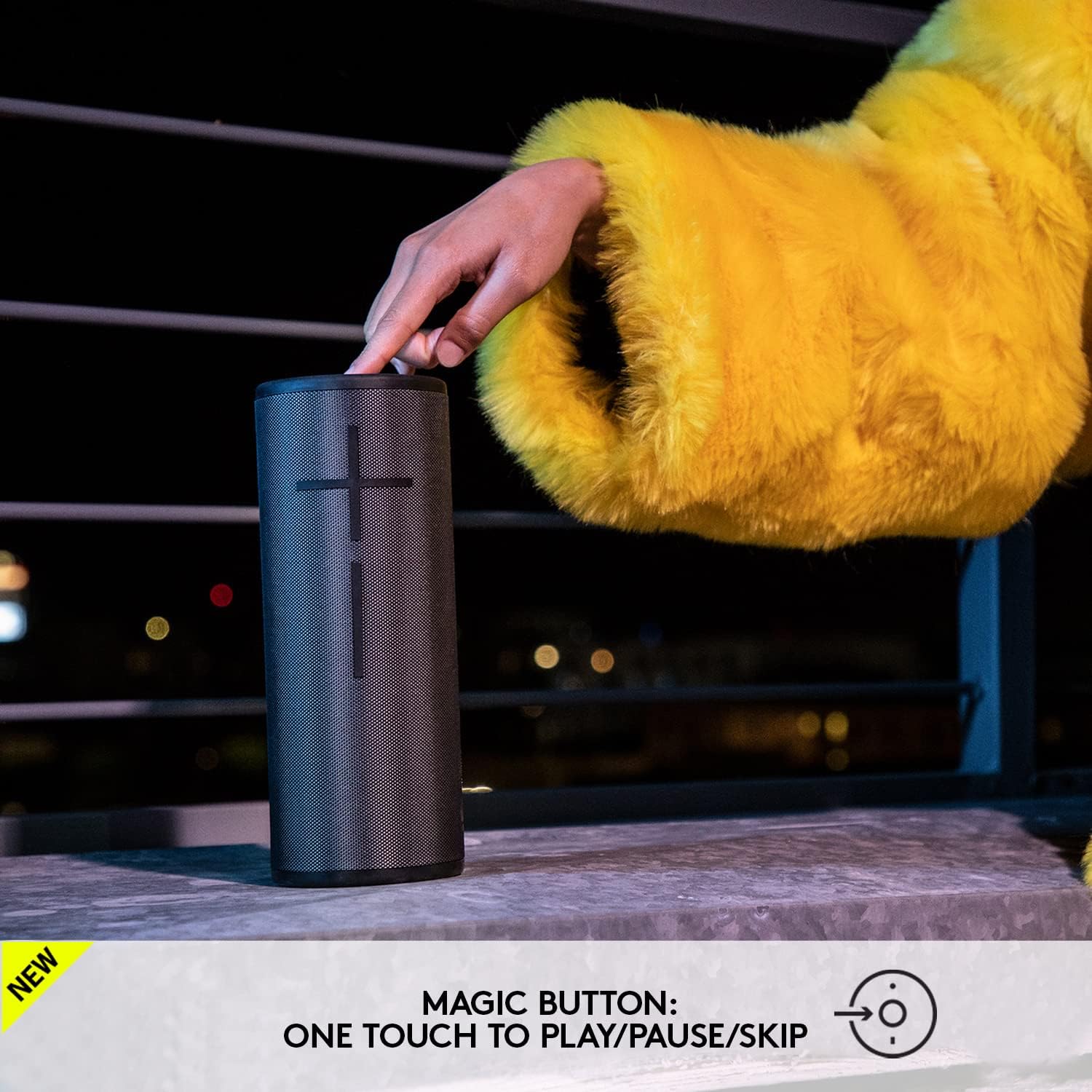
Figure 4: Using the Magic Button
3.2 PartyUp Feature
The PartyUp feature allows you to connect multiple Ultimate Ears BOOM and MEGABOOM speakers (any generation) to create a larger, more immersive sound experience. This feature is managed through the BOOM & MEGABOOM App.
- Download the Ultimate Ears BOOM & MEGABOOM App from your device's app store.
- Open the app and follow the on-screen instructions to connect and manage multiple speakers.
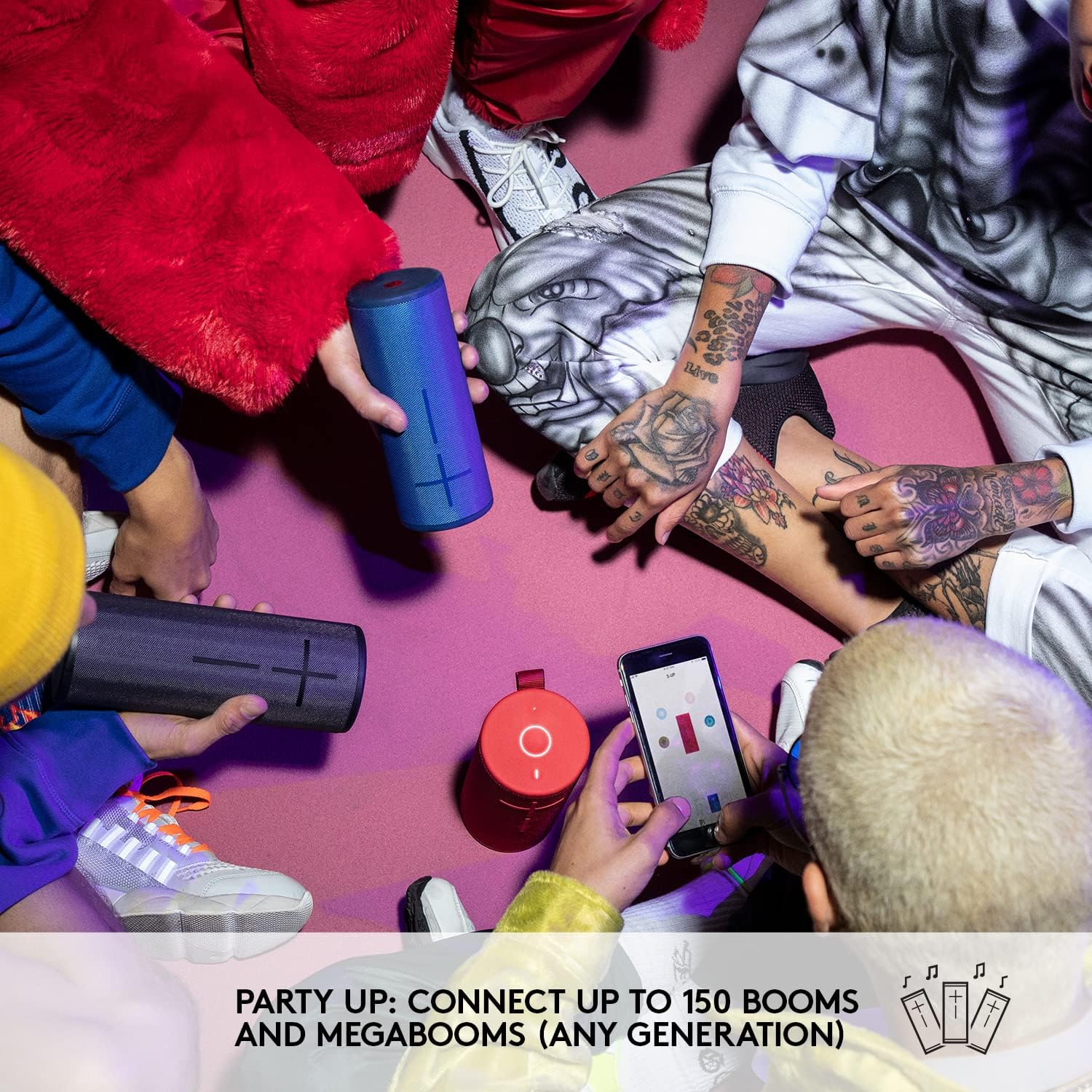
Figure 5: PartyUp Feature with Multiple Speakers
4. Maintenance and Care
4.1 Water, Dust, and Drop Protection
The BOOM 3 is designed to be highly durable:
- Waterproof: IP67 rated, meaning it can be submerged in water up to 1 meter for 30 minutes. It also floats.
- Dustproof: Protected against dust ingress.
- Drop-proof: Engineered to withstand drops.

Figure 6: BOOM 3 Floating in Water
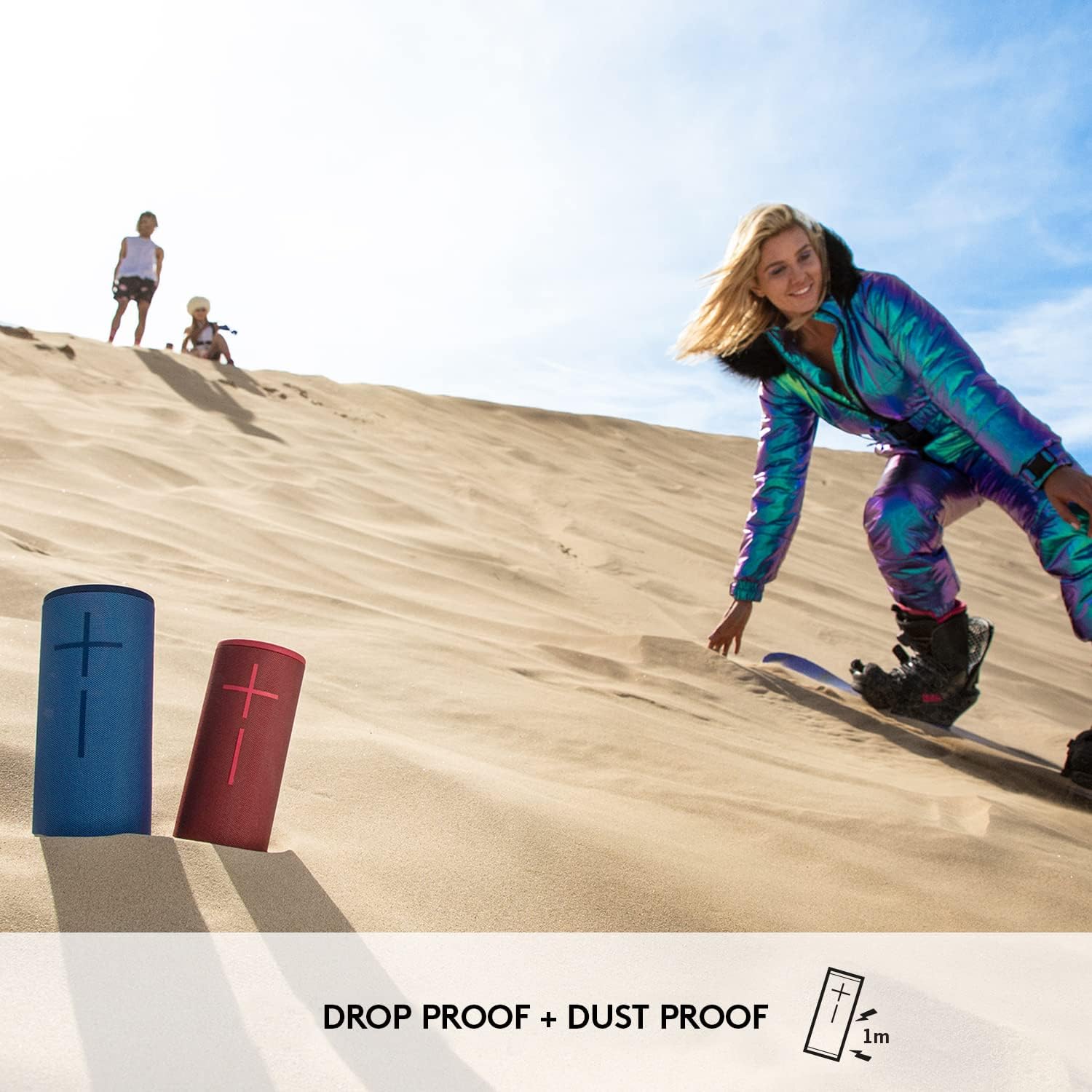
Figure 7: BOOM 3 in a Dusty Environment
4.2 Cleaning Instructions
To clean your BOOM 3, rinse it with fresh water after exposure to chlorinated water or saltwater. For general cleaning, use a soft, damp cloth. Do not use abrasive cleaners or solvents.
4.3 Fabric Care
The speaker's performance fabric is durable. Avoid sharp objects that could snag or tear the fabric. If the fabric becomes dirty, gently clean it as described above.
5. Troubleshooting
If you encounter issues with your BOOM 3 speaker, try the following steps:
- No Power: Ensure the speaker is charged. Connect it to a power source and allow it to charge for at least 30 minutes before attempting to power it on.
- Bluetooth Connectivity Issues:
- Ensure the speaker is in pairing mode (flashing LED).
- Turn off and on your device's Bluetooth.
- Forget the speaker from your device's Bluetooth settings and re-pair.
- Move the speaker closer to your device (within 45 meters / 150 feet range).
- No Sound or Low Volume:
- Check the volume levels on both the speaker and your connected device.
- Ensure the speaker is not muted.
- App Issues: Ensure your BOOM App is updated to the latest version. Try restarting the app or your device.
For further assistance, refer to the official user manual PDF or contact Ultimate Ears support.
6. Specifications
| Feature | Specification |
|---|---|
| Model Name | BOOM 3 |
| Item Model Number | 984-001348 |
| Connectivity Technology | Bluetooth |
| Wireless Range | 45 Meters (150 feet) |
| Battery Life | Up to 15 Hours |
| Charging Time | 2 Hours |
| Water Resistance Level | IP67 (Waterproof and Dustproof) |
| Product Dimensions | 10.2"D x 16.7"W x 13.5"H |
| Item Weight | 1.8 Pounds |
| Audio Output Mode | Surround |
| Speaker Maximum Output Power | 90 Watts |
| Frequency Response | 90Hz - 20kHz |
| Included Components | BOOM3 Speaker, Quick Start Guide, USB power block, cable |
7. Warranty and Support
7.1 Warranty Information
The Ultimate Ears BOOM 3 comes with a Limited Warranty. Please refer to the warranty card included with your product or visit the official Ultimate Ears website for detailed terms and conditions.
7.2 Customer Support
For additional support, frequently asked questions, or to download the full user manual, please visit the official Ultimate Ears support page or refer to the provided PDF manual:
- Official User Manual (PDF): Download PDF
- Ultimate Ears BOOM & MEGABOOM App: Available on iOS and Android app stores.


