
INIU BI-B41
INIU Portable Charger User Manual
Model: BI-B41
Introduction
Thank you for choosing the INIU Portable Charger. This slim 10000mAh power bank is designed for high-speed charging of your mobile devices, offering convenience and reliability on the go. It features a unique USB-C in&out port and multiple safety protections to ensure a secure charging experience. Please read this manual carefully to understand the product's features and proper usage.
What's in the Box
- 1 x INIU 10000mAh Portable Charger
- 1 x 0.3M/1ft USB-A to USB-C Cable
- 1 x Travel Pouch
- 1 x User Manual
Product Overview
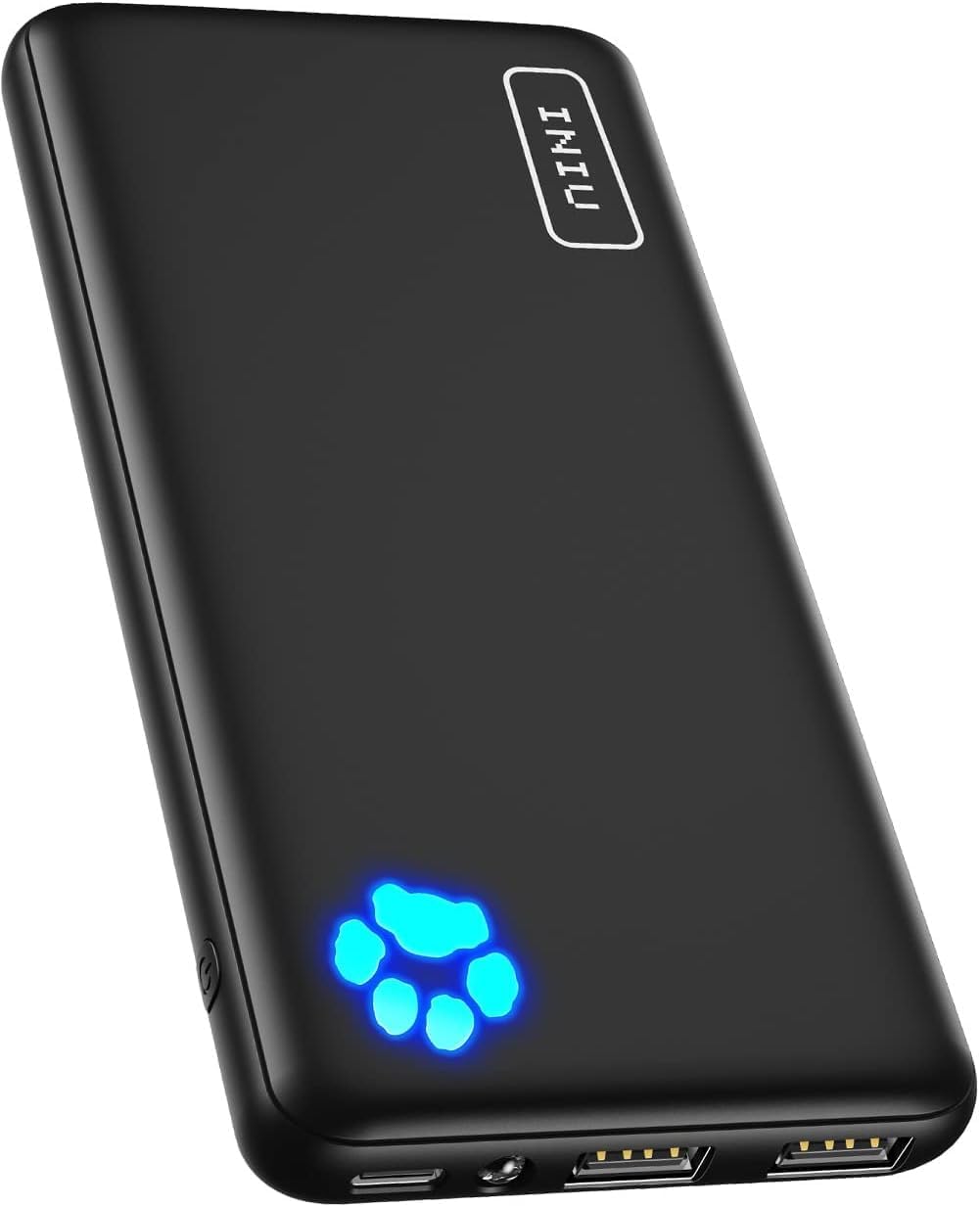
Figure 1: Front view of the INIU Portable Charger, showing the INIU logo and the illuminated paw print indicator.
The INIU Portable Charger (Model BI-B41) is a compact and lightweight power bank with a 10000mAh capacity. It features multiple ports for versatile charging and a distinctive paw print LED indicator to show battery status. Its slim design makes it highly portable.
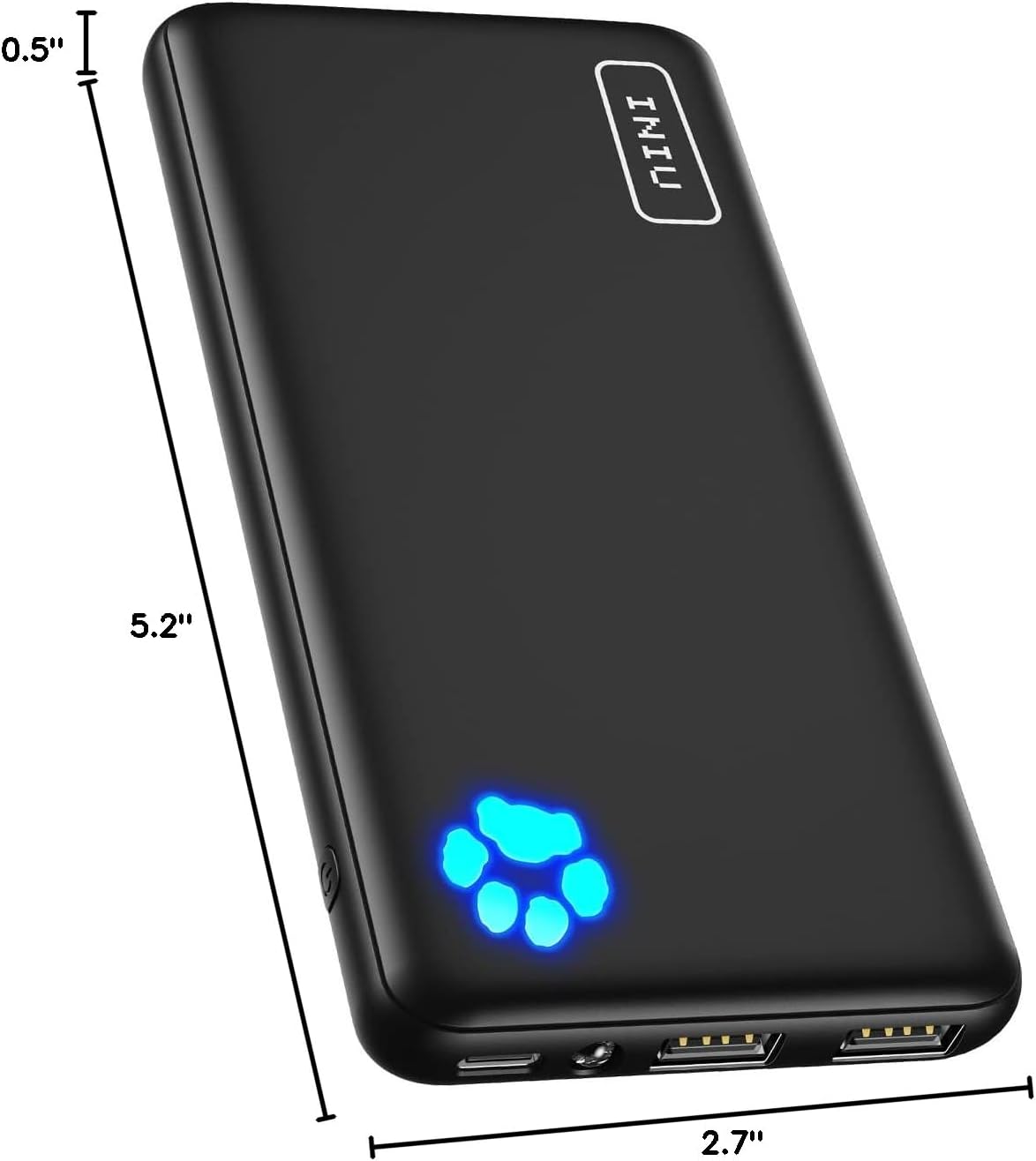
Figure 2: Dimensions of the INIU Portable Charger, measuring 5.2 inches in length, 2.7 inches in width, and 0.5 inches in thickness.
The device measures 5.2 x 2.7 x 0.5 inches and weighs 7 ounces, making it one of the thinnest 10000mAh power banks available. This compact size allows for easy portability in pockets or bags.
Setup
Initial Charging of the Power Bank
Before first use, it is recommended to fully charge your INIU Portable Charger. This ensures optimal performance and battery longevity.
- Connect the provided USB-A to USB-C cable to the USB-C port on the power bank.
- Connect the other end of the cable (USB-A) to a compatible USB wall adapter (not included) or a computer's USB port.
- The paw print LED indicator will illuminate and flash to show the charging progress. Each illuminated paw pad represents approximately 25% of the battery capacity.
- Once all four paw pads are steadily lit, the power bank is fully charged and ready for use.

Figure 3: The USB-C port on the INIU Portable Charger supports both input for recharging the power bank and output for charging devices.
The unique USB-C port on this power bank functions as both an input for recharging the power bank itself and an output for charging your devices, offering greater flexibility compared to power banks with USB-C input only.
Operating Instructions
Charging Your Devices
The INIU Portable Charger is equipped with one USB-C port (input/output) and two USB-A output ports, allowing you to charge up to three devices simultaneously.
- Connect your device's charging cable to one of the available output ports on the power bank (USB-A or USB-C).
- Connect the other end of the cable to your device.
- The power bank will automatically begin charging your device. The paw print LED indicator will show the remaining battery level.
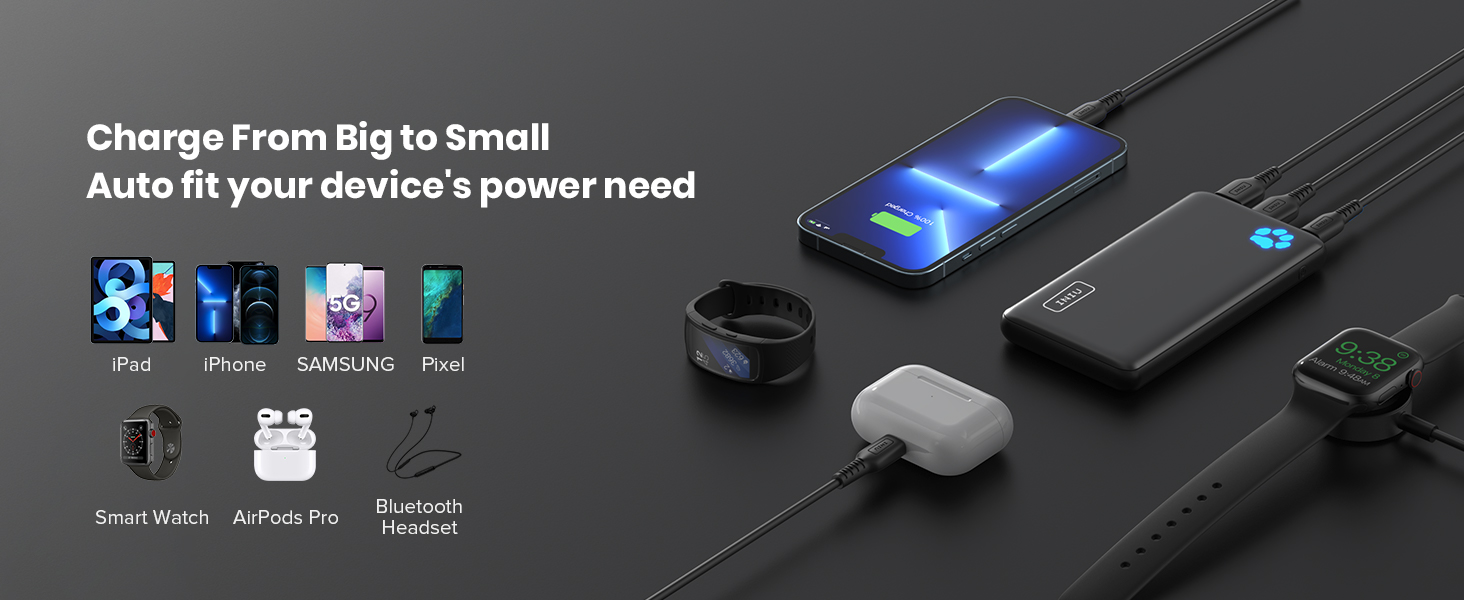
Figure 4: The power bank can charge multiple devices simultaneously, including smartphones, tablets, smartwatches, and earbuds.
The power bank delivers 3A high-speed charging, significantly faster than standard 2.1A chargers. It automatically detects your device's optimal charging speed for efficient power delivery.
Using the Flashlight
The INIU Portable Charger includes a built-in flashlight for convenience.
- To turn on the flashlight, double-tap the power button.
- To turn off the flashlight, double-tap the power button again.

Figure 5: The INIU Portable Charger features a built-in flashlight, useful for travel and low-light conditions.
Maintenance
To ensure the longevity and optimal performance of your INIU Portable Charger, please follow these maintenance guidelines:
- Storage: Store the power bank in a cool, dry place away from direct sunlight and extreme temperatures.
- Cleaning: Use a soft, dry cloth to clean the surface of the power bank. Do not use harsh chemicals or abrasive materials.
- Charging Cycles: For best battery health, avoid completely draining the power bank before recharging. Recharge it regularly, even if not in frequent use.
- Avoid Drops: Protect the device from drops and impacts, which can damage internal components.
Troubleshooting
| Problem | Possible Cause | Solution |
|---|---|---|
| Power bank not charging | Cable issue, adapter issue, or power bank fully charged. | Check the charging cable and adapter. Ensure connections are secure. If the paw print indicator is fully lit, the power bank is already charged. |
| Device not charging from power bank | Low power bank battery, incompatible cable, or device issue. | Recharge the power bank. Try a different charging cable. Ensure your device is compatible with USB charging. |
| Flashlight not turning on | Incorrect operation or low battery. | Double-tap the power button to activate. Ensure the power bank has sufficient charge. |
| Slow charging speed | Cable quality, device input limit, or multiple devices charging. | Use the original or a high-quality charging cable. Some devices may have input limits. Charging multiple devices simultaneously may reduce individual charging speeds. |
Specifications
| Feature | Detail |
|---|---|
| Model Number | BI-B41 |
| Battery Capacity | 10000 Milliamp Hours |
| Product Dimensions | 5.2 x 2.7 x 0.5 inches |
| Item Weight | 7 ounces |
| Connector Type | Output: USB-C*1 + USB-A*2 |
| Special Features | Portable, Travel, Pocket-size, Lightweight, Paw print indicator, Flashlight, Compact |
| Manufacturer | Shenzhen Topstar Industry Co.,Ltd. |
| Country of Origin | China |
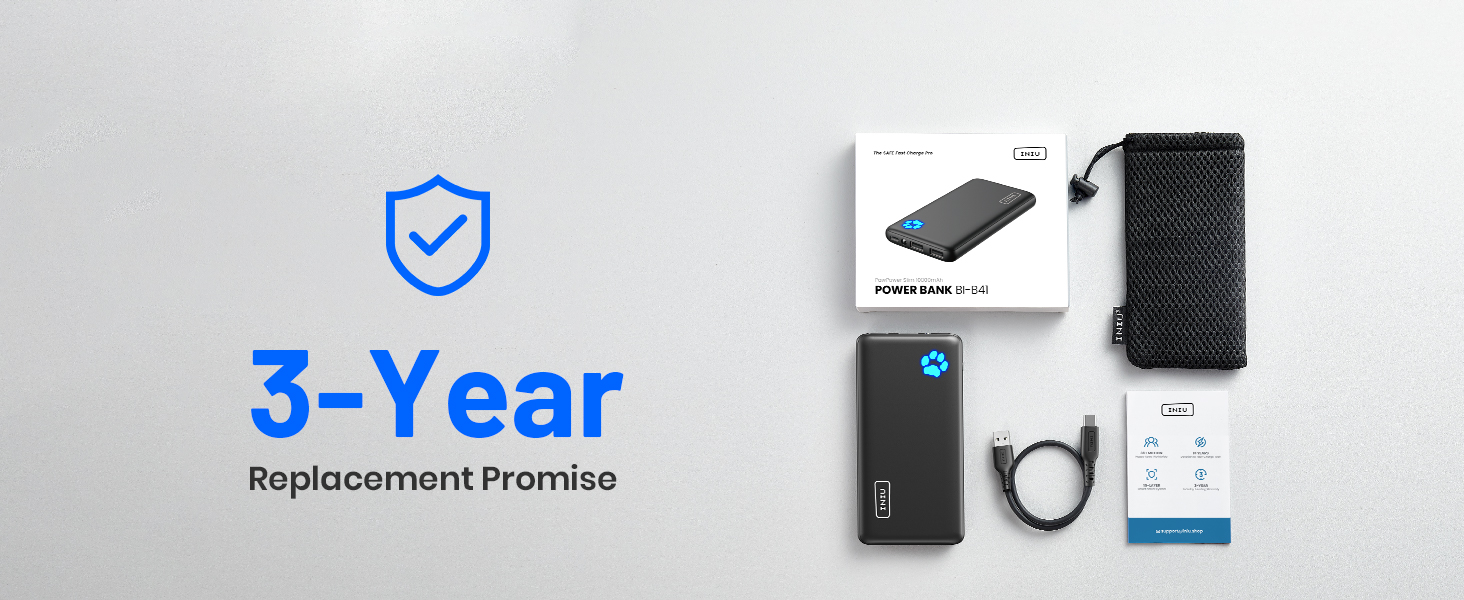
Figure 6: The INIU 15-Layer SmartProtect System provides comprehensive safety features, including protection against overcharge, over-discharge, short-circuit, and overheating.
The INIU Portable Charger incorporates a 15-Layer SmartProtect system, which includes multiple safety features such as charge low and high temperature protection, discharge low and high temperature protection, battery short-circuit protection, output overvoltage protection, charging undervoltage protection, battery overdischarge protection, output overcurrent protection, charging overvoltage protection, USB-C overcharge protection, charging overcurrent protection, discharge overcurrent protection, output short-circuit protection, Type-C port overcharge protection, and USB-A overcharge protection.
Warranty and Support
INIU provides an industry-leading 3-year iNiu Care for this product, along with lifetime technical support. For any inquiries or assistance, please refer to the contact information provided in your product packaging or visit the official INIU website.
You can also find additional support and information through the official INIU Brand Store on Amazon: INIU Brand Store.
Related documentsBI-B41


Ask a question about this manual
Ask about setup, troubleshooting, compatibility, parts, safety, or missing instructions. Manuals+ will review the question and use this page’s manual context to help answer it.