
1. Introduction
The Roav Bluetooth Receiver allows you to stream audio wirelessly from your smartphone or other Bluetooth-enabled devices to non-Bluetooth audio systems, such as car stereos or home stereo systems, via an AUX-in port. It features Bluetooth 4.1 for a stable connection, an advanced CSR Bluetooth chipset for superior audio quality, and an integrated microphone with noise-cancellation for clear hands-free calling.
2. Package Contents
- Roav Bluetooth Receiver
- AUX/Power Cable (integrated)
- Welcome Guide

Image: The Roav Bluetooth Receiver unit, showing its compact design with the attached 3.5mm AUX cable and USB power cable.
3. Product Overview

Image: A detailed diagram highlighting the key components of the Roav Bluetooth Receiver, including the Multi-Function Button, LED Indicator, Integrated Microphone, Power Cable (USB), and AUX Cable (3.5mm).
- Multi-Function Button: Used for power, pairing, play/pause, answer/end calls.
- LED Indicator: Displays connection status and operational mode.
- Integrated Microphone: For hands-free calling.
- Power Cable (USB): Connects to a USB power source.
- AUX Cable (3.5mm): Connects to your audio system's AUX-in port.
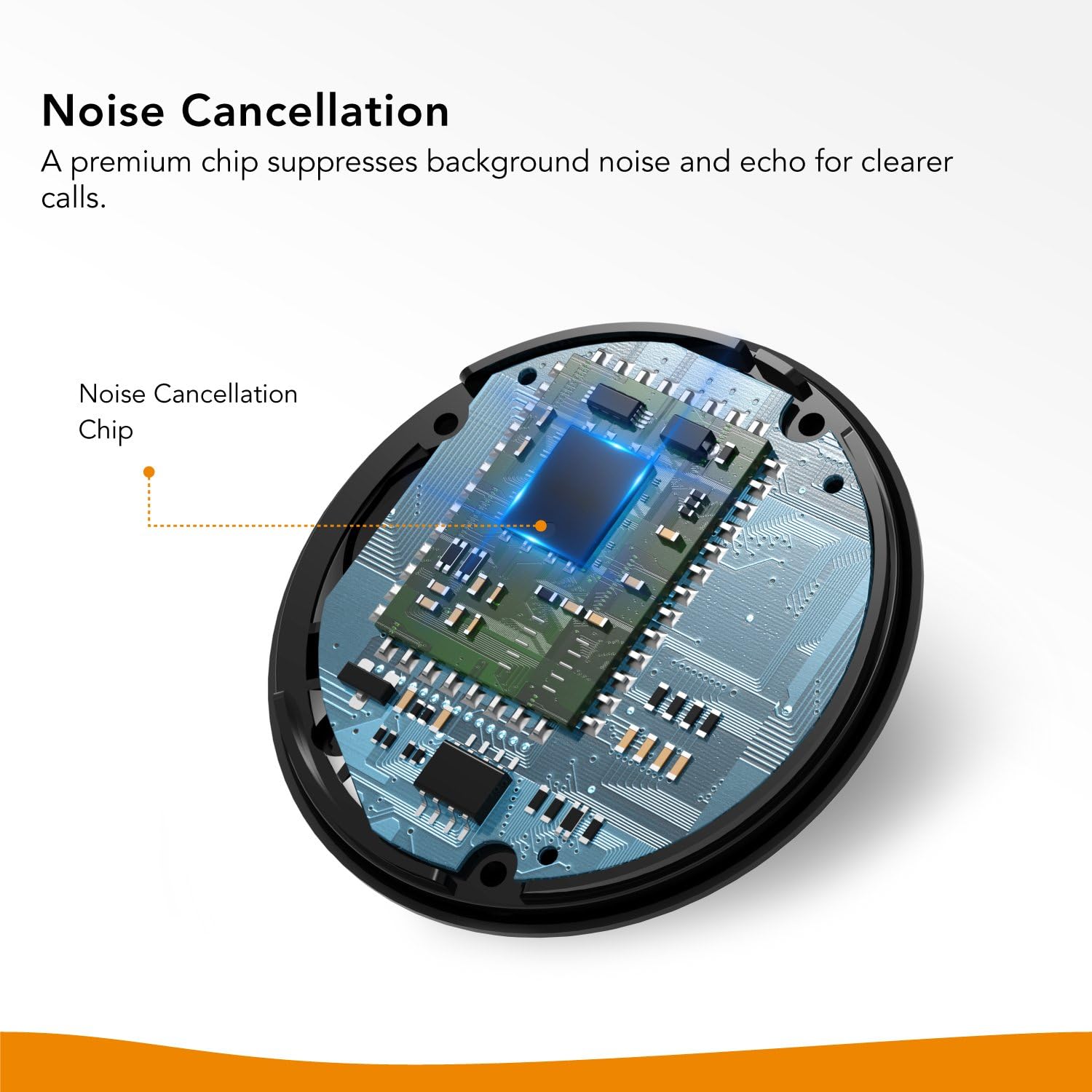
Image: An internal diagram illustrating the noise cancellation chip within the Roav Bluetooth Receiver, designed to suppress background noise for clearer audio.
4. Setup Instructions
- Connect to Audio System: Plug the 3.5mm AUX cable from the Roav Bluetooth Receiver into the AUX-in port of your car stereo or home audio system.
- Connect to Power: Plug the USB power cable from the Roav Bluetooth Receiver into a USB power source (e.g., car charger, USB port on your stereo, or a wall adapter). The LED indicator will light up.
- Power On: The device powers on automatically when connected to a power source. The LED indicator will flash blue, indicating it is in pairing mode.
- Pair with Your Device:
- On your smartphone or Bluetooth-enabled device, enable Bluetooth.
- Search for available Bluetooth devices and select "Roav Receiver".
- Once connected, the LED indicator will turn solid blue.
- Select AUX Input: On your audio system, select the AUX input source to hear audio from the Roav Bluetooth Receiver.

Image: A smartphone screen showing active music playback and an incoming call, demonstrating the Roav Bluetooth Receiver's capability to handle both audio streaming and hands-free calls.

Image: A visual representation of how the Roav Bluetooth Receiver connects to different audio systems (speakers, amplifiers, car audio) and receives signals from various devices (MP3 players, phones, Echo Dot, tablets, laptops).
5. Operating Instructions
5.1 Music Playback
- Once paired, open your music application on your device and begin playback. Audio will stream through your connected audio system.
- Press the Multi-Function Button once to Play or Pause music.
5.2 Hands-Free Calling
- Answer/End Call: Press the Multi-Function Button once to answer an incoming call or end an ongoing call.
- Reject Call: Press and hold the Multi-Function Button for 2 seconds to reject an incoming call.
- Redial Last Number: Double-press the Multi-Function Button to redial the last number called.
- The integrated microphone with noise-cancellation technology ensures clear communication during calls.

Image: A user interacting with the Roav Bluetooth Receiver's multi-function button while driving, illustrating ease of use for controlling audio and calls.
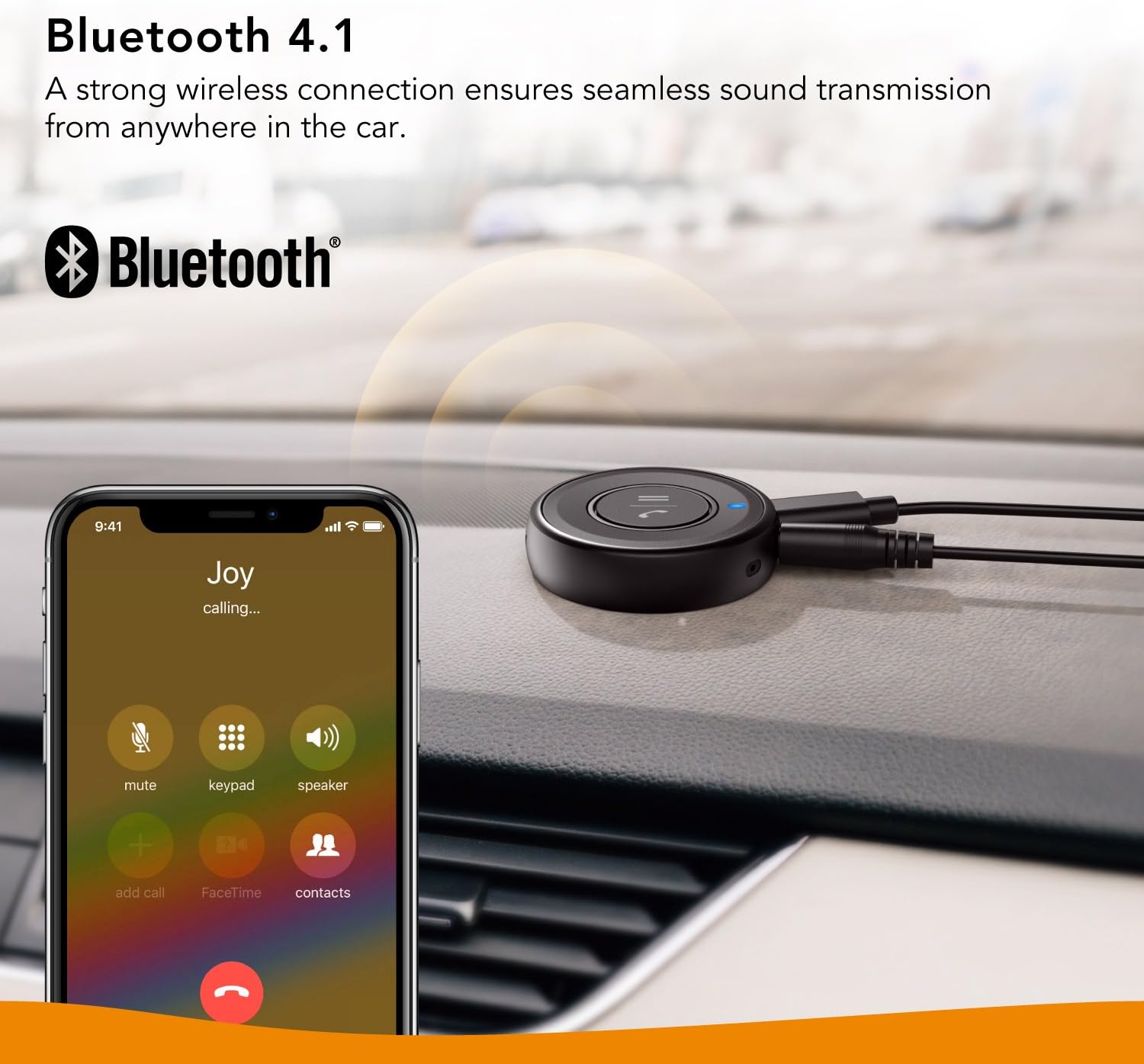
Image: The Roav Bluetooth Receiver positioned on a car dashboard, with a smartphone nearby showing an active call, highlighting its use for hands-free communication via Bluetooth 4.1.
6. Maintenance
- Keep the device clean and free from dust. Use a soft, dry cloth for cleaning.
- Avoid exposing the device to extreme temperatures, direct sunlight, or moisture.
- Do not attempt to disassemble or repair the device yourself, as this will void the warranty.
7. Troubleshooting
| Problem | Solution |
|---|---|
| Device does not power on. | Ensure the USB power cable is securely connected to a working USB power source. Check if the power source is active. |
| Cannot pair with my device. |
|
| No audio or poor audio quality. |
|
| Hands-free call quality is poor. |
|
| Device does not automatically turn on/connect. | Some vehicle power outlets may not provide consistent power upon ignition. Try unplugging and re-plugging the USB power cable to initiate connection. |
| Compatibility Note: | Not compatible with 2011 BMW X5, 2009 Mazda 3, and generally not recommended for car models from Japanese auto manufacturers due to potential power delivery or audio system specific issues. |
8. Specifications
- Model: AK-R6112111
- Product Dimensions: 1.93 x 1.93 x 0.51 inches
- Item Weight: 1.76 ounces
- Wireless Communication: Bluetooth 4.1
- Connectivity Technologies: Auxiliary, Bluetooth, USB
- Special Features: Built-In Microphone, Hands-Free Calls, Noise Cancellation
- Color: Black
- Manufacturer: Anker
- Date First Available: June 12, 2018
9. Warranty and Customer Support
Roav products are backed by a 12-month worry-free warranty. This warranty covers any defects in materials or workmanship under normal use during the warranty period. Roav will replace any defective product within 12 months of purchase.
For technical support, warranty claims, or general inquiries, please refer to the contact information provided in your Welcome Guide or visit the official Roav support website.


