
Audio Pro Addon C3
Audio Pro Addon C3 Portable Multiroom Speaker User Manual
Model: Addon C3
1. Introduction
Thank you for choosing the Audio Pro Addon C3 Portable Multiroom Speaker. This manual provides essential information for setting up, operating, and maintaining your speaker. Please read these instructions carefully before use to ensure optimal performance and longevity of your device.

Image: The Audio Pro Addon C3 speaker, gray, with a brown leather handle, positioned on a white surface next to a small decorated Christmas tree.
2. Safety Information
Please observe the following safety guidelines to prevent damage to the device or injury to yourself:
- Do not expose the speaker to rain, moisture, or extreme temperatures.
- Do not disassemble or modify the speaker. Refer all servicing to qualified personnel.
- Avoid placing the speaker near heat sources such as radiators, heat registers, stoves, or other apparatus (including amplifiers) that produce heat.
- Use only the power adapter supplied with the device.
- Keep the speaker away from strong magnetic fields.
- Ensure proper ventilation; do not block any ventilation openings.
3. Package Contents
Verify that all items are present in the package:
- Audio Pro Addon C3 Portable Multiroom Speaker
- Power Adapter
- User Manual (this document)
4. Product Overview
The Addon C3 is a compact, portable multiroom speaker designed for high-quality audio playback via Wi-Fi, Bluetooth, or auxiliary input. It features a robust construction with solid aluminum, wood, and a genuine leather handle.
4.1. Controls and Indicators

Image: Detailed view of the speaker's top control panel, showing buttons for power, source selection, Bluetooth pairing, volume, play/pause, and Wi-Fi presets, along with a battery indicator.
- On/Off Button: Powers the speaker on or off.
- Select Source: Cycles through available input sources (WiFi, Bluetooth, AUX).
- Play/Pause: Controls media playback.
- Volume Control (+/-): Adjusts the speaker's output volume.
- Pair Bluetooth: Initiates Bluetooth pairing mode.
- WiFi Presets (1-4): Allows saving and recalling favorite Wi-Fi sources or playlists.
- Battery Indicator: Shows the current battery charge level.
5. Setup
5.1. Charging the Battery
Before first use, fully charge the speaker's battery. Connect the supplied power adapter to the speaker's power input and then to a wall outlet. The battery indicator lights will show charging progress.
5.2. Powering On/Off
- To power on, press and hold the On/Off button until the indicator lights illuminate.
- To power off, press and hold the On/Off button until the indicator lights turn off.
5.3. Connecting via Bluetooth
- Power on the Addon C3 speaker.
- Press the Select Source button until the Bluetooth indicator light is active.
- Press and hold the Pair Bluetooth button until the Bluetooth indicator starts flashing, indicating pairing mode.
- On your device (smartphone, tablet, computer), go to Bluetooth settings and select "Audio Pro Addon C3" from the list of available devices.
- Once connected, the Bluetooth indicator will glow solid.
5.4. Connecting via Wi-Fi (Multiroom, AirPlay, Spotify Connect)
For Wi-Fi connectivity and multiroom features, download the "Audio Pro Control" app from your device's app store. Follow the in-app instructions to connect your speaker to your home Wi-Fi network and configure multiroom settings, Apple AirPlay, or Spotify Connect.
5.5. Auxiliary Input
Connect an external audio source (e.g., MP3 player, CD player) to the 3.5mm AUX IN port on the speaker using a 3.5mm audio cable (not included). Press the Select Source button until the AUX indicator light is active.
6. Operating the Speaker
6.1. Basic Playback
- Use the Play/Pause button to start or stop audio playback.
- Adjust the volume using the Volume Control (+/-) buttons.
6.2. Using Wi-Fi Presets
The Addon C3 allows you to save up to four favorite Wi-Fi sources (e.g., internet radio stations, Spotify playlists) as presets. Configure these presets using the Audio Pro Control app. Once configured, simply press the corresponding preset button (1-4) on the speaker to instantly access your saved content.
6.3. Multiroom Functionality
When connected via Wi-Fi, the Addon C3 can be integrated into an Audio Pro multiroom system. Use the Audio Pro Control app to group multiple Audio Pro speakers together for synchronized playback across different rooms or to play different music on each speaker.
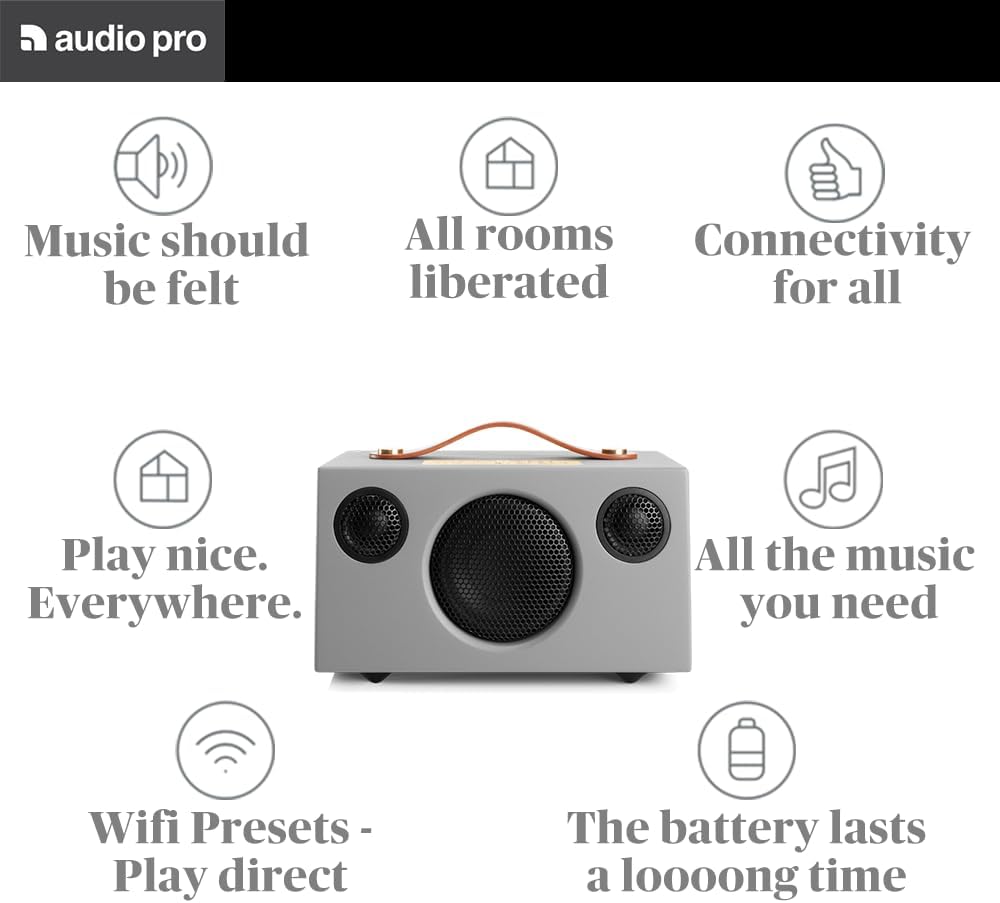
Image: Infographic highlighting the speaker's capabilities: "Music should be felt," "All rooms liberated," "Connectivity for all," "Play nice. Everywhere," "All the music you need," "Wifi Presets - Play direct," and "The battery lasts a loooong time."
7. Maintenance
7.1. Cleaning
Wipe the speaker with a soft, dry cloth. Do not use abrasive cleaners, waxes, or solvents. Avoid spraying liquids directly onto the speaker.
7.2. Battery Care
- For optimal battery life, avoid fully discharging the battery frequently.
- If storing the speaker for an extended period, charge the battery to approximately 50% and store it in a cool, dry place.
7.3. Storage
When not in use, store the speaker in a clean, dry environment, away from direct sunlight and extreme temperatures.
8. Troubleshooting
| Problem | Possible Cause | Solution |
|---|---|---|
| No sound | Speaker is off; Volume is too low; Incorrect source selected; Device not connected. | Ensure speaker is on; Increase volume; Select correct input source (WiFi, BT, AUX); Reconnect your device. |
| Bluetooth connection issues | Speaker not in pairing mode; Device too far; Interference. | Ensure speaker is in Bluetooth pairing mode; Move device closer to speaker; Avoid obstacles or other wireless devices. |
| Wi-Fi connection issues | Incorrect Wi-Fi password; Speaker out of range; Router issues. | Verify Wi-Fi password in the Audio Pro Control app; Move speaker closer to router; Restart your Wi-Fi router. |
| Battery not charging | Power adapter not connected properly; Faulty outlet. | Check all cable connections; Try a different wall outlet. |
9. Specifications
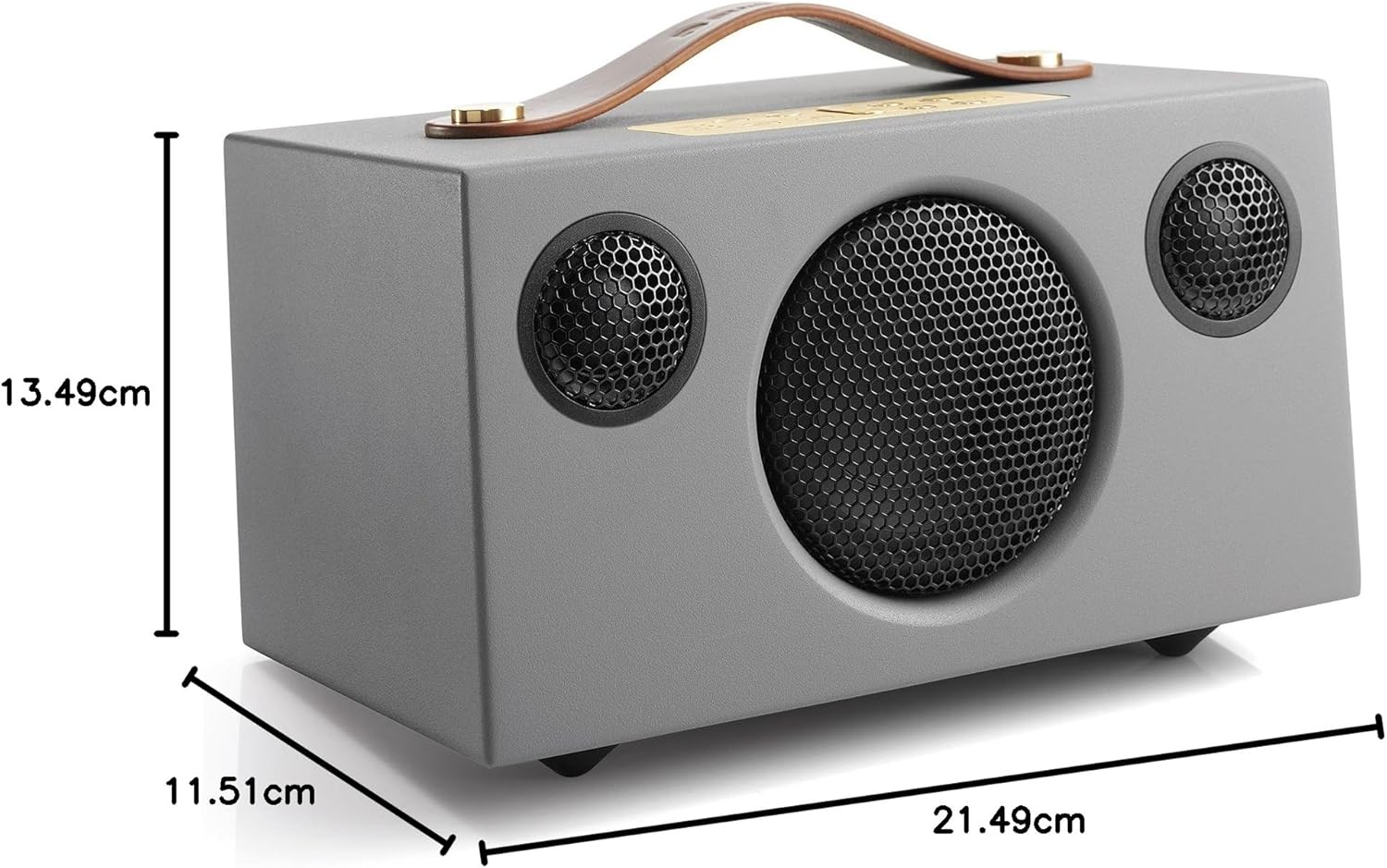
Image: The Audio Pro Addon C3 speaker shown with its physical dimensions indicated in centimeters. Note: Dimensions in the table below are based on official product specifications.
| Feature | Detail |
|---|---|
| Model Name | ADDON C3 |
| Brand | Audio Pro |
| Speaker Type | Multiroom, Portable |
| Connectivity Technology | WiFi, Bluetooth V4.0, Aux In 3.5mm stereo |
| Amplifier | Class D digital, 25W |
| Frequency Response | 60 - 20,000Hz |
| Tweeter | 2 x 0.75" textile dome |
| Woofer | 1 x 3.5" long throw |
| Battery Life | Up to 15 hours (50% volume), 9 hours (100% volume) |
| Dimensions (H x W x D) | 115 x 215 x 135 mm (approx. 4.5 x 8.5 x 5.3 inches) |
| Material | Solid aluminum, wood, genuine leather |
| Audio Output Mode | Stereo |
| Mounting Type | Tabletop |
10. Warranty and Support
10.1. Warranty Information
Audio Pro products are covered by a limited warranty. Please refer to the warranty card included with your purchase or visit the official Audio Pro website for detailed warranty terms and conditions specific to your region.
10.2. Customer Support
For technical assistance, troubleshooting beyond this manual, or service inquiries, please contact Audio Pro customer support. Contact details can typically be found on the Audio Pro website or on your product's packaging.
Online Resources: www.audiopro.com
Ask a question about this manual
Ask about setup, troubleshooting, compatibility, parts, safety, or missing instructions. Manuals+ will review the question and use this page’s manual context to help answer it.