
iWALK UBC8000A
iWalk UBC8000A-001A Chic Air Wireless Power Bank User Manual
Model: UBC8000A
Introduction
The iWalk Chic Air Wireless Power Bank (Model: UBC8000A) is a portable power solution designed to charge multiple devices simultaneously. Featuring an 8000mAh capacity, it supports both wired and wireless charging, offering convenience and efficiency for your mobile devices. Its slim and lightweight design, coupled with an improved grip, makes it an ideal companion for on-the-go power needs. This manual provides essential information on setting up, operating, maintaining, and troubleshooting your power bank.
What's in the Box
Upon unboxing your iWalk Chic Air Wireless Power Bank, please verify that all components are present:
- 1 x iWalk Chic Air Wireless Power Bank (UBC8000A)
- 1 x USB Charging Cable (Micro USB)

Image: The iWalk Chic Air Wireless Power Bank in black, shown alongside its white USB charging cable.
Key Features
- 8000mAh Capacity: Provides substantial power for multiple charges.
- Simultaneous Charging: Capable of charging up to three devices concurrently (one wireless, two wired).
- Wireless Charging: Integrated Qi-compatible wireless charging pad.
- Dual Wired Outputs: Two USB ports for wired charging.
- Dual Self-Charging Inputs: Micro USB and USB Type-C ports for recharging the power bank.
- Improved Grip: Enhanced surface texture for secure handling.
- Case Friendly: Wireless charging functions with most phone cases.
- Pass-Through Charging: Allows simultaneous charging of the power bank and connected devices.
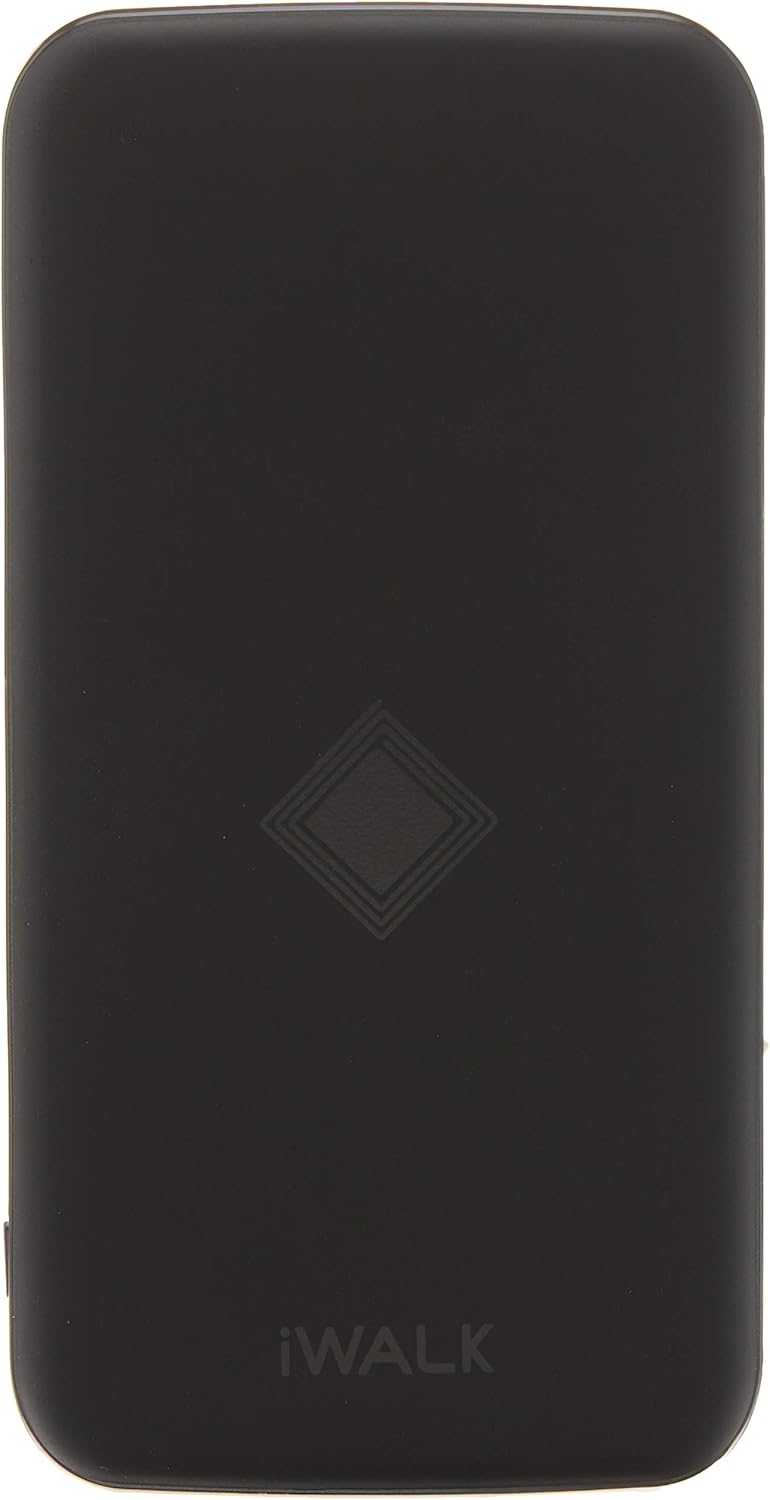
Image: Top view of the iWalk Chic Air Wireless Power Bank, highlighting the iWALK brand logo and the central wireless charging symbol.
Setup
1. Initial Charging of the Power Bank
Before first use, it is recommended to fully charge your iWalk Chic Air Wireless Power Bank.
- Connect the provided USB charging cable to either the Micro USB or USB Type-C input port on the power bank.
- Connect the other end of the USB cable to a USB wall adapter (not included) or a computer's USB port.
- The LED indicators on the power bank will illuminate to show the charging progress. All LEDs will be solid when fully charged.
2. Understanding LED Indicators
The power bank features LED indicators to display the remaining battery level and charging status.
- Solid LEDs: Indicate remaining battery capacity.
- Flashing LEDs: Indicate the power bank is currently being charged.
Operating Instructions
1. Wired Charging
The iWalk Chic Air Wireless Power Bank has two USB output ports for wired charging.
- Connect your device's charging cable to one of the USB output ports on the power bank.
- Connect the other end of the cable to your device.
- Charging should begin automatically. If not, press the power button on the power bank to activate output.
2. Wireless Charging
The power bank supports Qi-compatible wireless charging.
- Ensure your device supports wireless charging.
- Place your wireless charging compatible device directly onto the center of the power bank's top surface, aligning it with the wireless charging symbol.
- The device should indicate that it is charging wirelessly. Adjust the position if charging does not start immediately.
Note: Wireless charging may be affected by thick phone cases. For optimal performance, remove cases thicker than 3mm or those containing metal.
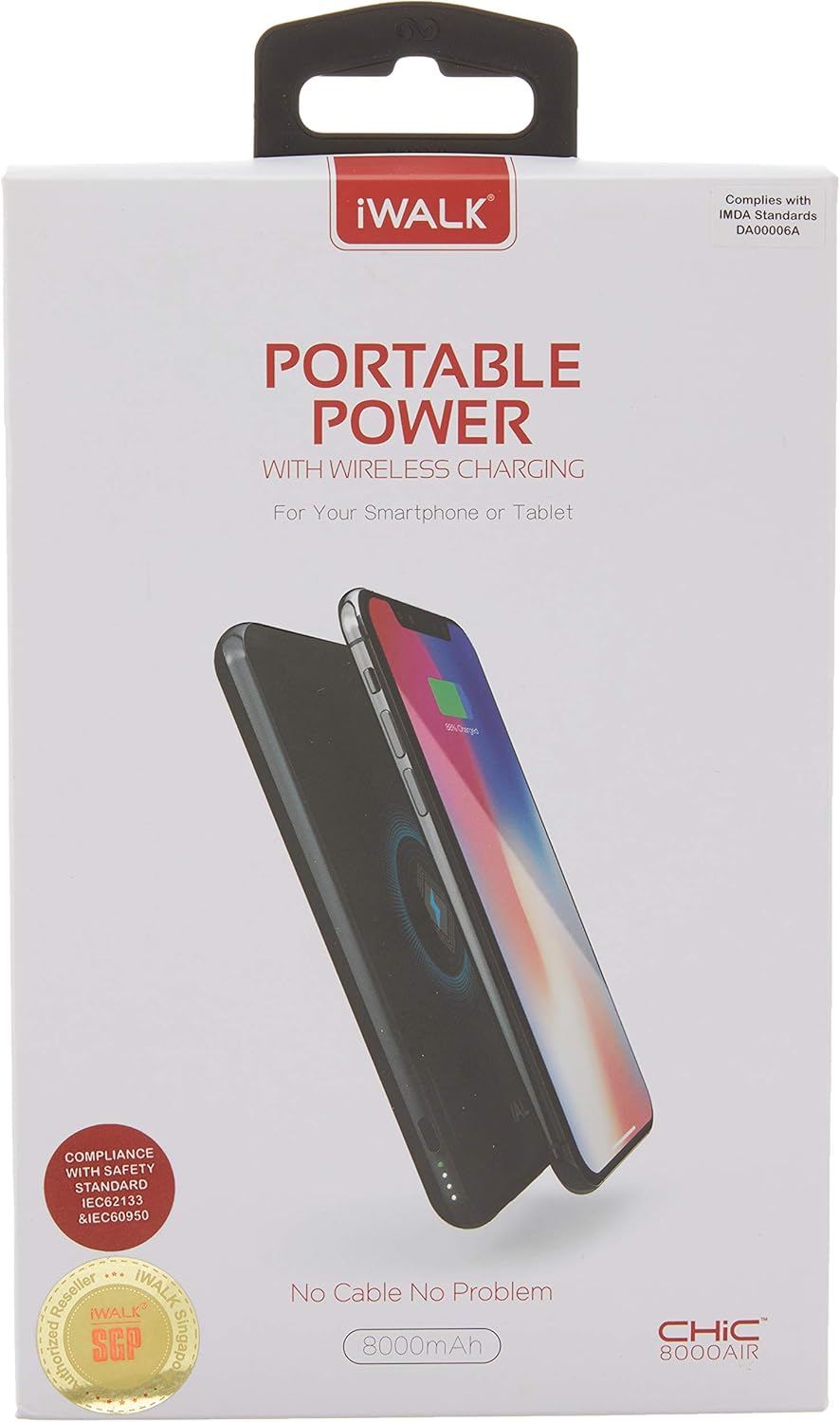
Image: A smartphone being charged wirelessly by the iWalk Chic Air Wireless Power Bank, demonstrating the proper placement for wireless charging.
3. Pass-Through Charging
The power bank supports pass-through charging, allowing you to charge both the power bank and connected devices simultaneously.
- Connect the power bank to a power source using its Micro USB or USB Type-C input.
- Connect your devices to the power bank's USB output ports or place them on the wireless charging pad.
- Both the power bank and your devices will charge concurrently.
Maintenance and Care
Proper care will extend the lifespan of your iWalk Chic Air Wireless Power Bank.
- Storage: Store the power bank in a cool, dry place away from direct sunlight and extreme temperatures.
- Cleaning: Use a soft, dry cloth to clean the surface of the power bank. Do not use liquid cleaners or aerosols.
- Avoid Drops: Protect the device from drops, impacts, and excessive vibration.
- Water Exposure: Keep the power bank away from water and other liquids. It is not waterproof.
- Charging Cycles: For optimal battery health, fully charge and discharge the power bank at least once every three months if not in regular use.
Troubleshooting
If you encounter issues with your power bank, refer to the following common problems and solutions:
| Problem | Possible Cause | Solution |
|---|---|---|
| Power bank not charging. | Loose cable connection, faulty cable/adapter, power bank fully discharged. | Ensure cables are securely connected. Try a different charging cable or wall adapter. Allow a few minutes for the power bank to respond if completely drained. |
| Device not charging via USB. | Power bank off, low battery, faulty cable, incompatible device. | Press the power button on the power bank. Check power bank battery level. Try a different USB cable. Ensure your device is compatible with standard USB charging. |
| Wireless charging not working. | Device misalignment, thick/metal case, device not Qi-compatible. | Reposition the device on the charging pad. Remove phone case or use a thinner, non-metallic case. Verify your device supports Qi wireless charging. |
| Slow charging. | Using a low-power adapter/cable, multiple devices charging simultaneously. | Use a higher-output USB wall adapter (e.g., 5V/2A). Charging speed may decrease when multiple devices are connected. |
Specifications
| Feature | Detail |
|---|---|
| Model Number | UBC8000A |
| Battery Capacity | 8000mAh (Lithium Polymer) |
| Input (Micro USB) | 5V / 2.1A |
| Input (USB Type-C) | 5V / 2.1A |
| Output (USB-A) | 5V / 2.1A (Max) |
| Wireless Output | 5W |
| Dimensions | 13.4 x 7.1 x 1.45 cm |
| Weight | 240 g |
| Special Features | Lightweight, Slim, Wireless Charging, Pass-Through Charging |
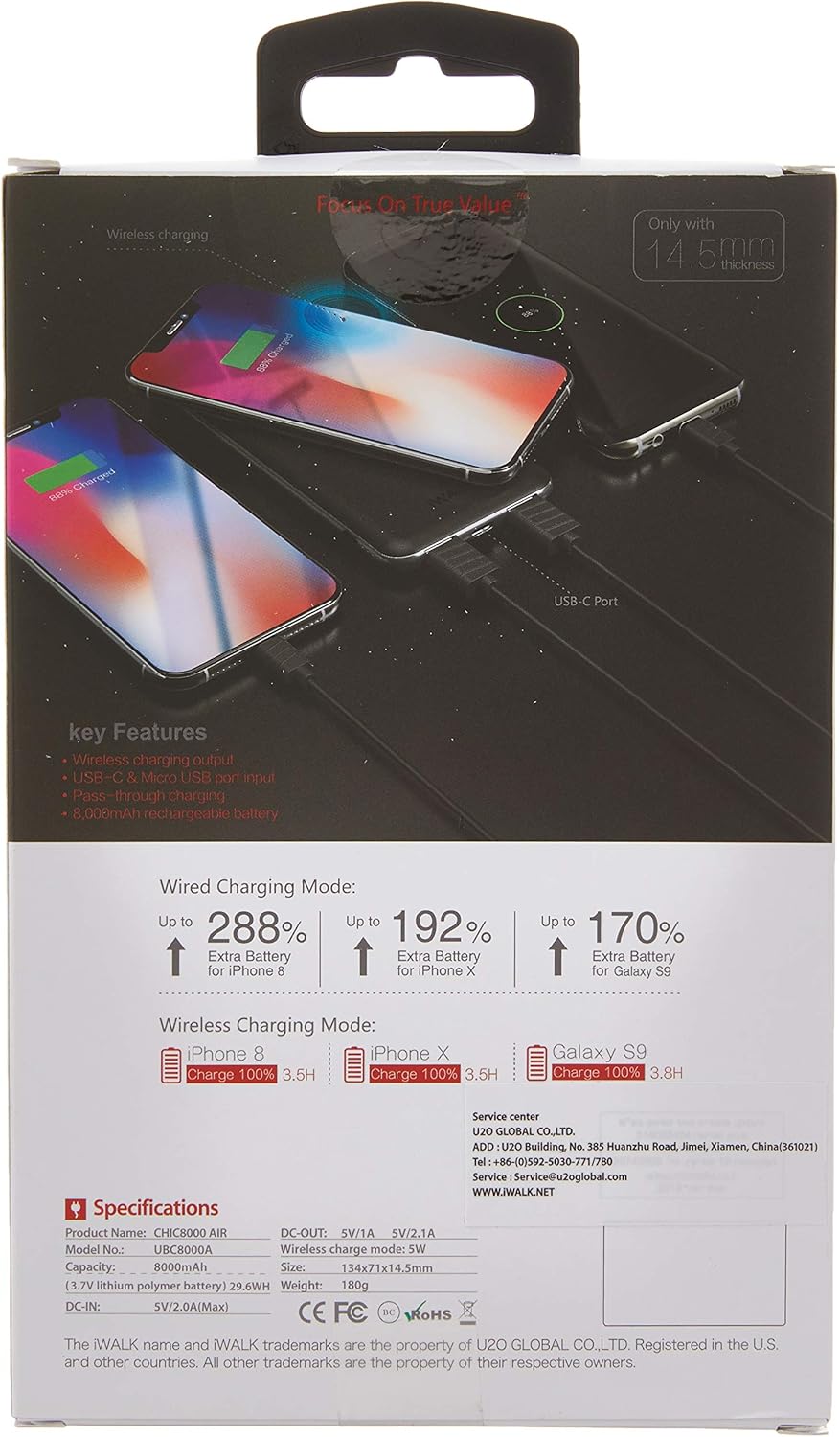
Image: The back of the iWalk Chic Air Wireless Power Bank packaging, detailing key features, specifications, and charging performance metrics.

Image: A diagram illustrating the dimensions of the iWalk Chic Air Wireless Power Bank, indicating its length and width.
Warranty and Support
According to product information, this iWalk Chic Air Wireless Power Bank (Model: UBC8000A) comes with No Warranty.
For any product inquiries or technical assistance, please refer to the contact information provided on the product packaging or visit the official iWALK website for support resources.
Please retain your purchase receipt for any potential future reference.
Ask a question about this manual
Ask about setup, troubleshooting, compatibility, parts, safety, or missing instructions. Manuals+ will review the question and use this page’s manual context to help answer it.