
1. Introduction
Thank you for choosing the Rybozen LED Lighted 35mm Slide Viewer. This device is designed to provide a clear, magnified view of your 35mm slides and film negatives. Featuring a 2x magnification glass lens and LED illumination, it allows for detailed inspection of your photographic memories. This manual provides essential information for the proper setup, operation, and maintenance of your slide viewer.

Image 1.1: The Rybozen LED Lighted 35mm Slide Viewer, showcasing its compact design and viewing screen.
2. Setup
2.1. Package Contents
- Rybozen LED Lighted 35mm Slide Viewer
- 2 x AA Alkaline Batteries
2.2. Battery Installation
- Locate the battery compartment cover on the back of the slide viewer.
- Carefully remove the battery compartment cover.
- Insert two (2) AA alkaline batteries into the compartment, ensuring the polarity (+/-) aligns correctly with the indications inside.
- Replace the battery compartment cover, ensuring it clicks securely into place.

Image 2.1: View of the battery compartment with the cover removed, showing where to insert AA batteries.
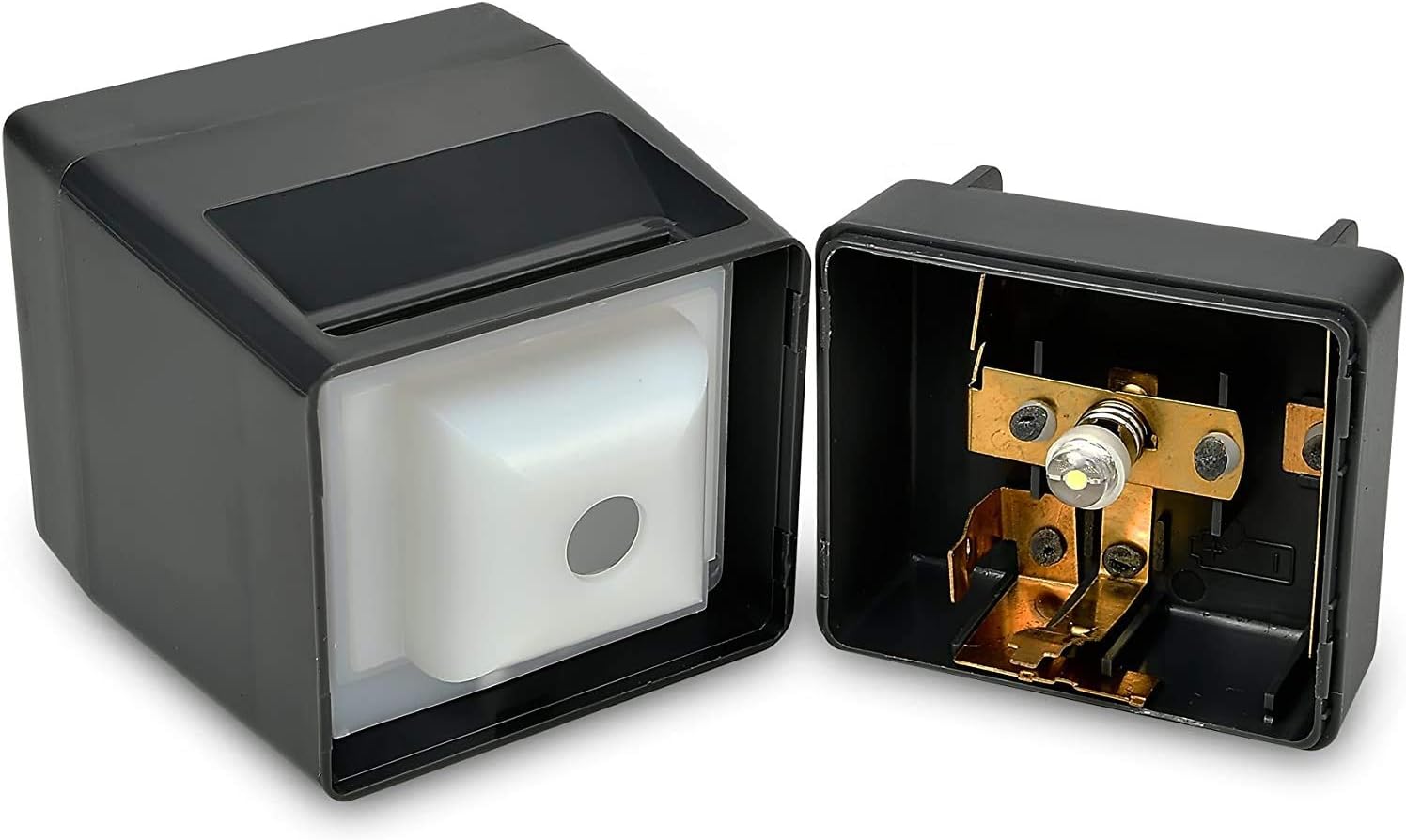
Image 2.2: The slide viewer with batteries correctly installed and the compartment closed.
3. Operation
3.1. Viewing Slides and Negatives
- Ensure batteries are correctly installed as described in Section 2.2.
- Hold the slide viewer firmly.
- Insert a 35mm slide or film negative into the slide entrance slot at the top of the viewer.
- Gently press the slide down until the internal light illuminates.
- While holding the slide down to keep the light on, view the magnified image through the lens.
- To view another slide, release the current slide, remove it, and insert the next one.

Image 3.1: Front view of the slide viewer, highlighting the magnifying lens for clear image display.
3.2. Instructional Video
Video 3.1: An official video demonstrating the setup and operation of the Rybozen LED Lighted 35mm Slide Viewer, including battery installation and slide viewing.
4. Maintenance
4.1. Cleaning the Magnifying Lens
To maintain optimal viewing clarity, regularly clean the magnifying lens. Use a soft, dry cotton cloth or a lens cleaning paper specifically designed for optical surfaces. Avoid abrasive materials or harsh chemicals that could scratch or damage the lens.
4.2. Storage
If the slide viewer will not be used for an extended period, remove the batteries from the compartment to prevent potential leakage and damage. Store the slide viewer in a dry place, away from direct sunlight and extreme temperatures.
5. Troubleshooting
5.1. Light Does Not Turn On
- Check Batteries: Ensure the AA batteries are correctly installed with the proper polarity and are not depleted. Replace with fresh batteries if necessary.
- Slide Insertion: Make sure the slide is fully inserted and pressed down to activate the internal switch for the light.
5.2. Image Appears Blurry
- Clean Lens: The magnifying lens may be dirty. Refer to Section 4.1 for cleaning instructions.
- Slide Condition: Ensure the slide or negative itself is clean and free from dust or scratches.
6. Specifications
| Feature | Specification |
|---|---|
| Product Dimensions | 2.7 x 1.77 x 1.77 inches |
| Item Weight | 7.2 ounces (0.45 Pounds) |
| Model Number | 8595754037 |
| Batteries Required | 2 AA batteries |
| Magnification | 2x |
| Light Source | LED Daylight (2.5V/0.3A LED) |
| Compatible Media | 35mm slides, 2x2" mounted slides, positive film negatives |
7. Warranty and Support
For warranty information or technical support regarding your Rybozen LED Lighted 35mm Slide Viewer, please refer to the product packaging or visit the official Rybozen website. Keep your purchase receipt for any warranty claims.
Official Brand Website: Rybozen on Amazon