
Introduction
The Westek NL-SCRN Automatic Translucent Screen Light is designed to provide subtle illumination in low-light conditions. This device features an automatic sensor that activates the light when ambient light levels decrease, offering a convenient and energy-efficient lighting solution for various indoor spaces.
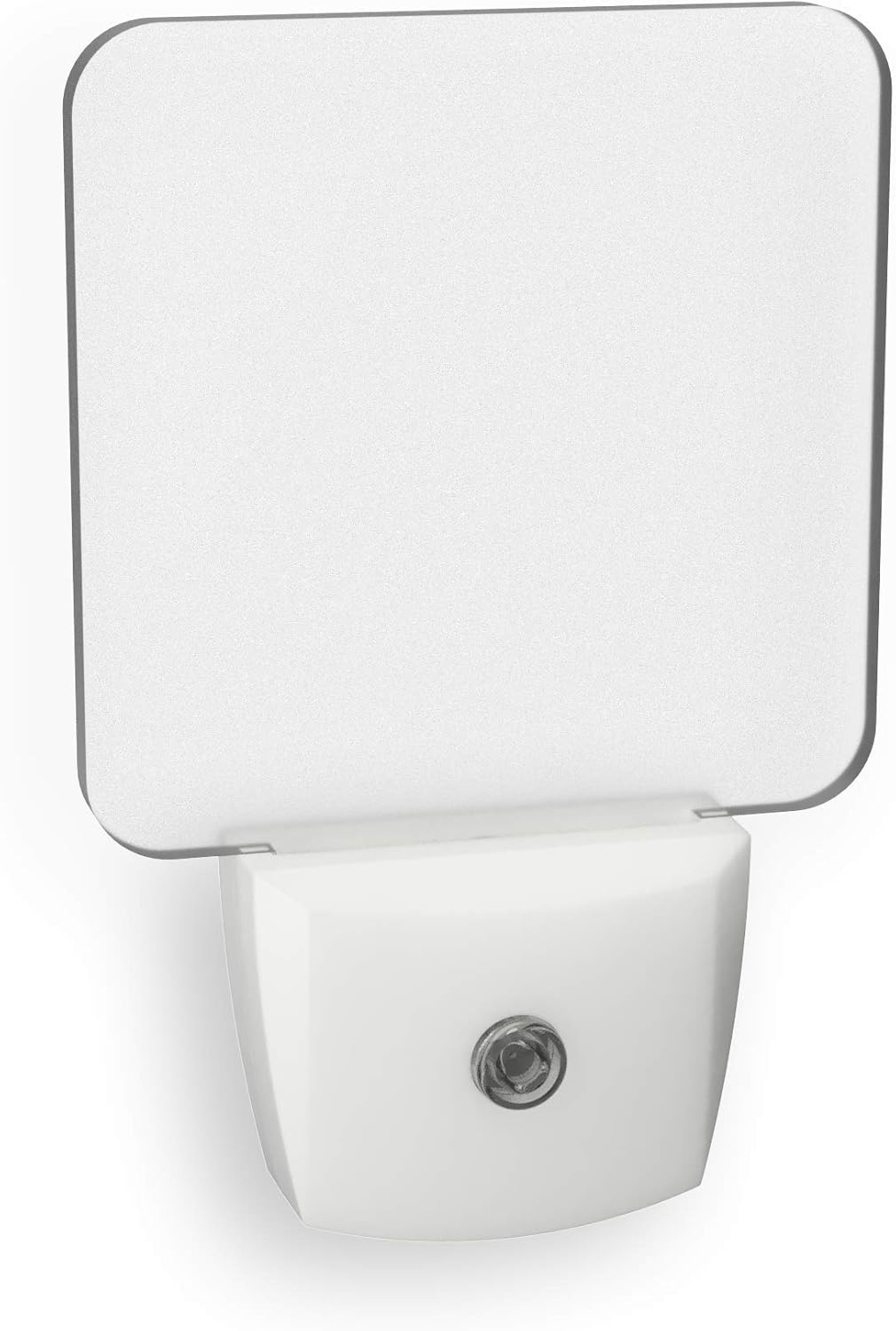
Image: Front view of the Westek NL-SCRN Automatic Translucent Screen Light, showing its clear screen and white base.
Safety Information
Please read and understand all safety instructions before using this product. Failure to follow these instructions may result in electric shock, fire, or other hazards.
- Electric Shock and Fire Hazard: This product is not a toy and is not intended for use by children. For adult use only.
- Proper Placement: For safe use, plug the device only into exposed wall outlets where it is ventilated and cannot contact bed coverings or other flammable materials.
- Extension Cords: Do not use this product with extension cords.
- Indoor Use Only: This product is designed for indoor use only.
- Proposition 65 Warning: This product can expose you to chemicals including lead, which is known to the State of California to cause cancer and birth defects or other reproductive harm. For more information, visit www.P65Warnings.ca.gov.
Product Features
- Automatic activation in low light conditions.
- Provides 3 lumens of illumination.
- Suitable for hallways, entryways, basements, and bathrooms.
- Transitional design with a white finish.
- LED light source for energy efficiency.
Setup and Installation
The Westek NL-SCRN night light is designed for simple plug-and-play installation.
- Unpack the night light from its packaging.
- Locate a standard 120V AC wall outlet in your desired indoor location (e.g., hallway, bedroom, bathroom).
- Ensure the outlet is clear of obstructions and allows for proper ventilation around the night light.
- Plug the Westek NL-SCRN night light directly into the wall outlet.

Image: The Westek NL-SCRN night light shown plugged into a standard electrical wall outlet, ready for operation.
Operating Instructions
The Westek NL-SCRN night light operates automatically based on ambient light conditions.
- Once plugged into an active electrical outlet, the night light's built-in sensor will detect the surrounding light levels.
- When the ambient light in the room dims (e.g., at dusk or when room lights are turned off), the night light will automatically turn on, providing 3 lumens of warm, diffused light.
- When sufficient ambient light returns (e.g., at dawn or when room lights are turned on), the night light will automatically turn off.
- No manual switching is required for operation.
Maintenance
The Westek NL-SCRN night light requires minimal maintenance.
- Cleaning: To clean the night light, first unplug it from the wall outlet. Use a soft, dry cloth to gently wipe the surface. Do not use abrasive cleaners, solvents, or immerse the unit in water.
- Bulb Replacement: The LED light source is integrated and not user-replaceable.
Troubleshooting
If your Westek NL-SCRN night light is not functioning as expected, consider the following:
- Light does not turn on in darkness:
- Ensure the night light is securely plugged into a working electrical outlet.
- Verify that the ambient light sensor (small clear circle on the front) is not obstructed.
- Test the night light in a completely dark environment to confirm the sensor's functionality.
- Light stays on during daylight:
- Ensure the ambient light sensor is not covered or in a perpetually dim area.
- Check for any external light sources that might be insufficient to trigger the "off" state but are still present.
Specifications
| Model Number | NL-SCRN |
| Brand | Westek |
| Light Source Type | LED |
| Illumination Output | 3 Lumens |
| Power Source | Plug-in Electric (120 Volts) |
| Special Feature | Automatic Dusk-to-Dawn Sensor |
| Material | Plastic |
| Finish Type | Painted |
| Color | Clear |
| Product Dimensions | 2.05"D x 5"W x 7"H |
| Item Weight | 2.4 Ounces |
| Indoor/Outdoor Usage | Indoor |
| UPC | 070686771396 |
Warranty and Support
Specific warranty details are not provided within this manual. For information regarding warranty coverage or product support, please contact Westek customer service directly. You can typically find contact information on the product packaging or the official Westek website.
Manufacturer: Westek