
Giandel PS-2200KSC
GIANDEL 2200W Pure Sine Wave Power Inverter User Manual
Model: PS-2200KSC
1. Safety Information
Adhering to safety guidelines is crucial for the proper and safe operation of your GIANDEL Power Inverter. Failure to follow these instructions may result in damage to the unit, connected devices, or personal injury.
- Ventilation: Ensure the inverter is installed in a well-ventilated area. Adequate airflow is necessary for the intelligent cooling fan to dissipate heat effectively and prevent overheating.
- Environment: Do not expose the inverter to direct sunlight, moisture, or extreme temperatures. Keep it in a cool, dry environment.
- Battery Connection: Always disconnect the positive battery terminal before performing any wiring or maintenance on the inverter. Ensure all connections are secure and correctly polarized.
- Voltage Compatibility: This inverter is designed for 12V DC input. Verify that your battery system matches this voltage.
- Load Capacity: Do not connect appliances that draw a higher wattage than the inverter's rated continuous power (2200W) or peak power (4400W). Overloading can cause damage to the inverter and the appliance.
- Vehicle Operation: Avoid leaving the power inverter in the ON position when your vehicle's engine is off to prevent draining the vehicle's battery.
- Protection Features: The inverter includes built-in safety protections against over voltage, low voltage, overload, short circuit, and over heat. It also features an isolated input and output design for enhanced safety.
2. Product Overview
The GIANDEL 2200W Pure Sine Wave Power Inverter is designed to convert 12V DC power from batteries into stable 110V/120V AC power, suitable for a wide range of electronic devices and appliances. It also features an integrated 20A solar charge controller for battery charging.
Key Features:
- Pure Sine Wave Output: Provides clean and stable power, ideal for sensitive electronics.
- Integrated 20A PWM Solar Charge Controller: Allows direct connection of solar panels (up to 300W, 15-18V) to charge SLA or GEL batteries.
- Remote Control & LED Display: Conveniently monitor and control the inverter from a distance, with real-time display of voltage, current, and power.
- Low Total Harmonic Distortion (THD < 3%): Ensures high-quality power output, comparable to mains electricity.
- Comprehensive Safety Protections: Includes over voltage, low voltage, overload, short circuit, over heat, and polarity reverse protection.
- Durable Construction: Features a robust aluminum alloy housing for enhanced protection and longevity.
Components:

Figure 2.1: Overall view of the GIANDEL 2200W Pure Sine Wave Power Inverter, showcasing its compact design and robust casing.

Figure 2.2: Front panel of the inverter, highlighting the two AC outlets, 2.4A USB port, LED display, and power switch.

Figure 2.3: Rear panel of the inverter, illustrating the intelligent cooling fans and the robust DC input terminals for battery connection.
3. Setup
Proper setup ensures optimal performance and safety of your inverter.
- Mounting: Choose a secure, well-ventilated location for the inverter, away from direct sunlight, heat sources, and moisture. Ensure sufficient space around the unit for airflow.
- Battery Connection:
- Ensure your battery is a 12V DC battery and fully charged before connecting.
- Use the provided battery cables (2 ft length, 5AWG) to connect the inverter to your 12V battery. Connect the positive (+) terminal of the inverter to the positive (+) terminal of the battery, and the negative (-) terminal of the inverter to the negative (-) terminal of the battery.
- Tighten all connections securely to prevent loose contacts, which can cause overheating and power loss.
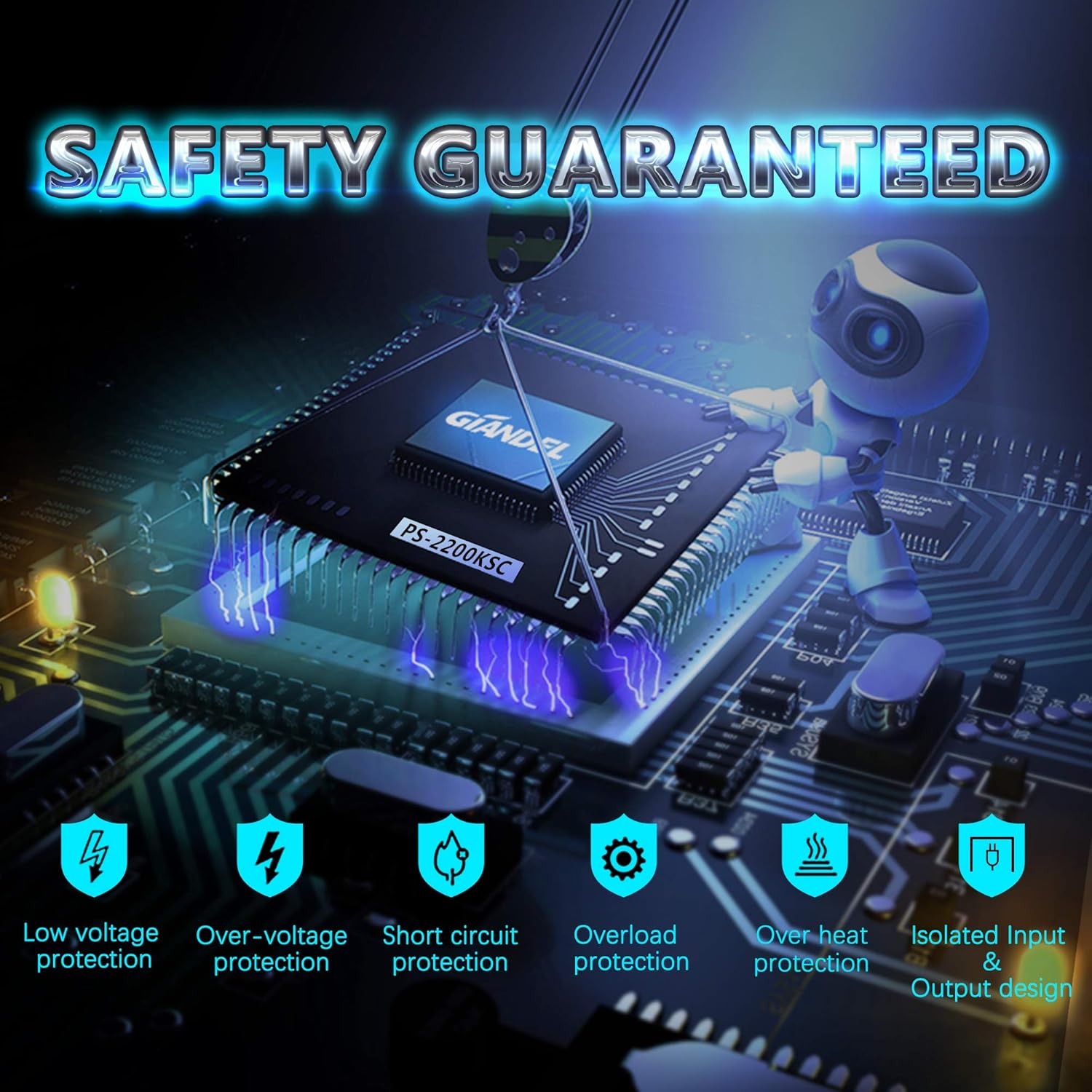
Figure 3.1: Detailed view of the 12V DC input terminals, showing proper cable connection for optimal power transfer.
- Battery Type Selection: Locate the battery select switch on the inverter. Set it to either GEL or SLA (Sealed Lead Acid) according to your battery type. This ensures correct charging parameters when using the built-in solar charge controller.
- Solar Panel Connection (Optional): If using the integrated solar charge controller:
- Connect a 12V solar panel (maximum 300W, 15-18V, open circuit voltage 22V) directly to the solar input terminals on the inverter.
- The inverter's display will show the battery charging status. Note that the solar charge controller functions independently of the inverter's power conversion.
- Remote Control Connection: Connect the remote controller to the designated port on the inverter using the provided 15 ft cable. This allows for convenient ON/OFF control from a distance.
4. Operating Instructions
Follow these steps to operate your GIANDEL Power Inverter:
- Powering On: Once all connections are secure, press the power switch on the inverter or use the remote control to turn the unit ON. The LED display will illuminate, showing input voltage, output voltage, and power consumption.
- Connecting AC Devices: Plug your 110V/120V AC devices into the dual AC outlets on the front panel. Ensure the total wattage of connected devices does not exceed the inverter's continuous power rating.
- Using the USB Port: The 2.4A USB port can be used to charge compatible USB-powered devices.
- Monitoring Performance: The LED display provides real-time information:
- Input (V): Displays the DC input voltage from your battery.
- Output (W): Shows the current power consumption of connected AC devices.
- Battery Charging Status: Indicates the battery voltage when charging via the solar panel.
- Powering Off: When finished, disconnect all AC devices, then turn off the inverter using the power switch or remote control.

Figure 4.1: The inverter can power a variety of devices, including coffee makers, LED TVs, phones, fridges, drills, and audio speakers, making it versatile for RVs, trucks, and off-grid systems.
5. Maintenance
Regular maintenance helps prolong the life and efficiency of your GIANDEL Power Inverter.
- Cleaning: Periodically clean the exterior of the inverter with a dry, soft cloth. Ensure the cooling fan vents are free from dust and debris to maintain optimal airflow.
- Connection Checks: Regularly inspect all electrical connections (battery terminals, AC outlets, solar input) for tightness and corrosion. Loose connections can lead to voltage drops and overheating.
- Storage: If storing the inverter for an extended period, ensure it is disconnected from all power sources and stored in a cool, dry place.
- Battery Health: Monitor your battery's health and charge level, especially if using the solar charge controller. A healthy battery is essential for the inverter's performance.
6. Troubleshooting
This section provides solutions for common issues you might encounter with your inverter.
| Problem | Possible Cause | Solution |
|---|---|---|
| Inverter does not turn on | No DC input power; Loose battery connections; Blown fuse; Low battery voltage. | Check battery connections; Verify battery voltage (must be 12V); Check internal fuses; Recharge or replace battery. |
| No AC output | Overload; Overheat; Short circuit; Low/High input voltage. | Reduce load; Allow inverter to cool down; Check for short circuits in wiring/appliances; Verify input voltage is within acceptable range (9.8-16VDC). |
| LED display shows error code (e.g., OL) | Overload (OL); Overheat (OH); Low voltage (LV); High voltage (HV). | Refer to the specific error code in the full user manual for detailed steps. Generally, reduce load, allow cooling, or check battery voltage. |
| Solar charging not working | Incorrect solar panel connection; Insufficient sunlight; Battery type switch incorrect. | Verify solar panel wiring; Ensure panel is in direct sunlight; Check battery type switch (GEL/SLA). |
For more detailed troubleshooting, please refer to the complete User Manual PDF.
7. Specifications
Key technical specifications for the GIANDEL 2200W Pure Sine Wave Power Inverter:
- Output Wave: Pure Sine Wave
- Power (2 AC Outlets): 2200W Rated, 4400W Peak
- USB Output: 1x DC 5V/2.4A (max)
- Total Harmonic Distortion (THD): < 3%
- Efficiency: 90%
- Nominal Input Voltage: 9.8-16VDC
- Nominal Output Voltage: 110-125VAC
- Internal Fuses: 8*30A
- Battery Cables: One pair with length of 2 ft
- Remote Controller: Remote controller with 15ft cable
- Solar Charge Control: 20A (PWM), suitable for MAX 300Watt (15-18V, open volt 22V) solar panel
- Product Dimensions: 15.7 x 9 x 3.5 inches
- Item Weight: 12.38 pounds
- Recommended Battery Capacity: 200 AH or above (for optimal performance)

Figure 7.1: Physical dimensions of the inverter, crucial for installation planning.

Figure 7.2: The inverter comes with essential accessories, including heavy-duty battery cables and a remote control for user convenience.
8. Warranty and Support
GIANDEL provides an 18-Months Warranty for this product, covering manufacturing defects and ensuring reliable performance.
For further assistance, detailed instructions, or technical support, please refer to the official documentation:
- User Guide (PDF): Download User Guide
- User Manual (PDF): Download User Manual
You may also visit the official Giandel store on Amazon for more information and contact options: Giandel Store
Related documentsPS-2200KSC


Ask a question about this manual
Ask about setup, troubleshooting, compatibility, parts, safety, or missing instructions. Manuals+ will review the question and use this page’s manual context to help answer it.