
Introduction
This manual provides comprehensive instructions for the installation, operation, and maintenance of your Zephyr ZAN-E30D Anzio 30-Inch Wall Mounted Range Hood. Please read this manual thoroughly before installation and use to ensure proper function and safety. Keep this manual for future reference.
Safety Information
Always adhere to local electrical and building codes. Ensure the range hood is properly grounded. Disconnect power before servicing or cleaning. Do not operate the range hood if any parts are damaged. Keep children away from the appliance. Use only for its intended purpose of ventilating cooking fumes.
Setup and Installation
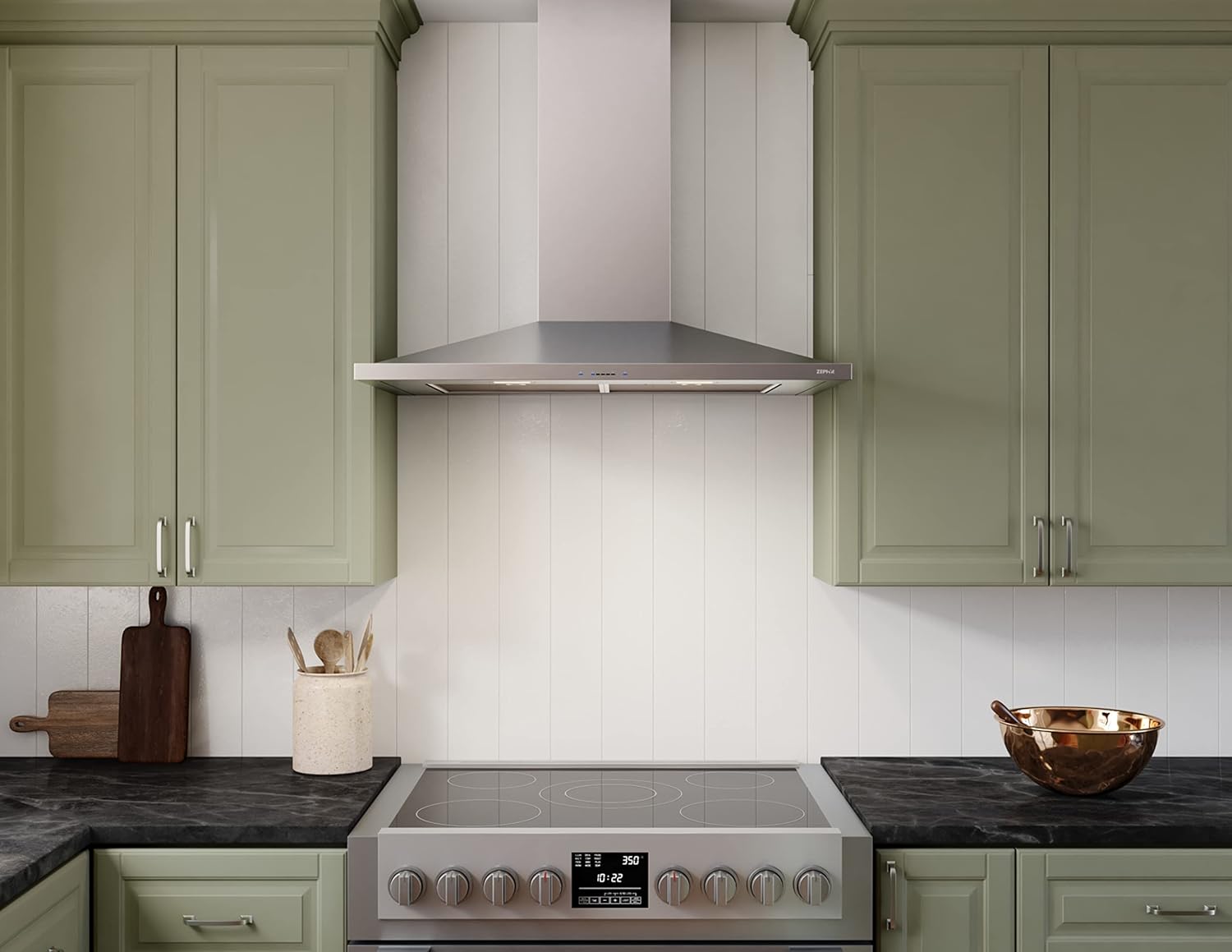
The Zephyr Anzio range hood is designed for wall-mounted installation and can be configured for ducted or ductless (recirculating) ventilation. Proper installation is crucial for optimal performance and safety.
Key Installation Considerations:
- Mounting Type: Wall Mount.
- Ducting: Designed for ducted/vented operation. Can be converted to ductless ventilation with an optional recirculating kit (sold separately).
- Dimensions: 29-15/16 inches (W) x 22-1/16 inches (D) x 5-5/16 inches (H) for the main body.
- Height Above Cooktop: Maintain a distance of 24 to 34 inches between the bottom of the hood and the cooking surface. Refer to local codes for specific requirements.
- Duct Size: Requires a 6-inch round duct for ducted installations.
- Electrical Requirements: 120 Volts, 60 Hz, 4 Amps, 480 Watts. A dedicated circuit is recommended.
- Airflow Control Technology (ACT™): This exclusive technology allows installers to set the maximum CFM levels to comply with local code requirements. Consult the detailed installation guide for configuration.

Operating Instructions
The Zephyr Anzio range hood features intuitive controls and powerful ventilation to effectively remove cooking odors and smoke.
Controls and Functions:
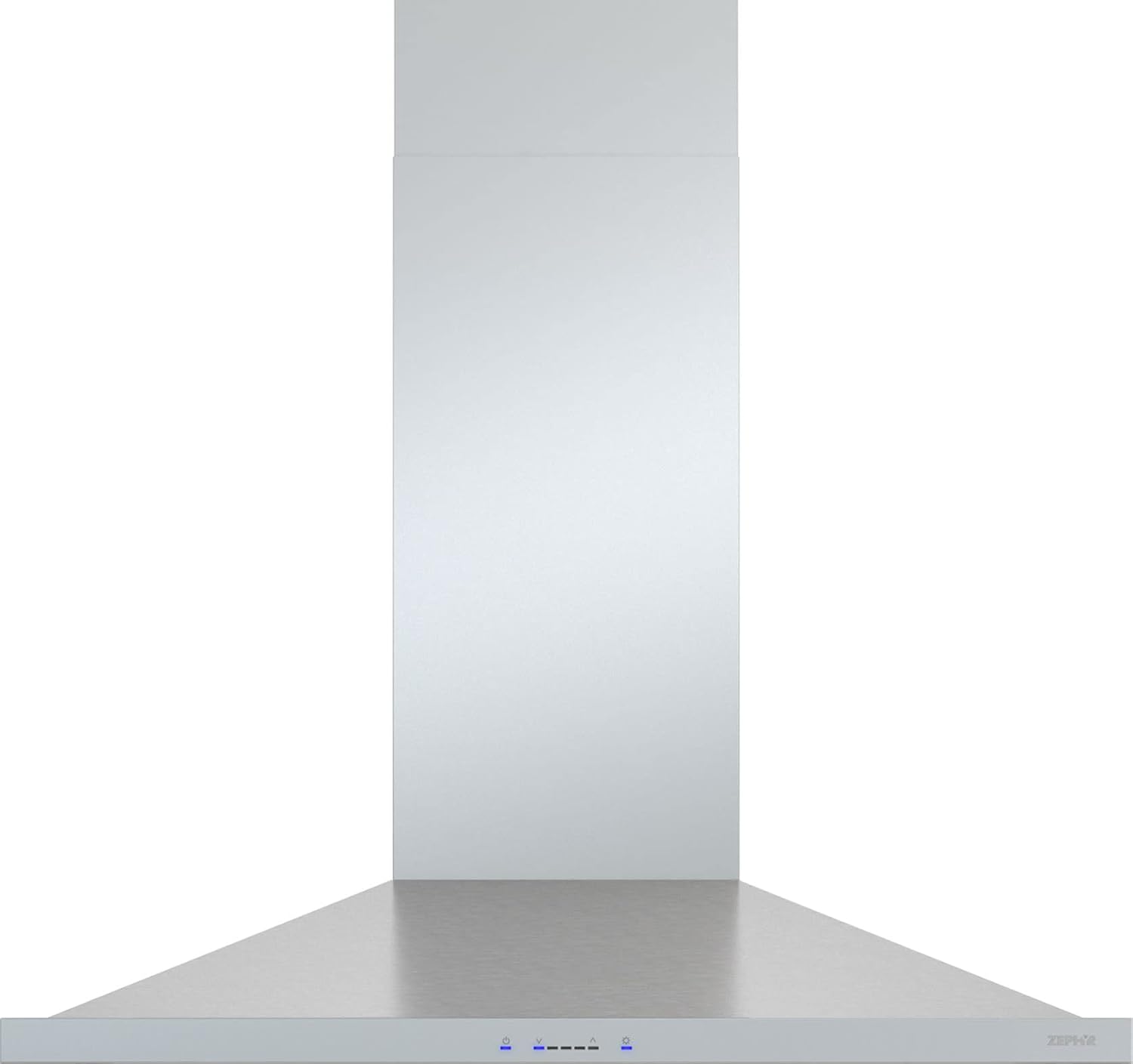
- ICON Touch™ Controls: The integrated touch controls allow for easy adjustment of fan speed and lighting. These controls are seamlessly integrated into the hood's stainless steel canopy.
- Fan Speeds: The hood offers 5 distinct fan speeds, providing airflow options from 290 CFM to a maximum of 600 CFM, with sones ranging from 1 to 6. Select the appropriate speed based on cooking intensity.
- LumiLight LED Lighting: Activate the eco-friendly LumiLight LED lights to illuminate your cooking surface. These lights are designed for long-lasting performance.
- Remote Control: An optional ADA-compliant remote control is available for convenient operation from a distance.
Maintenance
Regular maintenance ensures the longevity and optimal performance of your Zephyr Anzio range hood.
Cleaning and Care:
- Aluminum Mesh Filters: The hood is equipped with aluminum mesh filters that effectively capture grease and odors. These filters should be cleaned regularly. They are typically dishwasher-safe or can be washed by hand with warm, soapy water. Ensure filters are completely dry before reinstallation.
- Exterior Surfaces: Clean the stainless steel exterior with a soft cloth and a non-abrasive stainless steel cleaner. Avoid harsh chemicals or abrasive pads that can scratch the finish.
- LumiLight LED Lights: The LED lights are designed for durability with a lifespan exceeding 25,000 hours and generally do not require replacement. If a light issue occurs, consult the troubleshooting section or contact customer support.
Troubleshooting
If you encounter issues with your range hood, refer to the following common troubleshooting steps. For problems not listed here, contact Zephyr customer support.
- No Power: Check the circuit breaker and ensure the hood is properly plugged in. Verify all electrical connections.
- Fan Not Operating: Ensure the fan speed is selected on the control panel. Check for obstructions in the fan or ductwork.
- Poor Ventilation: Clean or replace filters. Check for blockages in the ductwork. Ensure the hood is installed at the correct height above the cooktop.
- Excessive Noise: Check for loose parts or obstructions in the fan. Ensure the ductwork is properly sealed and secured.
- Lights Not Working: Check light settings on the control panel. If individual LEDs are out, contact customer support.
Specifications
| Feature | Specification |
|---|---|
| Model | ZAN-E30D |
| Brand | Zephyr |
| Mounting Type | Wall Mount |
| Material | Stainless Steel |
| Nominal Width | 30 inches |
| Product Dimensions (D x W x H) | 22.06 x 29.94 x 5.31 inches |
| Item Weight | 88.6 Pounds |
| Air Flow Capacity (CFM) | 290, 390, 600 |
| Sones | 1, 6 |
| Number of Speeds | 5 |
| Controls Type | Touch (ICON Touch™) |
| Light Source Type | LED (LumiLight) |
| Voltage | 120 Volts |
| Frequency | 60 Hz |
| Amperage | 4 Amps |
| Wattage | 480 Watts |
| Filter Type | Aluminum Mesh |
| Duct Size | 6 inch Round |
| Ventilation Type | Ducted/Vented (Convertible to Ductless) |
| Included Components | Remote Control |
| Special Features | ADA Compliant (with optional remote), Airflow Control Technology (ACT™) |
| UPC | 646328010682 |
Warranty Information
The Zephyr ZAN-E30D Anzio Range Hood is covered by a manufacturer's warranty:
- Parts: 3-year warranty on parts.
- Labor: 1-year warranty on labor.
Please retain your proof of purchase for warranty claims. For detailed terms and conditions, refer to the warranty card included with your product or visit the official Zephyr website.
Customer Support
For technical assistance, service inquiries, or to order replacement parts, please contact Zephyr customer support. Have your model number (ZAN-E30D) and serial number ready when contacting support.
Visit the official Zephyr website for the most up-to-date contact information and additional resources.


