
Introduction
The Anker Nebula Mars II is a portable home theater projector designed to deliver a clear and immersive viewing experience. Featuring 720p HD resolution, 300 ANSI lumens brightness, and dual 10W speakers, it offers versatile entertainment options. Running on Android 7.1, it supports various streaming applications and provides automatic focus and keystone correction for easy setup.
What's in the Box
- Nebula Mars II Projector
- Remote control
- Quick start guide
- Power adapter
Product Overview

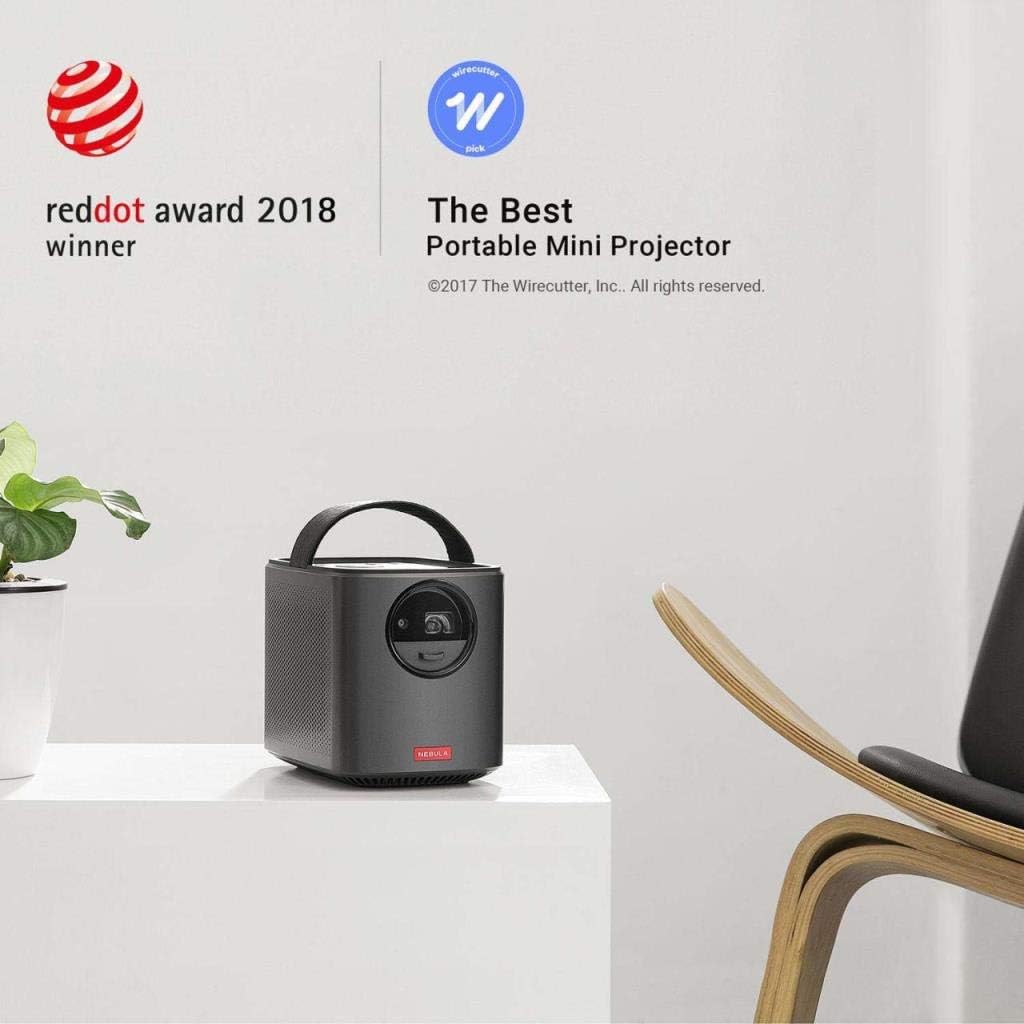
Front View: The main unit of the Nebula Mars II projector, showcasing its compact design and front-facing lens.
Top View: The top of the projector features integrated controls and a sturdy handle for portability.
Side View: The side of the projector features ventilation grilles and integrated speakers for immersive audio.
Rear View: The rear panel houses various input/output ports for connectivity.
Key Features
- Sensational Clarity: Experience your favorite content with 300 ANSI lm brightness and 720p DLP IntelliBright technology for a crisp, clear picture.
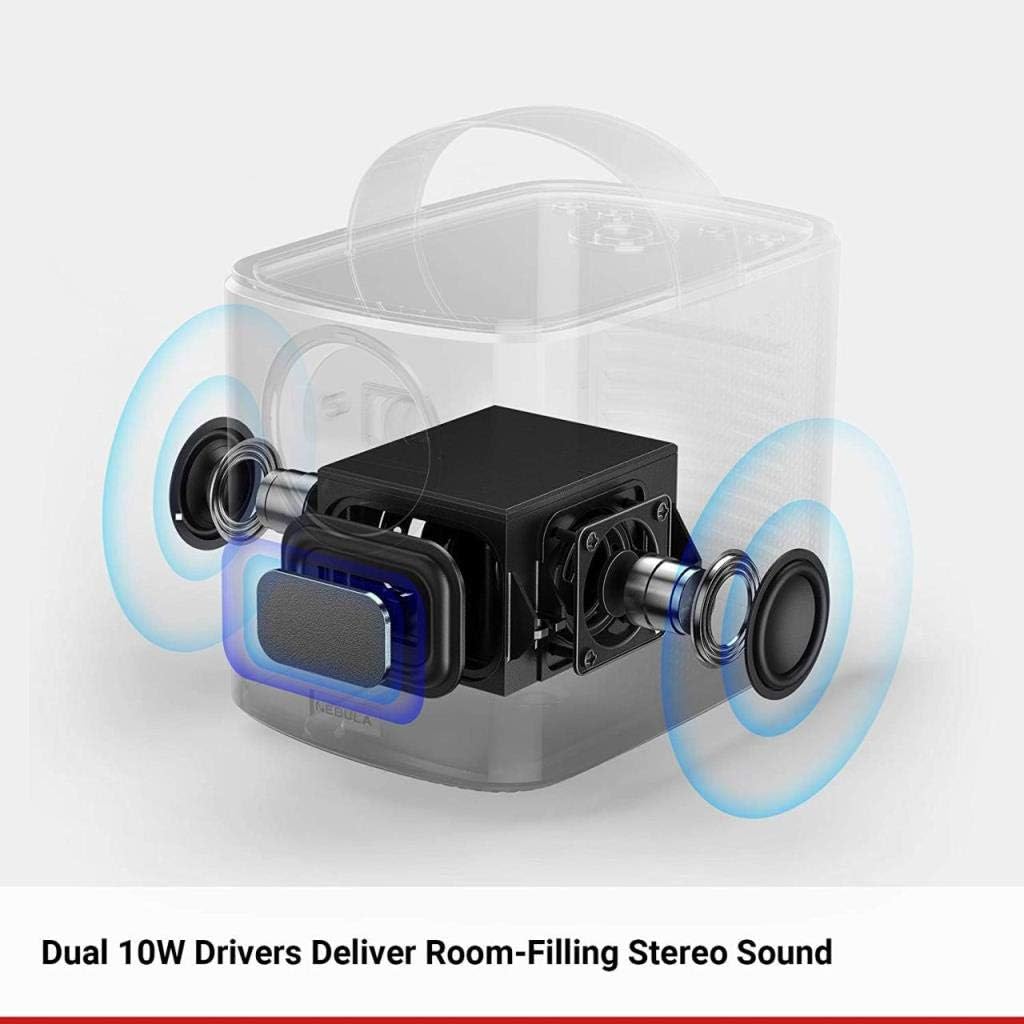
- Stunning Sound: Dual 10W audio drivers generate cinematic stereo sound and deep pounding bass.
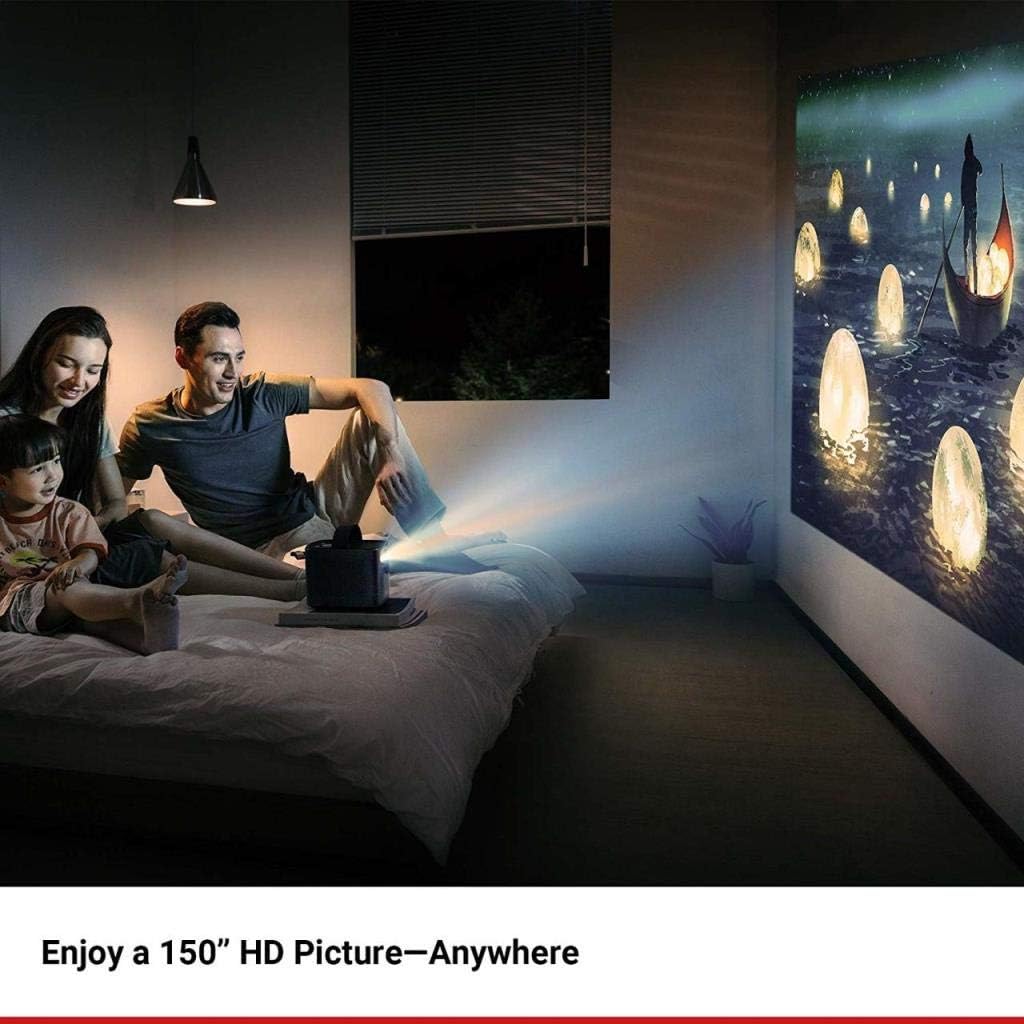
- Ideal in the Home: Enjoy a 150-inch image for movies, online classes, or entertaining children.
- Binge-Watch in Style: Watch YouTube, Netflix, and more directly through the projector with Android 7.1 for endless hours of entertainment.
- Note on Copyrighted Content: Copyrighted content from Hulu, Netflix, and similar services CAN NOT be mirrored or screencast. Download and use the apps directly through Mars II portable projector to view copyrighted content from these providers. Chromecast is not supported.
Setup Guide
1. Powering On/Off
To power on the Nebula Mars II, slide open the lens cover located on the front of the projector. To power off, slide the lens cover closed.
2. Initial Setup
Upon first power-on, the projector will guide you through the initial setup process:
- Language Selection: Choose your preferred language.
- Wi-Fi Connection: Connect to your wireless network.
- Google Account: Sign in with your Google account to access apps and services.
3. Focus and Keystone Correction
The Mars II features automatic focus and vertical keystone correction (±40°). The projector will automatically adjust the image for clarity and correct trapezoidal distortion. Manual adjustments can be made through the settings menu if needed.
4. Placement
Place the projector on a stable, flat surface. The adjustable stand at the bottom allows for precise angle adjustments. The projector can also be laid on its back to project onto a ceiling.
Operating Instructions
1. Navigation
Navigate the projector's interface using the included remote control. The remote supports D-pad mode for menu navigation and mouse mode for app interaction. Alternatively, download the Nebula Connect app for Android & iOS to control the projector from your smartphone.
2. Connecting Devices
- HDMI: Connect external devices like gaming consoles, Blu-ray players, or laptops via the HDMI 1.4 port.
- USB: Use the USB 2.0 port to play media from USB drives or connect compatible accessories.
- Bluetooth: Pair Bluetooth speakers or headphones for enhanced audio, or use the projector as a standalone Bluetooth speaker.
3. Streaming Content
Access pre-installed apps like YouTube and Netflix directly from the home screen. For copyrighted content, ensure you use the apps installed on the projector rather than mirroring from external devices.
4. Using as a Bluetooth Speaker
The Mars II can function as a powerful Bluetooth speaker. Activate Bluetooth speaker mode to enjoy audio from your paired devices.
5. Using as a Power Bank
The projector's internal battery can also be used to charge external devices via its USB ports.
6. Official Product Video
Video Description: This official product video from AnkerDirect provides a concise overview of the Nebula Mars II projector's features and functionality, including its portability, image quality, and smart capabilities.
Maintenance
To ensure optimal performance and longevity of your Nebula Mars II projector, follow these maintenance guidelines:
- Cleaning the Lens: Gently wipe the projector lens with a soft, lint-free cloth. Avoid using abrasive cleaners or materials that could scratch the lens.
- Cleaning the Exterior: Use a soft, dry cloth to clean the exterior of the projector. Do not use liquid cleaners or sprays directly on the device.
- Ventilation: Ensure that the ventilation grilles are clear of dust and obstructions to prevent overheating.
- Storage: When not in use, store the projector in a cool, dry place away from direct sunlight and extreme temperatures.
Troubleshooting
- No Image/Poor Image Quality: Ensure the lens cover is fully open. Check focus and keystone settings. Verify the input source is correctly selected and the cable is securely connected. Adjust brightness settings if the room is too bright.
- No Sound: Check the volume level on the projector and any connected external audio devices. Ensure Bluetooth audio is correctly paired or HDMI audio is properly configured.
- Cannot Mirror Copyrighted Content: As noted in the features, copyrighted content from services like Netflix and Hulu cannot be mirrored. Use the apps directly installed on the projector to view such content.
- Chromecast Not Supported: The Nebula Mars II does not support Chromecast functionality.
- Remote Control Not Responding: Check the remote control batteries. Ensure there are no obstructions between the remote and the projector.
Specifications
| Feature | Specification |
|---|---|
| Model Number | D2322 |
| Display Technology | 0.3" DLP |
| Native Resolution | 1280 x 720 (HD) |
| Brightness | 300 ANSI lm |
| Lamp Life | 30,000 hours |
| Aspect Ratio | 16:9 |
| Throw Ratio | 100 in at 8.73 ft; 80 in at 6.99 ft; 60 in at 5.22 ft; 40 in at 3.48 ft |
| Offset | 100% |
| Focus Adjustment | Automatic |
| Keystone Correction | Auto (vertical ±40°) |
| HDMI | HDMI 1.4 |
| USB | USB 2.0 |
| DC-IN | 19V, 3A DC-In |
| Speaker | Dual 10W Speakers |
| Wi-Fi | 802.11a/b/g/n Dual Frequency 2.4/5GHz |
| Bluetooth | BT4.0 Dual Mode/A2DP |
| OS | Android 7.1 |
| Movie Playtime | 4 hours in Battery Mode |
| Music Playtime | 30 hours in Bluetooth Speaker Mode |
| Charging time | 3 hours |
| Product Dimensions | 7.01 x 4.8 x 5.43 inches |
| Item Weight | 3.95 pounds |
Warranty & Support
The Nebula Mars II projector comes with a 12-month warranty. For customer service and support, please refer to the contact information provided in the quick start guide or visit the official Anker support website.


