
COLORLIFE BTJ01
COLORLIFE Electric Jellyfish Tank Table Lamp
Model: BTJ01
Introduction
Thank you for choosing the COLORLIFE Electric Jellyfish Tank Table Lamp. This product is designed to provide a calming and mesmerizing visual experience, simulating the gentle movement of jellyfish in an illuminated aquarium. It serves as an ideal mood light for relaxation in various indoor settings.
Safety Information
- This product is not waterproof and not water resistant. Avoid direct contact with water or placing it in wet environments to prevent electric shock or damage.
- Ensure the power adapter and cable are free from damage before use. Do not use if damaged.
- Keep out of reach of small children and pets to prevent accidental spills or tampering with electrical components.
- The top lid is removable. Exercise caution to prevent water spillage, especially if placed on surfaces sensitive to moisture.
- Use only the provided USB power cable with a compatible USB power source (5V).
- Do not attempt to open or repair the device yourself. Refer to qualified personnel for servicing.
Package Contents
- 1 x COLORLIFE Electric Jellyfish Tank Table Lamp Unit
- 2 x Artificial Jellyfish
- 2 x Artificial Fish
- 1 x USB Power Cable
- 1 x User Manual
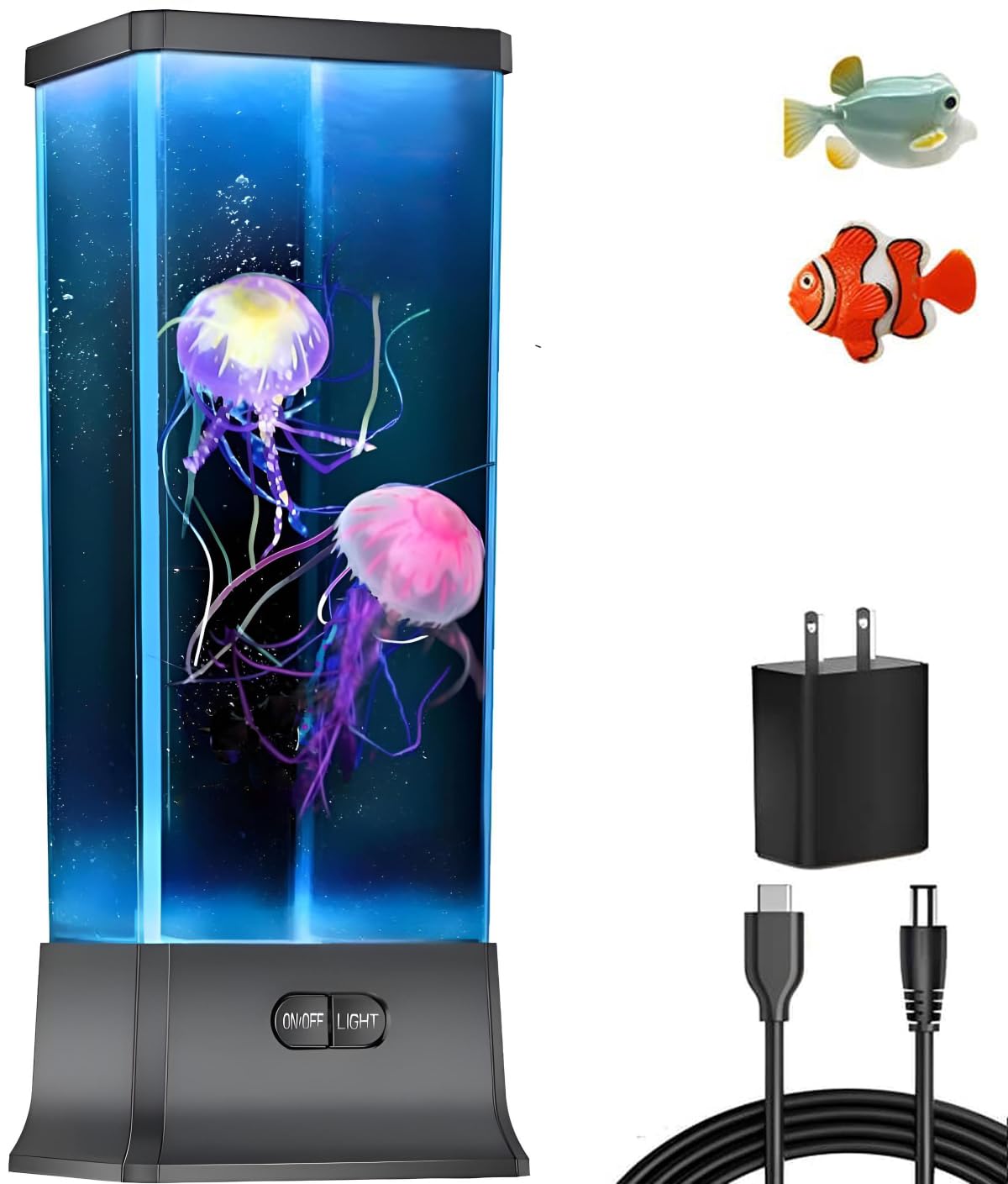
Image: The COLORLIFE Electric Jellyfish Tank Table Lamp, showcasing its clear tank, black base, and the artificial jellyfish and fish within.
Setup Instructions
- Prepare the Tank: Carefully remove the top lid of the lamp unit.
- Fill with Water: Fill the tank with clean, distilled water up to the indicated fill line (or approximately 1 inch from the top). Distilled water is recommended to prevent mineral buildup and ensure optimal jellyfish movement.
- Add Jellyfish and Fish: Gently place the artificial jellyfish and fish into the water. Ensure they are fully submerged. For optimal movement, add 1-2 drops of liquid dish soap (non-foaming type) to the water. This helps reduce surface tension and allows the jellyfish to float and move more freely.
- Replace Lid: Securely place the top lid back onto the lamp unit.
- Connect Power: Plug the USB power cable into the lamp's power port and connect the other end to a compatible USB power adapter (not included) or a USB port.
- Initial Bubbles: It is normal for small air bubbles to cling to the jellyfish and fish initially. These bubbles will dissipate over 1-2 days of continuous operation, allowing for smoother movement. Gently shaking the tank can help dislodge some bubbles.

Image: Side view of the lamp, illustrating its transparent tank and compact design.

Image: Rear view of the lamp, highlighting the power input connection.

Image: Illustration of the lamp's power options, including the use of 3 AAA batteries for mobile use.
Operating Instructions
- Power On/Off: Press the "ON/OFF" button located on the front base of the lamp to turn the unit on or off.
- Change Light Color: Press the "LIGHT" button on the front base to cycle through various color options. The lamp features color-changing LED lights.
- Adjust Water Flow Speed: The lamp offers 3 different water flow speeds. These speeds control how fast the jellyfish and fish move within the tank. (Note: Specific button for speed adjustment is not detailed in product data, typically integrated with power/light button or automatic cycling).
- Automatic Shut-off: The lamp is equipped with an 8-hour automatic shut-off function to conserve energy and for convenience.
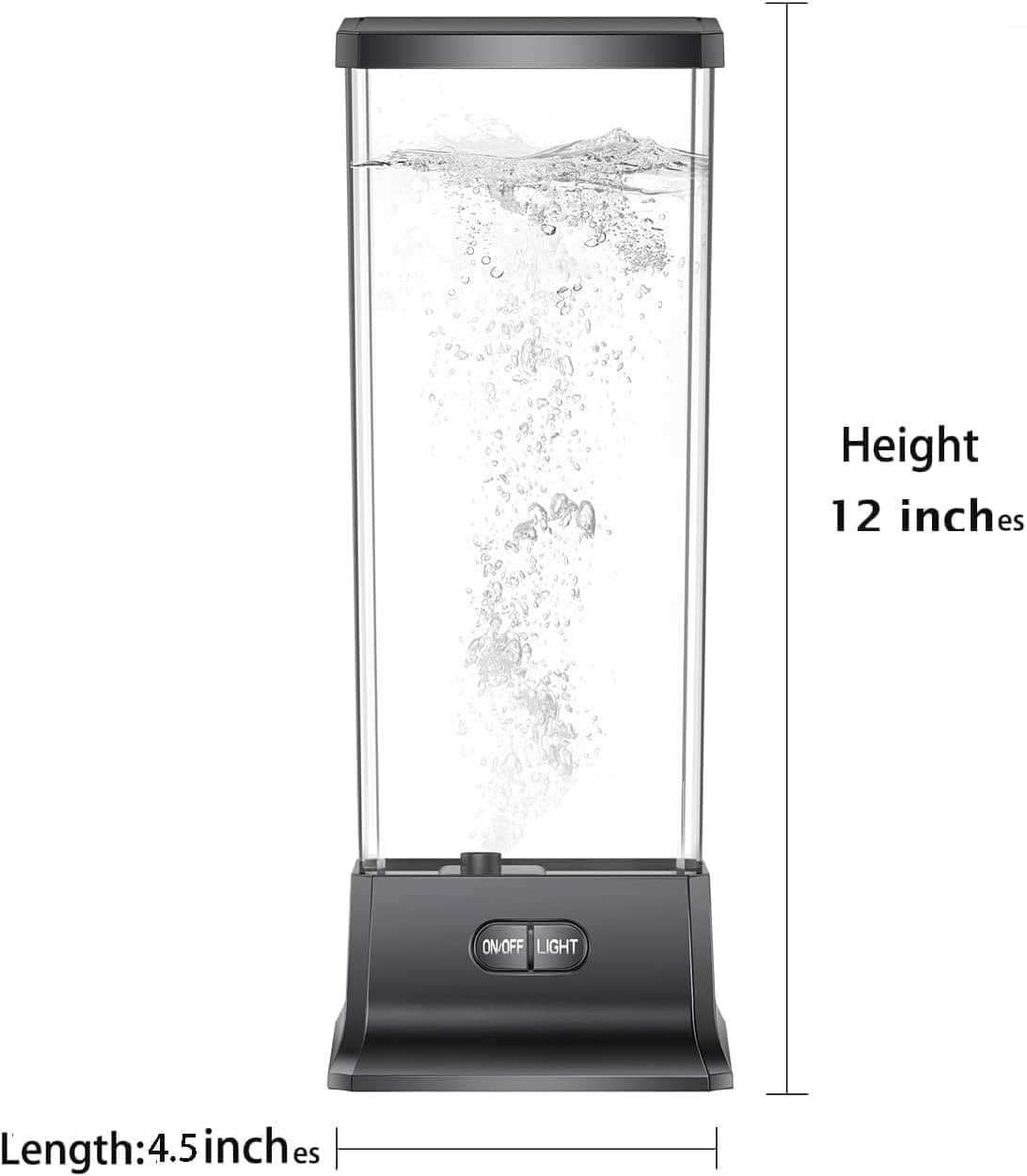
Image: Front view of the lamp, highlighting the control buttons on the base.
Maintenance
- Water Changes: To maintain clarity and prevent algae growth, it is recommended to change the distilled water every 1-2 months.
- Cleaning: If the tank or artificial elements appear dirty, gently clean them with a soft cloth and mild soap. Rinse thoroughly before returning to the tank. Avoid abrasive cleaners.
- Air Bubbles: If new air bubbles appear on the jellyfish or fish after a water change, they should dissipate naturally within a day or two. A small drop of dish soap can assist this process.
Troubleshooting
| Problem | Possible Cause | Solution |
|---|---|---|
| Jellyfish/Fish not moving or sinking | Too many air bubbles attached; insufficient water flow; incorrect water type. | Gently shake the tank to dislodge bubbles. Ensure water level is correct. Use distilled water. Add 1-2 drops of dish soap to reduce surface tension. |
| Lamp does not turn on | No power; faulty connection. | Check if the USB cable is securely plugged into both the lamp and the power source. Try a different USB port or power adapter. |
| Water appears cloudy or discolored | Mineral buildup from tap water; algae growth. | Perform a full water change using distilled water. Clean the tank and artificial elements thoroughly. |
Image: Visual guide for proper jellyfish placement and water conditions.
Specifications
- Model Number: BTJ01
- Brand: COLORLIFE
- Product Dimensions: 4"D x 4.5"W x 12.5"H
- Item Weight: 16 ounces
- Material Type: Acrylic, Plastic
- Power Source: Corded Electric (USB) or 3x AAA Batteries
- Voltage: 5 Volts
- Wattage: 5 watts
- Light Source Type: LED
- Control Method: Touch (Push Button)
- Water Resistance Level: Not Water Resistant

Image: The lamp illuminating a room with its color-changing lights.
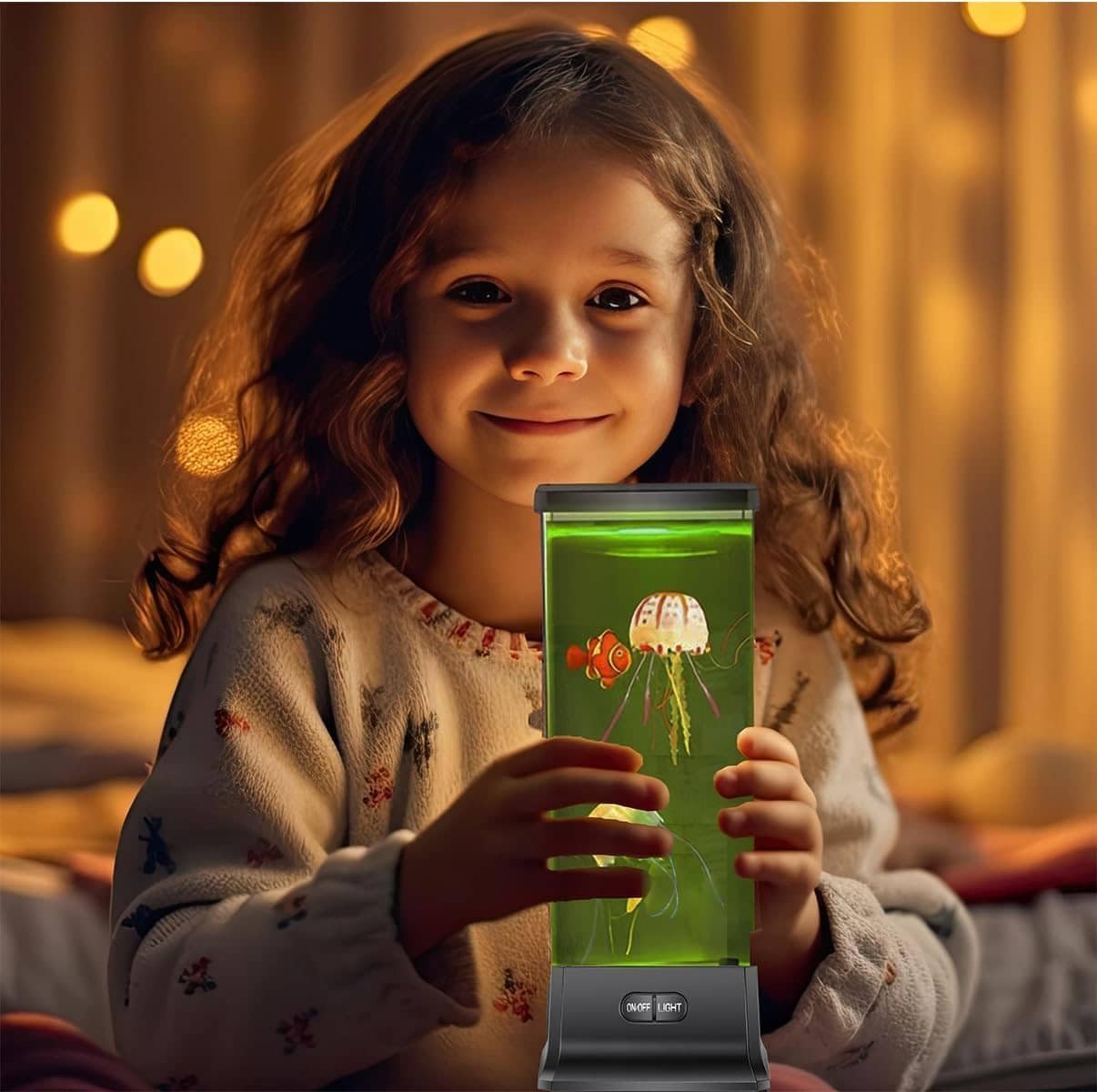
Image: The lamp being held by a child, demonstrating its size and appeal.

Image: The lamp providing a relaxing ambiance in an adult setting.

Image: Energy efficiency label for the product. For more details, visit EPREL Database.
Warranty
The COLORLIFE Electric Jellyfish Tank Table Lamp comes with a One-Year Limited Warranty from the date of purchase. This warranty covers manufacturing defects and malfunctions under normal use. It does not cover damage caused by misuse, accidents, unauthorized repairs, or failure to follow instructions.
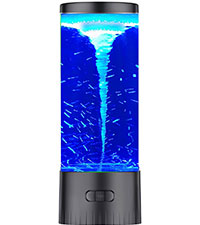
Image: One-Year Warranty badge.
Support
For technical support, warranty claims, or general inquiries, please contact COLORLIFE customer service through the retailer where the product was purchased or visit the official COLORLIFE website.
Official COLORLIFE Store: COLORLIFE Amazon Store
Ask a question about this manual
Ask about setup, troubleshooting, compatibility, parts, safety, or missing instructions. Manuals+ will review the question and use this page’s manual context to help answer it.