
Just Wireless 04084
Qi Wireless Charger User Manual
Brand: Just Wireless | Model: 04084
Introduction
This manual provides essential information for the safe and efficient operation of your Just Wireless Qi Certified Wireless Charging Pad. Please read this manual thoroughly before using the device and retain it for future reference.
The Just Wireless Qi Certified Wireless Charging Pad is designed to deliver 5W of wireless charging power to your Qi-compatible Apple iPhone, Samsung Galaxy, or Android devices. Its compact, flat surface design makes it ideal for use at home, in the office, or while traveling. The device incorporates integrated circuit protection and maximum reinforcement to safeguard internal wiring, ensuring fast and safe charging for your devices. A wall adapter is included, eliminating the need for separate purchases to begin charging.

Image: Top view of the Just Wireless Qi Wireless Charging Pad, showing its circular, white design with the 'JW' logo.
Key Features
- 5W Wireless Charging: Delivers 5 Watts of quick charging power to your Qi-enabled device from any standard wall outlet.
- Wide Compatibility: Works with any Qi-enabled device, including Apple iPhone XS, XS Max, XR, X, 8, 8 Plus, Samsung Galaxy S8, S8+, Note 8, S7, S7 Edge, S6, S6 Edge, Nokia 9, Nexus 4, 5, Lumia 920, and other Qi-enabled devices.
- Qi Wireless Certified: Features a WPC Qi certified chip that properly withstands and prevents overheating, overvoltage, and short circuit.
- Ultra-Slim Design: At only 0.3 inches thick, this wireless charger lays flat on any surface.
- LED Indicator: A subtle LED light indicates when the device is in use and charging. The light is dimmed for night-time use.

Image: Diagram illustrating key features such as Qi Technology Enabled, Ultra-slim & High Capacity, Over-charging Prevention, Charger Included, Temperature Control, and Short Circuit Protection.
What's in the Box
Upon opening the package, please ensure all the following components are present:
- Just Wireless Qi Wireless Charger Pad
- Micro USB Cable
- AC Wall Adapter (Power Supply)
- User Manual (this document)

Image: Visual representation of the box contents, including the wireless charger pad, micro USB cable, user manual, and power supply.
Setup
- Connect the Micro USB cable to the charging pad's input port.
- Plug the other end of the Micro USB cable into the included AC Wall Adapter.
- Insert the AC Wall Adapter into a standard wall outlet.
- The LED indicator on the charging pad will briefly illuminate, indicating it is powered on and ready for use.

Image: The wireless charging pad shown alongside its included AC wall adapter, ready for connection.
Operating Instructions
- Ensure the wireless charging pad is connected to a power source as described in the "Setup" section.
- Place your Qi-enabled smartphone directly onto the center of the charging pad.
- The LED indicator on the charging pad will illuminate steadily to confirm that your device is charging. If the LED flashes or does not illuminate, reposition your device until a steady light is observed.
- For optimal charging, ensure your device is centered on the pad. Charging may be affected by phone cases thicker than 5mm or those containing metal, magnets, or credit cards.
- Once your device is fully charged, you may remove it from the pad. The charging pad will remain in standby mode.
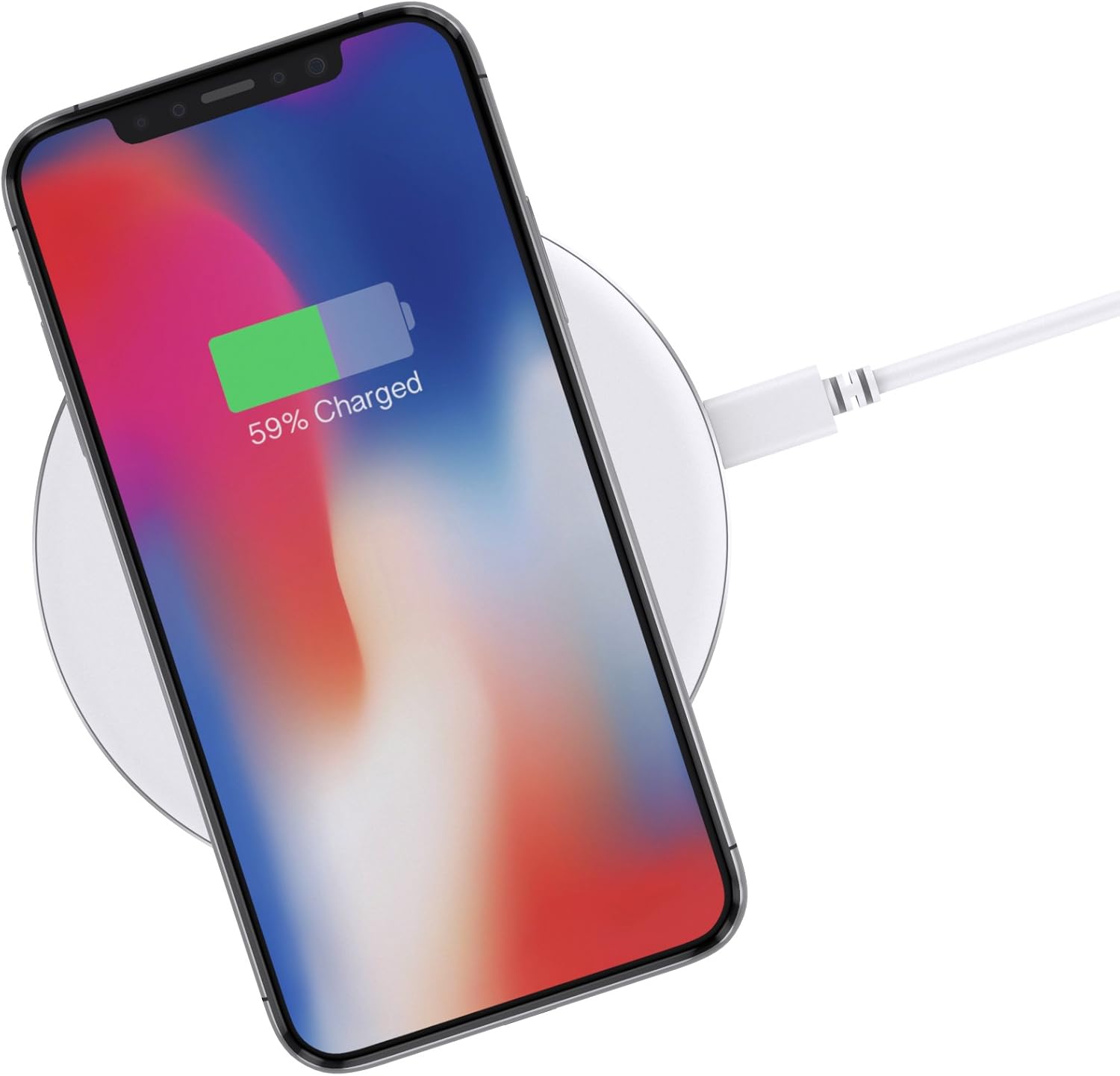
Image: An iPhone X resting on the wireless charging pad, displaying a 59% charge status on its screen.

Image: A side view of an iPhone X charging on the wireless pad, highlighting the slim profile of the charger.
Compatibility
The Just Wireless Qi Certified Wireless Charging Pad is universally compatible with all Qi-enabled devices. This includes, but is not limited to:
- Apple iPhone: XS, XS Max, XR, X, 8, 8 Plus
- Samsung Galaxy: S9, S9+, S8, S8+, Note 8, S7, S7 Edge, S6, S6 Edge, Note 5
- Other Qi-enabled devices: Nokia Lumia 830/920/1020/1520/930, Yota Phone 2, Google Nexus 6/4/5, and more.

Image: A visual guide demonstrating compatibility with various Qi-enabled smartphones, including Samsung Galaxy and Apple iPhone models.
Case Compatibility
The charger is designed to work with non-metal cases thinner than 5mm. Cases that may interfere with wireless charging include:
- Credit card cases
- Metal cases
- Battery cases
- Cases with ring stand holders or other metallic attachments
For optimal charging performance, it is recommended to remove such cases before placing your device on the charging pad.
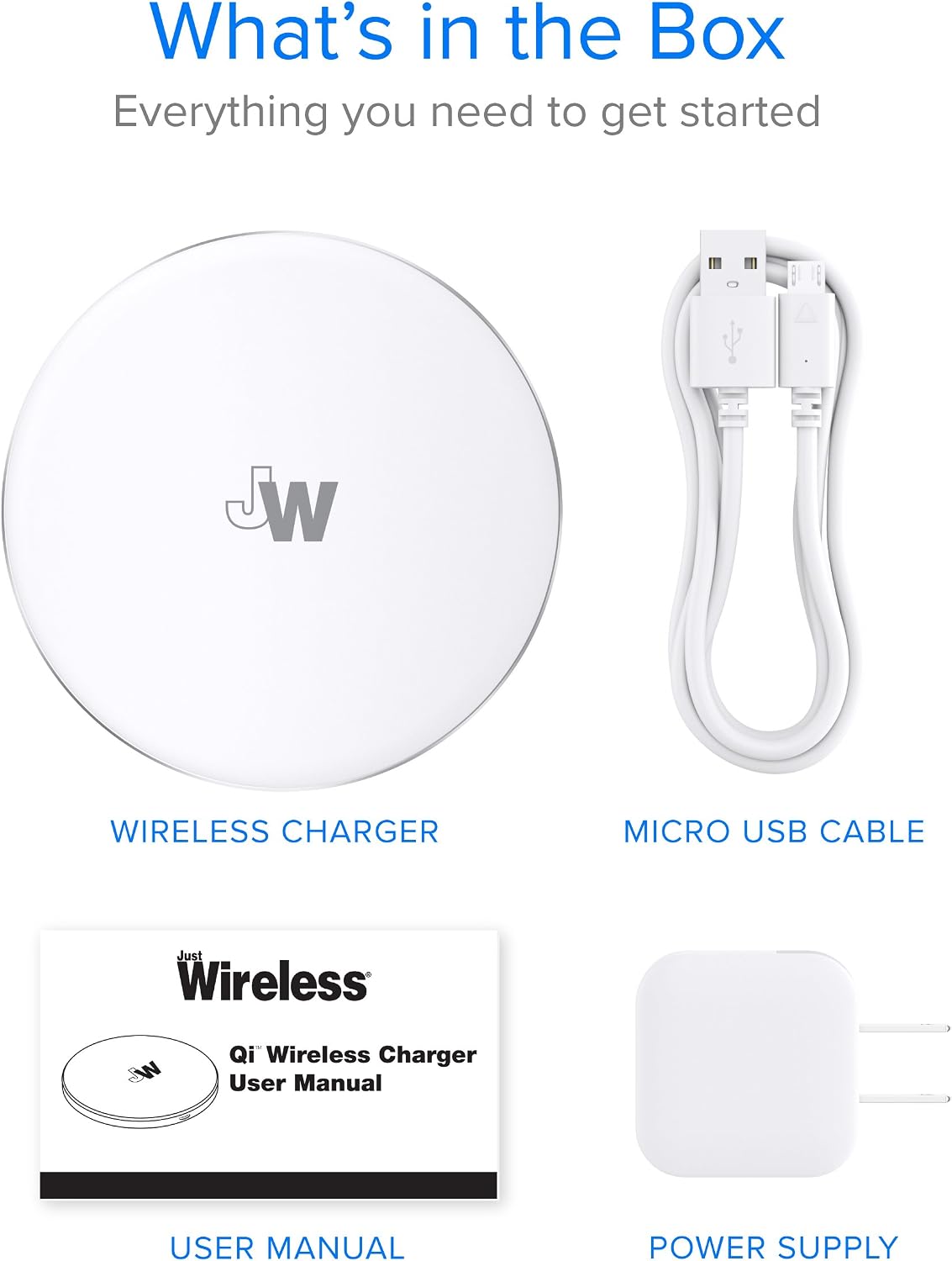
Image: A diagram illustrating which types of phone cases are compatible (non-metal, less than 5mm thick) and which are not (credit card, metal, battery, ring stand cases).
Maintenance
To ensure the longevity and optimal performance of your wireless charger, follow these simple maintenance guidelines:
- Keep the charging pad clean and free from dust and debris. Use a soft, dry cloth to wipe the surface.
- Avoid exposing the device to extreme temperatures, direct sunlight, or high humidity.
- Do not disassemble or attempt to repair the device yourself. This will void the warranty.
- Handle the charging pad with care to prevent drops or impacts.
Troubleshooting
| Problem | Possible Cause | Solution |
|---|---|---|
| Device is not charging / LED not lit. |
|
|
| Slow charging. |
|
|
| Charging pad or device gets warm. |
|
|
Specifications
| Attribute | Detail |
|---|---|
| Product Dimensions | 4 x 0.3 x 4 inches |
| Item Weight | 7.7 ounces |
| Model Number | 04084 |
| Connectivity Technology | Wireless |
| Special Feature | Wireless Charging |
| Color | White |
| Input Voltage | 9 Volts |
| Manufacturer | Best Case and Accessories |
| First Available Date | April 26, 2018 |

Image: A technical drawing indicating the dimensions of the wireless charging pad: 3.89 inches in diameter and 0.4 inches in thickness.
Warranty & Support
This Just Wireless Qi Certified Wireless Charging Pad comes with a Lifetime Warranty. We are confident in the quality and durability of our product.
For any support inquiries, technical assistance, or warranty claims, please refer to the contact information provided on the product packaging or visit the official Just Wireless website.
Related documents04084


Ask a question about this manual
Ask about setup, troubleshooting, compatibility, parts, safety, or missing instructions. Manuals+ will review the question and use this page’s manual context to help answer it.