
1. Introduction
The Surker RFC-688B Hair Clipper is a precision electric grooming tool designed for versatile use by families, for travel, and by professionals. It features a durable ceramic titanium blade and an intuitive LED display for enhanced control and convenience.
Key Features:
- Professional Ceramic Titanium Blade: Suitable for all hair types, washable, and supports precise length adjustment from 0.8 mm to 2.8 mm.
- LED Display: High-definition display shows cutting height and remaining battery time, with a charging reminder function.
- Multiple Cutting Lengths: Includes 6 comb guides for lengths ranging from 4-6 mm to 28-30 mm, in addition to the adjustable blade on the device.
- Long Battery Life: High-performance lithium battery provides 60 minutes of operating time after a 1.5-hour charge. Supports corded operation when battery is low.
- Low Noise Design: Operates at less than 60 decibels, ensuring a comfortable experience for both adults and children.
2. Package Contents
Please check the box to ensure all items are present:
- 1 x Surker Hair Clipper
- 6 x Comb Guides (4-6mm, 7-9mm, 10-12mm, 16-18mm, 22-24mm, 28-30mm)
- 1 x Charging Stand
- 1 x Hair Comb
- 1 x Charger
- 1 x Cleaning Brush
- 1 x Oil Bottle
- 1 x User Manual

3. Product Overview
Familiarize yourself with the main components of your Surker Hair Clipper:

- Adjustable Blade: Located at the top, allows for precise cutting lengths of 0.8mm, 1.5mm, 2.2mm, and 2.8mm.
- LED Display: Shows current cutting length (mm) and remaining battery time (minutes).
- Power Button: Turns the clipper on/off.
- Length Adjustment Buttons: Up and down arrows to fine-tune the blade length.
- Charging Port: Located at the bottom for connecting to the charger or charging stand.
4. Setup
4.1 Initial Charging
Before first use, fully charge the hair clipper. Connect the charger to the charging stand, then place the clipper on the stand. The LED display will indicate charging status.
- Charging Time: Approximately 1.5 hours for a full charge.
- Operating Time: Up to 60 minutes on a full charge.

5. Operating Instructions
5.1 Preparing for Use
- Ensure the clipper is fully charged.
- Select the desired cutting length:
- Adjustable Blade: Use the up/down buttons on the clipper to set the precise length (0.8mm, 1.5mm, 2.2mm, 2.8mm).
- Comb Guides: For longer lengths, attach one of the 6 comb guides (4-6mm, 7-9mm, 10-12mm, 16-18mm, 22-24mm, 28-30mm) by sliding it onto the blade until it clicks into place.

5.2 Using the Clipper
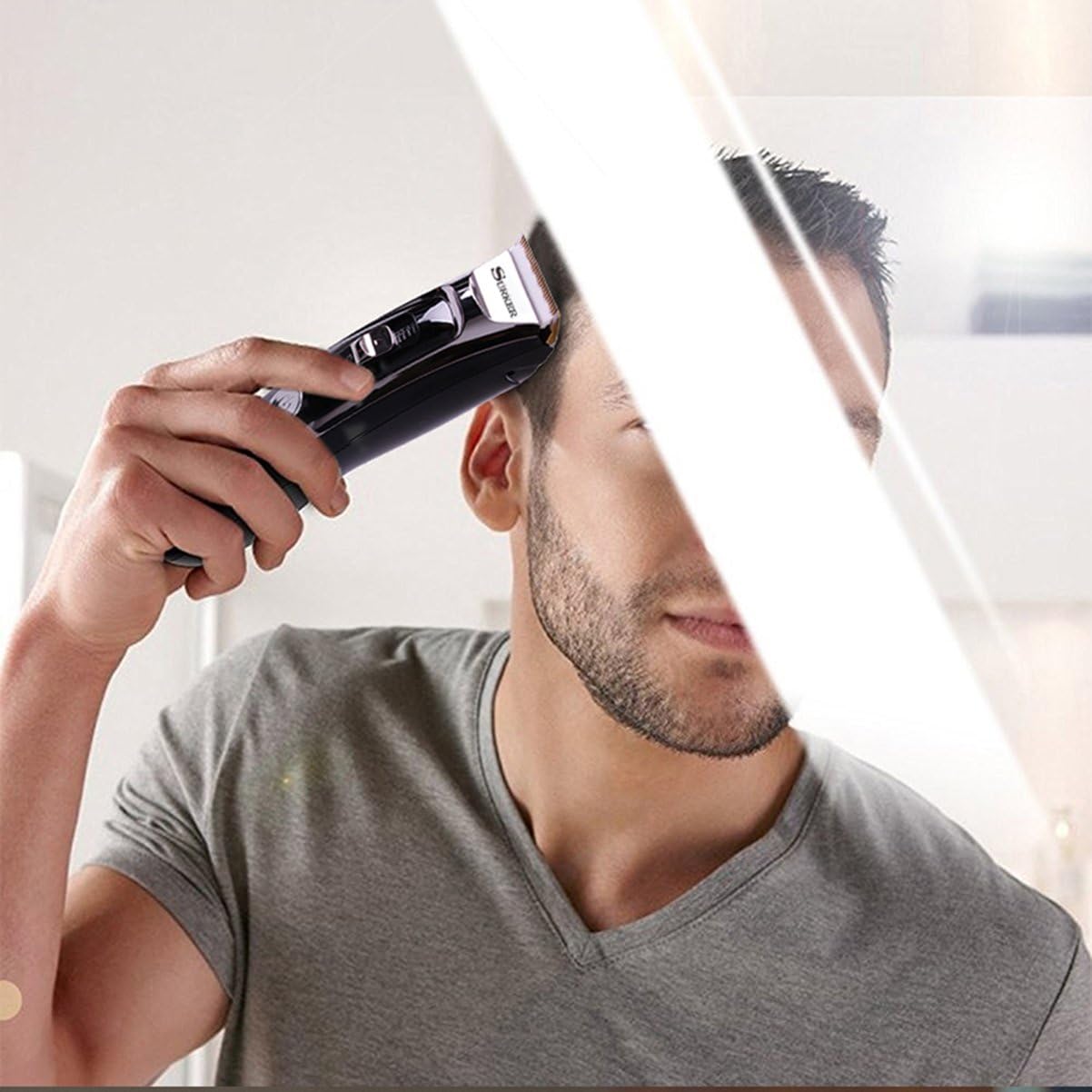
- Press the power button to turn on the clipper.
- Begin cutting hair, moving the clipper against the direction of hair growth.
- Monitor the LED display for the current cutting height and remaining battery time.
- If the battery becomes low during use, you can continue operating the clipper while it is plugged into the charger.
6. Maintenance
6.1 Cleaning the Blade
Regular cleaning ensures optimal performance and extends the life of your clipper. The blade can be removed for thorough cleaning.
- Removing the Blade: Use your index finger to press on the bottom of the blade, then use your thumb to push the top of the blade forward until it detaches.
- Cleaning: Use the provided cleaning brush to remove hair clippings from the blade and the clipper body. The blade is washable; you can rinse it under running water. Ensure the blade is completely dry before reattaching.
- Reattaching the Blade: Insert the bottom of the blade into the slot on the clipper body, then press down firmly until it clicks into place.


6.2 Oiling the Blades
After cleaning and drying, apply a small drop of the provided oil to the blades to ensure smooth operation and prevent rust. Turn on the clipper for a few seconds to distribute the oil.
7. Specifications
| Feature | Specification |
|---|---|
| Model Number | RFC-6888 |
| Materials | Titanium / Ceramic |
| Output Power | 100-240 V |
| Frequency | 50/60 Hz |
| Battery Type | Lithium Battery |
| Battery Charging Time | 1.5 hours |
| Operating Time | 60 minutes |
| Noise Level | Less than 60 dB |
| Color | Black/Silver |
8. Troubleshooting
- Clipper not turning on: Ensure the battery is charged. If operating cordlessly, plug it in.
- Poor cutting performance: Clean the blades thoroughly to remove any hair buildup. Apply a drop of oil to the blades. Ensure the correct comb guide is securely attached.
- Unusual noise: Check if the blade is properly attached and clean. If the noise persists, contact customer support.
9. Safety Warnings
To ensure safe operation and prevent injury or damage, please adhere to the following safety guidelines:
- Do not use the device on infants.
- Keep the clipper away from water and do not immerse it.
- Always follow recommended cleaning and maintenance procedures.
- Be cautious of skin irritations; discontinue use if irritation occurs.
- Handle sharp blades with care to prevent injuries.
- Ensure electrical safety by using the correct charger and avoiding damaged cords.
- Keep out of reach of children.
10. Warranty and Support
Your Surker RFC-688B Hair Clipper is designed for durability and performance. For any questions or concerns regarding your product, please do not hesitate to contact our customer support. We are committed to providing a satisfactory response within 24 hours.
Please refer to your purchase documentation for specific warranty terms and conditions.
