
1. Introduction
This manual provides detailed instructions for the installation, operation, and maintenance of your SV3C 5MP PoE Security Camera. This camera is designed for both outdoor and indoor surveillance, featuring high-definition video, starlight night vision, and robust weather resistance. Please read this manual thoroughly before using the product to ensure proper setup and functionality.
2. Package Contents
Verify that all items listed below are included in your package. If any items are missing or damaged, please contact customer support.
- SV3C PoE IP Camera
- Network Cable
- Power Adapter (optional use)
- Quick Start Guide / User Manual
- Waterproof Lid for Ethernet Connector
- Mounting Screws and Hex Key

Image: Contents of the SV3C 5MP PoE Camera package.
3. Product Features
- Super HD 5MP Resolution: Captures video at 2560x1920 pixels at 12.5 frames per second for clear imaging.
- Advanced Night Vision: Equipped with a 3.6mm fixed lens and 335 Sensor for starlight illumination, providing night vision up to 65-100ft.
- Power over Ethernet (PoE): Simplifies installation by delivering both power and data through a single Cat5 cable. A power adapter is also included for non-PoE setups.
- H.265/H.264 Video Compression: Efficient video coding saves storage space and ensures smooth playback.
- Smart Motion Detection: Configurable motion detection triggers alerts to your mobile phone and sends images to Email/FTP.
- IP66 Weatherproof Design: Full aluminum casing ensures durability and protection against complex outdoor environments, operating from -4°F to 140°F.
- Wide Compatibility: Supports ONVIF and is compatible with Blue Iris, Ispy, Zoneminder, VLC, and various NVR devices.
- Remote Access: View live footage and recordings via the Camhipro app (iOS/Android) or HIP2P software (PC/Mac).

Image: Day and night vision capabilities of the 5MP camera.
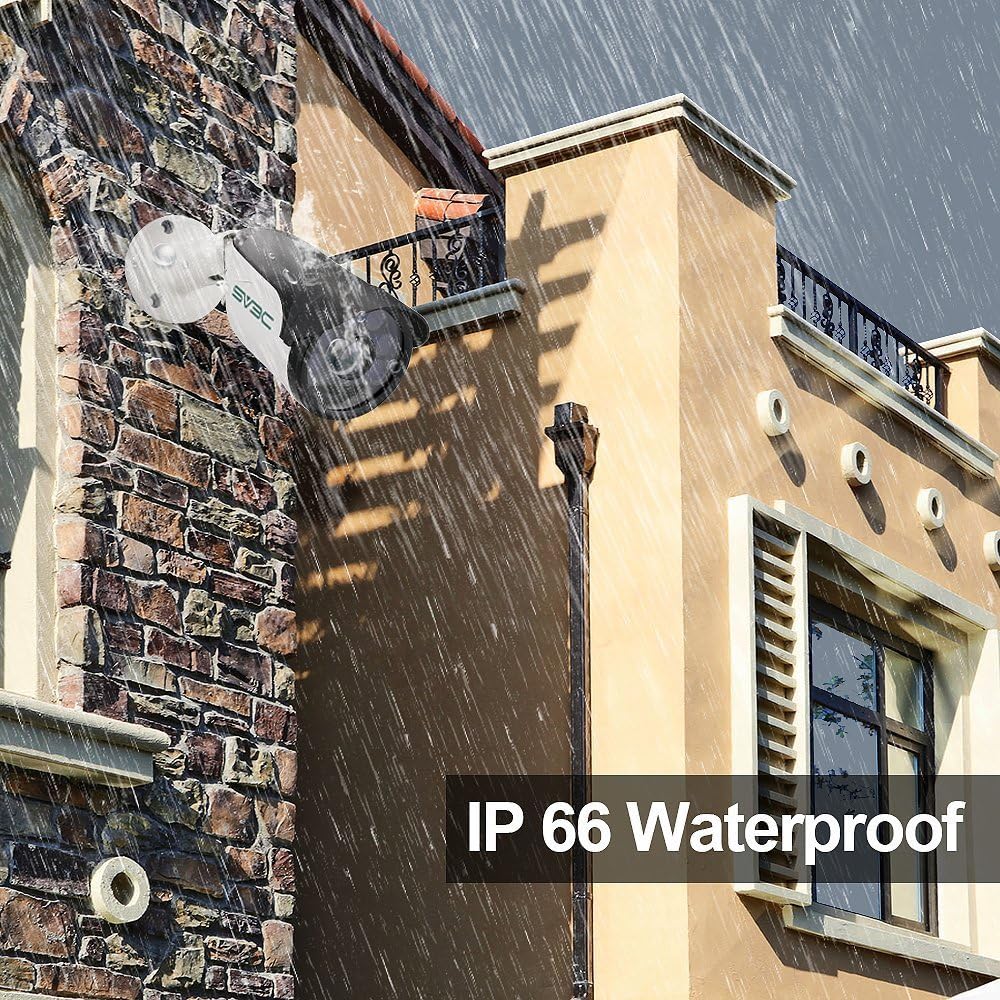
Image: The camera's IP66 waterproof design in an outdoor setting.
4. Setup and Installation
4.1 Powering the Camera
The camera supports two power options:
- Power over Ethernet (PoE): Connect a single Cat5 (or higher) Ethernet cable from a PoE switch or PoE injector directly to the camera's Ethernet port. This cable will provide both power and data.
- Power Adapter: If not using PoE, connect the included power adapter to the camera's power input and plug it into a standard electrical outlet. Then, connect a standard Ethernet cable from your router/switch to the camera's Ethernet port.
4.2 Physical Installation
Choose a suitable location for mounting the camera, ensuring it has a clear field of view and is within range of your network connection. Use the provided screws and hex key to securely mount the camera. Adjust the camera's angle as needed.

Image: Installation diagram for the camera.
4.3 Network Connection and Initial Setup
- Connect the camera to your network using an Ethernet cable.
- Download the Camhipro app for iOS/Android or HIP2P software for PC/Mac.
- Follow the in-app/software instructions to discover and add your camera to the system. This typically involves scanning a QR code on the camera or searching for devices on the local network.
- Change the default password for security purposes.

Image: Multi-platform viewing options for the camera.
5. Operation
5.1 Live View and Recording
Once connected, you can access the live view of your camera through the Camhipro app or HIP2P software. You can initiate manual recordings or configure continuous recording settings.
5.2 Motion Detection and Alerts
The camera features smart motion detection. To configure:
- Access the camera settings via the app or software.
- Navigate to the motion detection section.
- Adjust sensitivity and define detection zones as required.
- Set up alert notifications to your mobile phone, email, or FTP server.

Image: Motion detection alarm feature.
5.3 Night Vision
The camera automatically switches to infrared (IR) night vision in low-light conditions, providing clear black and white images. The starlight illumination feature enhances low-light performance before full IR activation.
5.4 Storage Options
- NVR (Network Video Recorder): The camera is compatible with various NVR devices supporting ONVIF. Refer to your NVR's manual for integration instructions.
- Cloud Service: A cloud storage option is available for video and picture storage (free for the first 30 days). Activate this service through the Camhipro app if desired.
6. Maintenance
To ensure optimal performance and longevity of your SV3C 5MP PoE Security Camera, follow these maintenance guidelines:
- Cleaning: Regularly clean the camera lens with a soft, dry cloth to remove dust and smudges. Avoid abrasive cleaners.
- Environmental Protection: The camera has an IP66 waterproof rating, designed to withstand harsh weather. However, avoid directing high-pressure water jets directly at the camera.
- Cable Inspection: Periodically check the network and power cables for any signs of wear or damage. Ensure the waterproof lid for the Ethernet connector is securely in place for outdoor installations.
- Firmware Updates: Check the SV3C official website for any available firmware updates to ensure your camera has the latest features and security enhancements.
7. Troubleshooting
If you encounter issues with your camera, refer to the following common solutions:
| Problem | Possible Solution |
|---|---|
| Camera not powering on | Check power connection (PoE switch/injector or power adapter). Ensure the power source is active. |
| No video feed / Offline | Verify network cable connection. Ensure the camera is properly added to the app/software. Check router/network status. |
| Poor image quality | Clean the camera lens. Ensure sufficient lighting for optimal performance. Check resolution settings in the app/software. |
| Motion detection not working | Check motion detection settings (sensitivity, zones). Ensure notifications are enabled in the app/software. |
| Cannot connect to NVR | Ensure NVR supports ONVIF. Verify network connectivity between camera and NVR. Consult NVR manual for adding IP cameras. |
For further assistance, please contact SV3C customer support.
8. Specifications
| Feature | Detail |
|---|---|
| Model Number | SV-B01POE-5MPL-A |
| Resolution | 5MP (2560x1920) |
| Frame Rate | 25 frames per second |
| Lens | 3.6mm Fixed Lens |
| Night Vision Range | 65-100 feet (Starlight Illumination) |
| Video Compression | H.265/H.264 |
| Connectivity | Wired (PoE or 12V DC Power Adapter) |
| Weather Resistance | IP66 Waterproof |
| Operating Temperature | -4°F to 140°F (-20°C to 60°C) |
| Dimensions | 7.09 x 3.15 x 3.15 inches |
| Weight | 1.25 pounds |
| Compatible Devices | Desktop, Smartphone (iOS/Android) |
| Certifications | FCC, ONVIF |
9. Warranty and Support
SV3C products are designed for reliability and performance. For warranty information, please refer to the documentation included with your purchase or visit the official SV3C website. For technical support, troubleshooting assistance, or any inquiries, please contact SV3C customer service through their official channels.
Online Resources:
- SV3C Official Website: www.sv3c.com (Note: This is a placeholder URL, please refer to actual product documentation for correct website.)
- Support Email: Refer to your Quick Start Guide or product packaging.