
Introduction
This manual provides essential information for the proper setup, operation, and maintenance of your Accutime Sonic The Hedgehog Kids' Digital Display Quartz Blue Watch, model SNC4008. Please read this manual thoroughly before using the watch to ensure optimal performance and longevity.
The Accutime Sonic The Hedgehog digital watch is designed for young fans, featuring a vibrant display and interactive light functions. It is a durable and comfortable timepiece intended for ages 4 and up.
Product Overview

Front view of the Accutime Sonic The Hedgehog Kids' Digital Watch, showing the digital time display and Sonic character on the dial.

The Accutime Sonic The Hedgehog Kids' Digital Watch worn on a child's wrist, demonstrating its size and fit.
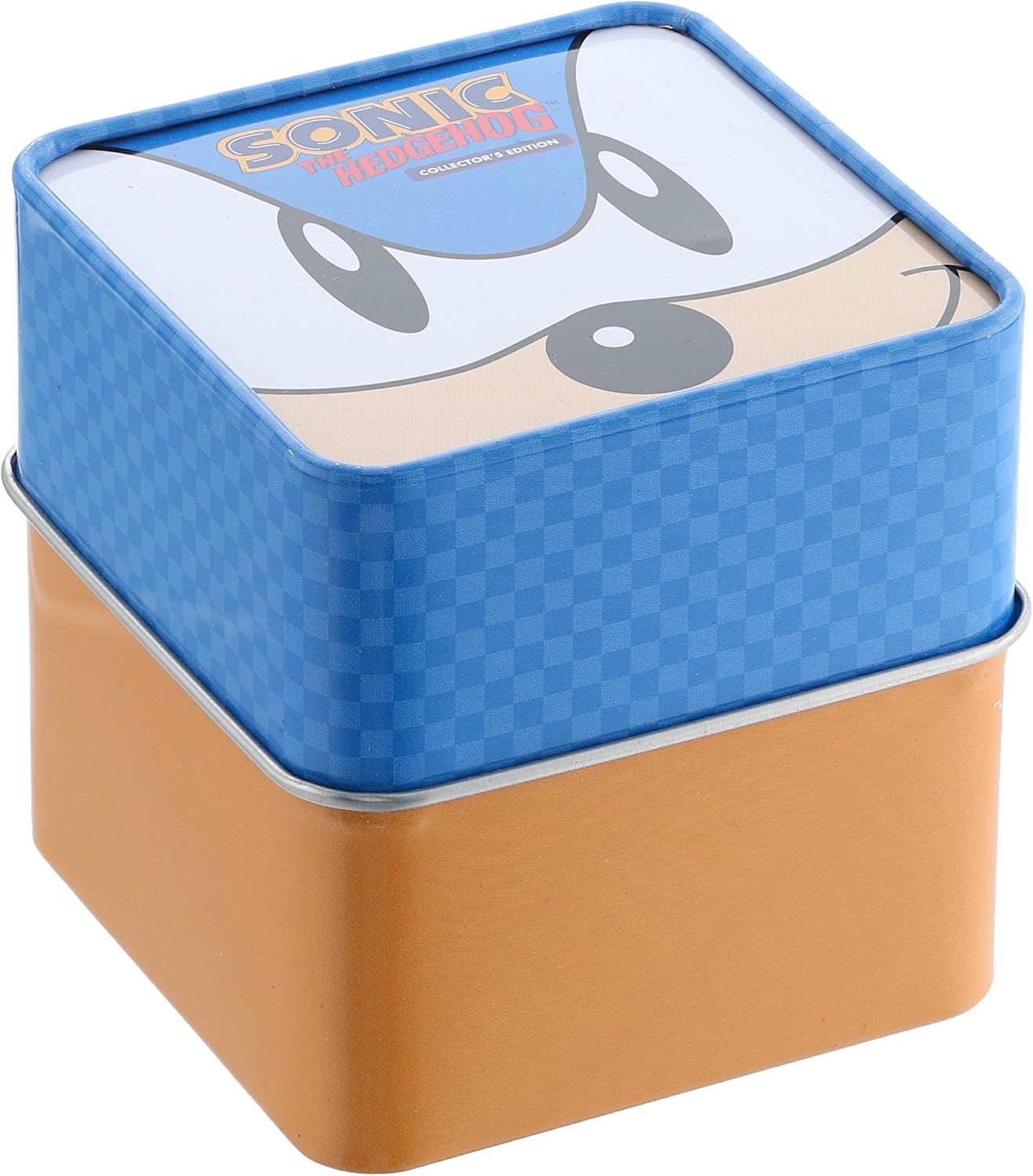
The collector's edition tin packaging for the Accutime Sonic The Hedgehog Kids' Digital Watch.
Key Features:
- Digital time display with large Sonic character on the dial.
- Multi-colored flashing LCD lights activated by a side button.
- Durable plastic casing and non-irritating strap.
- Quartz Movement for accurate timekeeping.
Setup
Initial Setup:
- Unboxing: Carefully remove the watch from its packaging. Ensure all protective films are removed from the watch face and strap.
- Battery Activation: The watch comes with a battery included and pre-installed. No initial battery activation is typically required.
- Time Setting:
- Locate the small button on the side of the watch case, usually on the right.
- Press and hold this button for approximately 3 seconds until the hour digit begins to flash.
- Press the button repeatedly to advance the hour.
- Once the correct hour is set, press and hold the button again for 3 seconds. The minute digits will begin to flash.
- Press the button repeatedly to advance the minutes.
- Press and hold the button one last time for 3 seconds to confirm the time setting and exit the setting mode.
Operating Instructions
Checking the Time:
The digital display shows the time continuously. If the display is off to conserve battery, press the side button briefly to illuminate the display and show the current time.
Activating Flashing Lights:
To activate the multi-colored flashing LCD lights that spin around the dial, simply press the side button once. The lights will illuminate for a short duration and then turn off automatically.
Maintenance
Cleaning:
To clean your watch, gently wipe the case and strap with a soft, damp cloth. Avoid using harsh chemicals or abrasive materials, as these can damage the watch's finish.
Battery Replacement:
The watch uses 1 product-specific battery (included). When the display becomes dim or the watch stops functioning, it may be time to replace the battery. Battery replacement should ideally be performed by a qualified watch technician to avoid damaging the internal components or compromising the watch's integrity. Attempting to replace the battery yourself may void any implied warranty.
Storage:
When not in use for extended periods, store the watch in a cool, dry place away from direct sunlight and extreme temperatures.
Important Considerations:
- Water Resistance: This watch is not water resistant. Avoid exposing it to water, including rain, splashes, showering, or swimming. Water damage is not covered under warranty.
- Impact: Avoid dropping the watch or subjecting it to strong impacts, as this can damage the internal components or the casing.
Troubleshooting
| Problem | Possible Cause | Solution |
|---|---|---|
| Watch display is blank or dim. | Low or dead battery. | Replace the battery. Consult a professional for battery replacement. |
| Time is incorrect or not advancing. | Time not set correctly; battery low. | Re-set the time following the "Time Setting" instructions. If issue persists, replace battery. |
| Flashing lights do not work. | Low battery; internal malfunction. | Replace the battery. If the problem continues, contact customer support. |
| Watch has stopped completely. | Dead battery; significant damage. | Replace the battery. If the watch has been exposed to water or severe impact, it may be irreparably damaged. |
Specifications
| Feature | Detail |
|---|---|
| Model Number | SNC4008 |
| Movement Type | Quartz |
| Display Type | Digital LCD |
| Case Diameter | 33.5mm |
| Case Material | Plastic |
| Water Resistance | Not water resistant |
| Recommended Age | 6 years and up (Manufacturer recommended) |
| Batteries | 1 Product Specific battery (included) |
| Package Dimensions | 3.11 x 3.11 x 2.99 inches |
| Item Weight | 0.8 ounces |
Warranty and Support
For warranty information or technical support regarding your Accutime Sonic The Hedgehog Kids' Digital Watch, please contact Accutime Watch Corp. directly. Keep your proof of purchase for any warranty claims.
Manufacturer: Accutime Watch Corp.
For further assistance, you may refer to the official Accutime website or contact their customer service department.


