
ONTEN OT-5138
ONTEN VGA to HDMI Adapter User Manual
Model: OT-5138 | Brand: ONTEN
1. Introduction
The ONTEN VGA to HDMI Adapter is designed to convert analog VGA signals from your computer, desktop, or laptop into digital HDMI signals for display on HDTVs, monitors, or projectors. This adapter includes an audio cable and a USB power cable to ensure optimal performance and audio synchronization. It is a one-way conversion device, meaning it only converts VGA to HDMI, not the other way around.

Figure 1.1: ONTEN VGA to HDMI Adapter with VGA male and HDMI female ports.
2. Product Features
- HD Performance: Features an imported super quality adapting chipset for converting and outputting VGA signals to HDMI display devices.
- One-Way Conversion: This converter is NOT bi-directional; it ONLY converts VGA signals into HDMI signals.
- USB Power Supply: Requires USB power for operation to ensure stable signal conversion.
- Incredible Resolution Support: Supports VGA input resolutions from 800x600 to 1920x1080 for PC. Supports HDMI output resolutions up to 720P/1080i/1080P for HDTV/Projector/Monitor.
- Plug and Play: No driver installation is needed, offering ease of use, fast setup, and compact design.
- Durable Design: Features a gold-plated HDMI interface for high wear and corrosion resistance, ensuring stable and durable HD data transmission.
- Wide Compatibility: Compatible with older notebooks, desktops, and laptops equipped with VGA ports, connecting to any HDMI-equipped display.
- Video & Audio Synchronization: Supports simultaneous video and audio output for a complete multimedia experience.

Figure 2.1: Diagram illustrating the one-way VGA to HDMI signal conversion.
3. Package Contents
Upon opening the package, please verify that all the following items are included:
- 1 x ONTEN VGA to HDMI Adapter (Male VGA to Female HDMI)
- 1 x USB Power Cable (for adapter power supply)
- 1 x 3.5mm Audio Cable (for audio transmission)
- 1 x User Manual

Figure 3.1: The ONTEN VGA to HDMI adapter, USB power cable, and 3.5mm audio cable.
4. Setup Instructions
Follow these steps to connect your ONTEN VGA to HDMI adapter:
- Connect VGA: Insert the VGA male connector of the adapter into the VGA port of your computer (desktop, laptop, notebook, DVD player).
- Connect USB Power: Insert the micro USB end of the USB power cable into the adapter's power input port. Connect the standard USB-A end to a USB port on your computer or a separate USB power adapter (e.g., a wall charger). Note: A stable power supply is crucial for the adapter's internal chip to function correctly.
- Connect Audio: Insert the 3.5mm audio jack into the audio output port of your source device (PC, laptop, Xbox, etc.).
- Connect HDMI Display: Plug an HDMI cable (not included) into the HDMI female port of the adapter. Connect the other end of the HDMI cable to the HDMI input on your TV, monitor, or projector.
- Select Input: If your display has multiple inputs, select the corresponding HDMI input on your TV screen or monitor.

Figure 4.1: Visual guide for connecting the VGA to HDMI adapter to a computer and display.

Figure 4.2: Close-up of the micro USB power input on the adapter, highlighting the need for power supply.
Video 4.1: Official ONTEN demonstration of the VGA to HDMI adapter setup and functionality.
5. Operating Instructions
The ONTEN VGA to HDMI adapter is designed for simple plug-and-play operation. Once connected as per the setup instructions, your display should automatically detect the signal.
- Automatic Detection: Most modern displays will automatically detect the incoming HDMI signal from the adapter.
- Resolution Adjustment: For optimal display quality, you may need to adjust the screen resolution settings on your computer to match the native resolution of your HDMI display. The adapter supports resolutions up to 1920x1080P at 60Hz.
- Display Modes: Your computer's display settings typically allow for "Extend Mode" (using the external display as a second screen) or "Mirror Mode" (duplicating your computer's screen on the external display).

Figure 5.1: Illustration of Extend Mode and Mirror Mode display configurations with the adapter.
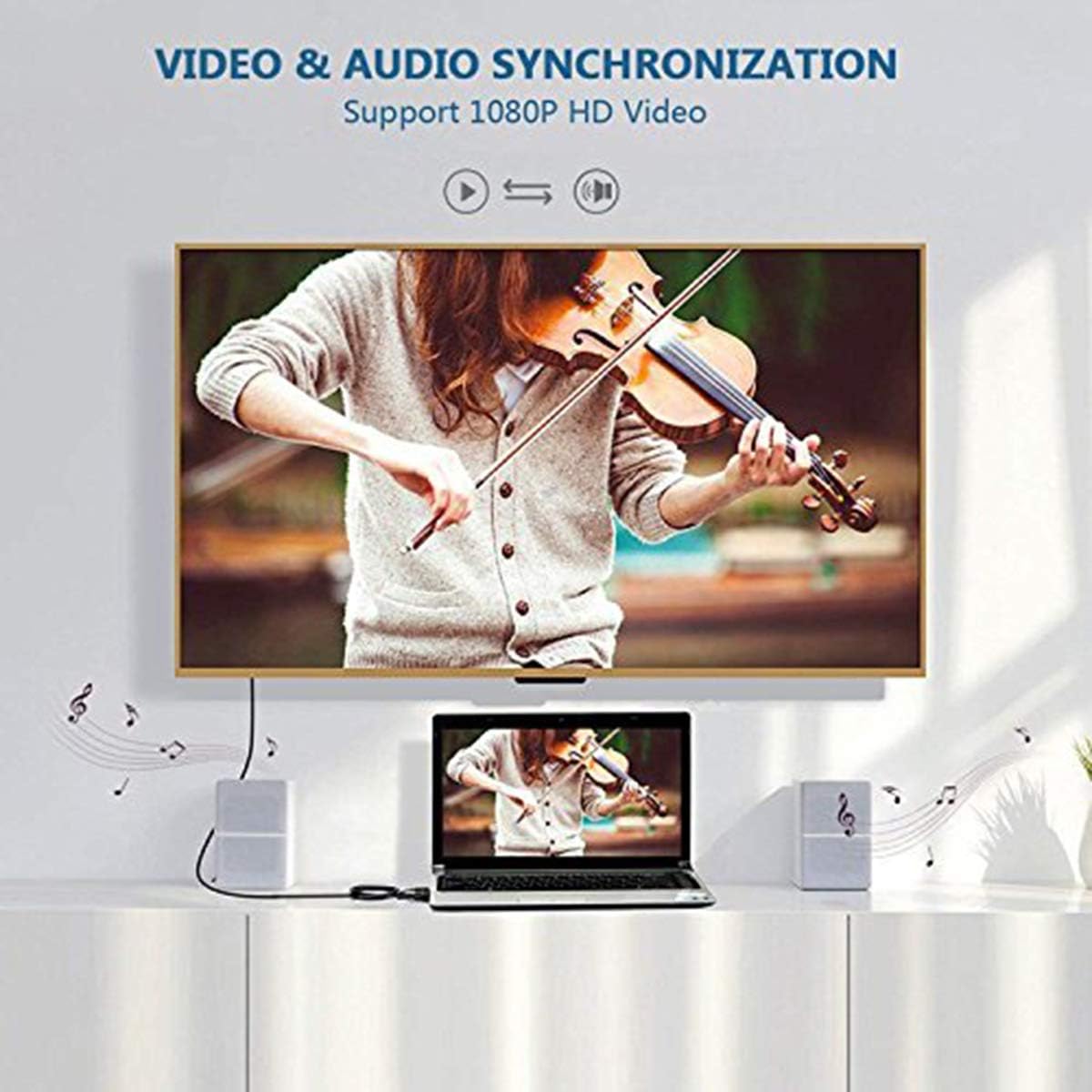
Figure 5.2: The adapter supports simultaneous video and audio output for a complete multimedia experience.
6. Maintenance
To ensure the longevity and optimal performance of your ONTEN VGA to HDMI adapter, please follow these maintenance guidelines:
- Storage: Store the adapter in a cool, dry place away from direct sunlight and extreme temperatures.
- Cleaning: Use a soft, dry cloth to clean the adapter. Avoid using liquid cleaners or abrasive materials.
- Handling: Handle the adapter and its cables with care. Avoid bending cables sharply or applying excessive force to connectors.
- Power: Always ensure the USB power cable is connected when using the adapter, as it is essential for proper function.
7. Troubleshooting
If you encounter issues while using your ONTEN VGA to HDMI adapter, please refer to the following common problems and solutions:
| Problem | Possible Cause | Solution |
|---|---|---|
| No display on HDMI monitor. | No power to adapter, incorrect input selected on display, loose connections. | Ensure USB power cable is connected and receiving power (preferably from a wall adapter, not the source PC). Verify all cables are securely connected. Select the correct HDMI input on your display. |
| Poor picture quality or incorrect resolution. | Source resolution mismatch, display settings. | Adjust the display resolution on your computer to match the native resolution of your HDMI monitor (e.g., 1920x1080). |
| No audio output. | 3.5mm audio cable not connected, audio settings on PC, or interference. | Ensure the 3.5mm audio cable is securely connected from your source device to the adapter. Check your computer's audio output settings to ensure sound is directed to the correct output. If an audio hum is present, try powering the USB cable from a separate wall adapter instead of the computer. |
| Adapter not working with certain streaming apps (e.g., Netflix, Xfinity Stream). | Digital Rights Management (DRM) restrictions. | Some streaming services may have DRM restrictions that prevent content from being displayed via third-party adapters. This is a limitation of the content provider, not a defect of the adapter. |
| Adapter is getting hot. | Normal operation, especially during prolonged use. | A slight increase in temperature is normal during operation. Ensure adequate ventilation around the adapter. |
8. Specifications
- Model Number: OT-5138
- Product Dimensions: 1.82 x 1.5 x 0.5 inches
- Item Weight: 2.89 ounces
- Connector Type: VGA (DB15 Male) to HDMI (Female Type A 19pin)
- Input: VGA (DB15 Male), Audio (3.5 Audio Jack)
- Output: HDMI Female Type A 19pin
- Supported VGA Input Resolutions: 800x600, 1024x768, 1152x864, 1280x720, 1280x768, 1280x800, 1280x960, 1280x1024, 1360x768, 1366x768, 1400x1050, 1440x900, 1600x900, 1600x1024, 1600x1200, 1680x1050, 1920x1080 (50Hz/60Hz/70Hz/72Hz/75Hz depending on resolution)
- Supported HDMI Output Resolution: Up to 1920x1080P 50Hz/60Hz
- Power Consumption (Max): 1.5W
- External Power Supply: Power from computer USB port or power adapter (optional)
- Operating Temperature: 0°C to +70°C
- Operating Humidity: 10% to 85% RH (no condensation)
- Storage Temperature: -10°C to +80°C
- Storage Humidity: 5% to 90% RH (no condensation)
- Housing Material: ABS + Aluminum
- Compatible Devices: Desktop, Monitor, Projector
- Country of Origin: China
- Date First Available: March 20, 2018
9. Warranty and Support
ONTEN provides an exclusive unconditional after-sale service to ensure long-term satisfaction with your purchase. For any questions, concerns, or technical assistance, please contact our friendly and easy-to-reach customer service. We aim to solve your problems within 24 hours.
Please refer to the product packaging or the official ONTEN website for the most up-to-date warranty information and contact details.
Ask a question about this manual
Ask about setup, troubleshooting, compatibility, parts, safety, or missing instructions. Manuals+ will review the question and use this page’s manual context to help answer it.