
1. Introduction
Thank you for choosing the Energizer Vision LED Headlamp, Model HDE32E. This headlamp is designed to provide reliable, hands-free illumination for a variety of activities, including camping, hiking, running, fishing, hunting, and emergency situations. Please read this manual thoroughly to ensure proper use and to maximize the performance and lifespan of your device.

Figure 1: Energizer Vision LED Headlamp
2. Safety Information
- Do not look directly into the LED light when it is illuminated, as this may cause temporary vision impairment.
- Keep batteries out of reach of children. If swallowed, consult a physician immediately.
- Ensure correct battery polarity (+/-) when inserting batteries. Incorrect insertion can damage the device.
- Do not mix old and new batteries, or different types of batteries (e.g., alkaline and rechargeable).
- Remove batteries if the device will not be used for an extended period to prevent leakage.
- Dispose of used batteries responsibly according to local regulations.
3. Package Contents
Your Energizer Vision LED Headlamp package should contain the following items:
- Energizer Vision LED Headlamp (Model HDE32E)
- Adjustable Headband
- 3 x Energizer MAX AAA Alkaline Batteries

Figure 2: Headlamp, headband, and batteries included.
4. Setup
4.1 Battery Installation
- Locate the battery compartment on the back of the headlamp unit.
- Gently lift the latch to open the battery compartment cover.
- Insert three (3) AAA batteries, ensuring the correct polarity (+ and -) as indicated inside the compartment.
- Close the battery compartment cover securely until the latch clicks into place.
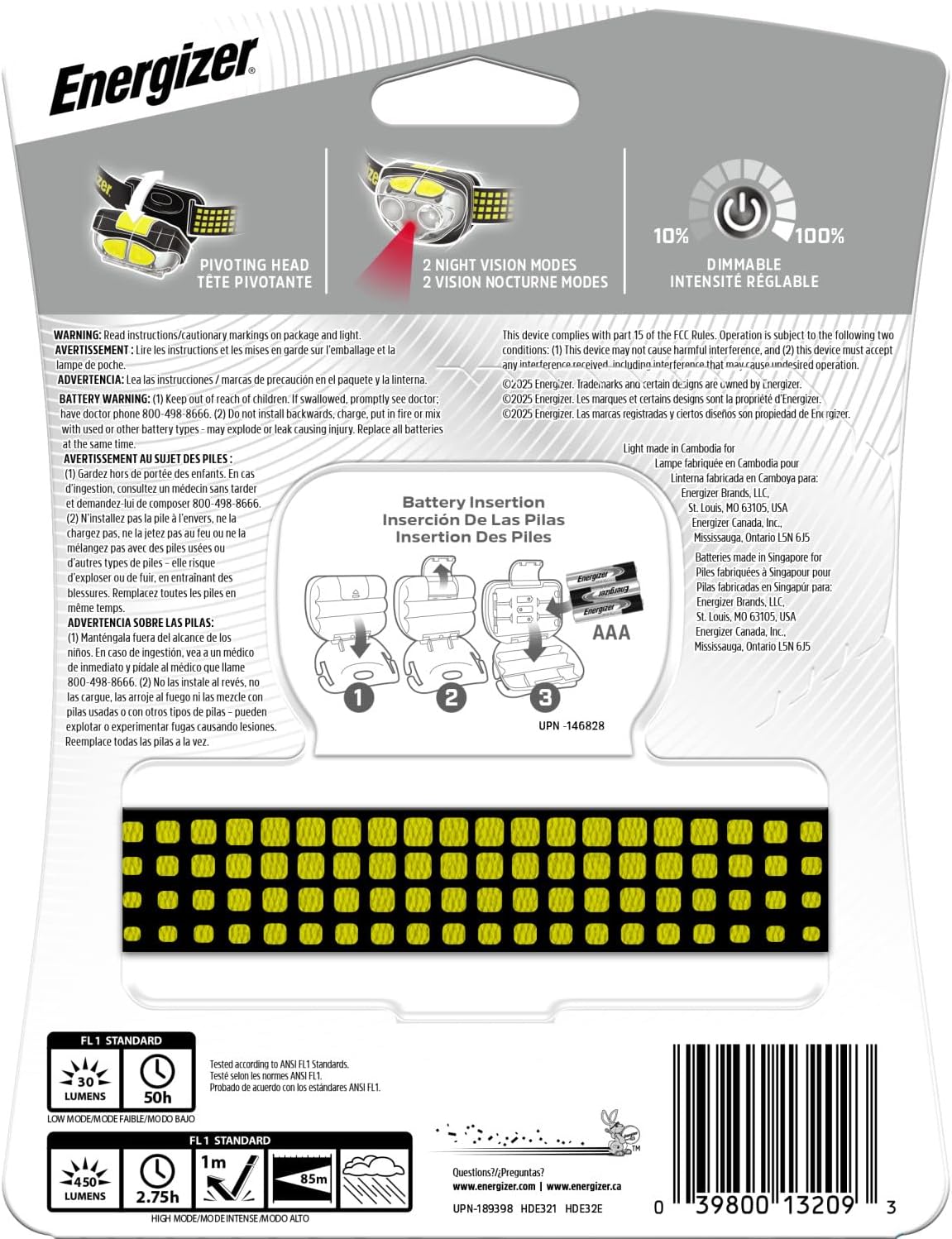
Figure 3: Battery insertion diagram.
4.2 Attaching and Adjusting the Headband
- Thread each end of the adjustable headband through the slots on either side of the headlamp unit.
- Adjust the strap length to achieve a comfortable and secure fit around your head. The band is adjustable from 5.5 inches to 14.25 inches in diameter.
5. Operating Instructions
5.1 Power On/Off and Mode Selection
The headlamp features two buttons for operation: a main power button and a secondary mode button.
- Main Power Button: Press once to turn on the headlamp. Subsequent presses cycle through white light modes: High, Low, Spot, and Spot + Wide. Press and hold to activate the Smart Dimming feature, allowing you to adjust brightness gradually.
- Secondary Mode Button: Press to cycle through colored light modes: Red, Green, and Flashing Red (for emergencies).
- To turn off the headlamp from any mode, press and hold the active power button for approximately 2 seconds.

Figure 4: White light modes: High, Low, Spot, and Emergency Strobe.

Figure 5: Colored light modes: Red and Green.
5.2 Pivoting Head
The headlamp unit can be pivoted up or down to direct the light precisely where needed. This feature allows for versatile illumination, whether you need to see directly ahead or focus on tasks at your feet.

Figure 6: Headlamp unit with pivoting functionality.
6. Features
- 7 Light Modes: High, Low, Spot, Spot + Wide, Green, Red, and Flashing Red.
- Smart Dimming Technology: Allows for gradual adjustment of light intensity in white light modes.
- VisionGuard: Enhances night vision by gradually increasing light output.
- IPX4 Water Resistant: Designed to withstand splashes from any direction, making it suitable for various weather conditions. It is not intended for submersion in water.
- Durable Construction: Features a shatterproof lens for enhanced longevity and reliability.
- Low Battery Indicator: Provides a visual warning when battery power is low, ensuring you are not left in the dark unexpectedly.
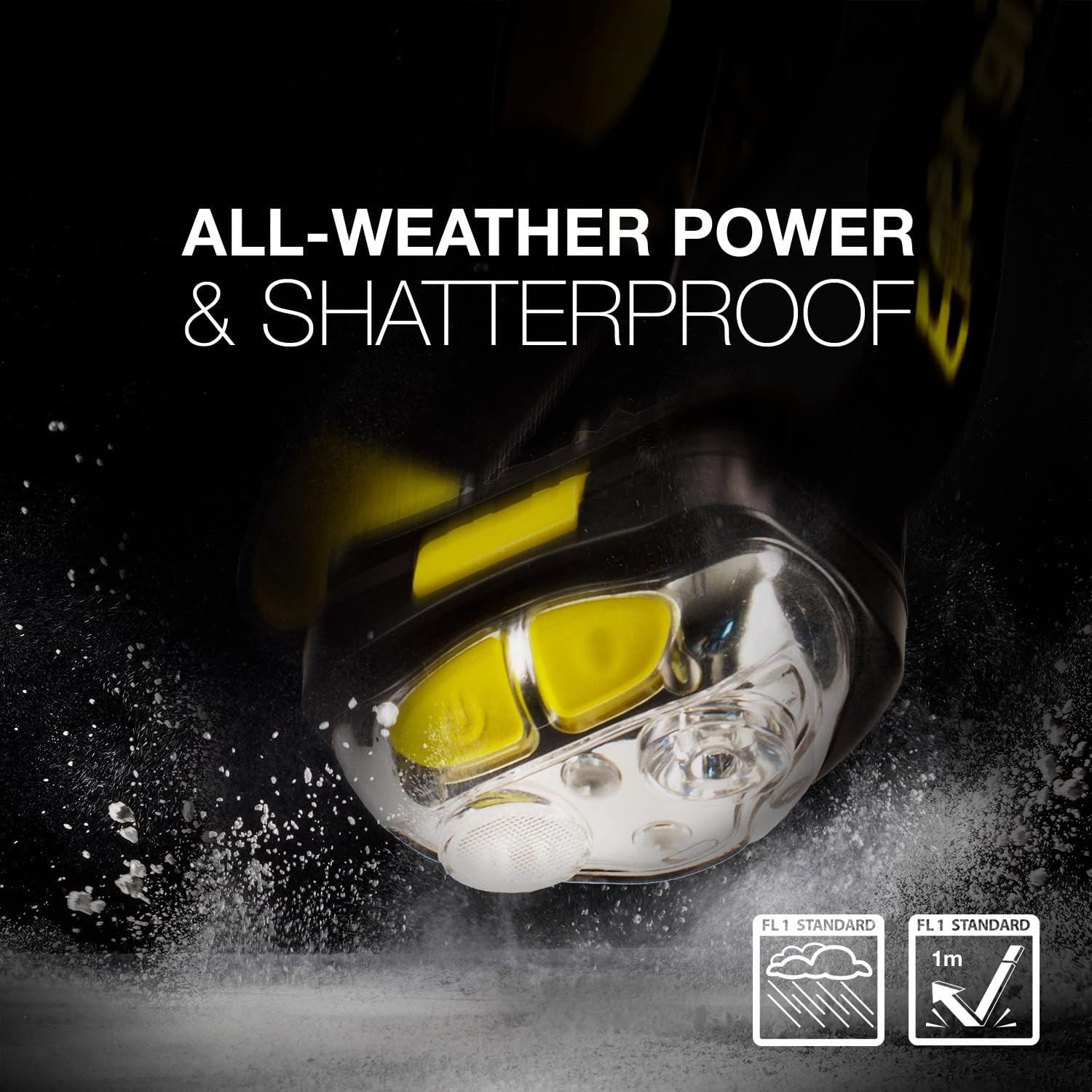
Figure 7: IPX4 Water Resistant and Shatterproof design.

Figure 8: Low Battery Flash Alert indicator.
7. Maintenance
- Clean the headlamp with a soft, damp cloth. Do not use abrasive cleaners or solvents.
- Regularly check the battery compartment for any signs of corrosion.
- Store the headlamp in a cool, dry place when not in use.
8. Troubleshooting
| Problem | Possible Cause | Solution |
|---|---|---|
| Headlamp does not turn on. | Dead or incorrectly inserted batteries. | Replace batteries with new ones, ensuring correct polarity. |
| Light output is dim. | Low battery power. | Replace batteries. |
| Cannot switch to red/green light. | Incorrect button usage. | Ensure you are using the secondary mode button for colored lights. White light modes must be off to activate colored modes. |
9. Specifications
- Model: HDE32E
- Light Source: LED
- Max Lumens: 450 lumens (High Mode)
- Beam Distance: Up to 85 meters
- Run Time (High Mode): Up to 2.75 hours
- Power Source: 3 x AAA Alkaline Batteries
- Water Resistance: IPX4 (Splash Resistant)
- Material: Plastic
- Item Weight: 3.84 ounces
- Product Dimensions: 1.57"D x 5.75"W x 7.48"H
- Adjustable Band Diameter: 5.5 to 14.25 inches
- UPC: 039800132093
10. Warranty and Support
For warranty information or technical support, please refer to the official Energizer website or contact their customer service directly. Specific warranty details may vary by region and retailer.
For further assistance, please visit the Energizer Store on Amazon.


