
1. Introduction
The Soundcore Flare is a portable wireless speaker designed to deliver immersive audio with a 360° sound experience, enhanced bass, and dynamic LED lighting. Its robust design includes IP67 waterproof protection, making it suitable for various environments. This manual provides detailed instructions for setting up, operating, and maintaining your Soundcore Flare speaker.
2. What's in the Box
- Soundcore Flare Bluetooth Speaker
3. Product Overview and Features
The Soundcore Flare combines advanced audio technology with a vibrant light show to enhance your listening experience.
3.1. 360° Sound

The Soundcore Flare delivers powerful, all-around sound, ensuring a consistent audio experience from any angle.
Equipped with back-to-back full-range drivers and thumping bass radiators, the Flare projects sound in all directions, providing a comprehensive audio experience for everyone in the room.
3.2. BassUp Technology

Press the BassUp button for intensified, powerful bass, enhancing your music's low frequencies in real-time.
A customized digital signal processor analyzes and enhances your music's bass frequencies in real-time. This intensified sound is then delivered via state-of-the-art neodymium drivers. Activate BassUp for a deeper, more powerful bass response.
3.3. Beat-Driven Light Show

Customizable illumination enhances your beats, with LEDs phasing, pulsing, and shining to the rhythm of your music.
A halo of LEDs at the base of the speaker phases, pulses, and shines in sync with your music, creating an immersive audiovisual experience. Choose from 5 customizable modes to set the perfect atmosphere for any event.
3.4. Soundcore App
The Soundcore app provides complete customization of the Flare's sound and lights via your smartphone or tablet. Adjust EQ settings, change light modes, and manage other speaker functions directly from the app.
3.5. IP67 Waterproof Rating
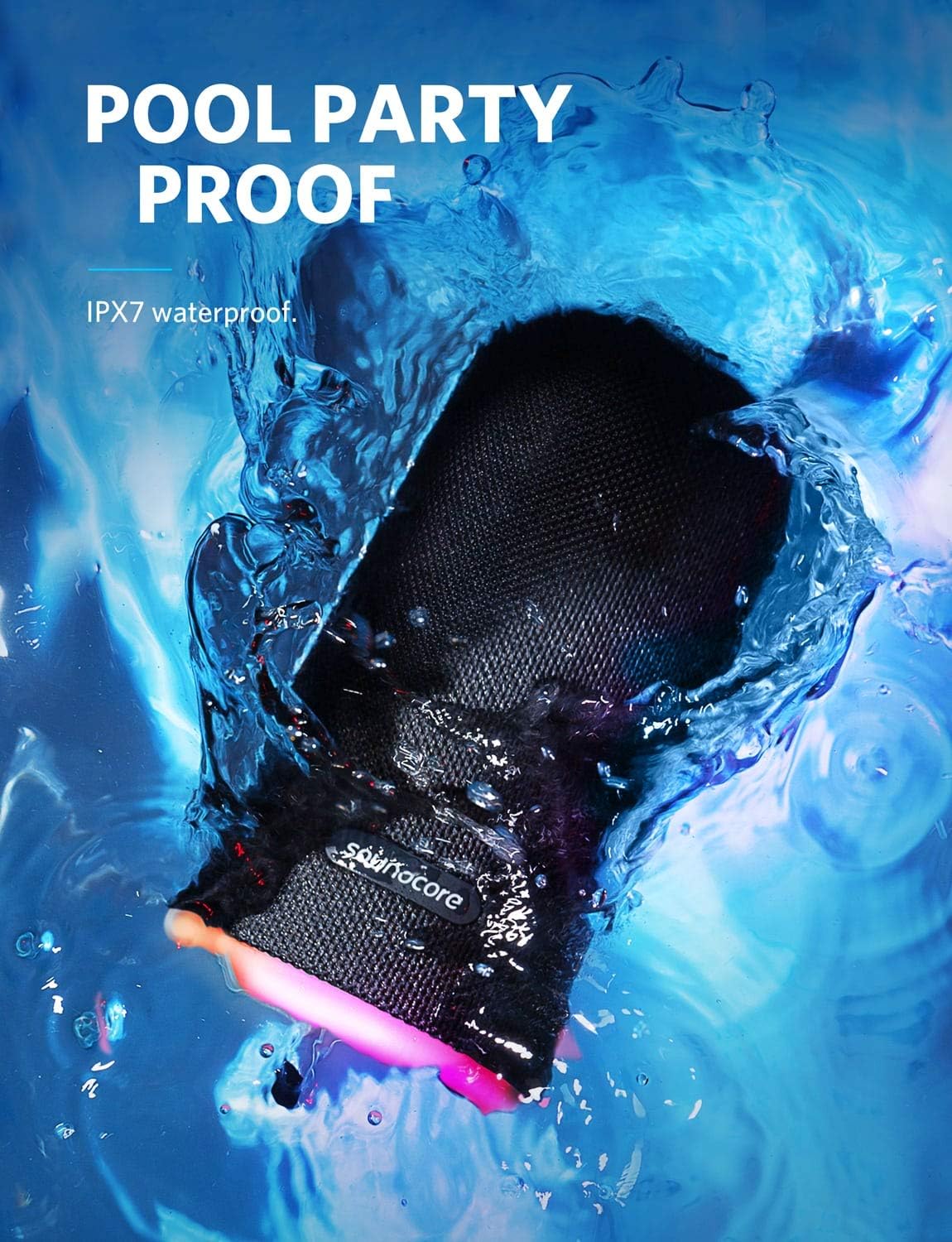
The speaker is IPX7 waterproof, effortlessly withstanding spills, rain, and even complete submersion in water.
The Flare is designed with IP67 protection, meaning it can withstand dust, spills, rain, and even full submersion in water up to 1 meter for 30 minutes. This makes it ideal for use by the pool, at the beach, or in other outdoor settings.
3.6. 12-Hour Playtime

Enjoy extended listening sessions with up to 12 hours of continuous playtime on a single charge.
Benefit from Soundcore's efficient power management technology, providing up to 12 hours of continuous music playback on a single charge. This ensures your party or listening session can last for an extended period.
3.7. Wireless Stereo Pairing
Connect two Soundcore Flare speakers via a single Bluetooth device for an expansive stereo sound experience. This allows for a wider soundstage or double the power for larger spaces.
4. Setup
4.1. Charging Your Speaker
- Before first use, fully charge the Soundcore Flare.
- Connect the speaker to a USB power adapter (not included) using the provided charging cable.
- The charging indicator light will show charging status and turn off when fully charged.
4.2. Powering On/Off
- Press and hold the power button for 2 seconds to turn the speaker on or off.
4.3. Bluetooth Pairing
- When powered on, the speaker will automatically enter Bluetooth pairing mode. The Bluetooth indicator will flash blue.
- On your device (smartphone, tablet, laptop), enable Bluetooth and search for "Soundcore Flare".
- Select "Soundcore Flare" from the list of available devices to connect. Once connected, the Bluetooth indicator will turn solid blue.
- To pair with a new device, press and hold the Bluetooth button for 2 seconds to enter pairing mode again.
5. Operating Instructions
5.1. Basic Controls
- Volume Up/Down: Press the '+' or '-' buttons.
- Play/Pause: Press the Play/Pause button.
- Next Track: Double-press the Play/Pause button.
- Previous Track: Triple-press the Play/Pause button.
5.2. Light Modes
- Press the Light button to cycle through different light modes.
- Further customization of light modes is available via the Soundcore app.
5.3. BassUp Function
- Press the BassUp button to activate or deactivate the enhanced bass mode.
5.4. Wireless Stereo Pairing (TWS)
- Ensure both Soundcore Flare speakers are powered on.
- On one speaker, press and hold the Bluetooth button for 2 seconds until the Bluetooth indicator flashes blue.
- On the second speaker, press the Bluetooth button once. The two speakers will attempt to connect to each other.
- Once connected, the Bluetooth indicator on the primary speaker will flash blue, and the secondary speaker's Bluetooth indicator will turn solid blue.
- Connect your device to the primary speaker via Bluetooth.
- For optimal performance in Wireless Stereo Mode, position speakers within 16 ft (5 m) of each other indoors, or 48 ft (15 m) in open spaces.
6. Maintenance
6.1. Cleaning
- Wipe the speaker with a soft, damp cloth. Do not use any corrosive cleaners or chemicals.
6.2. Storage
- Store the speaker in a cool, dry place when not in use for extended periods.
6.3. Water Resistance Care
- Ensure the charging port cover is securely closed before exposing the speaker to water.
- After exposure to water, dry the speaker thoroughly before charging.
7. Troubleshooting
7.1. Cannot Connect to Bluetooth
- Ensure the speaker is in pairing mode (flashing blue Bluetooth indicator).
- Move the speaker closer to your Bluetooth device.
- Forget "Soundcore Flare" from your device's Bluetooth list and try pairing again.
- Restart both the speaker and your Bluetooth device.
7.2. No Sound
- Increase the volume on both the speaker and your connected device.
- Ensure the speaker is properly connected via Bluetooth.
- Check if the audio source is playing.
7.3. Lights Not Working/Responding
- Ensure the speaker has sufficient battery charge.
- Try cycling through light modes using the Light button.
- Check settings in the Soundcore app.
7.4. Battery Not Charging
- Ensure the charging cable is securely connected to both the speaker and the power source.
- Try a different charging cable or USB power adapter.
- Ensure the charging port is clean and free of debris.
8. Specifications

Physical dimensions of the Soundcore Flare speaker.
| Feature | Detail |
|---|---|
| Model Name | Soundcore Flare |
| Model Number | A3161 |
| Dimensions (D x W x H) | 3.6"D x 3.6"W x 6"H |
| Item Weight | 1.17 pounds (0.53 Kilograms) |
| Battery Life | 12 Hours |
| Water Resistance Level | IP67 Waterproof |
| Connectivity Technology | Bluetooth |
| Wireless Communication Range | 15 Meters |
| Speaker Maximum Output Power | 12 Watts |
| Material | Aluminum, Plastic |
| Power Source | Battery Powered |
| Audio Output Mode | Stereo |
9. Warranty and Support
9.1. Warranty Information
The Soundcore Flare comes with a Full Warranty. Please refer to the official Soundcore website or your purchase documentation for specific warranty terms and conditions.
9.2. Additional Resources
- For the official User Manual (PDF), please visit: Soundcore Flare User Manual PDF
- For further support and product information, visit the official Soundcore Store: Soundcore Store on Amazon