
Introduction
This manual provides instructions for the Citizen Promaster Eco-Drive Radio Controlled Men's Watch, model JY8069-88E. This timepiece combines Citizen's light-powered Eco-Drive technology with radio-controlled timekeeping for accurate and reliable performance. Please read these instructions carefully to ensure proper use and maintenance of your watch.
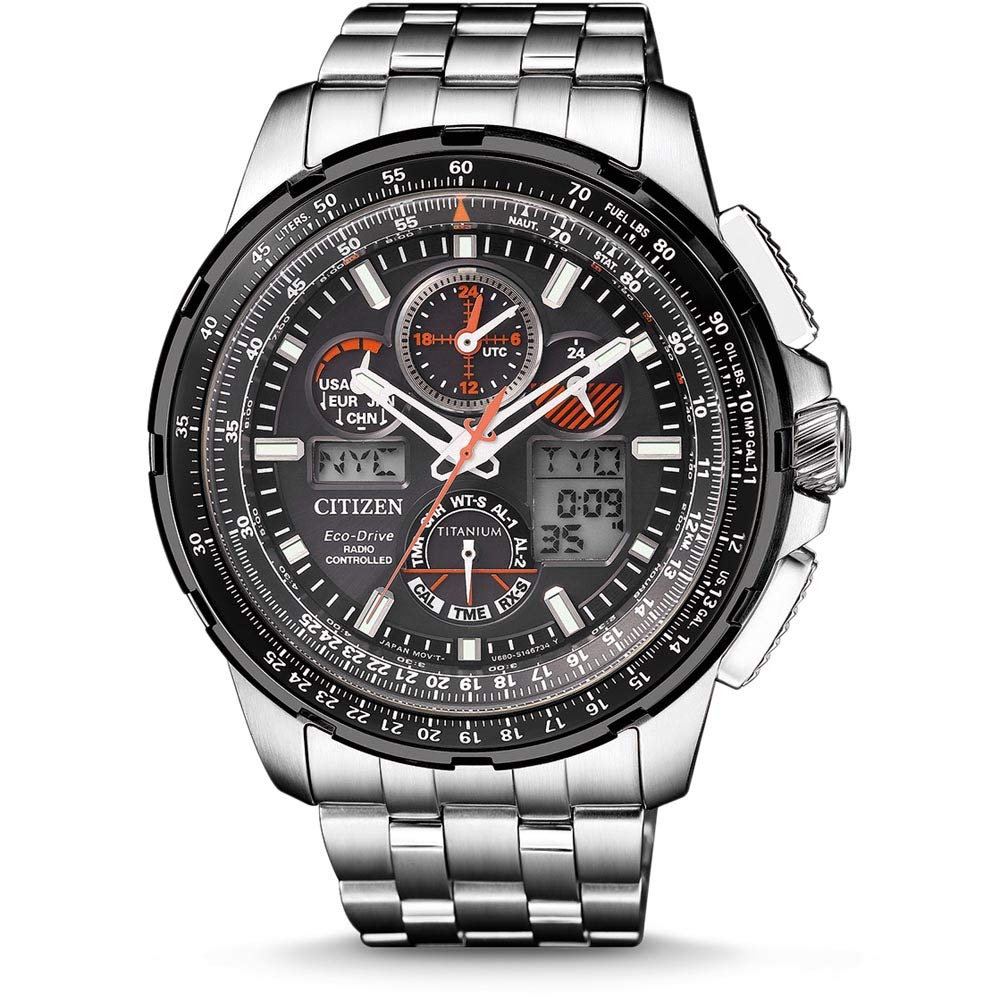
Image: Front view of the Citizen Promaster Eco-Drive Radio Controlled Watch JY8069-88E, showcasing its black dial and titanium bracelet.
Key Features
- Dial: Black, Analog-Digital Display, Sapphire Glass Material
- Case: Round Shape, Titanium Material, 47.1 mm Diameter, Titanium Bezel
- Band: Grey, Titanium Material
- Movement: Light Powered (Eco-Drive)
- Water Resistance: 200 meters (20 ATM)
- Functions: Radio Controlled Timekeeping, Stopwatch, Multiple Alarms, World Time
- Power Reserve: Approximately 6 months after a full charge
Initial Setup
Charging the Watch
Your Eco-Drive watch is powered by light. To ensure proper operation, expose the watch dial to a light source (natural or artificial) for several hours before initial use. Avoid placing the watch in direct sunlight for extended periods in hot environments to prevent overheating. A full charge can provide approximately 6 months of operation in darkness.
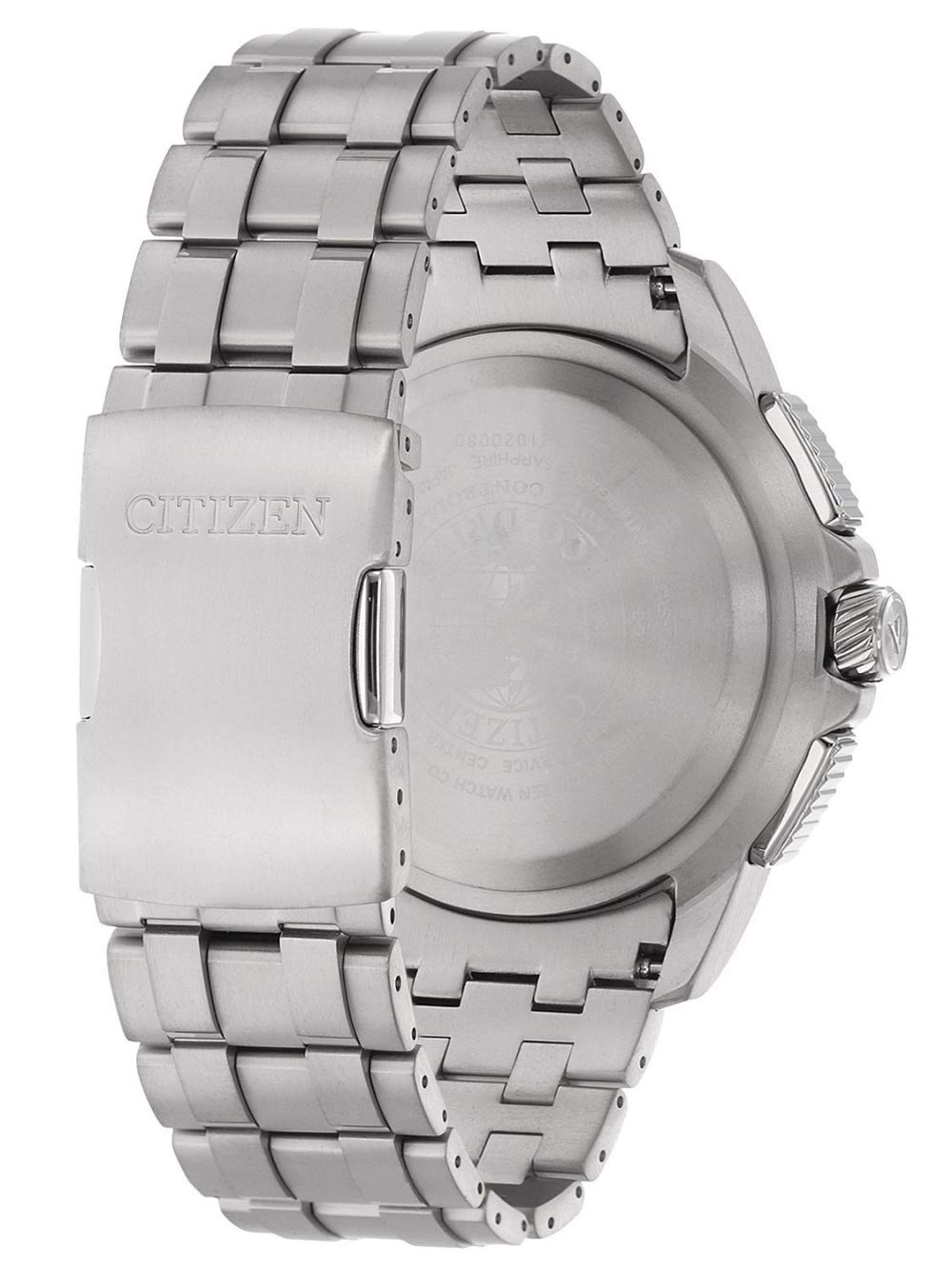
Image: Close-up of the watch face, illustrating the dial's design which absorbs light for charging the Eco-Drive movement.
Setting the Time and Date (Radio Control)
This watch automatically synchronizes with atomic time signals. For manual synchronization or initial setup, ensure the watch is in an open area, away from electronic interference, for optimal signal reception.
- Mode Selection: Rotate the crown to select the "TIME" mode.
- Signal Reception: Press and hold the appropriate button (e.g., top right pusher) to initiate manual signal reception. The second hand will indicate reception status.
- Time Zone Adjustment: If necessary, adjust your home city/time zone according to the detailed instructions in the full product manual.
Operating the Watch
Using the Stopwatch
The integrated stopwatch function allows for precise time measurement up to a certain duration, typically 24 hours.
- Activate Stopwatch Mode: Rotate the crown to the "CHR" (Chronograph) mode.
- Start/Stop: Press the top right pusher to start and stop the stopwatch.
- Reset: Press the bottom right pusher to reset the stopwatch to zero.
Setting Alarms
The watch features multiple alarms (AL-1, AL-2) that can be set for daily reminders.
- Select Alarm Mode: Rotate the crown to "AL-1" or "AL-2" mode.
- Set Alarm Time: Use the pushers to adjust the hour and minute settings for the selected alarm.
- Activate/Deactivate: Press a designated button (e.g., bottom right pusher) to toggle the alarm on or off.
World Time Function
The watch can display time for various world cities, making it convenient for travelers.
- Enter World Time Mode: Rotate the crown to "W.T.C." (World Time City) mode.
- Select City: Use the pushers to cycle through available city codes. The digital display will show the corresponding time for the selected city.
Maintenance
Charging Guidelines
To maintain optimal performance and power reserve, ensure the watch receives adequate light exposure daily. If stored in darkness for extended periods, the power reserve may deplete, requiring a full recharge. Avoid extreme temperatures during charging.
Water Resistance
This watch is water resistant to 200 meters (20 ATM). It is suitable for professional marine activity and serious surface water sports, but it is not designed for scuba diving. Always ensure the crown is pushed in completely before exposing the watch to water. Do not operate buttons or the crown underwater.
Cleaning
Clean the watch case and bracelet regularly with a soft, dry cloth. For stubborn dirt, a slightly damp cloth can be used, followed by thorough drying. Avoid using chemical cleaners, solvents, or abrasive materials, as these can damage the watch's finish or seals.
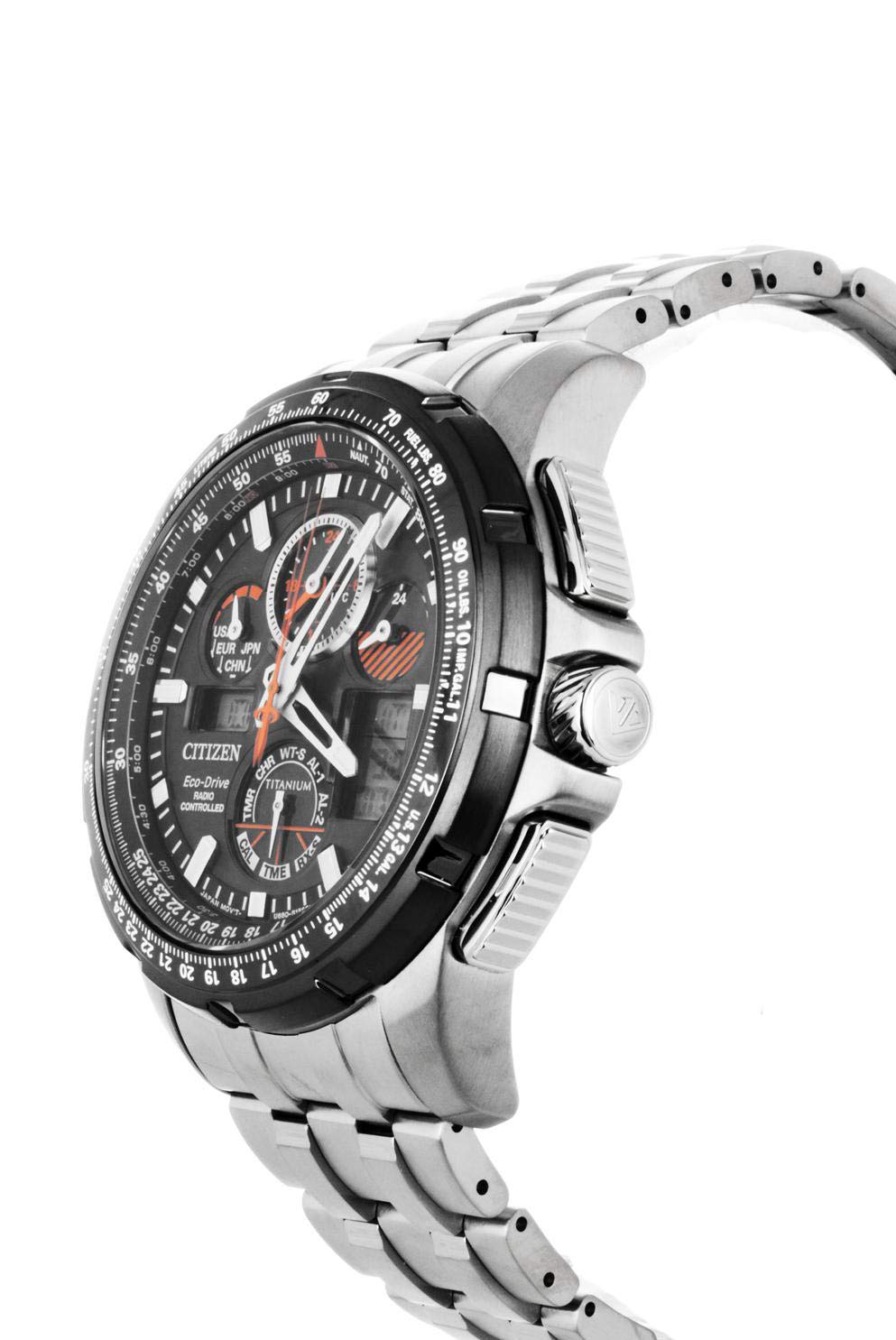
Image: Side view of the watch, highlighting the crown and pushers, which should be kept clean and free of debris.
Troubleshooting
- Watch not running or stopping: Ensure the watch is fully charged by exposing it to bright light for an adequate period. If the issue persists after charging, contact customer support.
- Incorrect Time: Perform a manual radio signal reception. Verify your home city/time zone setting is correct. If the watch is unable to receive a signal, manual time setting may be required.
- Digital display not visible: Check if the analog hands are obstructing the digital display. Some models allow for hand retraction to clear the view. Refer to the full manual for specific instructions on this feature.
- Buttons or crown are stiff: Clean around the buttons and crown to remove any accumulated dirt or debris. Avoid forcing them.
Technical Specifications
| Feature | Detail |
|---|---|
| Model Number | JY8069-88E |
| Movement Type | Light Powered (Eco-Drive) |
| Display Type | Analog-Digital |
| Case Material | Titanium |
| Case Diameter | 47.1 mm |
| Band Material | Titanium |
| Water Resistance Depth | 200 meters |
| Dial Glass Material | Sapphire |
| Functions | Radio Controlled, Stopwatch, Alarms, World Time |
| Power Reserve | Approx. 6 months (after full charge) |
| Item Weight | 132 g |
Warranty Information and Customer Support
This Citizen watch comes with a manufacturer's warranty. For specific warranty terms and conditions, please refer to the warranty card included with your purchase or visit the official Citizen website. Warranty coverage typically includes manufacturing defects but may not cover damage from misuse or normal wear and tear.
For technical assistance, repairs, or further inquiries regarding your JY8069-88E watch, please contact Citizen customer support or an authorized service center. Contact information can usually be found on the official Citizen website or in your product packaging.

Image: View of the watch's case back, which often contains important information such as the model number, serial number, and water resistance rating, relevant for warranty and service.


